
Summary
Setting a password on your Team Fortress 2 server allows you to control who can join your games. By requiring players to enter a password before connecting, you can keep your server private for friends, events, or specific communities — ensuring that only authorized players can access it.
How to Set a Password on a Team Fortress 2 Server
Log in to the ChipHead Control Panel.
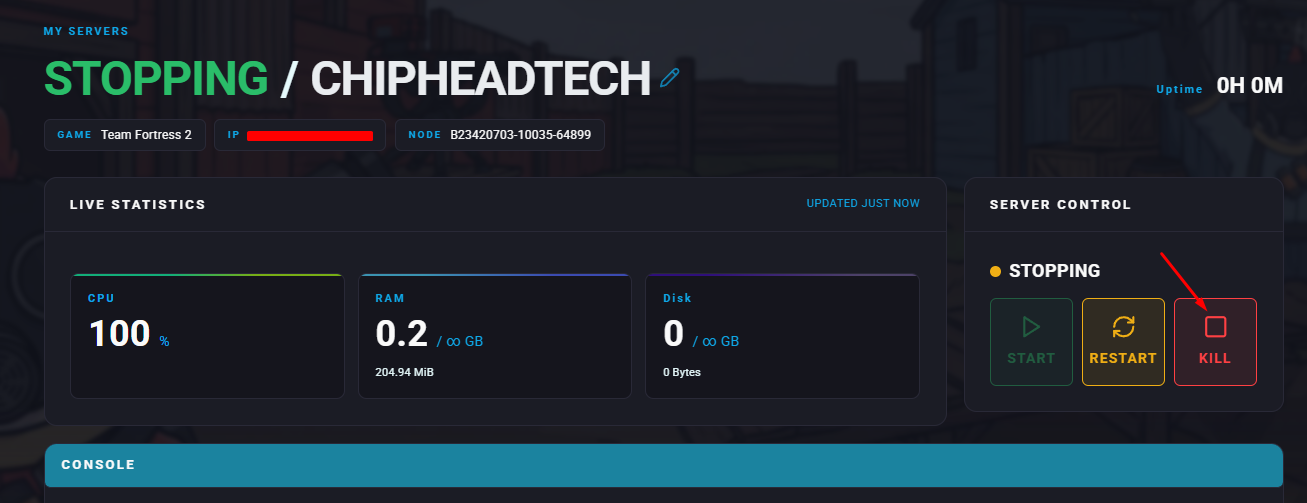
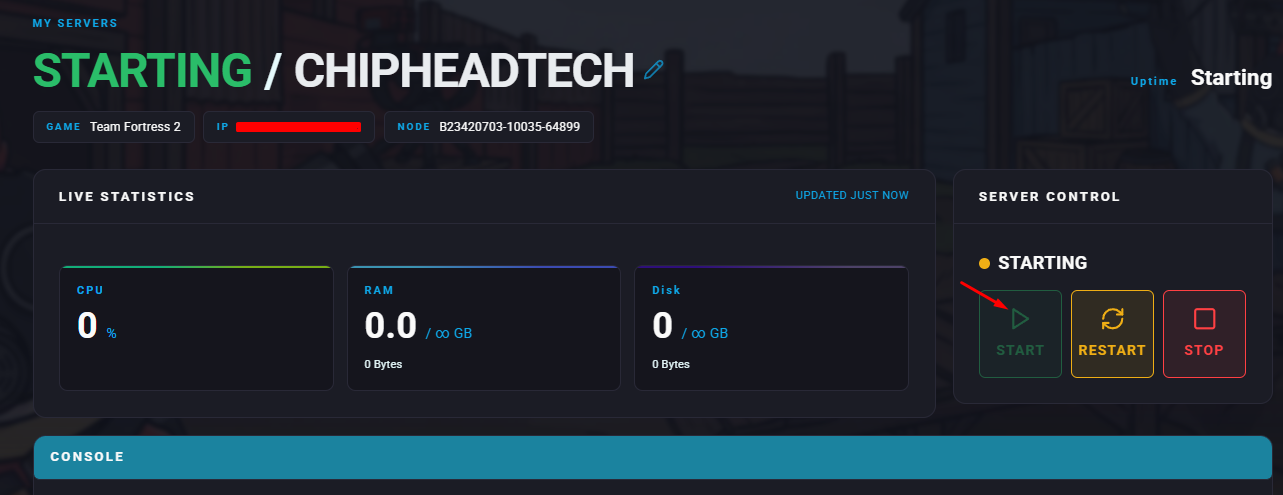
Stop your server.
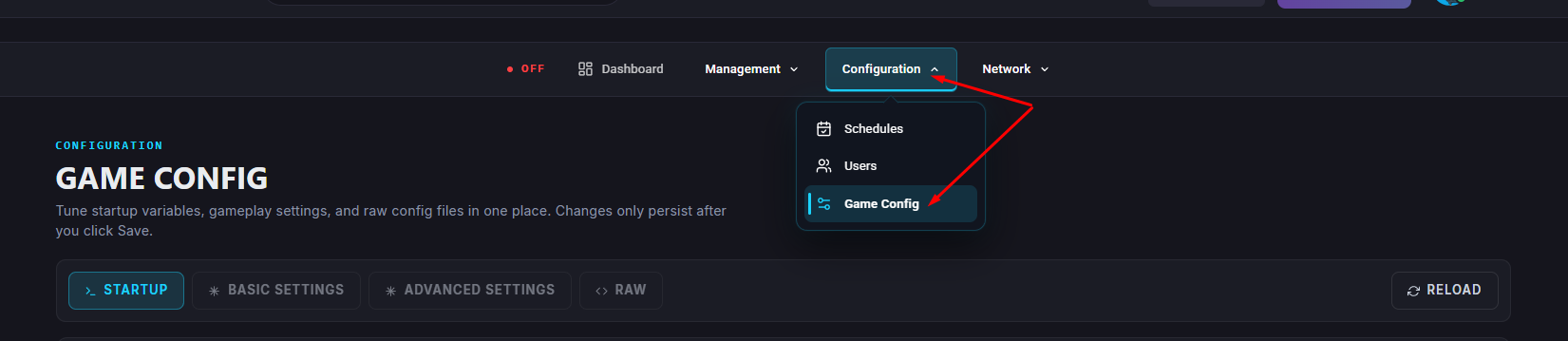
Navigate to the Game Config.
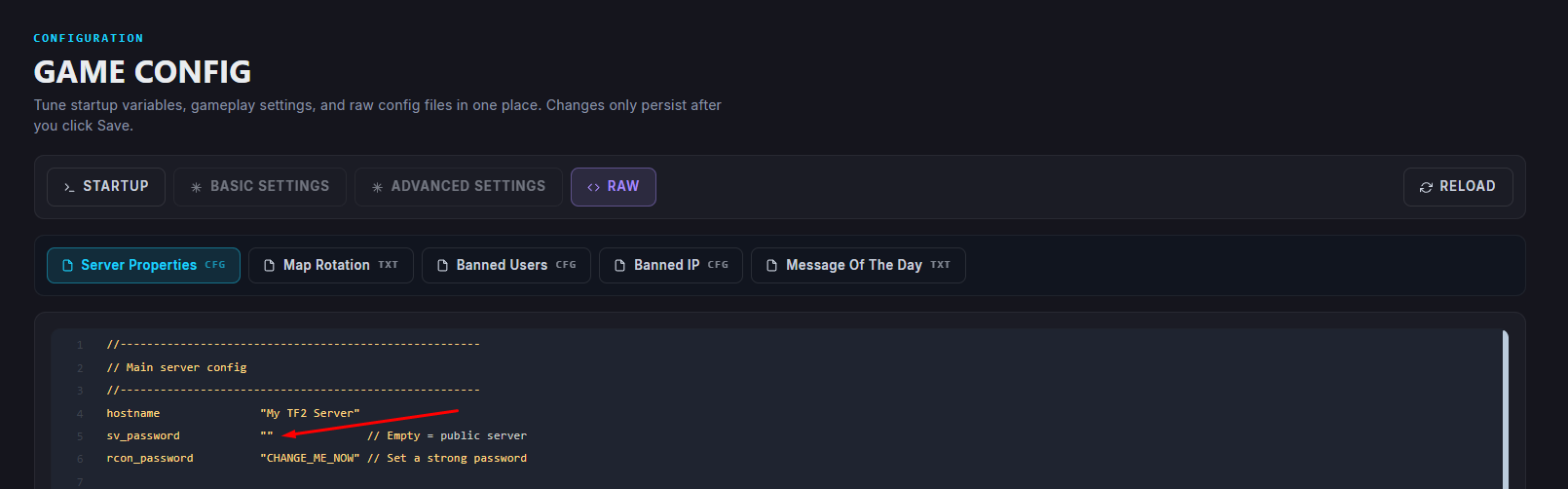
Within Server Properties, find the Server Password field and enter your desired password.
 Make sure to save your changes.
 If you empty the field, it might disappear from Visual. You will then have to go into </>Raw to find “sv_password” and make sure to click Save within </>Raw when editing.
Restart/Start your server.

Your Team Fortress 2 server will now require the password you set before allowing anyone to join. Simply share the password with trusted players to grant them access.