
Summary
Factorio gives server administrators full control over difficulty settings, allowing them to fine-tune the experience for players. Adjusting these settings changes aspects like enemy aggression, resource costs, and research speed — letting you shape the challenge from a relaxed “peaceful” mode to a harsh “death world” environment.
How to Change the Difficulty Settings on a Factorio Server
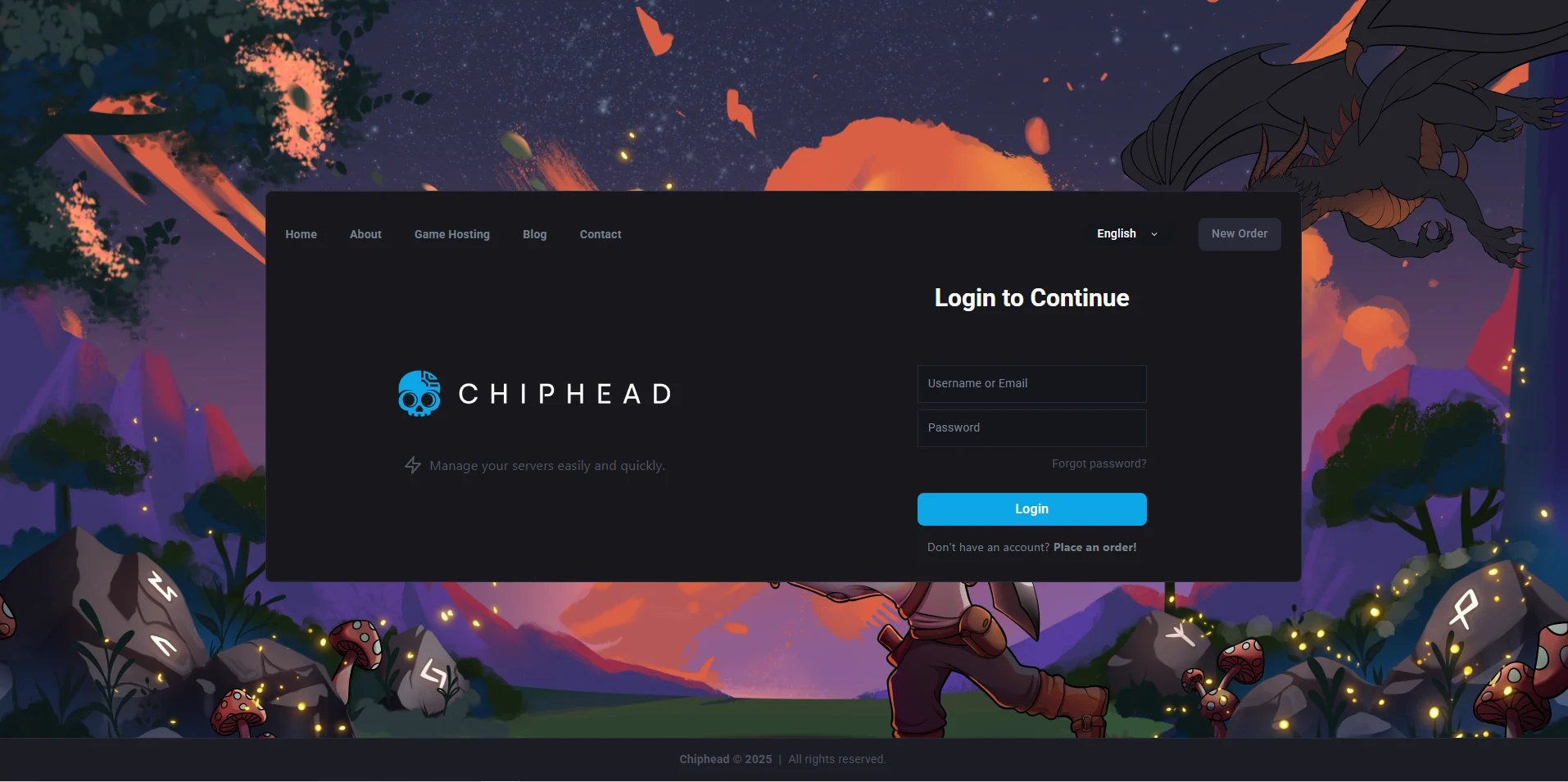
Log in to the ChipHead Control Panel.
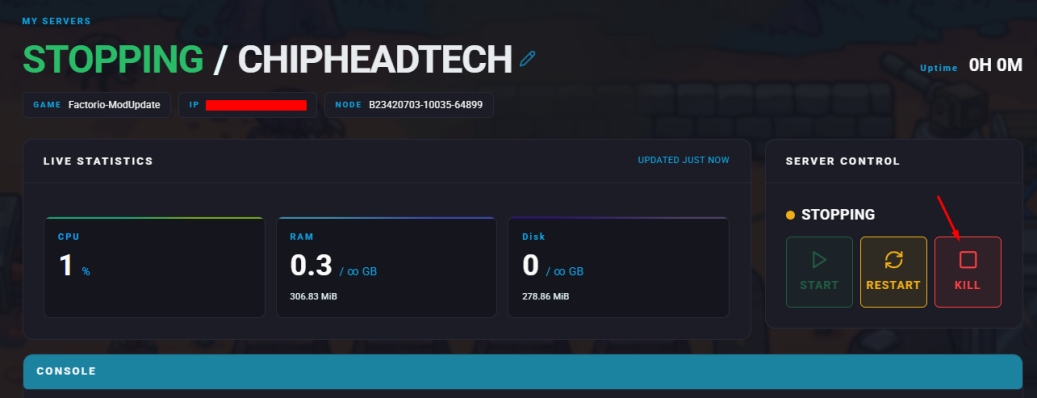
Stop your server.
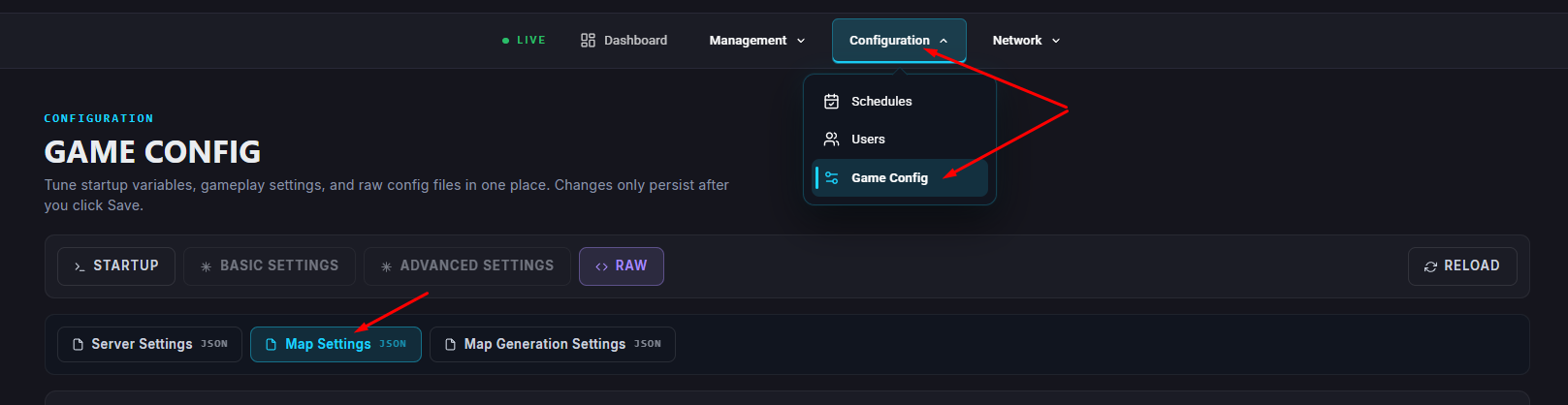
Navigate to the Game Config tab and open “Map Settings”
Locate the
"difficulty_settings"section.Adjust the following values as desired:
Setting
Description
Recipe Difficulty | Enter |
Technology Difficulty | Enter |
Technology Price Multiplier | Multiplies the research cost by the given value. |
Research Queue Setting | Choose |
Click “Save” once finished editing.
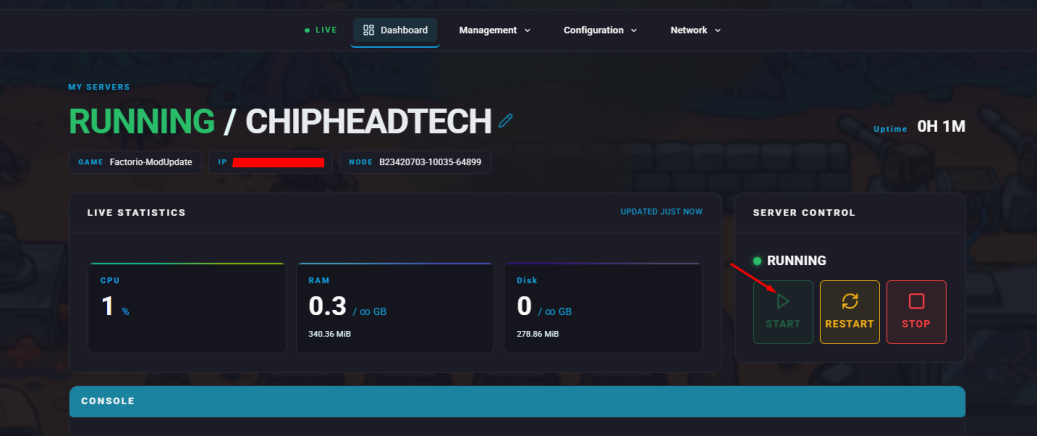
Start your server.
Other Difficulty Settings
Note
1 real-time second equals 60 in-game ticks.
Setting
Description
Pollution | Attracts enemies to your factory based on emissions. |
Enemy Evolution | Determines the strength and spawn rate of enemies. |
Enemy Expansion | Controls how often enemies create new bases over time. |
With these settings, you can customize your Factorio server’s challenge level to perfectly match your group’s playstyle whether you prefer a calm, creative build or a fight for survival.