
Summary
Adjusting the maximum number of players on your Factorio server can greatly impact how your community interacts and plays. A larger player limit encourages teamwork and complex factory collaboration, while a smaller one allows for a more personal and strategic gameplay experience. By customizing this setting, you can create the ideal environment for your group’s preferred playstyle.
How to Change the Max Players on a Factorio Server
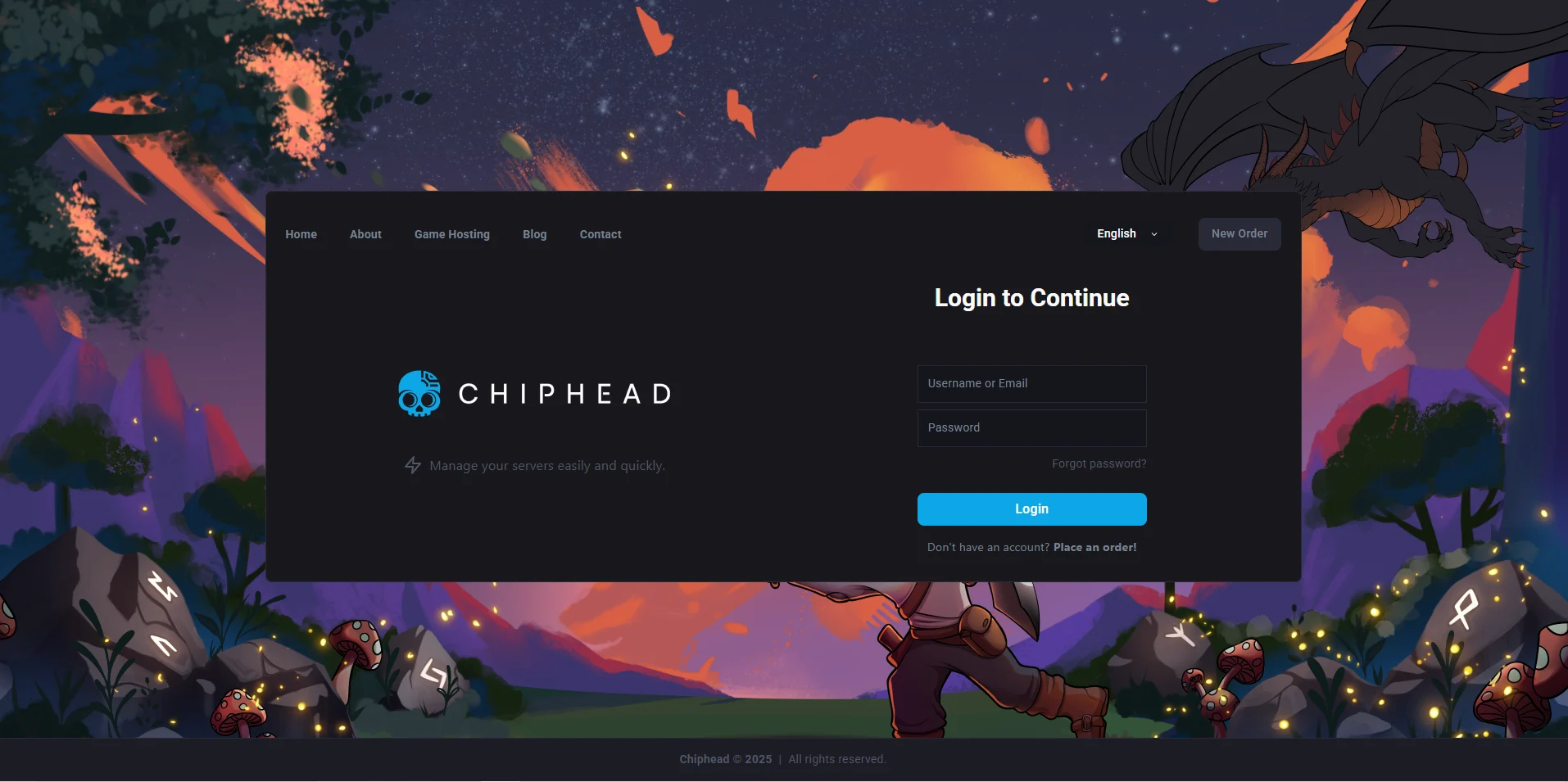
Log in to the ChipHead Control Panel.
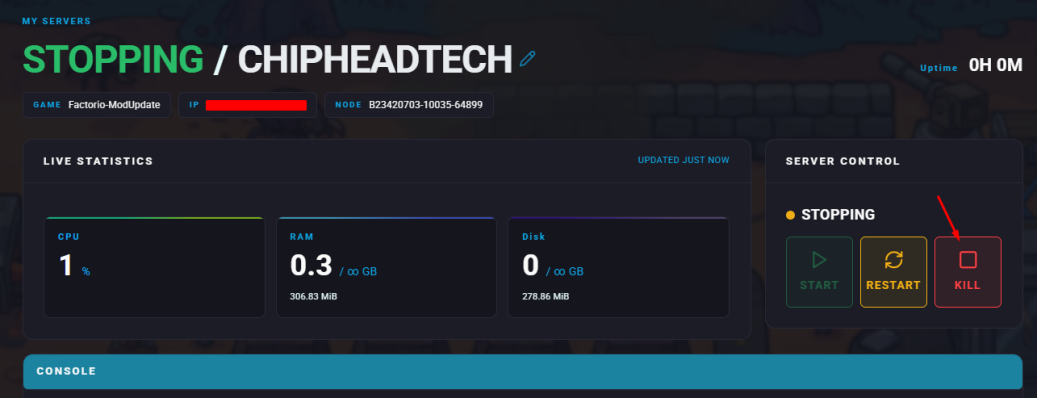
Stop your server.
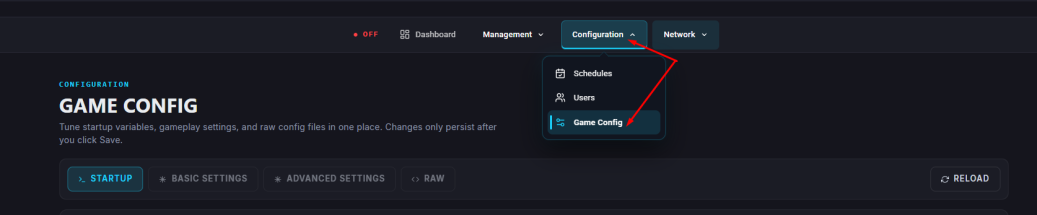
Navigate to the Startup tab.
Locate the Max Players field and enter your desired number.
Start your server.
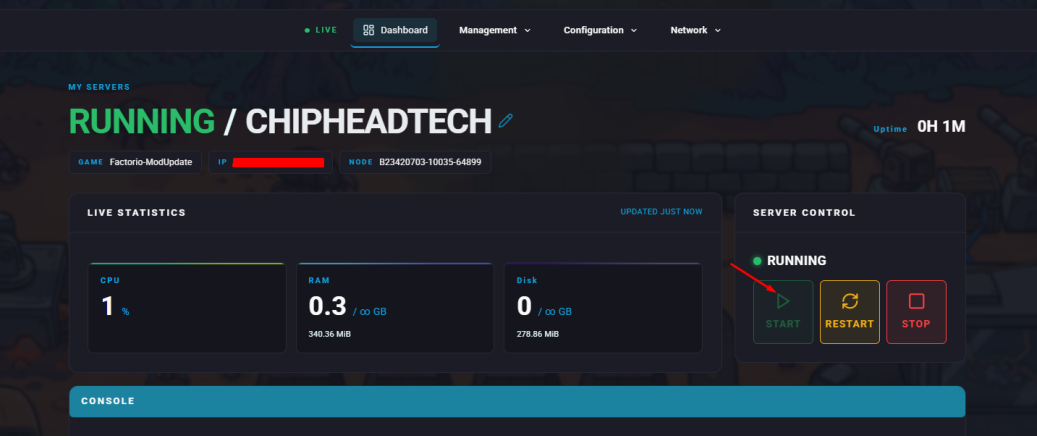

That’s it! Your Factorio server will now limit connections based on the value you entered, helping you manage performance and tailor the experience for your players.