
Summary
Resetting your Factorio server clears all progress, factories, and player data, providing a completely fresh start. This can help resolve performance issues, rebalance gameplay, or simply give players a new world to explore and build in. While it can be bittersweet to lose past creations, a reset often brings renewed creativity and collaboration to your community.
Note
Be sure to back up your world and configuration files locally before performing a reset.
How to Completely Reset a Factorio Server
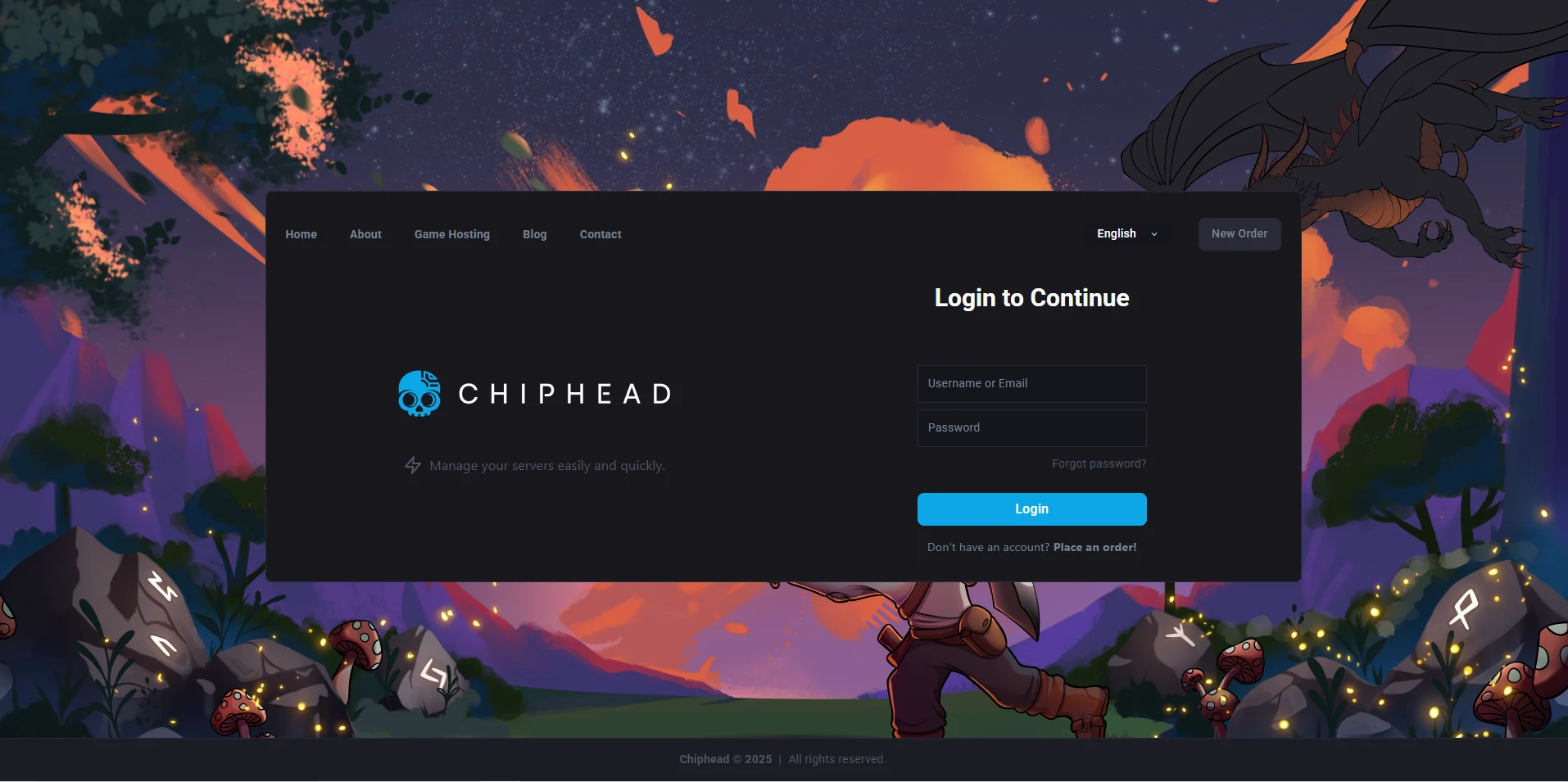
Log in to the ChipHead Control Panel.
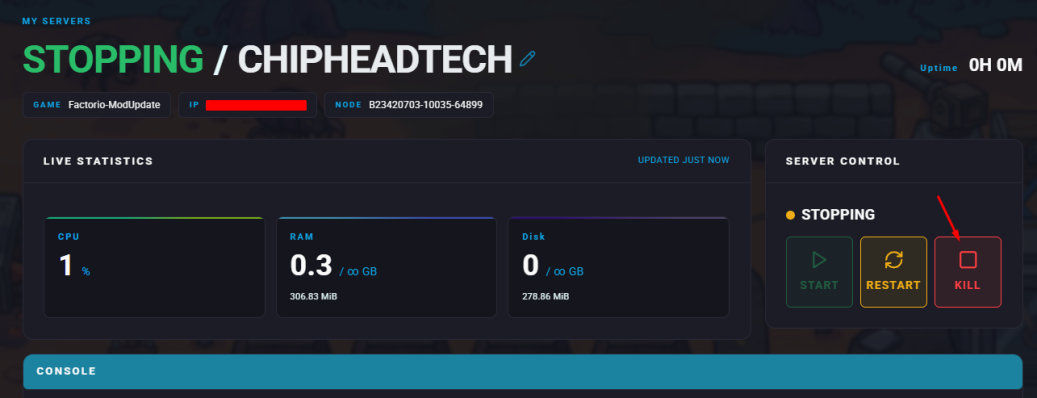
Stop your server.
Navigate to “Dashboard” and scroll down & click “Reinstall”

When prompted, confirm you would like to reinstall
Once the process is complete, start your server.

Your Factorio server will now be fully reset, ready for a new adventure and fresh builds from your players.