
Summary
Starting a new save on your Factorio server provides a completely fresh beginning, perfect for players looking for new goals or a change of pace. Whether you’re trying out new mods, exploring different map seeds, or just ready to rebuild from scratch, creating a new save keeps gameplay exciting and engaging for everyone.
How to Create a New Save on a Factorio Server
Log in to the ChipHead Control Panel.
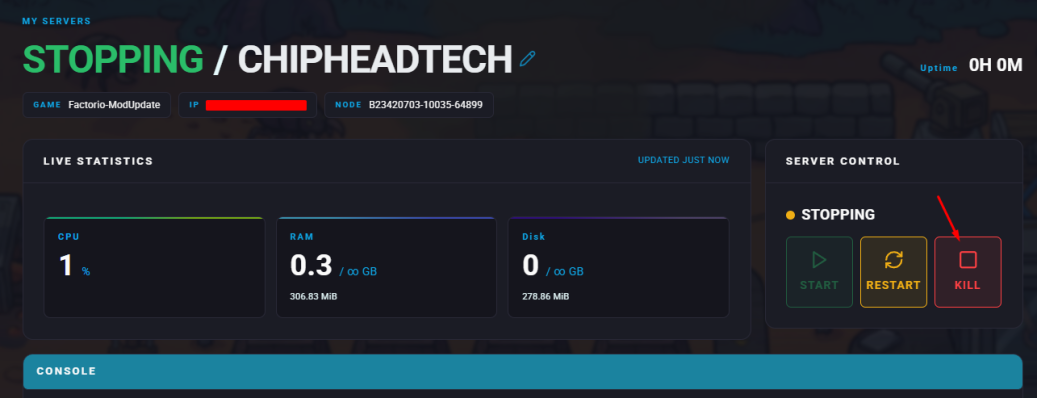
Stop your server.
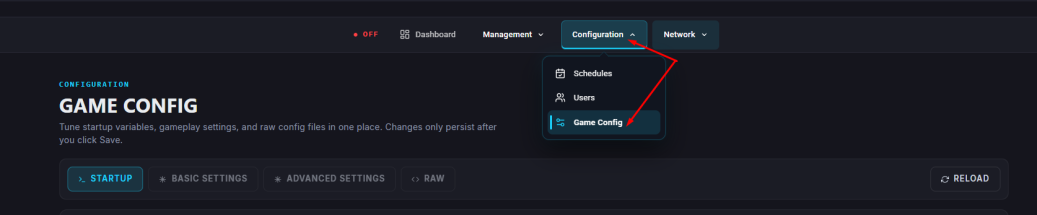
Navigate to “Startup”.
In the Save Name field, enter a new name for your save.
Note
Avoid using spaces or special characters in the save name.
Start your server.
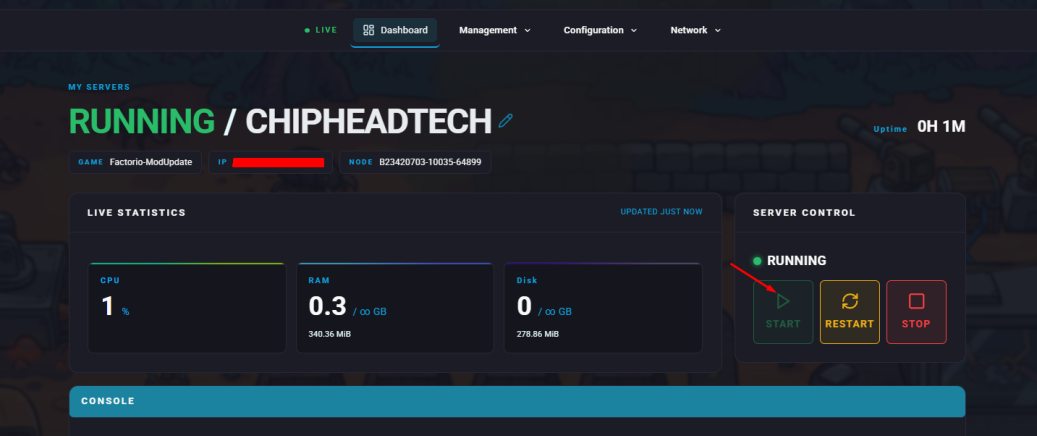
Your server will now generate a brand new save file using the name you provided.