
Summary
Auto-pause on a Factorio server automatically halts the game whenever no players are connected. This feature helps save resources and prevents the world from progressing while no one is around. However, some administrators prefer to disable it to keep the factory running continuously — especially for automation or testing purposes.
How to Disable Auto-Pause on a Factorio Server
Log in to the ChipHead Control Panel.
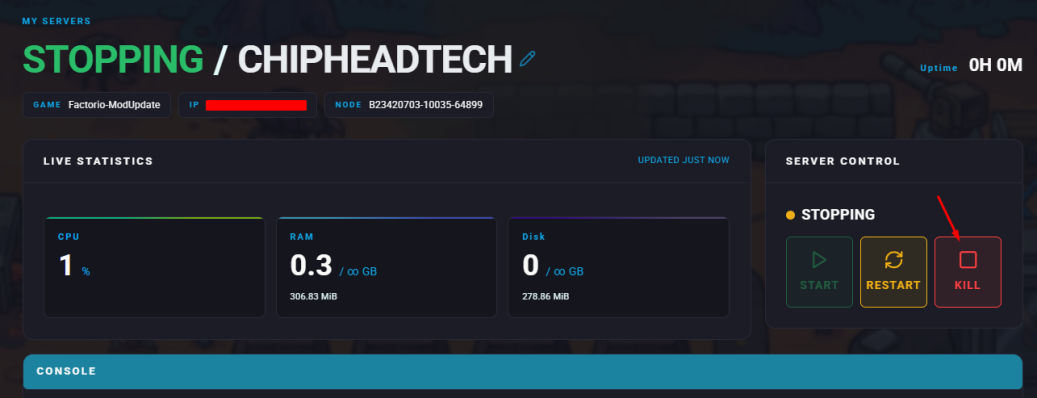
Stop your server.
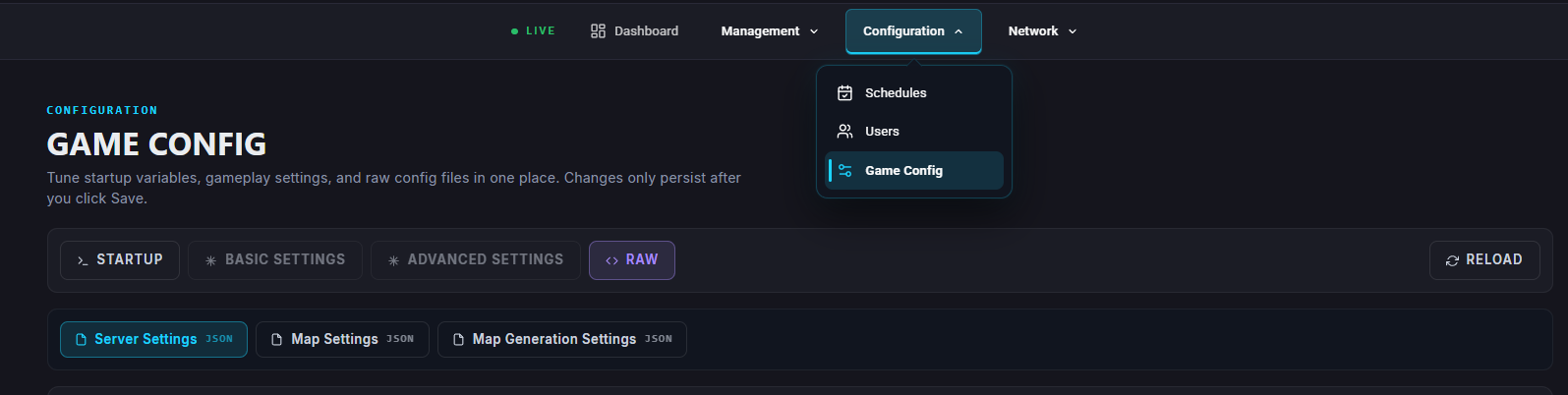
Open “Game Config” tab and select Server Settings.
Locate the
"auto-pause"setting and change its value to false.Once you’ve made the change, click “Save”.
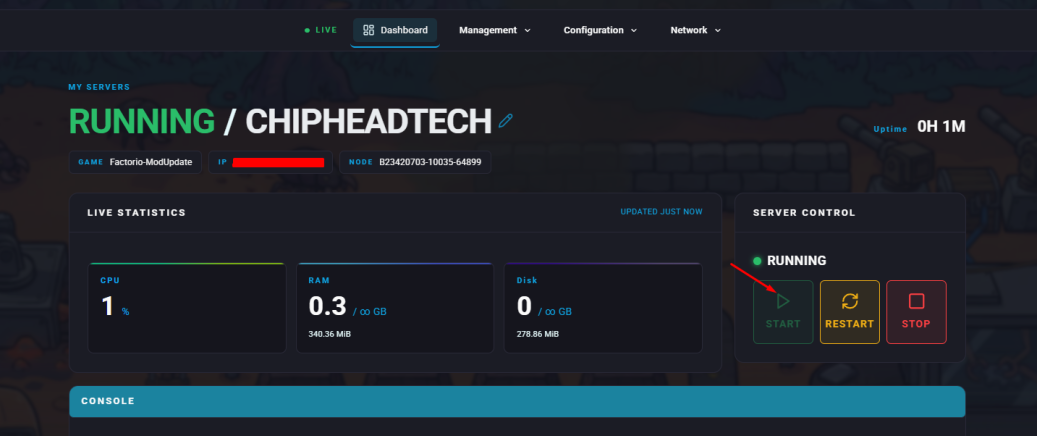
Start your server.

Your Factorio server will now continue running even when no players are online, allowing for uninterrupted automation and production.