
Summary
By default, Factorio servers require players to have a valid Factorio.com account to join. This ensures player authentication and helps maintain a secure multiplayer environment. However, if you want to host a private or local session where account verification isn’t needed, you can disable user verification to allow anyone to connect freely.
How to Disable User Verification on a Factorio Server
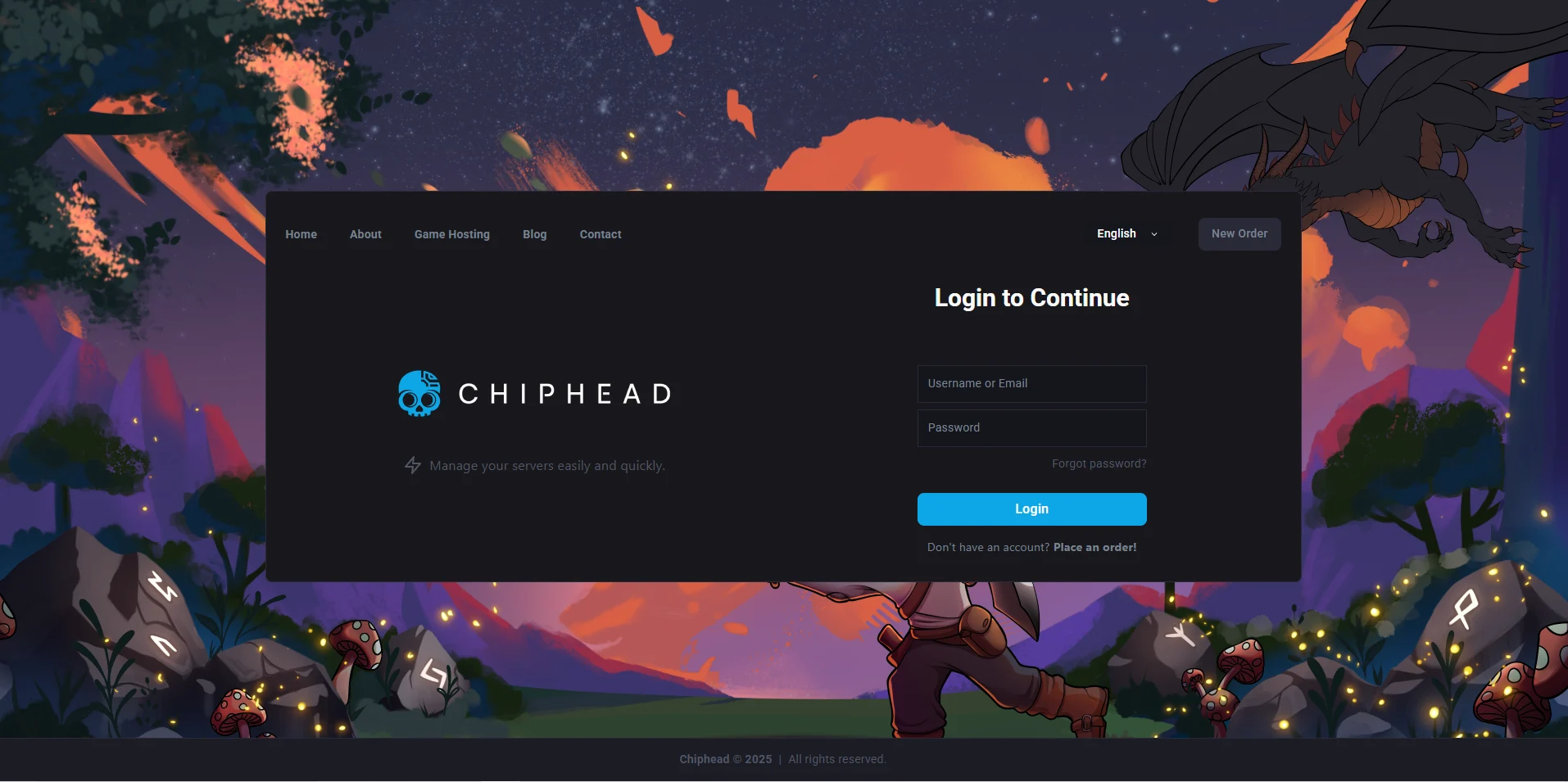
Log in to the ChipHead Control Panel.
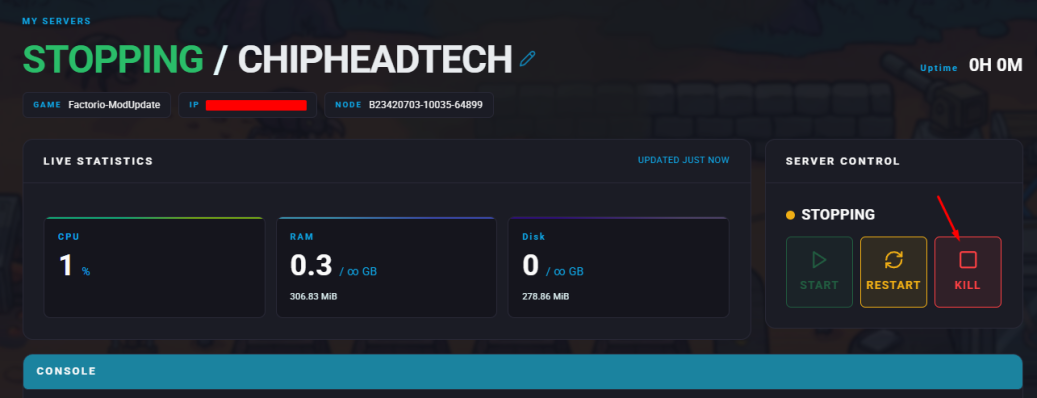
Stop your server.
Open the Config Files tab and select Server Config.
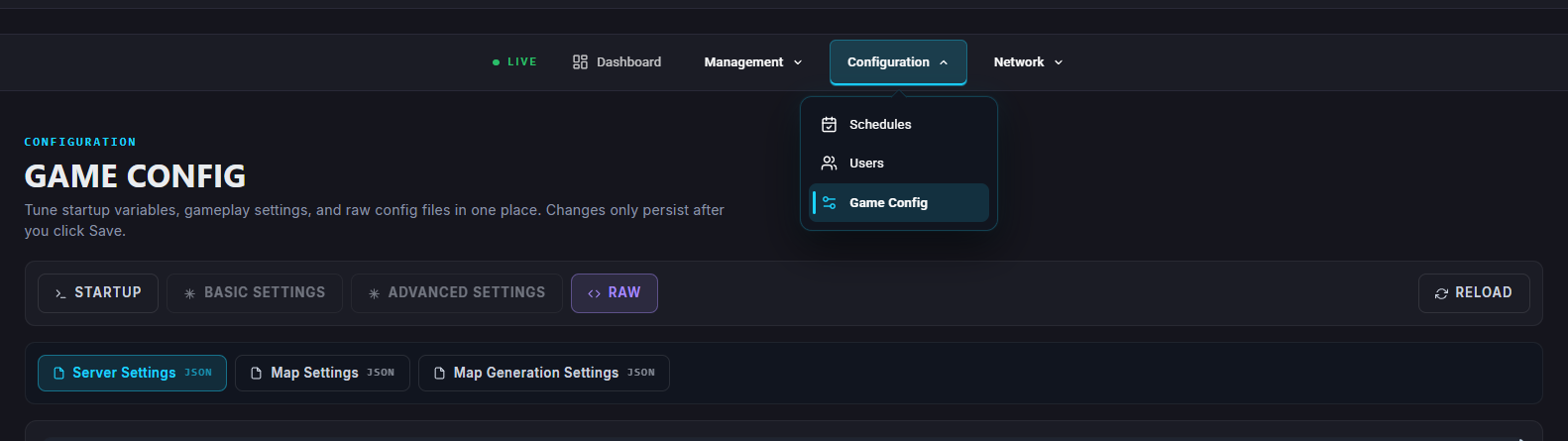
Find the line labeled
"require_user_verification". and set its value to false.Locate the
"visibility"section and set public to false.Once finished editing, click Save.
Start your server.
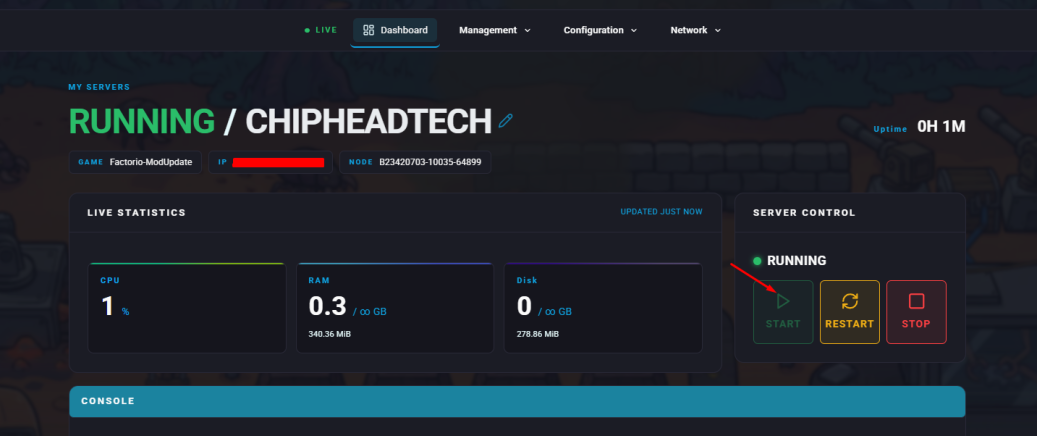
Your Factorio server will now allow players to join without needing a Factorio.com account. This setup is ideal for local play or private testing environments but is not recommended for public servers due to security concerns.