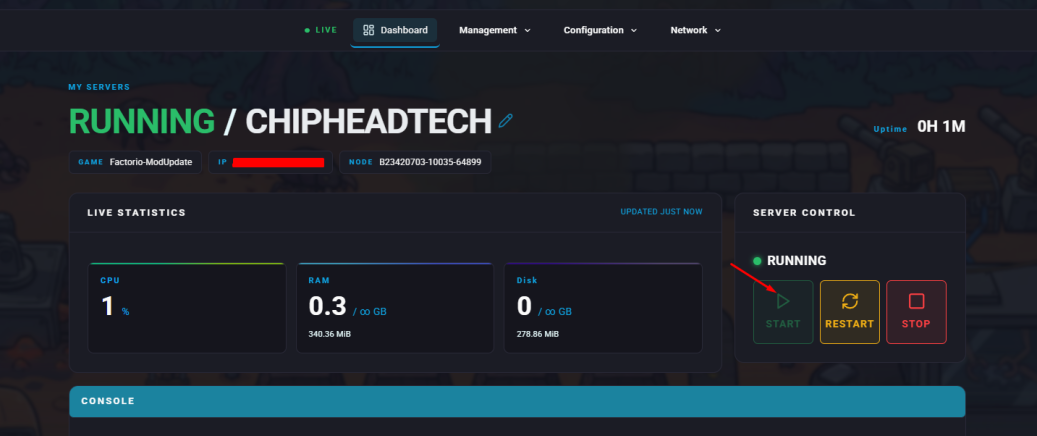
Summary
Making your Factorio server public allows other players to discover and join it through the in-game public server list. This is a great way to grow your community or play cooperatively with new players. However, when making your server public, ensure that it runs the same version as your clients and that proper moderation and security measures are in place.
Note:
Your game version must match your server’s version. A mismatch will prevent players from seeing or connecting to your server.
How to Display Your Factorio Server on the Public Server List
Log in to your account on the Factorio website.
If you own the game on Steam, choose Log in using Steam.Navigate to the Profile tab.
Next to the Token line, click Reveal and copy the token value.
Log in to the ChipHead Control Panel.
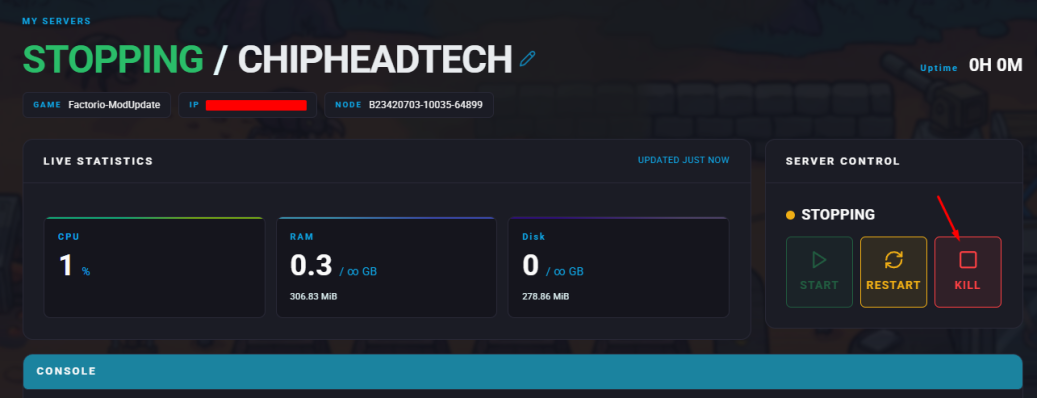
Stop your server.
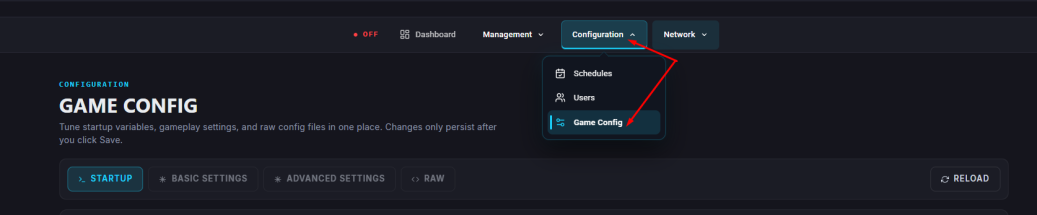
Navigate to “Startup”.
In the “Server Token” field, paste the token copied in Step 3.
In the “Server Username” field, enter your Factorio username from Step 2.
Start your server.