
Summary
Peaceful Mode in Factorio reduces the game’s combat intensity, allowing players to focus on automation, logistics, and factory expansion without frequent enemy attacks. In this mode, hostile creatures will not engage players unless provoked, making it ideal for a more relaxed or creative gameplay experience.
Note:
Peaceful Mode does not remove enemies entirely. Biters will still exist but will only attack if attacked first.
Existing enemies on the map are not affected when the mode is changed.
How to Enable Peaceful Mode on a Factorio Server
Log in to the ChipHead Control Panel.

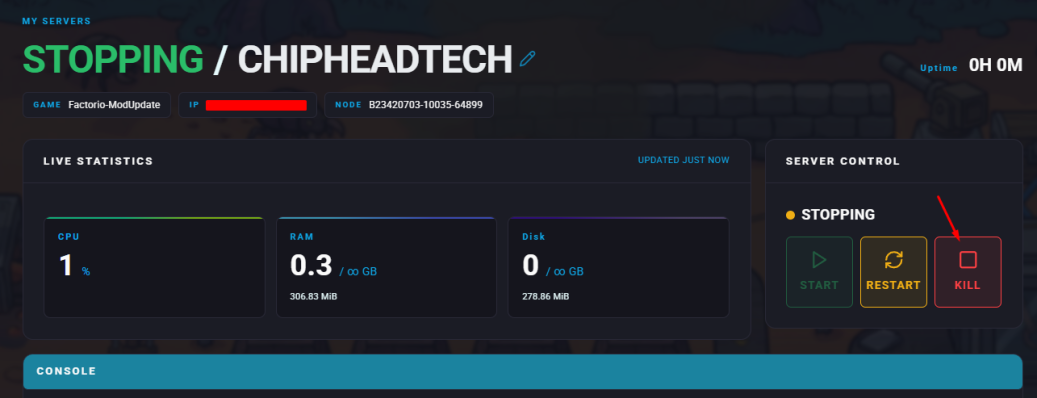
Stop your server.
Open the Config Files tab and select Map Generation Settings.

Locate the line labeled "peaceful_mode" & Change the value to true.
Click Save when finished.
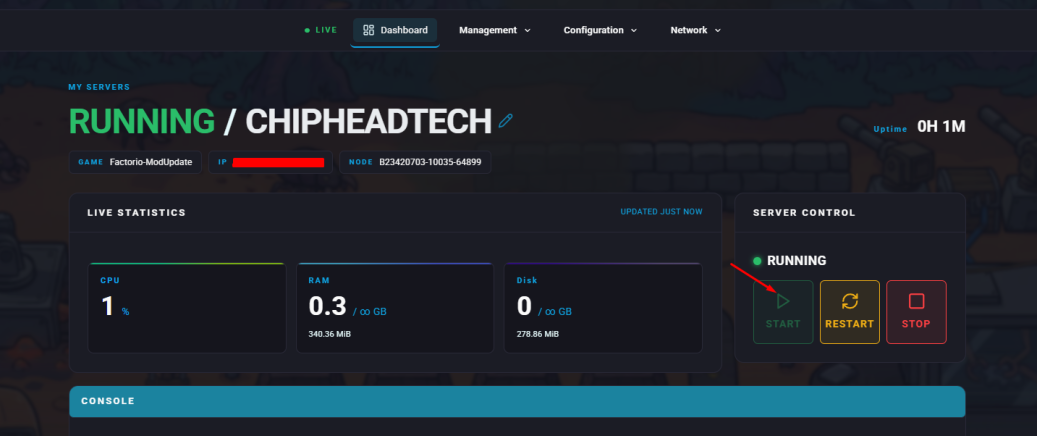
Start your server.
How to Enable Peaceful Mode In-Game

Launch Factorio and join your server.
Open the console by pressing the tilde (~) key on your keyboard.
Enter the following command:
/c game.player.surface.peaceful_mode = true
Note:
Any in-game peaceful mode changes will reset to the default configuration the next time the server restarts.