Mods in Factorio are community-created additions that expand and customize the game’s mechanics, content, and overall experience. They can introduce new features, technologies, and challenges—allowing players to design their ideal version of Factorio. Whether you want to enhance automation, add complexity, or completely change gameplay, mods provide endless possibilities.
Requirement:
Your client must have the same mods installed as the server to connect.
Note:
It’s recommended to start a new save when using mods to prevent compatibility issues. [Learn how to create a new save here.
Download the desired mod from the Factorio Mod Portal.
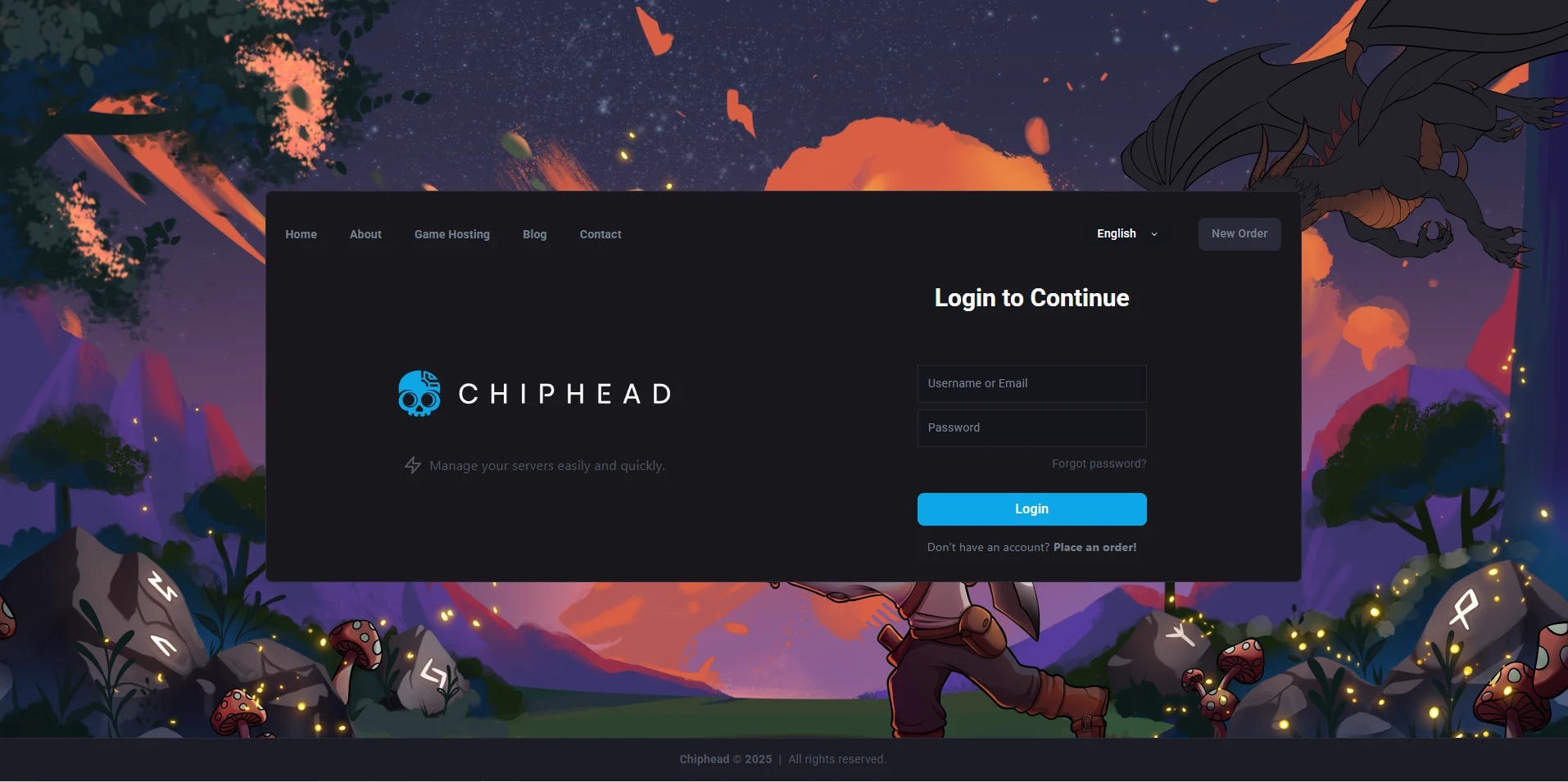
Log in to the ChipHead Control Panel.
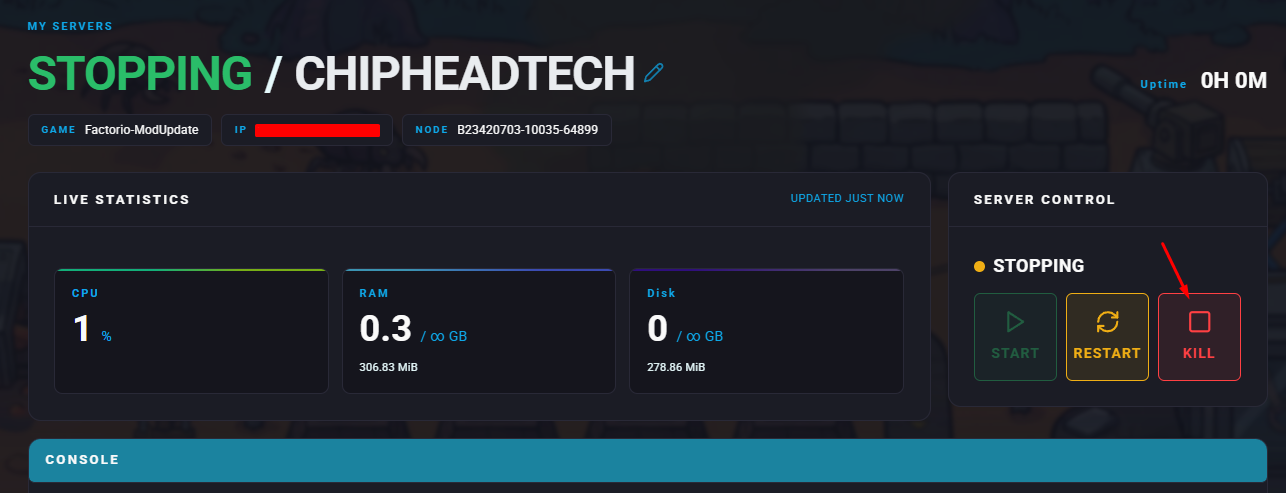
Stop your server.
Go to the Files tab & Navigate to /home/container/mods
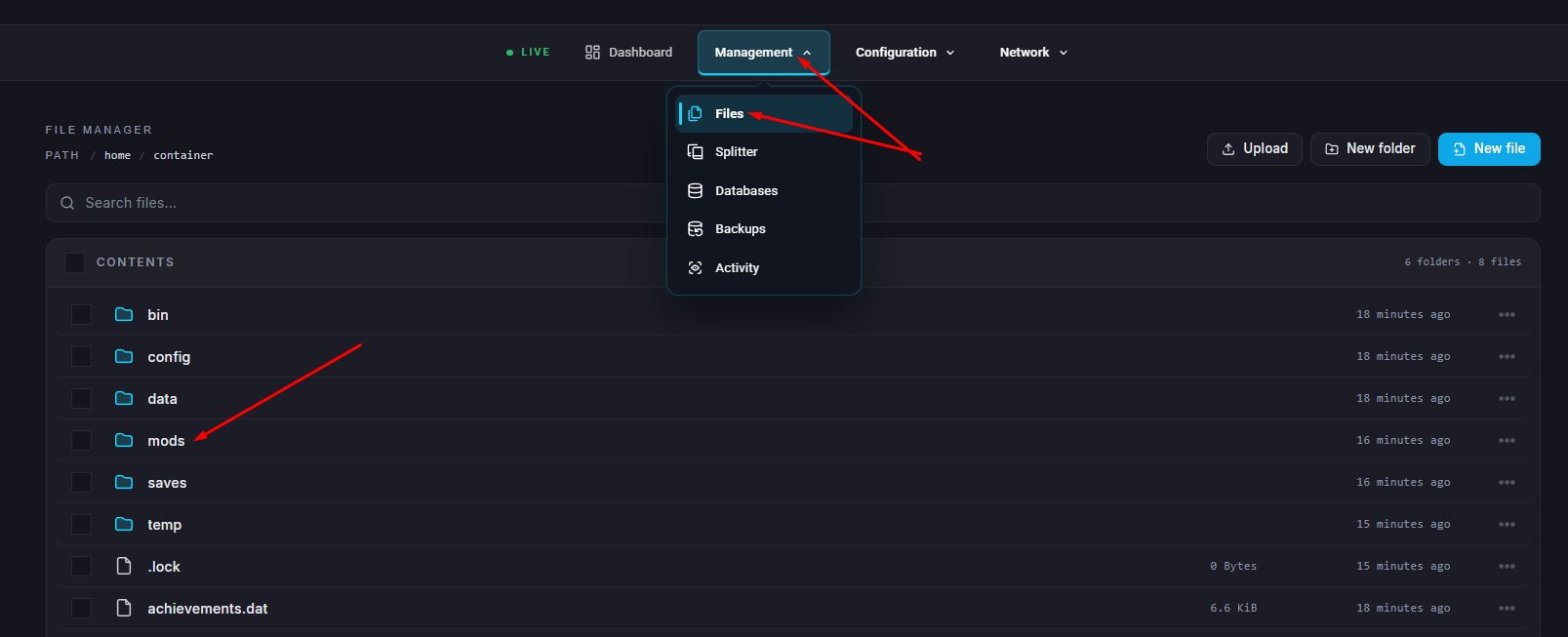
Upload the downloaded mod file from Step 1.
Open the mod-list.json file.

Inside the "mods" section, add the following entry for each mod:
{ "name": "MODNAME", "enabled": true }

Click Save when finished.
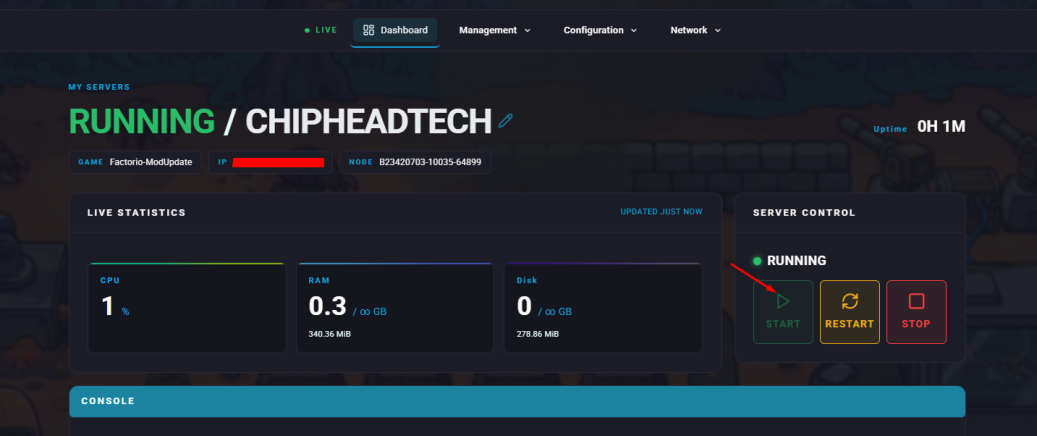
Start your server.
How to Install Mods on a Factorio Client
Launch Factorio.
From the main menu, click Mods.
Open the Install tab.
Find the desired mod and click Install.
Once installation is complete, press Confirm to restart the game.

