Factorio is a real-time strategy and automation game where players build and manage intricate industrial systems on an alien planet. The game offers several scenario modes, each providing a unique set of objectives and challenges—ranging from creative building to competitive team-based gameplay. These modes let players explore different styles of play beyond the standard factory-building experience.
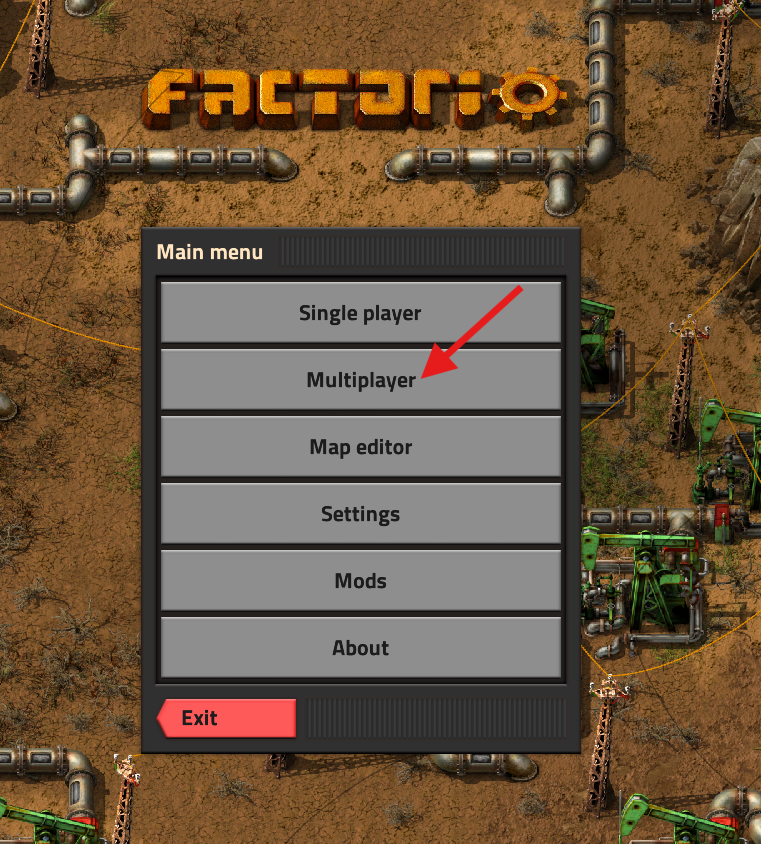
Launch Factorio and select Multiplayer.
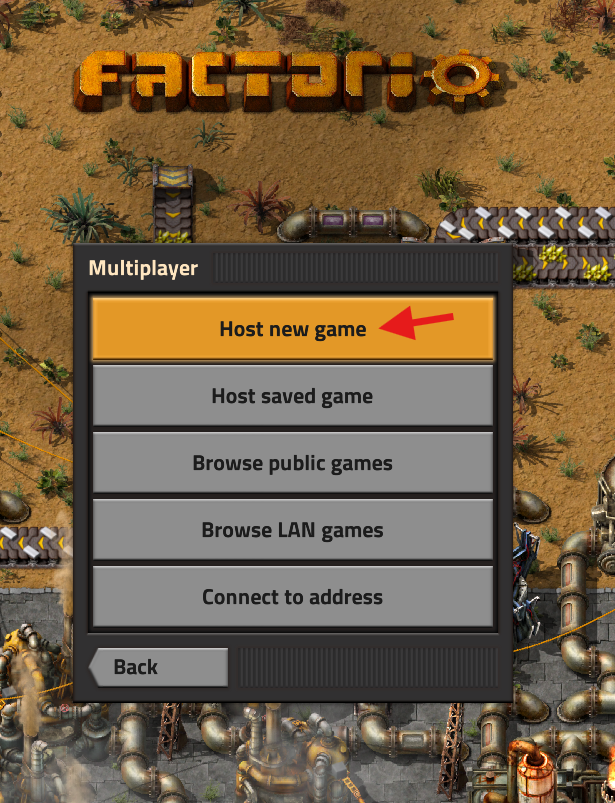
Click Host New Game.
Choose your desired Scenario from the list and click Next.
Freeplay | The standard game mode — start from scratch and build a rocket to reach space. |
Wave Defense | Protect your rocket silo from waves of enemies until launch. |
Supply Challenge | Meet production and supply objectives based on the given goals. |
PvP | Compete head-to-head in a traditional real-time strategy style. |
Team Production | Race against other teams to complete production goals. |
Sandbox | A creative mode with unlimited resources and no restrictions. |
Rocket Rush | Begin with all technologies unlocked and launch a rocket as fast as possible. |
Configure your desired game settings, then click Play.
Open the in-game menu and select Save Game.
Enter a save name and click Save.
Exit the game.
On your computer, navigate to the following directory:%AppData%\Roaming\Factorio\saves

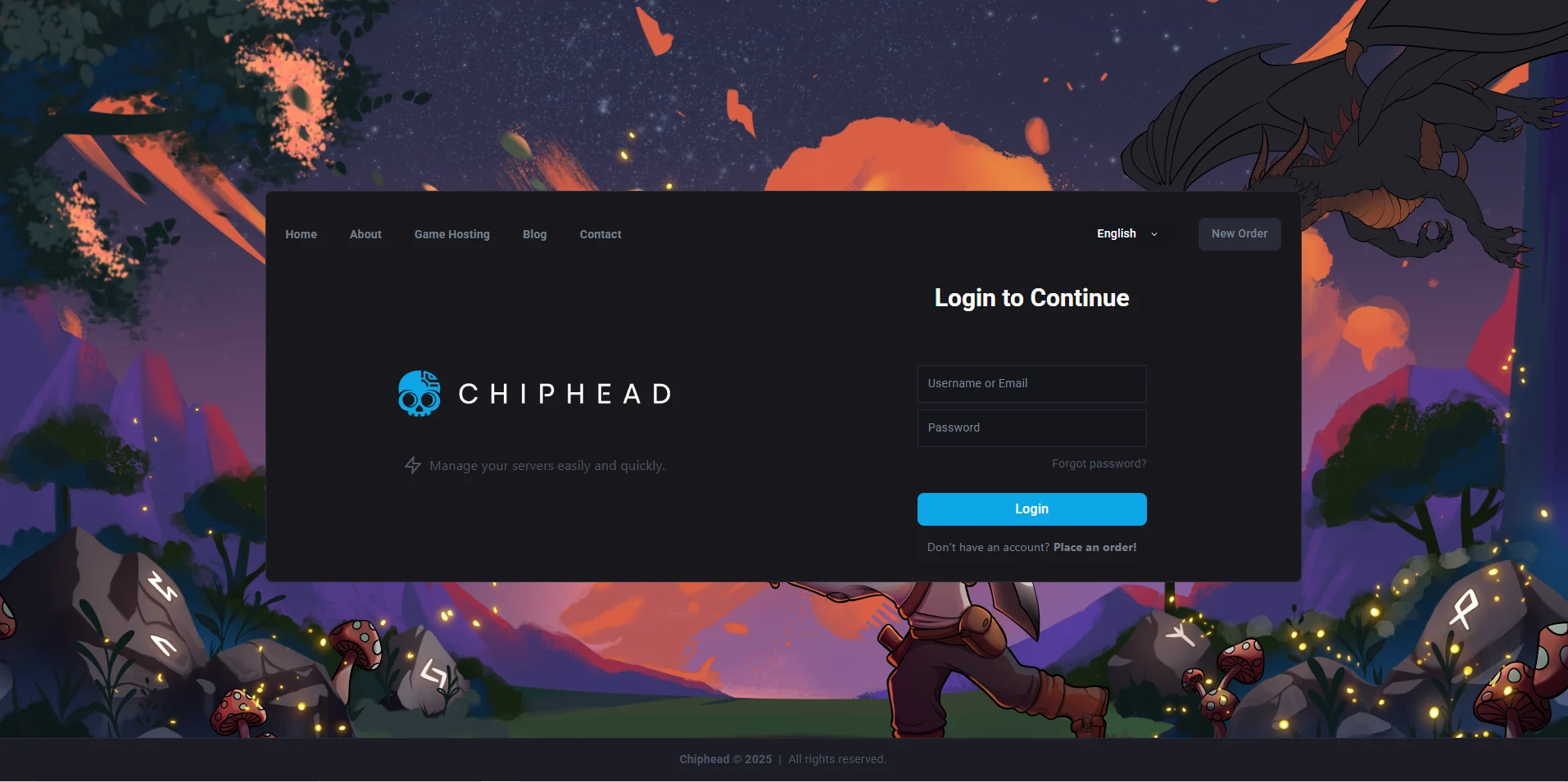
Log in to the ChipHead Control Panel.
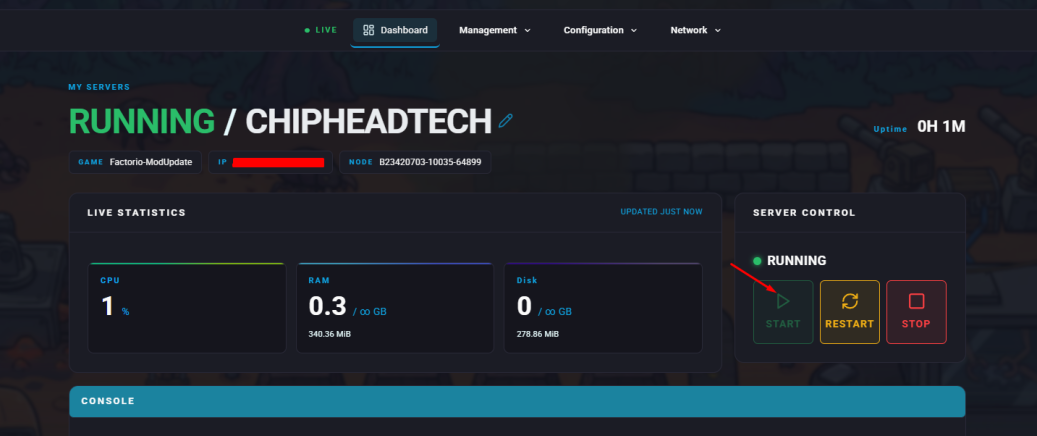
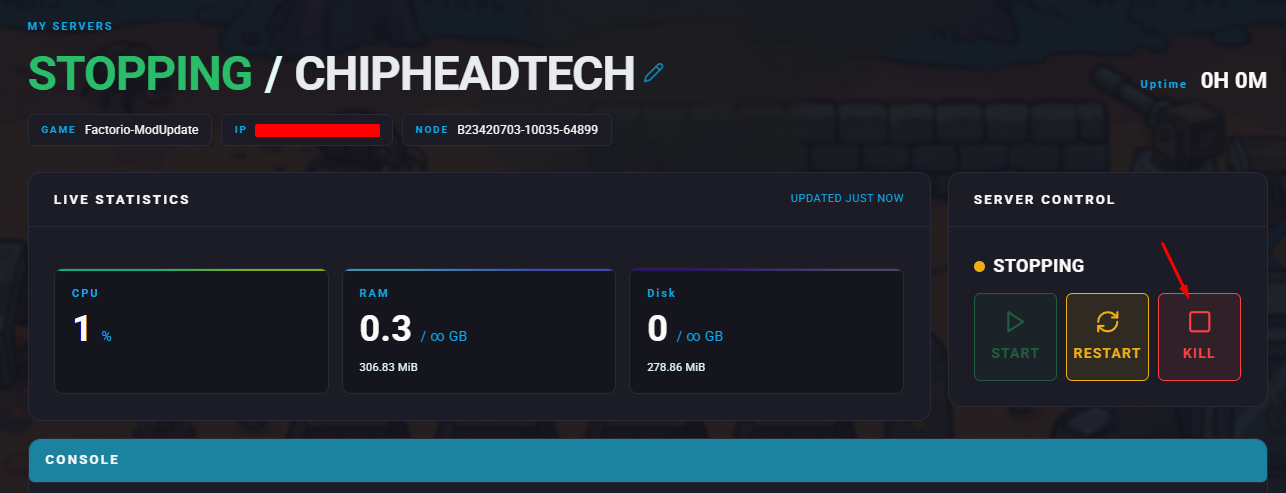
Stop your server.
Go to the Files tab & navigate to Open directory: /home/container/saves.
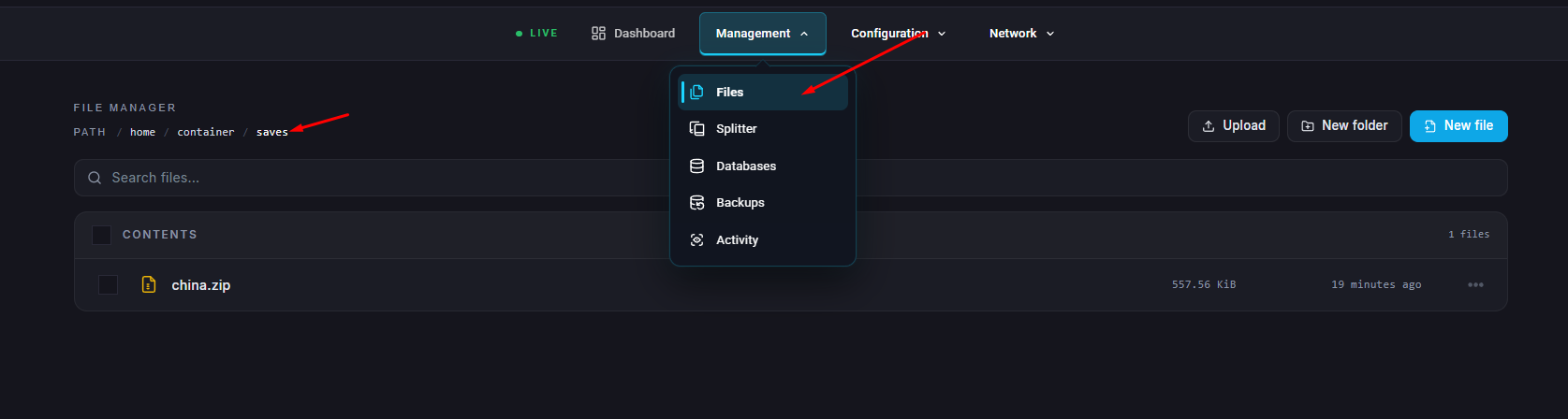
Drag and drop the desired save file from your local saves folder into your server location in
step 8) /home/container/saves.
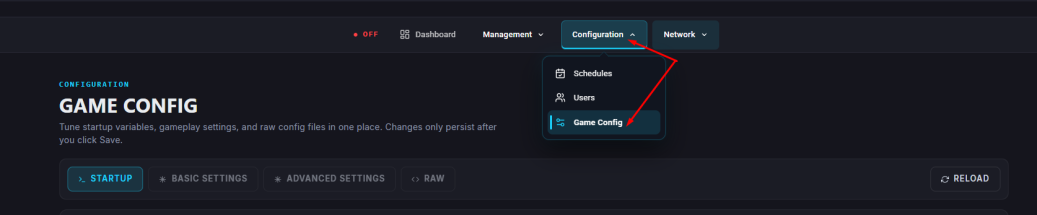
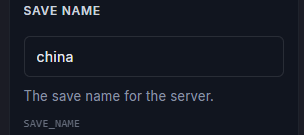
Navigate to the Startup tab. In the Save Name field, enter the name of the uploaded save file.
Start your server.