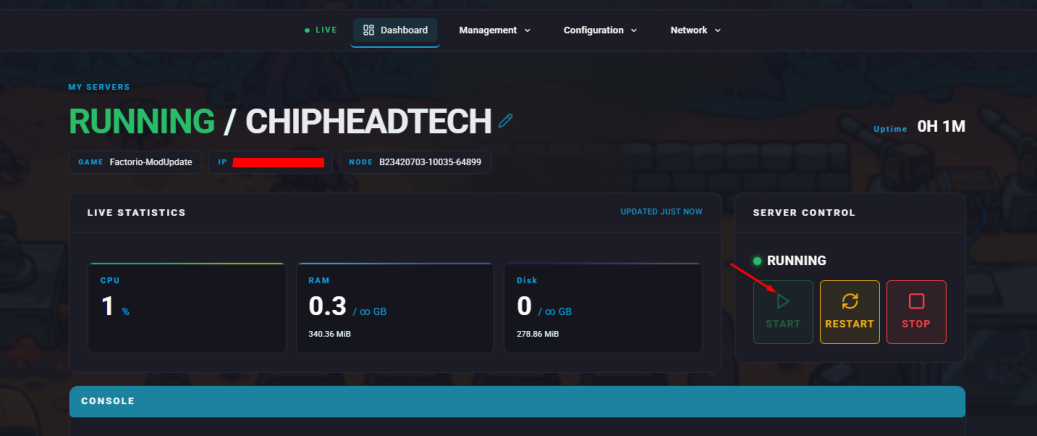
Uploading a single-player world to a Factorio server allows players to continue their progress with friends in a shared environment. Playing together encourages collaboration, resource sharing, and teamwork to build more advanced and efficient factories — making the experience both social and rewarding.
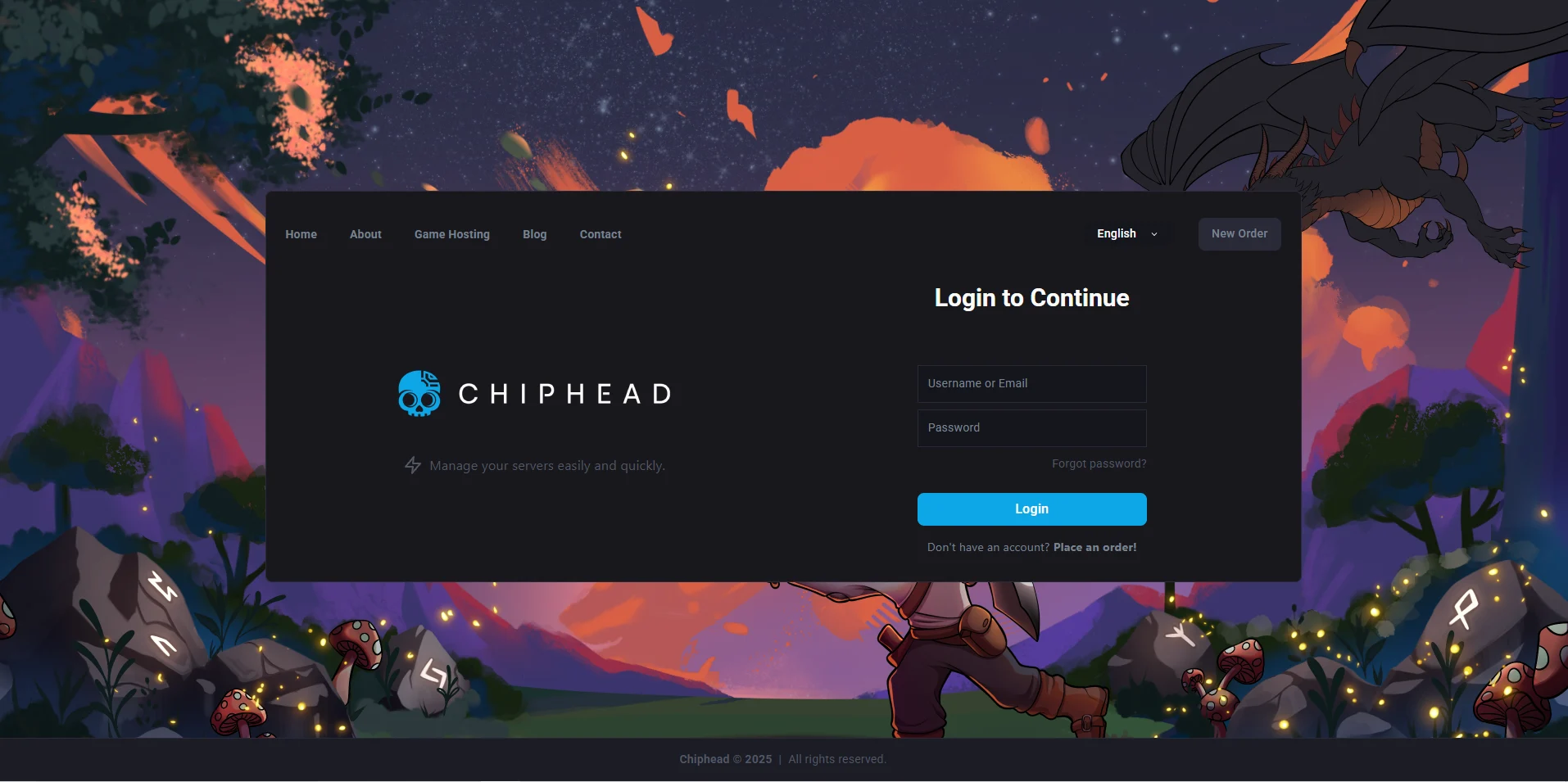
Log in to the ChipHead Control Panel.
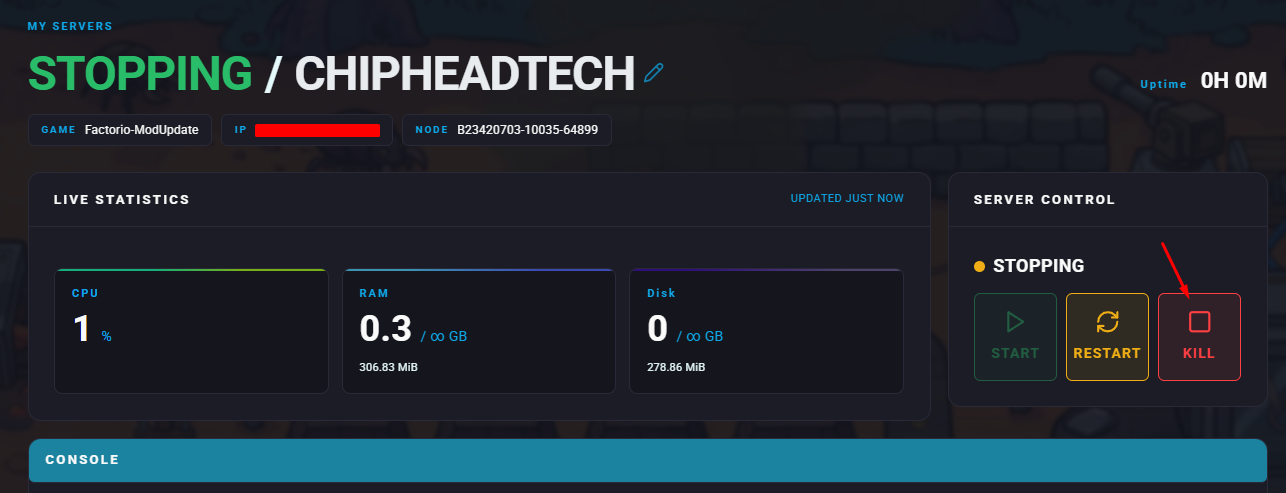
Stop your server.
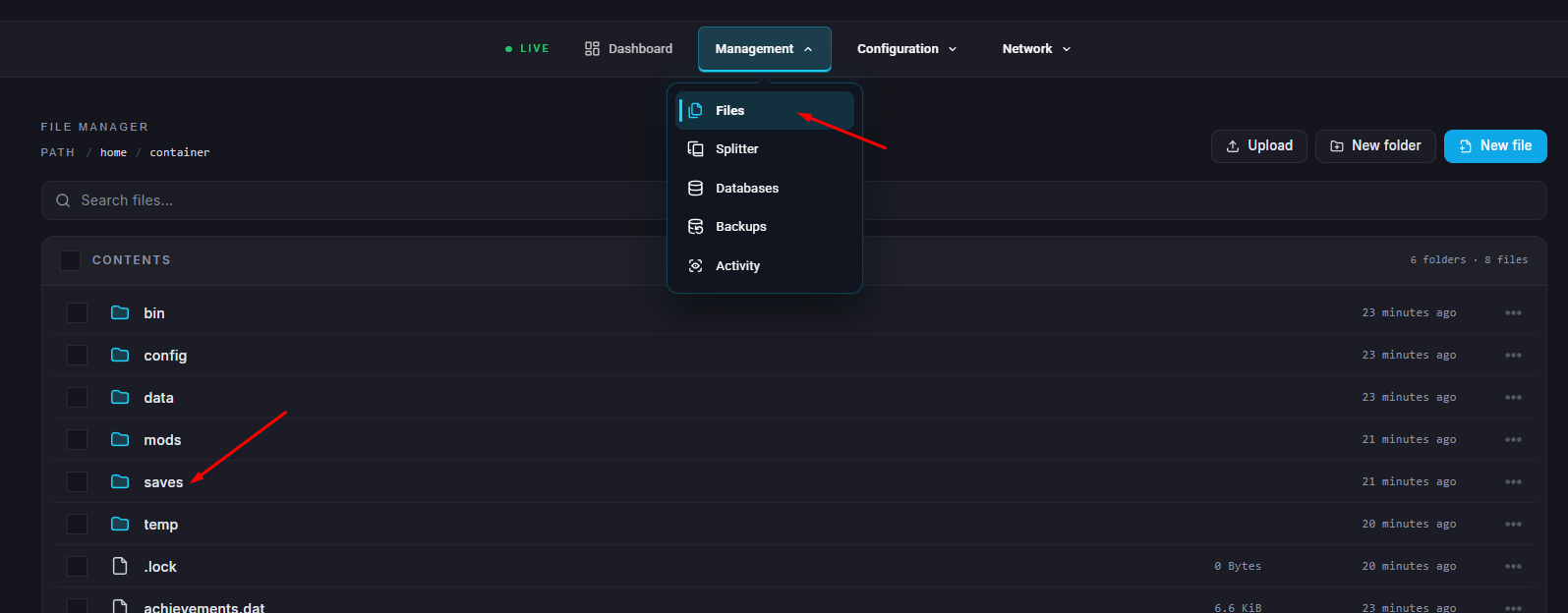
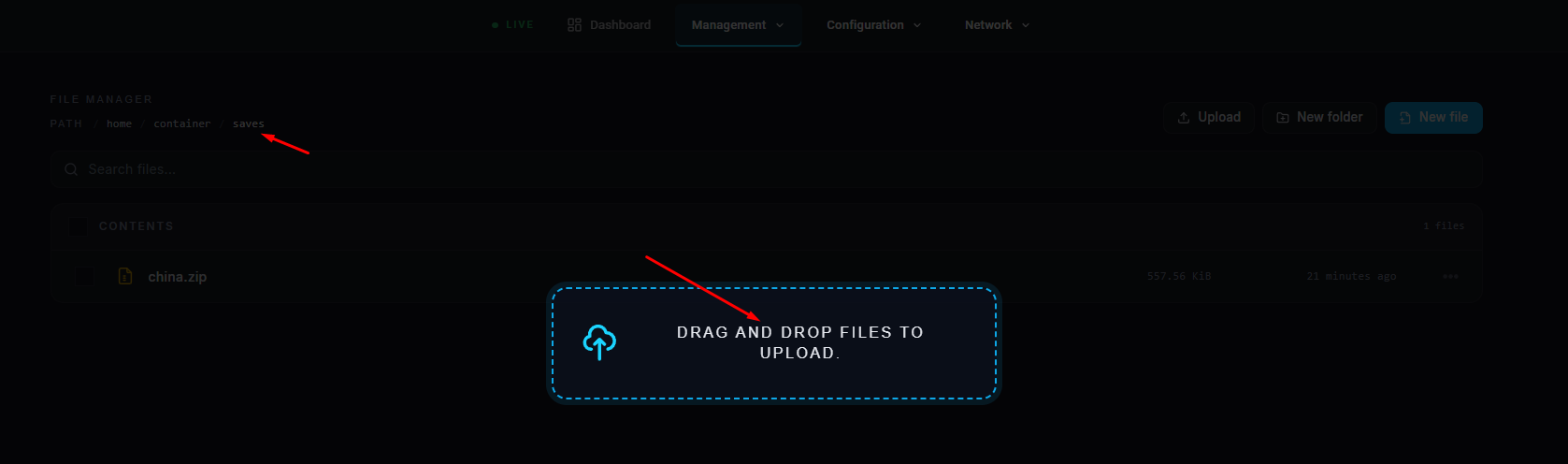
Go to the Files tab & Navigate to : /home/container/saves.
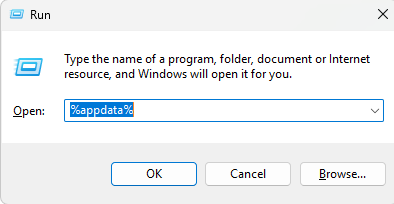
On your computer, press Windows + R, type %appdata%, and press Enter.
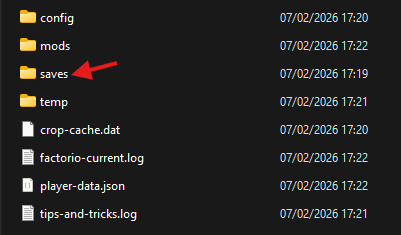
Navigate to the following folder: AppData\Roaming\Factorio\saves
Drag and drop the desired save file from your local saves folder into your server location in
step 3) /home/container/saves.
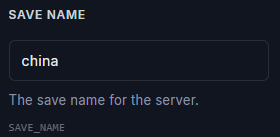
Navigate to the “Startup” In the Save Name field, enter the name of the uploaded file

13. Start your server.