
Summary
A whitelist on a Factorio server is a security feature that limits access to only approved players. By maintaining a whitelist, you ensure that only trusted individuals can join your game, helping to prevent griefing and unauthorized access. This provides a controlled, secure, and more personalized multiplayer experience for everyone involved.
How to Whitelist a Factorio Server
Log in to the ChipHead Control Panel.

Start your server.
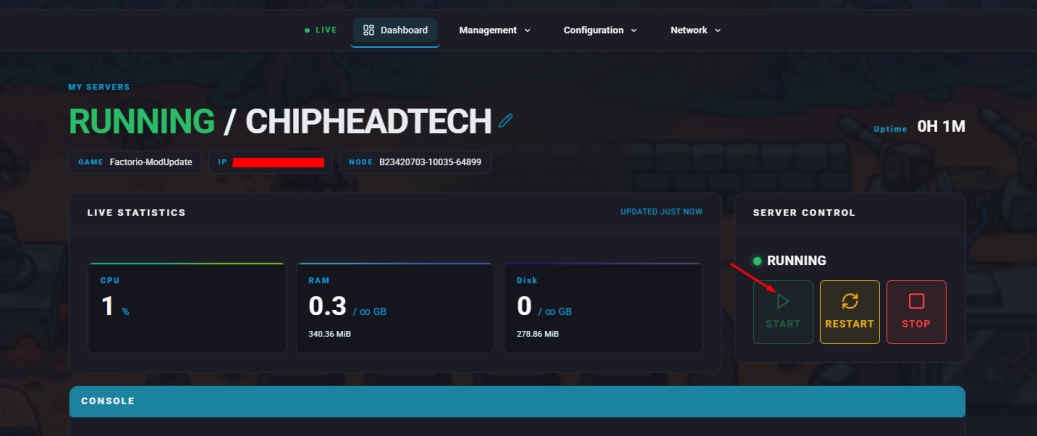
Go to the Console tab.
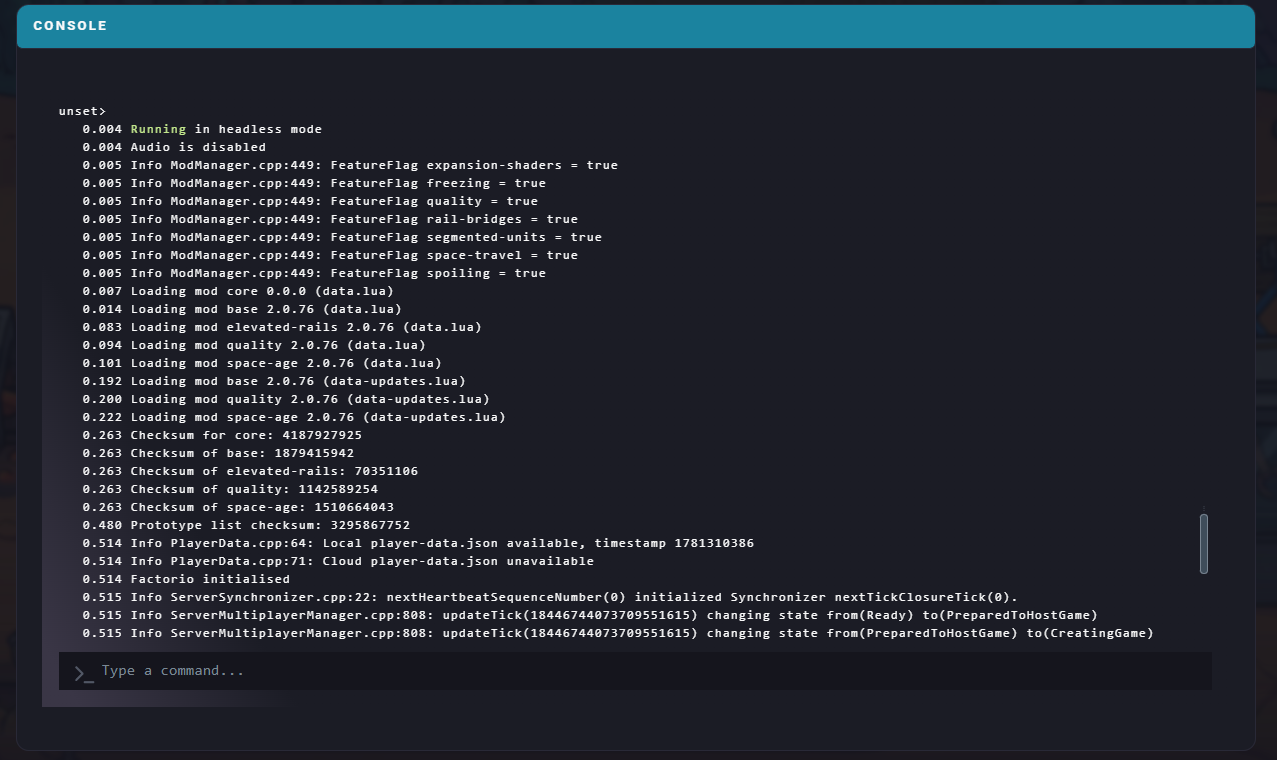
Enter the following command:
/whitelist add [playername]
You can manage your whitelist further using the following commands:
/whitelist enable | Enables the whitelist |
/whitelist disable | Disables the whitelist |
/whitelist add [playername] | Adds a player to the whitelist |
/whitelist remove [playername] | Removes a player from the whitelist |
/whitelist get | Displays all players currently on the whitelist |
/whitelist clear | Clears all players from the whitelist |
