
Summary
Adding a password to your Factorio server is an effective way to control who can join. It helps keep out unwanted players such as griefers or trolls, ensuring that only trusted friends and community members have access. This simple step creates a safer, more enjoyable multiplayer experience for everyone involved.
How to Add a Password to a Factorio Server
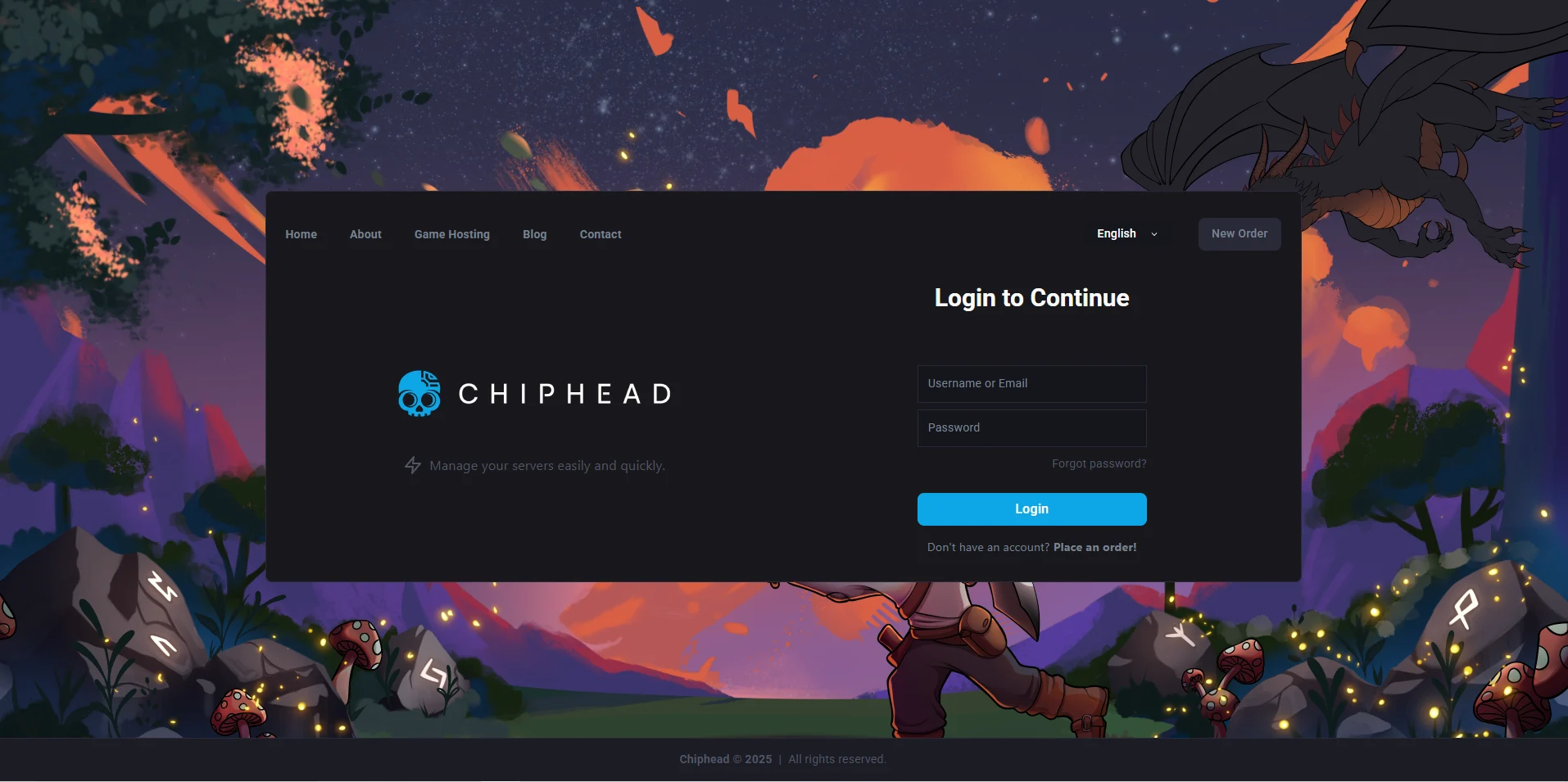
Log in to the ChipHead Control Panel.
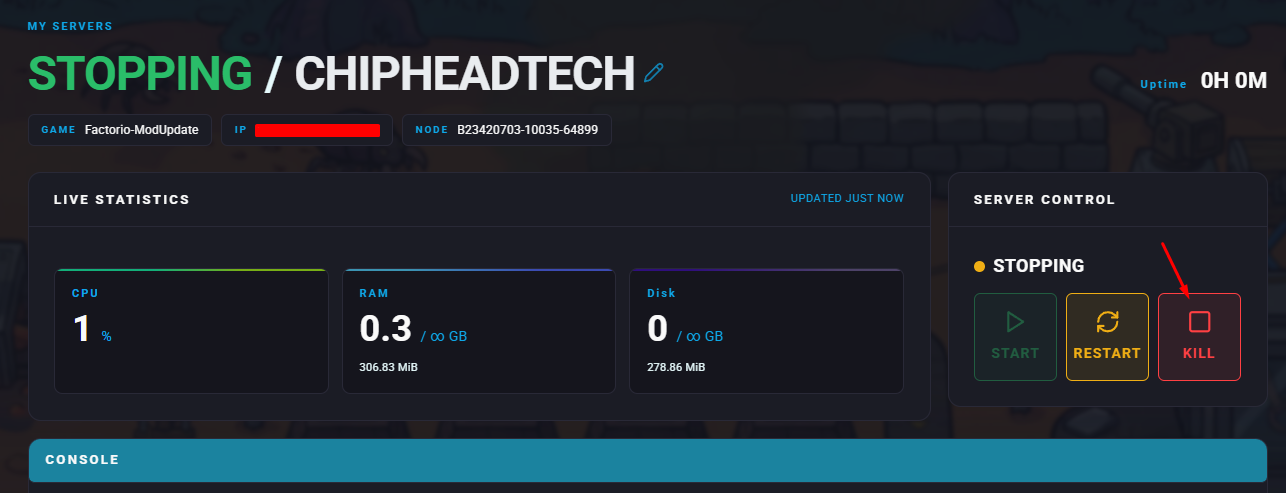
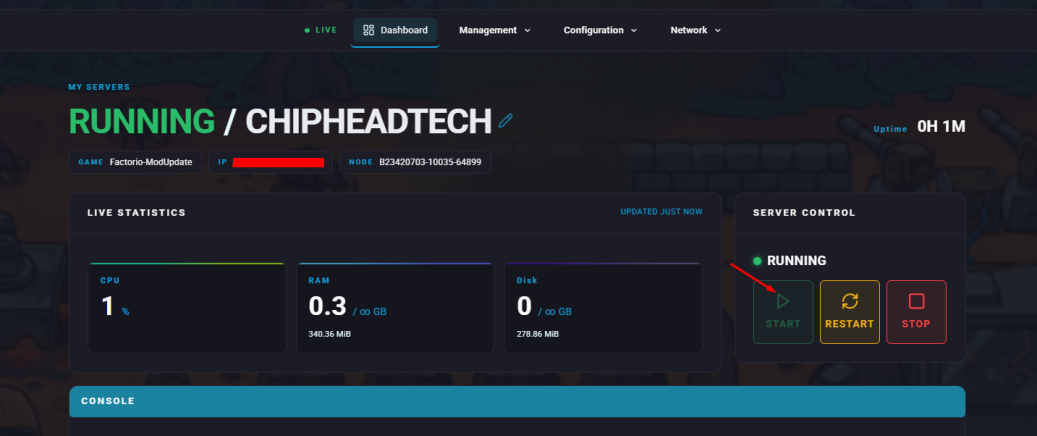
Stop your server.
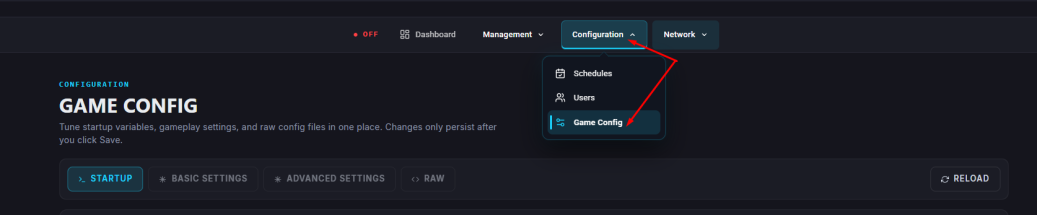
Navigate to the “Startup”.
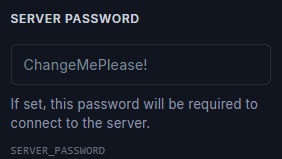
In the Server Password field, enter your desired password.
Start your server.

Your Factorio server is now password-protected only players with the password will be able to join.