
Summary
Enhance your DayZ experience with mods from the Steam Workshop! Whether you’re running the Stable or Experimental version of the game, mods can transform your gameplay with new mechanics, items, and features. This guide will walk you through installing and managing mods for both versions.
Important:
If you’re looking to install mods on your DayZ server, follow our guide : How to Install Mods on a DayZ Server.
Installing Mods on the DayZ Stable Client
If you’re playing DayZ Stable, installing mods is quick and easy through the Steam Workshop.
Open the DayZ Steam Workshop.
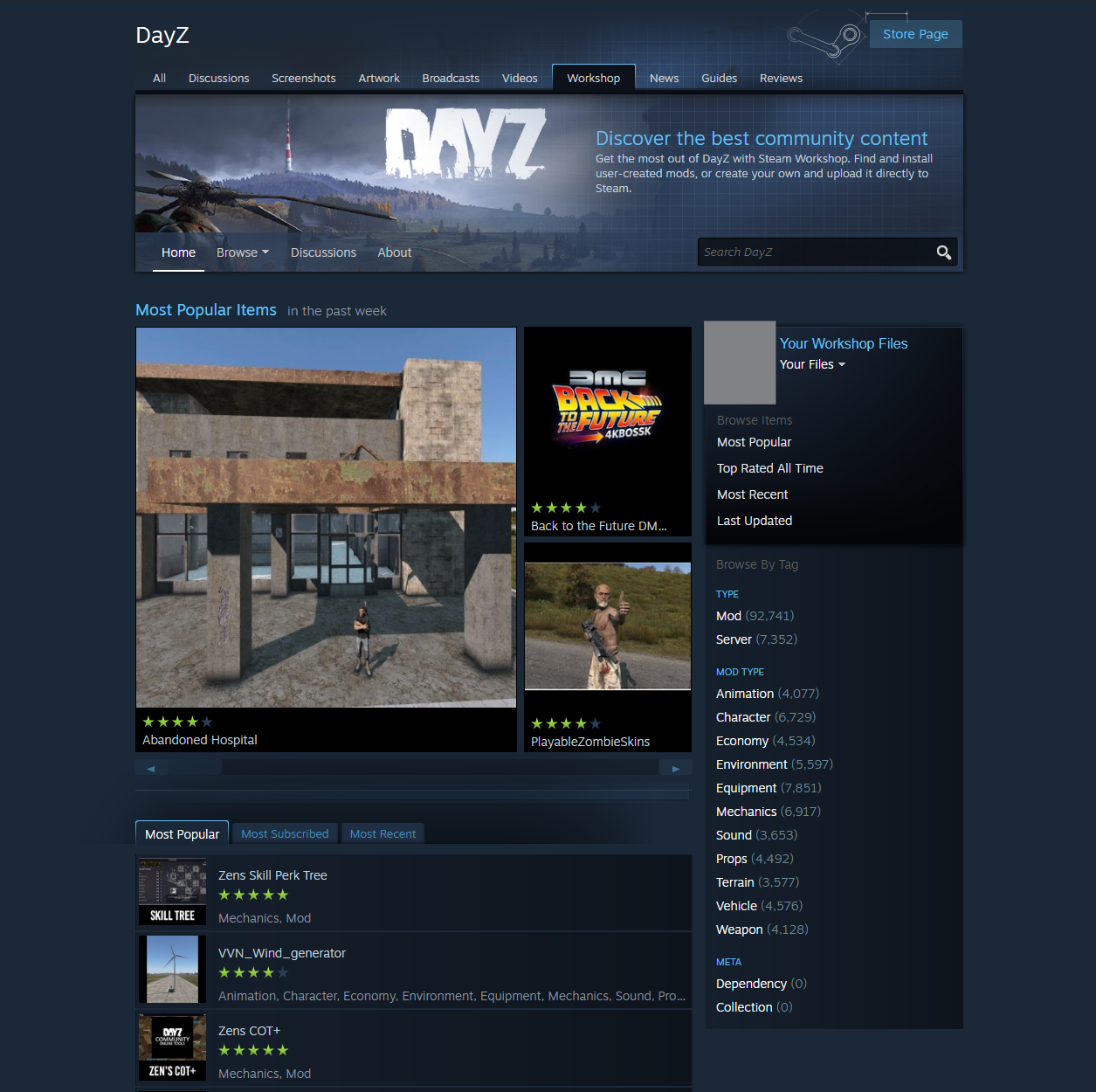
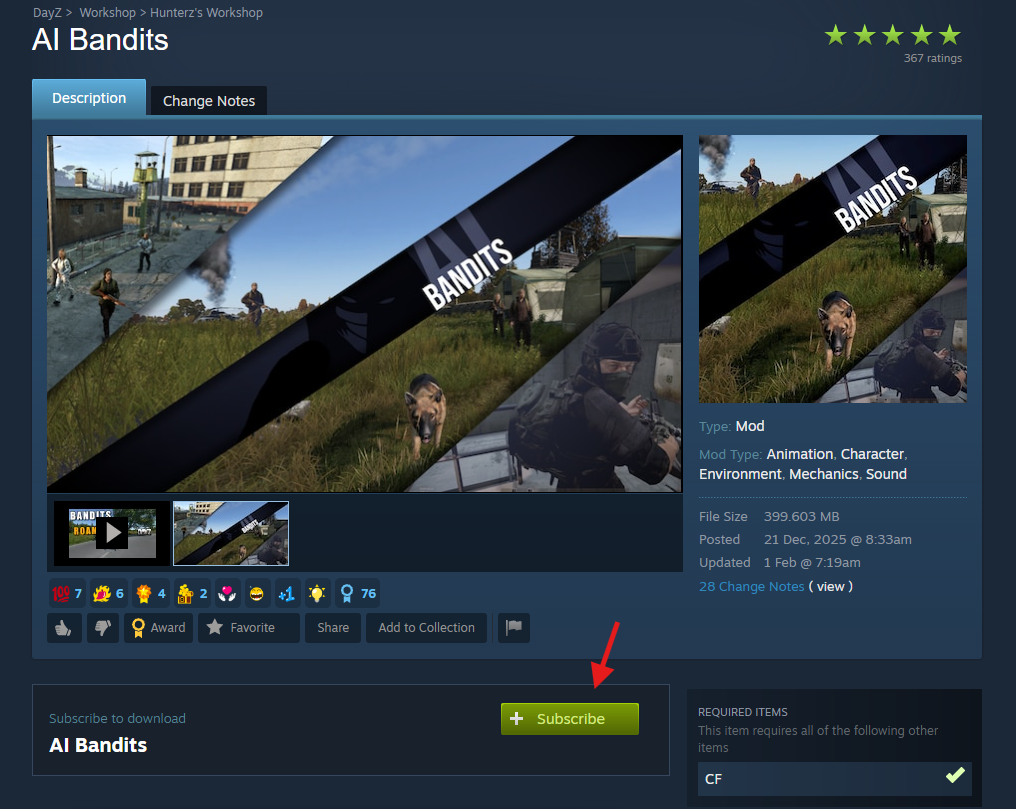
Find the mods you’d like to use and click Subscribe.
Launch DayZ and go to the MODS tab.
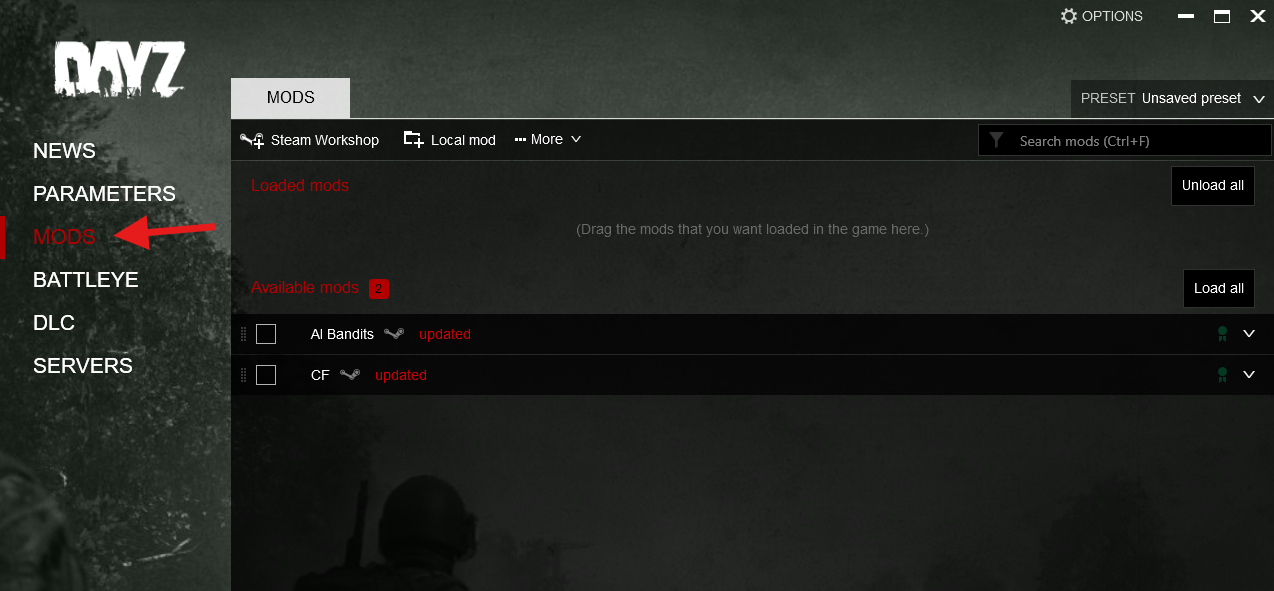
 Your subscribed mods will appear automatically

Your mods are now successfully installed and ready to use on your Stable client.