
Summary
Changing your server name is an excellent way to make your DayZ server stand out and easily recognizable in the server list.
Changing the Server Name
You can update your DayZ server name by editing the serverDZ.cfg file.
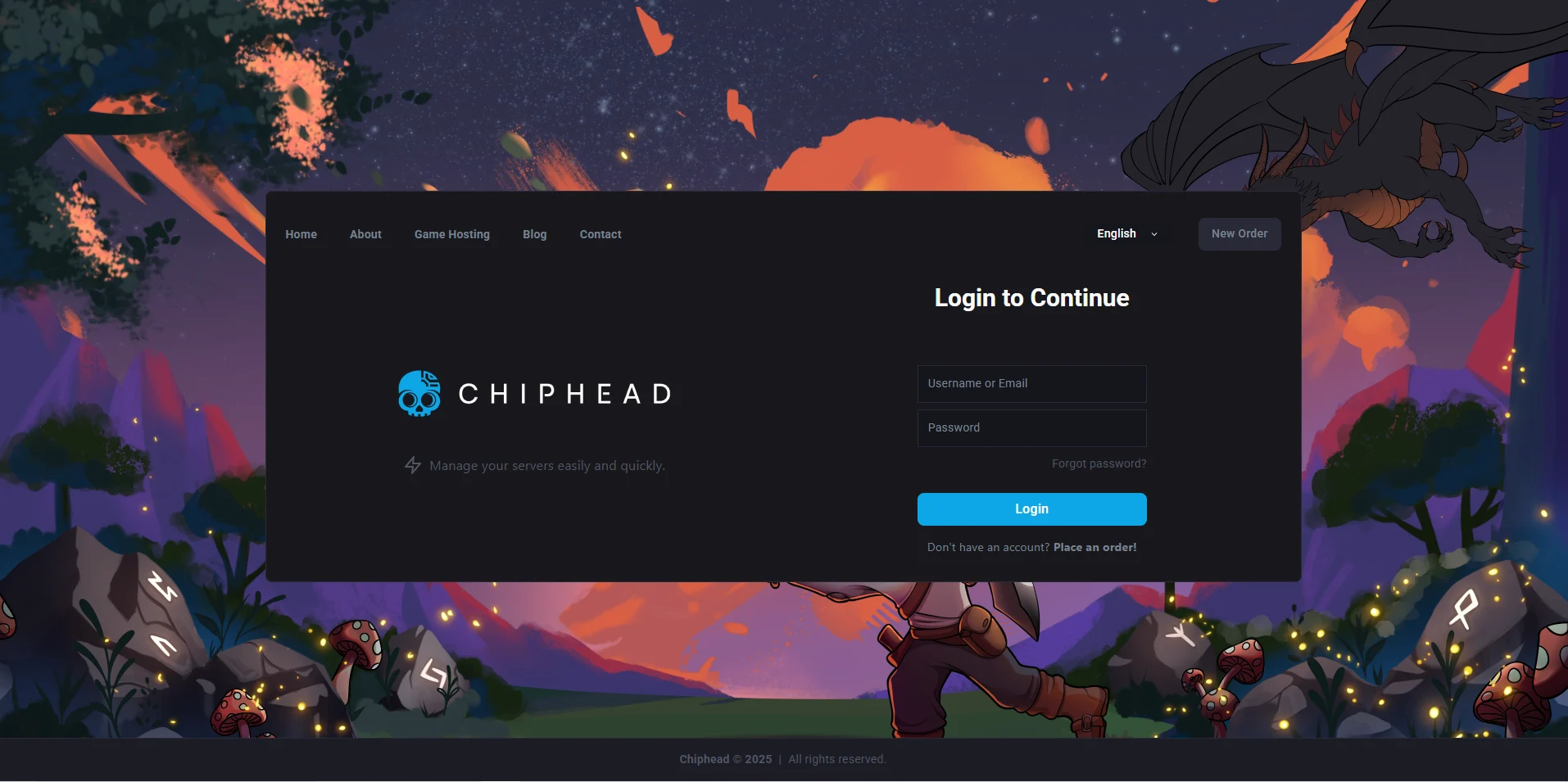
Log in to the ChipHead Control Panel.
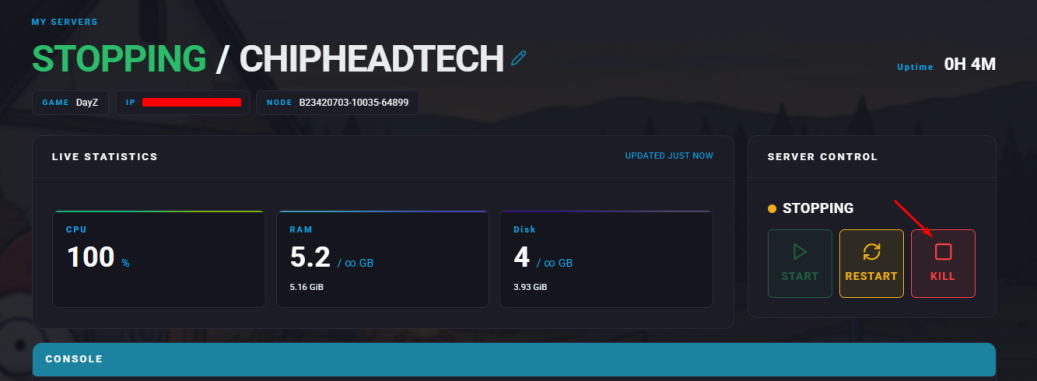
Stop your server.
Go to the Files tab & Navigate to the serverDZ.cfg file.

Find the
hostnameline and replace the existing name with your desired server name.Click “Save Content”

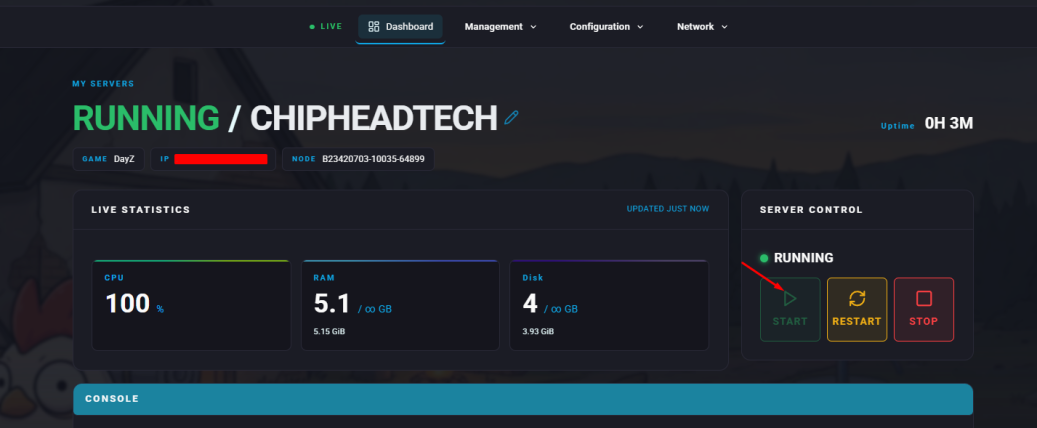
Start your server.

Your new server name will now appear in the DayZ server browser!