
Summary
Switching your DayZ server map to Livonia can give your players a refreshing new experience. Unlike Chernarus, Livonia features dense forests, rugged terrain, numerous lakes, and the flowing Biela River. But be warned alongside players and infected, you’ll also encounter wildlife such as deer, wolves, and bears.
Changing the Map on Your DayZ Server
You can change your server map by modifying the serverDZ.cfg file.
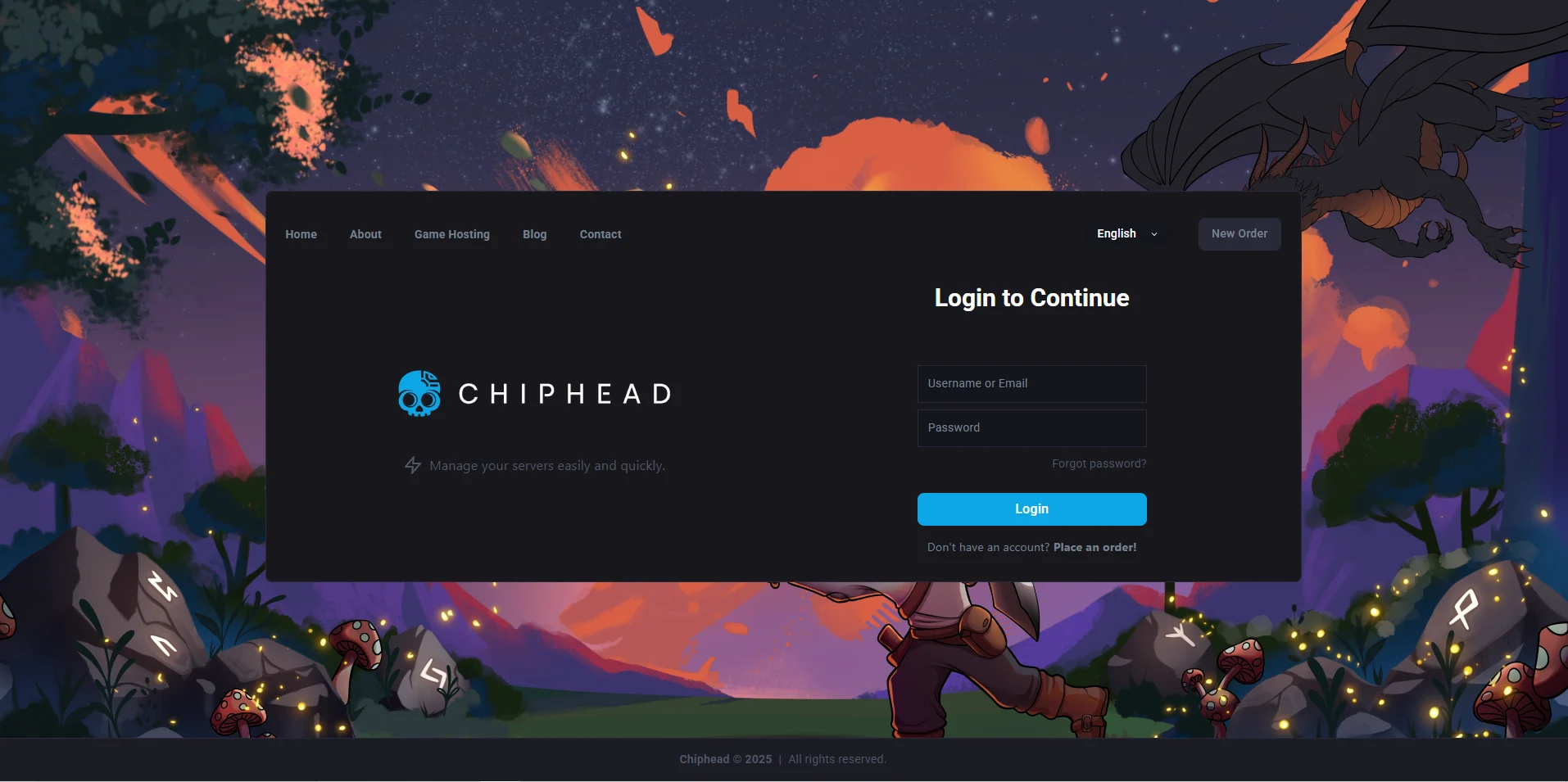
Log in to the ChipHead Control Panel.
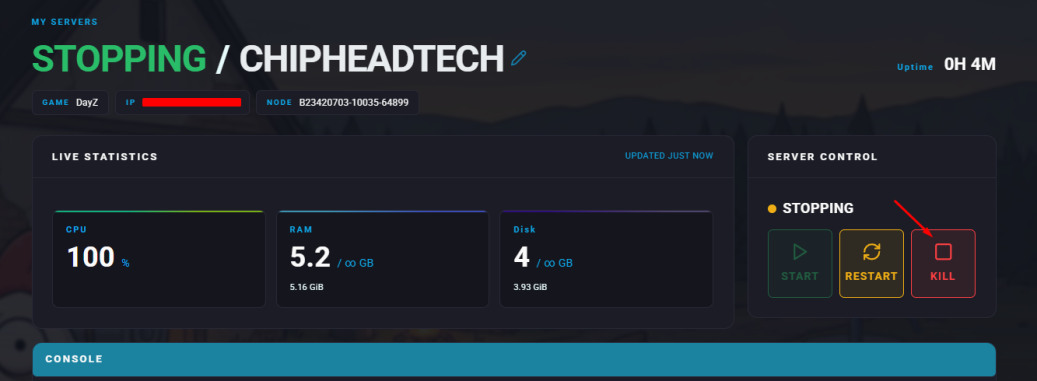
Stop your server.
Go to the Files tab & Navigate to the serverDZ.cfg file.

Find the line that says
template="dayzOffline.chernarusplus"and replace it with:template="dayzOffline.enoch".Click “Save Content”.

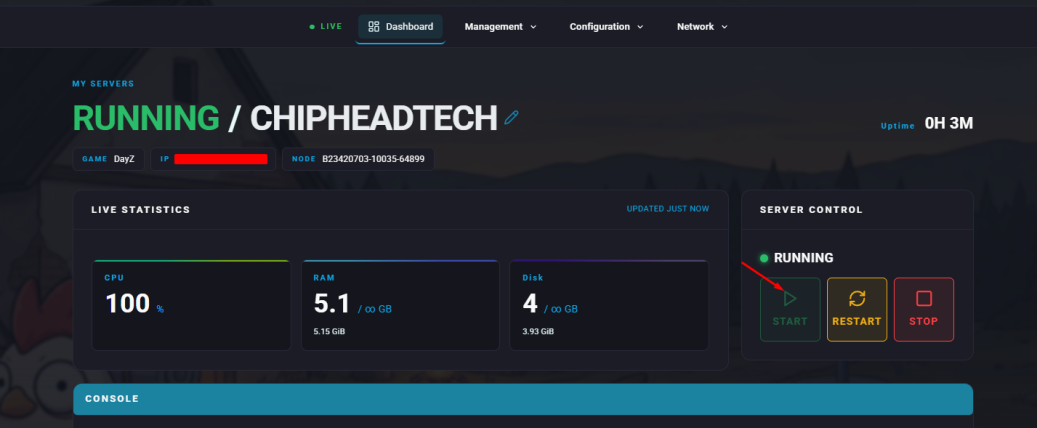
Start your server.

If you ever want to switch back to Chernarus, simply reverse step 5 and set it back to:
template="dayzOffline.chernarusplus"