
Summary
You can customize how quickly time passes in your DayZ server, allowing you to make days and nights last longer or shorter depending on the experience you want to create.
Changing the Time Acceleration Speed
You can modify the time settings in your serverDZ.cfg file.
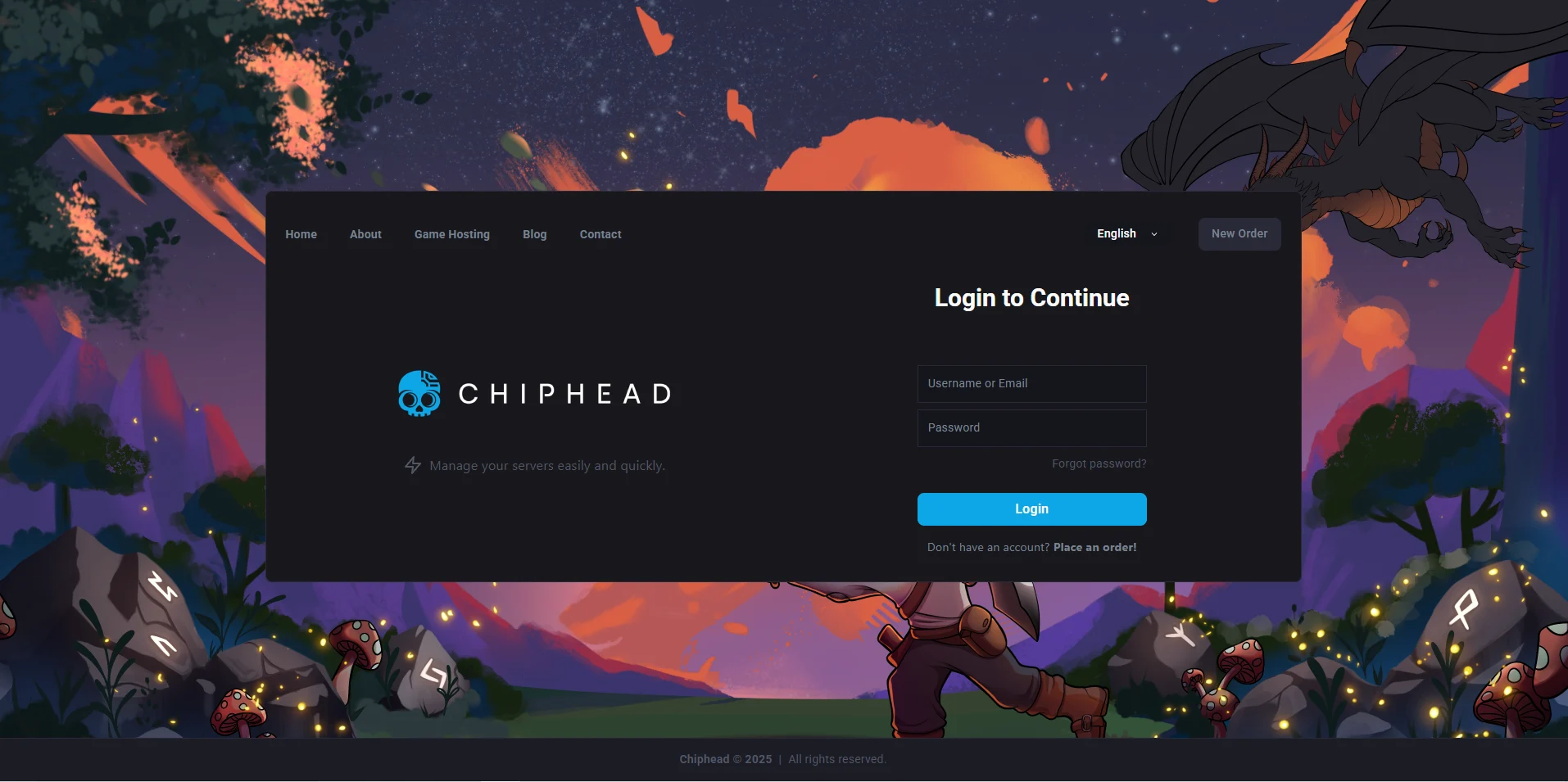
Log in to the ChipHead Control Panel.
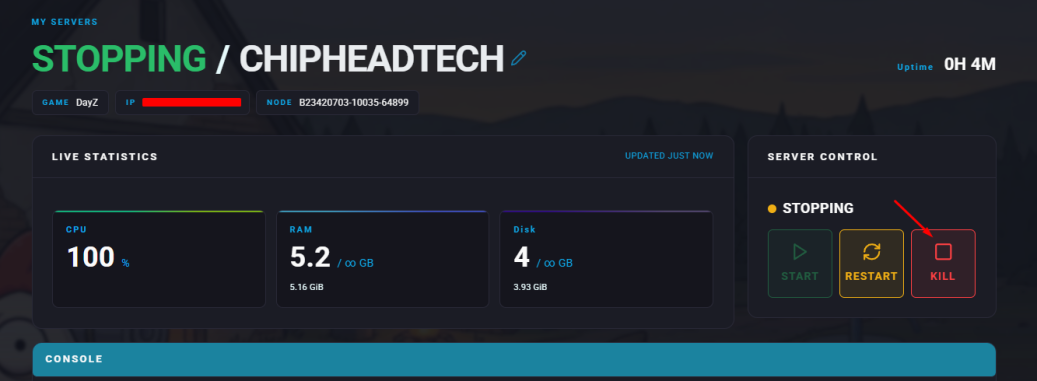
Stop your server.
Go to the Files tab & Navigate to the serverDZ.cfg file.

To adjust the overall day length, find the Time Acceleration setting and enter your preferred value.
This number acts as a multiplier of real-time.
Valid values range from 0 to 24.
To adjust the night duration, find the Night Time Acceleration setting and enter your preferred value.
This number multiplies the night-time speed and is affected by the main time acceleration.
Acceptable values range from 0.1 to 64.
Click “Save Content”

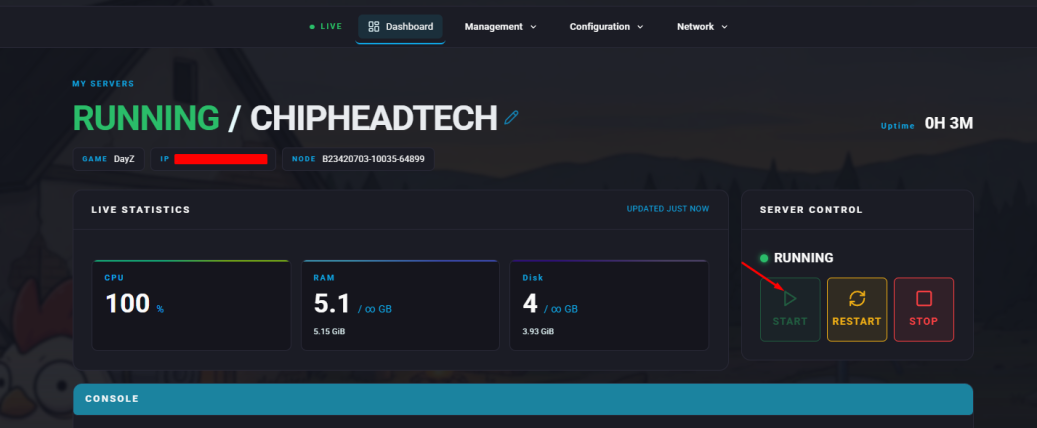
Start your server.
Example Acceleration Values
Setting Time Acceleration to 12 makes time pass 12x faster, meaning one full day lasts about 2 hours instead of 24.
Setting Night Time Acceleration to 3 while Time Acceleration is 2 makes nights pass 6x faster, meaning a full night lasts about 4 hours instead of 24.
You can further customize your DayZ server by adjusting loot tables or spawn settings check out our guide on modifying loot tables for more details.