
Summary
In DayZ, survival isn’t just about avoiding the infected other players can pose just as much of a threat. Setting a password for your server ensures that only trusted players can join, keeping your world safe and private.
Adding a Password to Your Server
You can easily add or change your server password by editing the serverDZ.cfg file.
Log in to the ChipHead Control Panel.
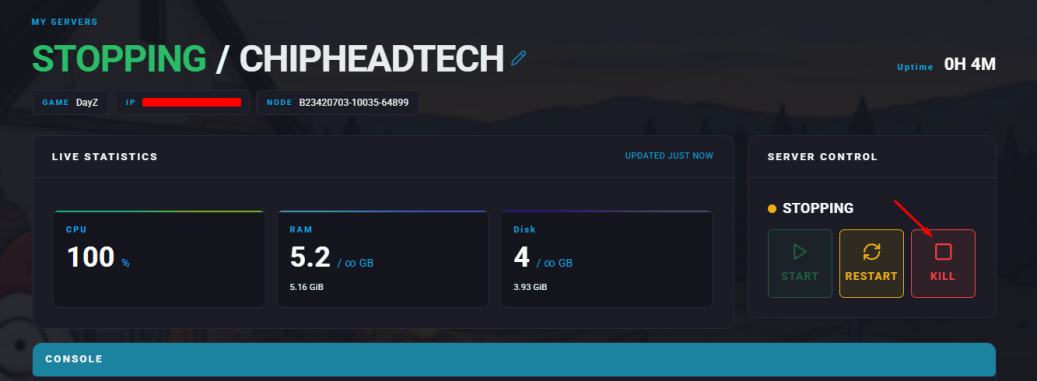
Stop your server.
Go to the Files tab & Navigate to : serverDZ.cfg

Find the line that says
password = "";and enter your desired password between the quotation marks.Click “Save Content”.

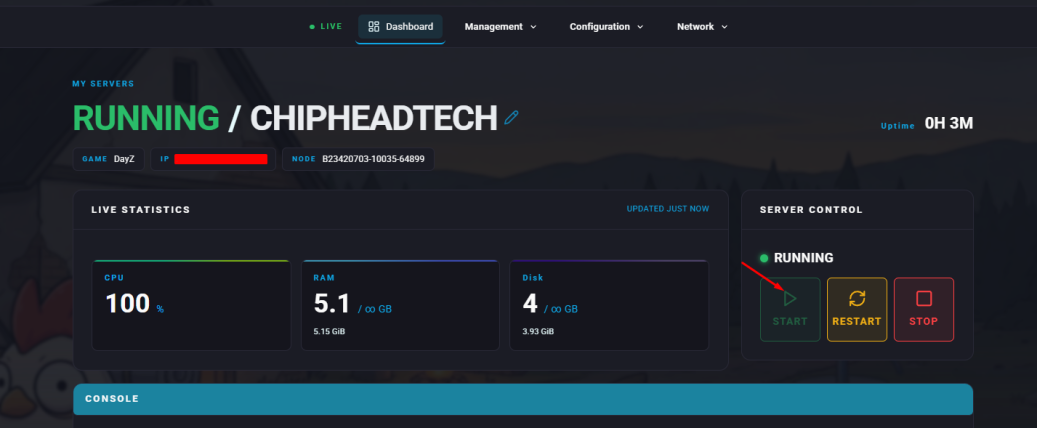
Start your server.

Your DayZ server is now password-protected only players with the password will be able to join.