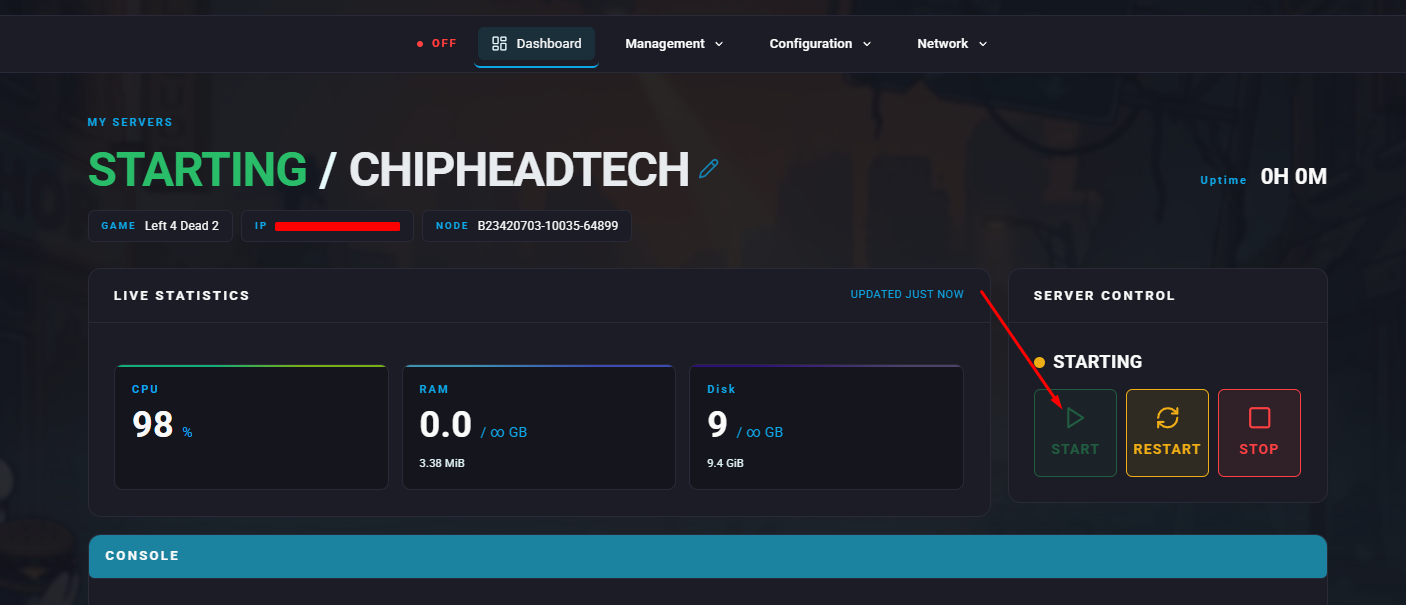
SourceMod is a powerful and popular modding framework used on many game servers. It provides the foundation for running plugins that enhance gameplay, automate admin tasks, and introduce custom features making it an essential tool for expanding your server’s functionality.
To install SourceMod on your Left 4 Dead 2 server, you’ll need to download and upload the required files to your server directory.
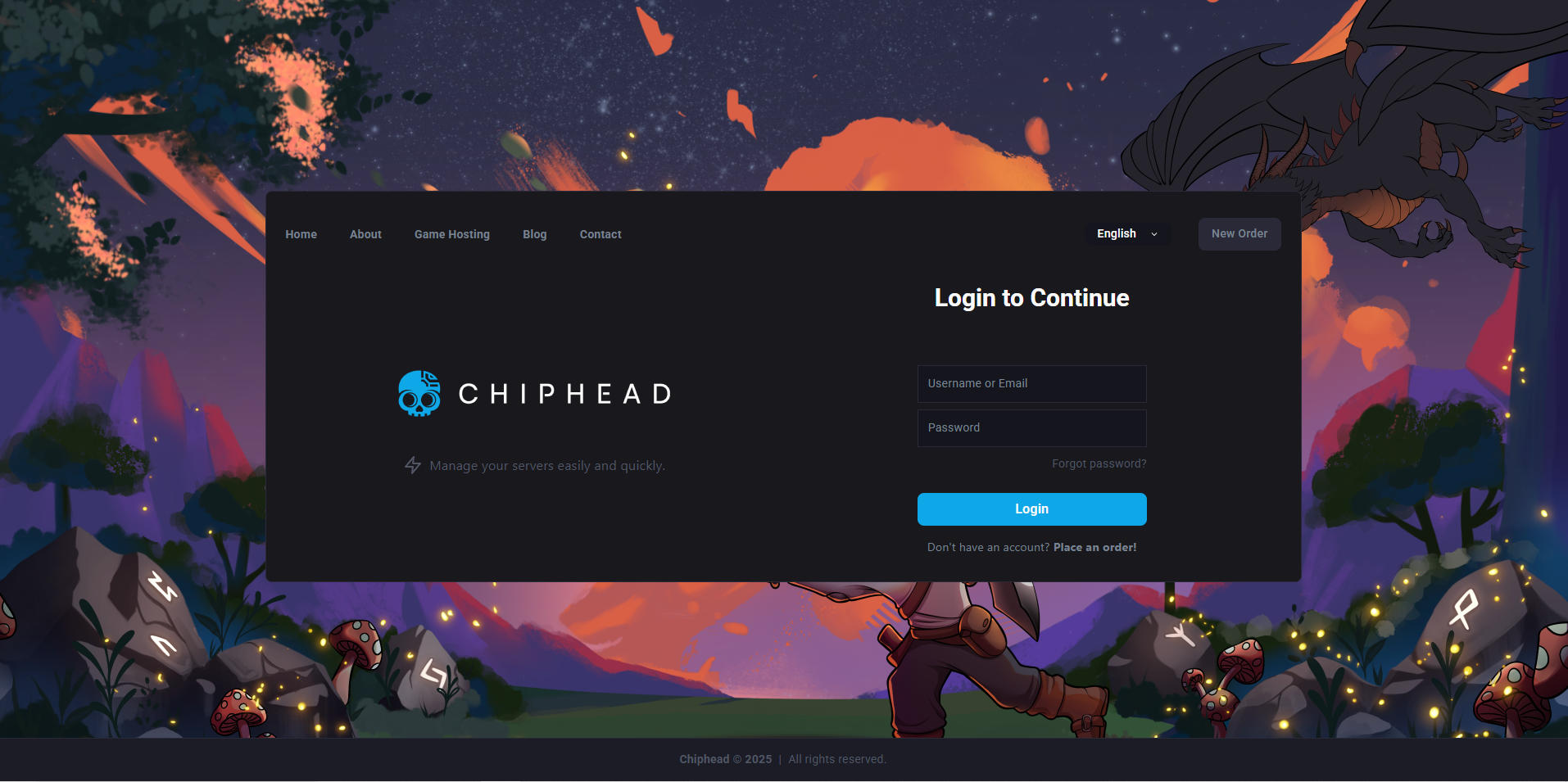
Log in to the ChipHead Control Panel.
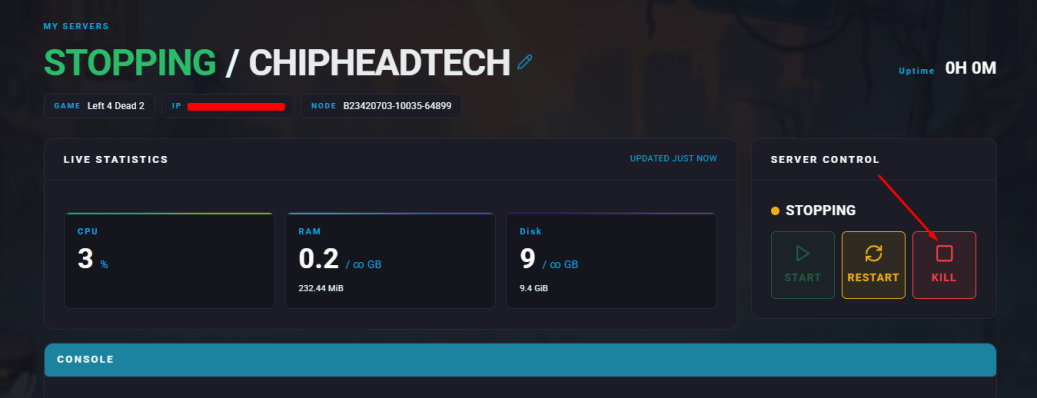
Stop your server.
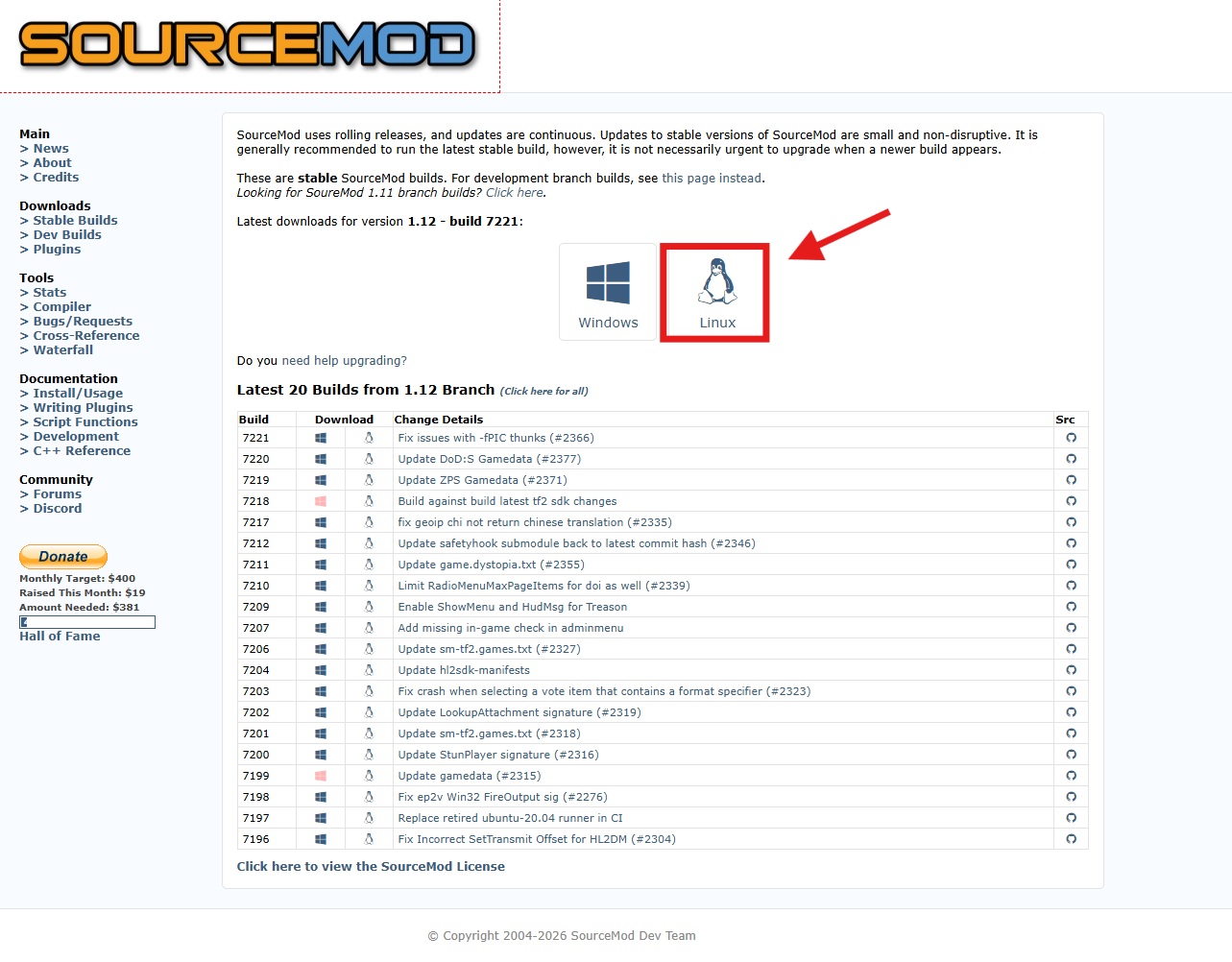
Visit the SourceMod website and download the latest Linux version.
Once downloaded, go back to your ChipHead Panel & open “Files”
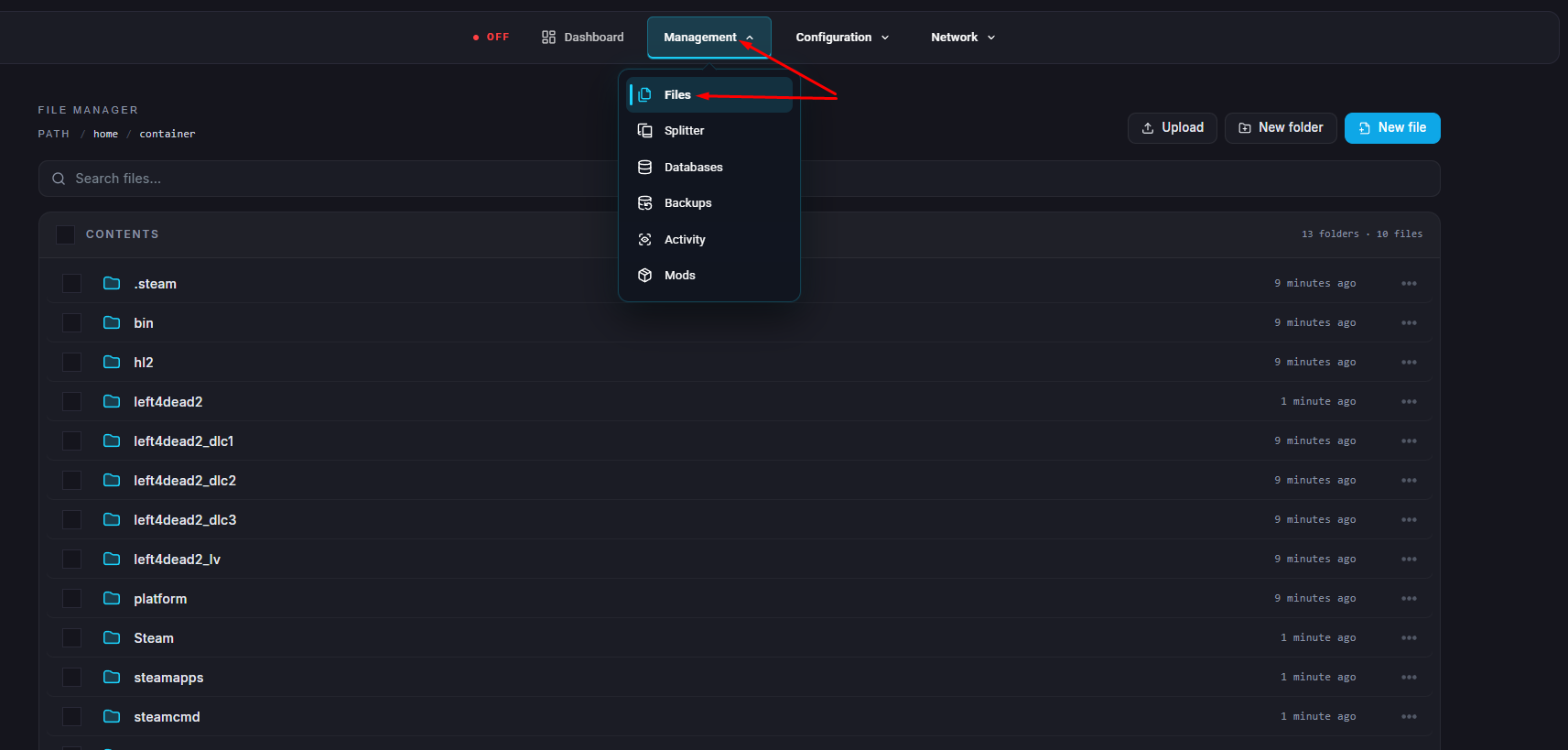
Upload your downloaded SourceMod folder to the panel.

Unarchive your folder.

Go to the VDF Generator website.
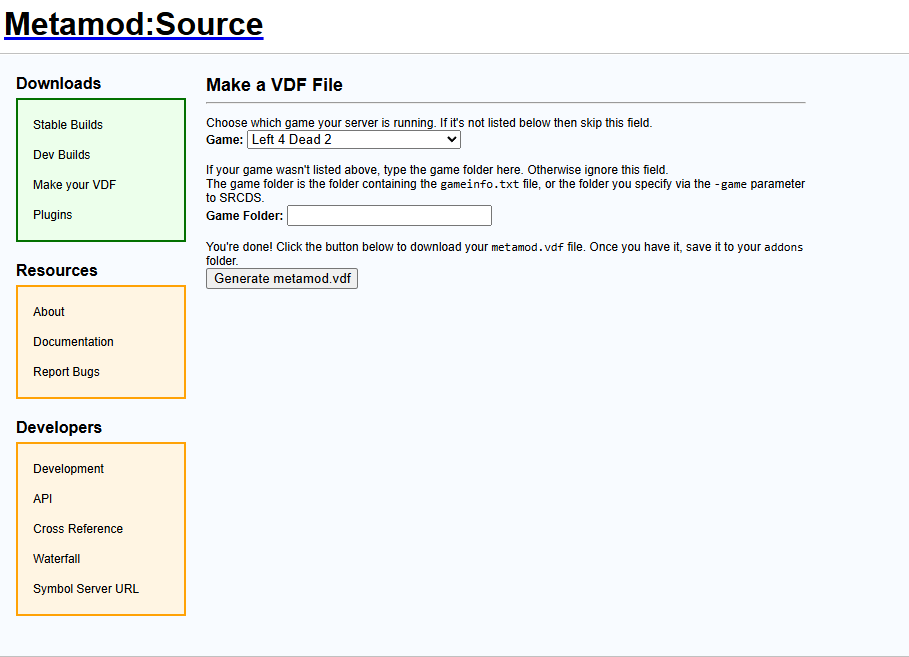
Generate a metamod.vdf file for Left 4 Dead 2.
Move the newly created metamod.vdf file into “Addons\Metamod”
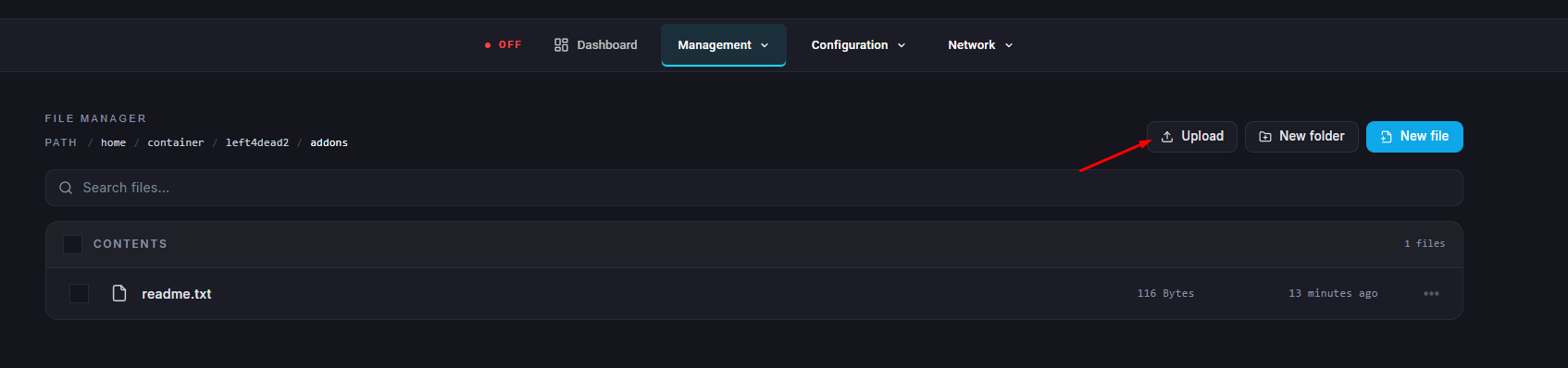
Start your server.