Summary
Left 4 Dead 2 server administrators have access to a wide range of commands that make managing the server easier — from healing players and sending announcements to kicking or banning disruptive users. Admin access requires SourceMod to be installed on your server, as it provides the framework that enables these commands.
Important: SourceMod must be installed before adding an administrator. You can follow our guide on installing SourceMod here.
Obtaining Your SteamID
Before adding an administrator, you’ll need to locate their SteamID, which uniquely identifies each Steam user.
Go to the SteamID I/O website.
Enter your Steam Profile URL or Steam Username, then click Lookup.
Make a note of your SteamID you’ll need it in the next steps.
Adding an Administrator
Once you have the SteamID, you can assign admin permissions by adding it to your server’s configuration file.
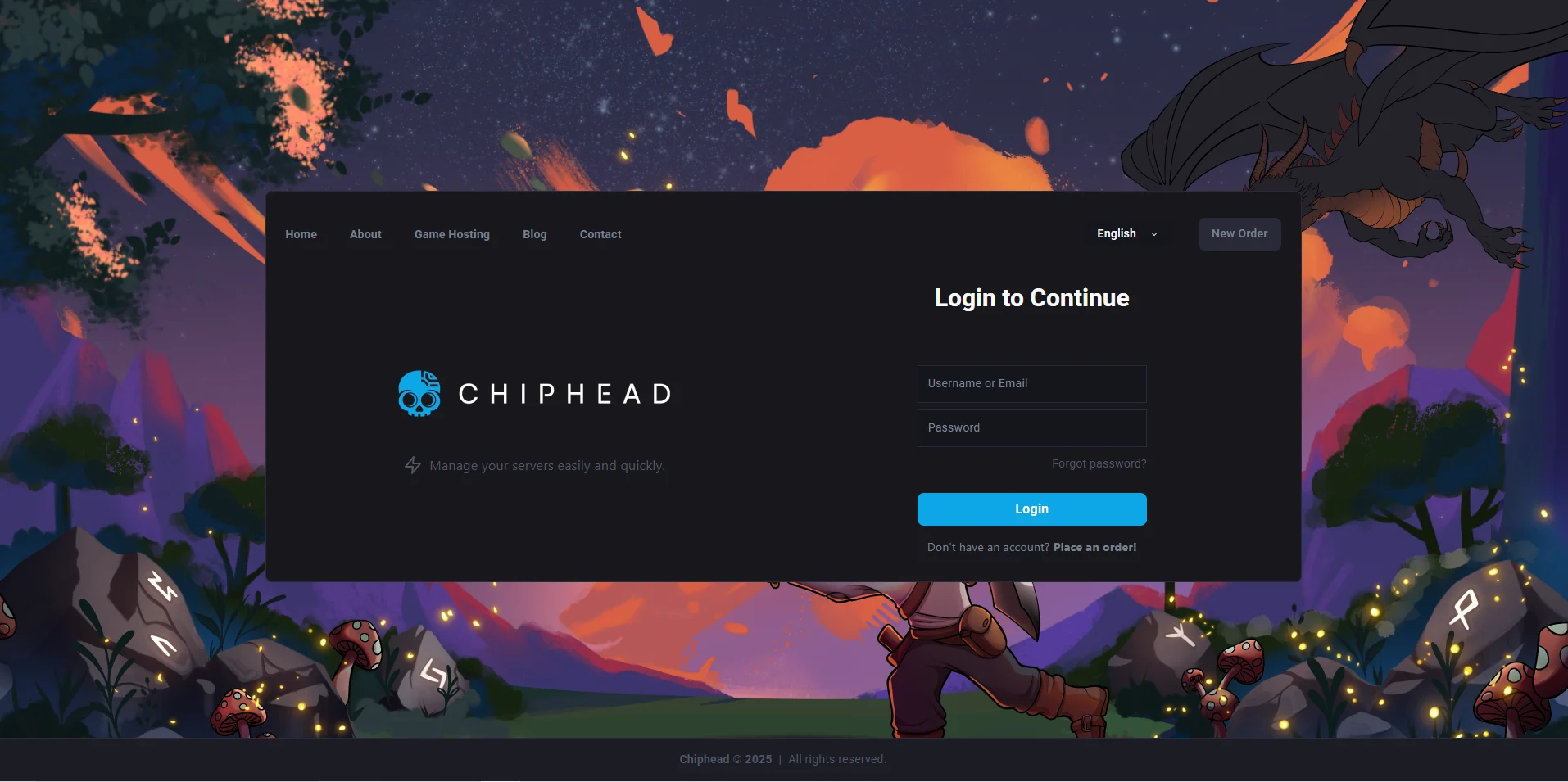
Log in to the ChipHead Control Panel.
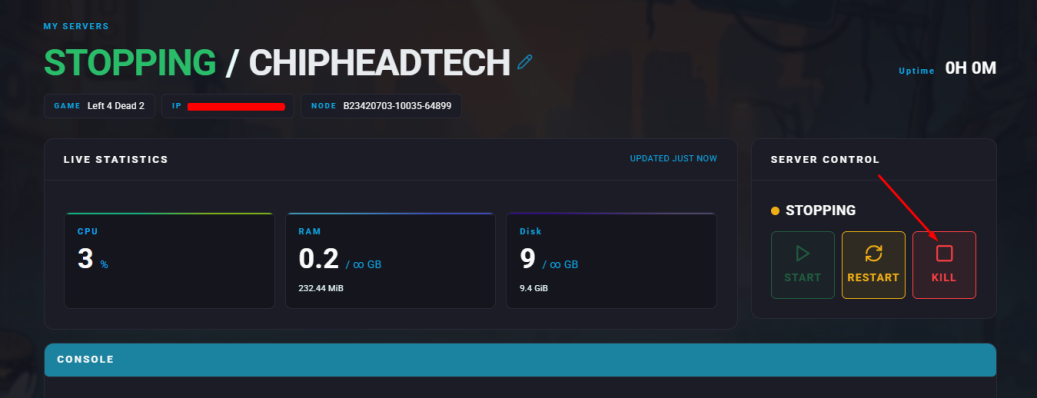
Stop your server.
Navigate to the Files tab.
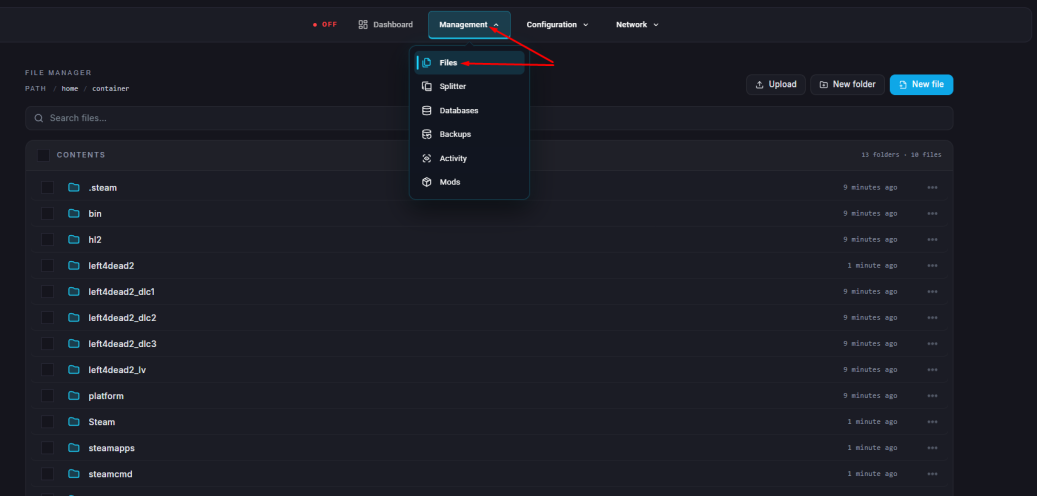
Locate and open the
admins_simple.inifile (found in theaddons/sourcemod/configsdirectory).Add your SteamID in the following format at the end of the file:
"SteamID" "99:z"The 99:z flag grants full administrative access, including immunity and full command permissions.
Click “Save Content”.
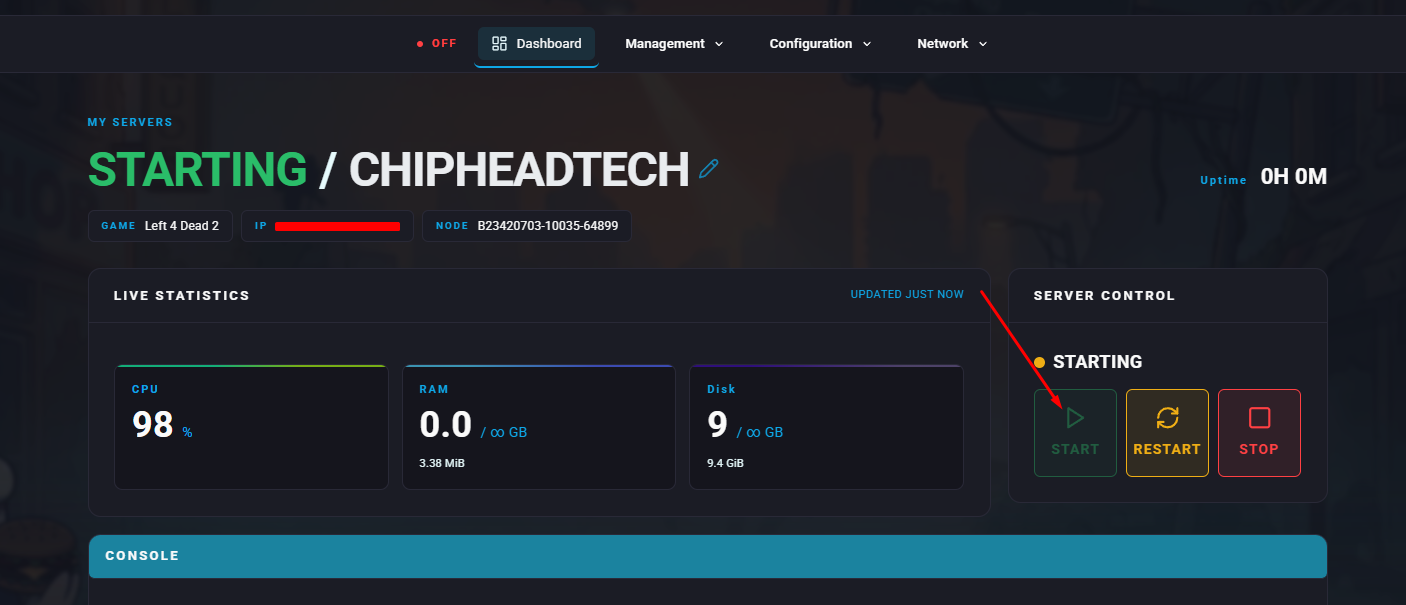
Start your server.