
Summary
Once your Left 4 Dead 2 server is set up and configured, you’re ready to jump in and play. The quickest way to join is by using the in-game console to directly connect to your server.
Finding Your Server’s IP
To connect via direct connect or add your server to your Steam favourites, you’ll need its IP address and port number.
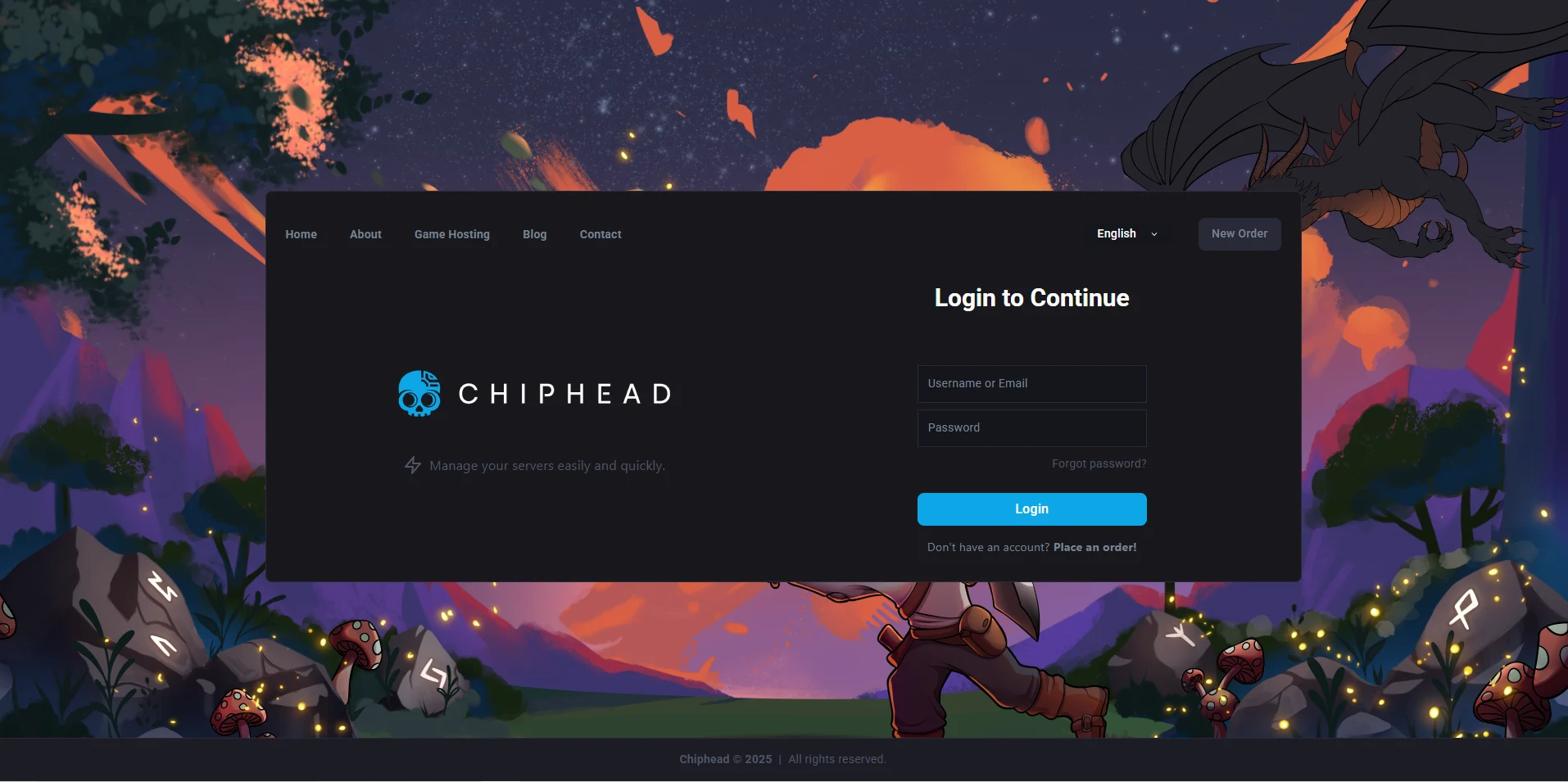
Log in to the ChipHead Control Panel.
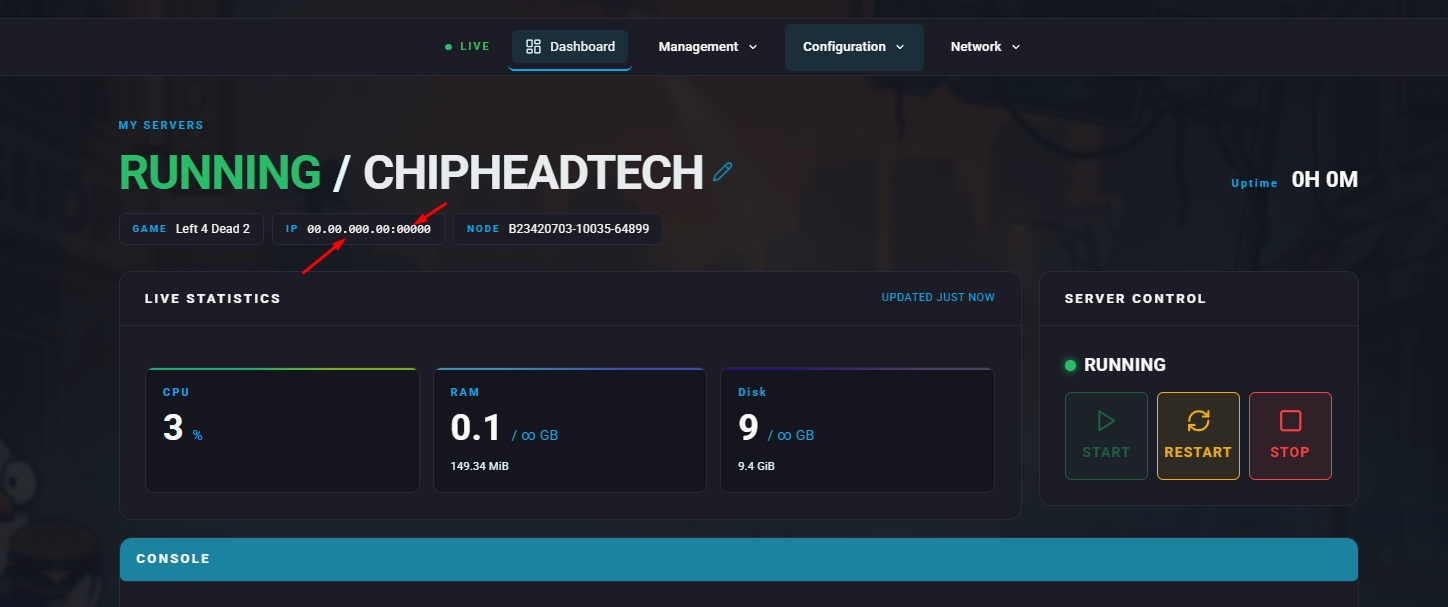
Look for your server’s IP Address section both the IP and port will be listed there.
Example: “12.345.678.90:25567”
Using Direct Connect
You can join your server directly by entering the connection details into the developer console.
From the main menu, click Options, then select Keyboard/Mouse.
Find Allow Developer Console and set it to Enabled.
Press the ` (tilde) key to open the console.
Enter the following command:
connect <ServerIP:PORT>Replace
<ServerIP:PORT>with your server’s actual address (for example,connect 12.345.678.90:25567).Press Enter to connect.
