There’s a massive variety of plugins and mods available for your Left 4 Dead 2 server from admin utilities and gameplay tweaks to full custom campaigns. Installing them is quick and straightforward through your server’s control panel.
Important: SourceMod must be installed before adding any plugins. You can follow our guide on installing SourceMod here.
The simplest way to install SourceMod plugins is by uploading their .smx files directly to your server. You can browse available plugins on the SourceMod website.
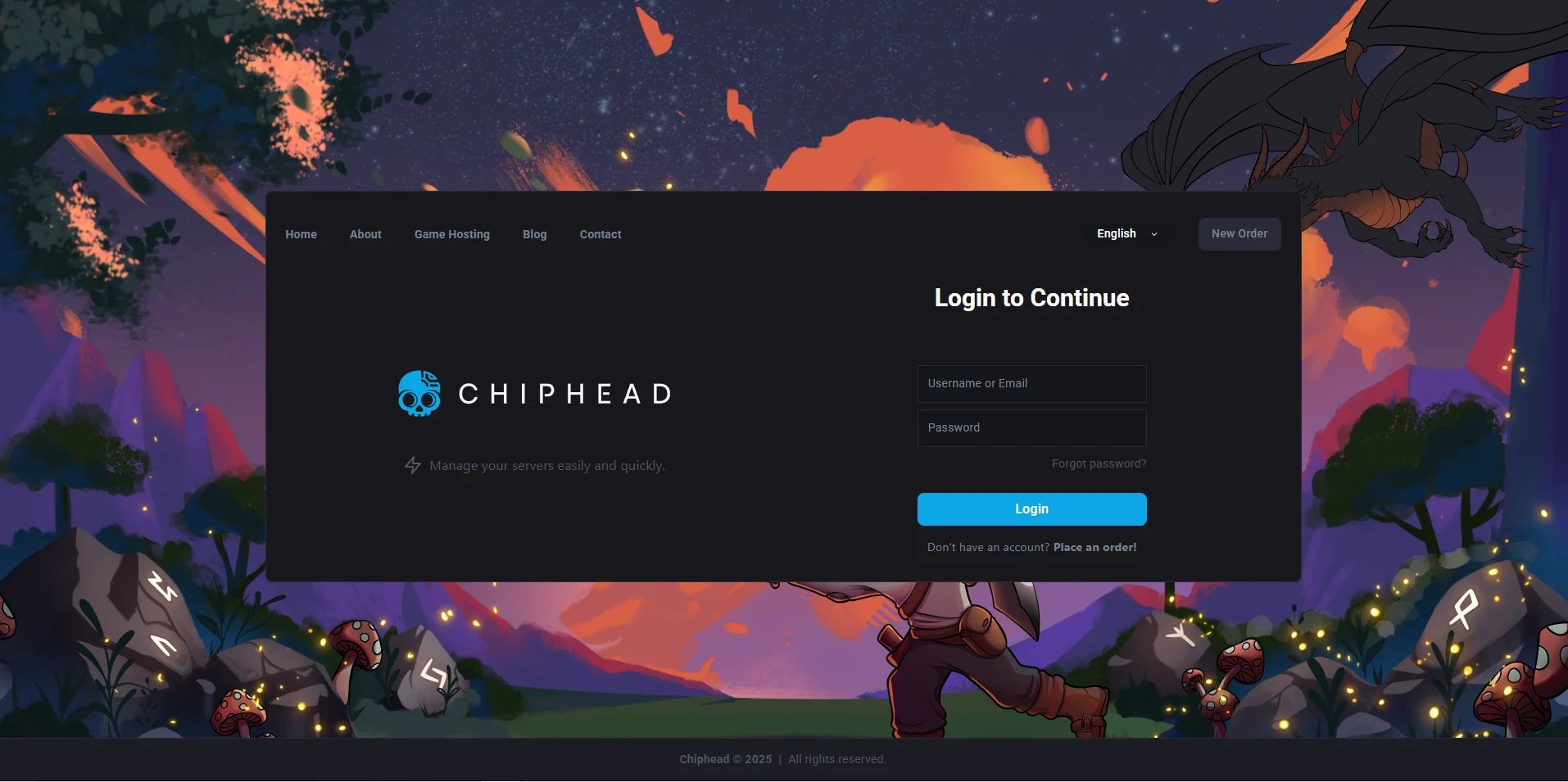
Log in to the ChipHead Control Panel.
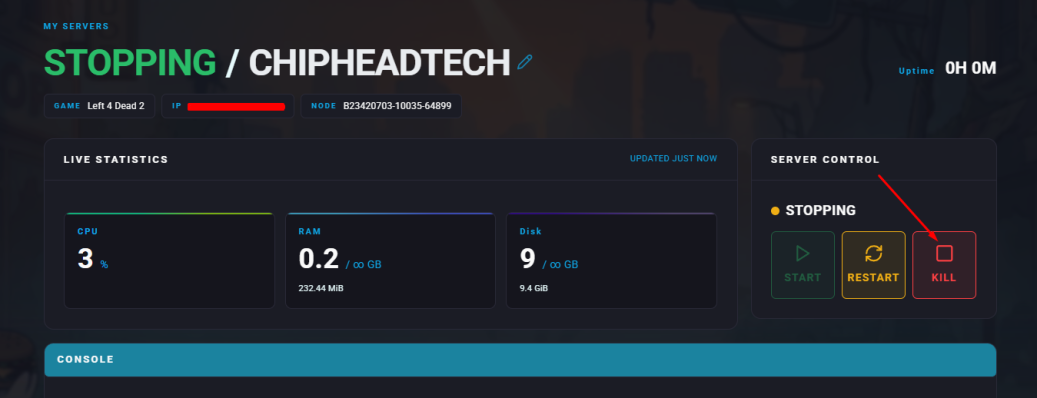
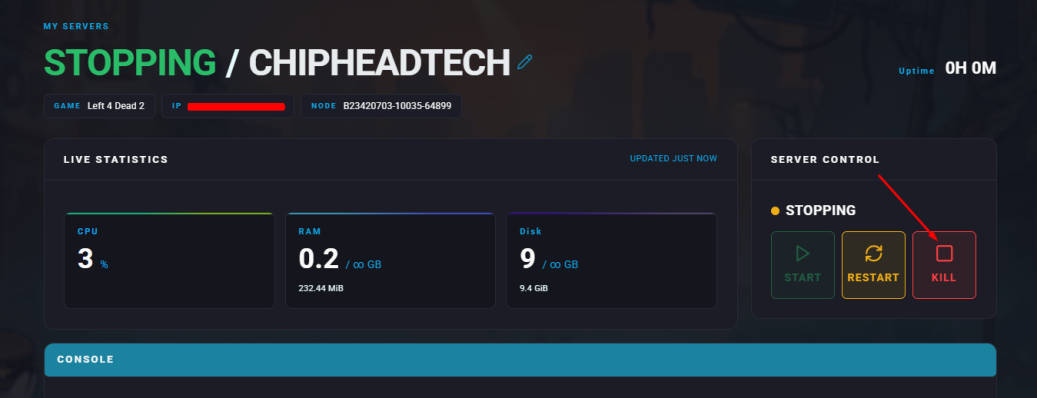
Stop your server.
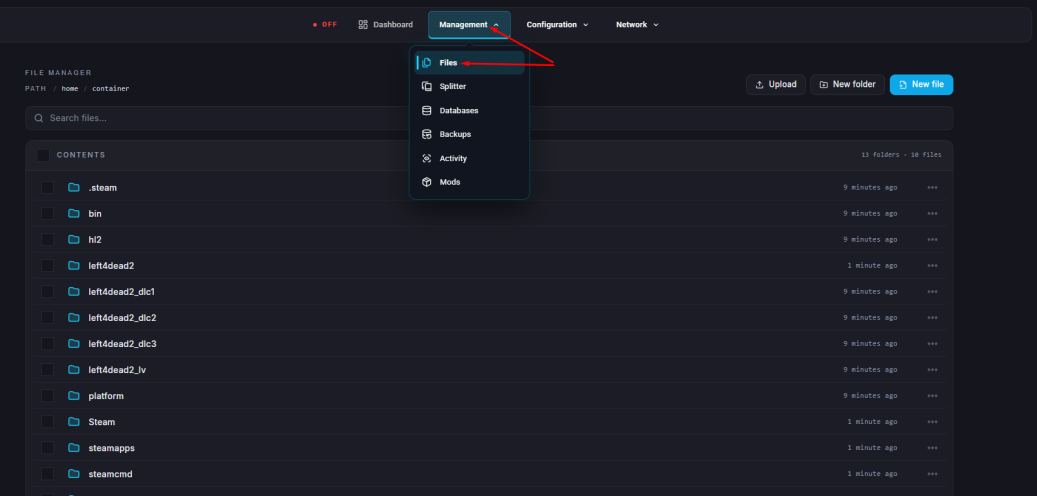
Go to the Files tab & Navigate to: "left4dead2/addons/sourcemod/plugins/”
Upload your plugin .smx files into this folder.
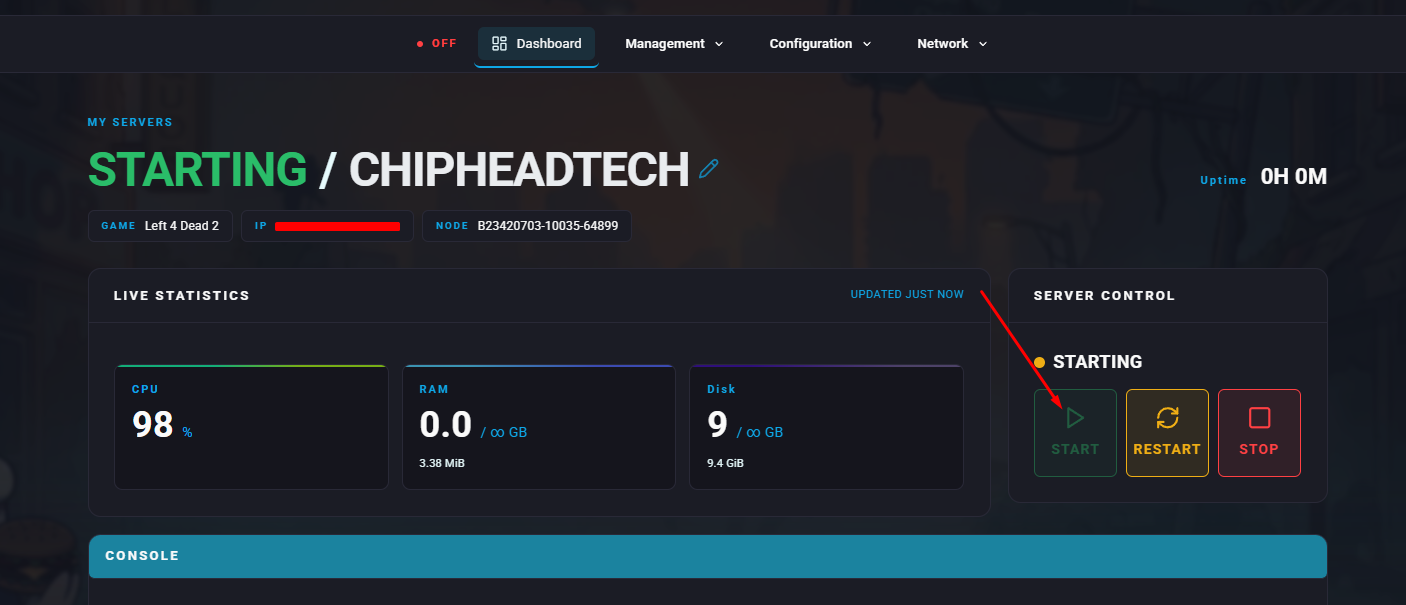
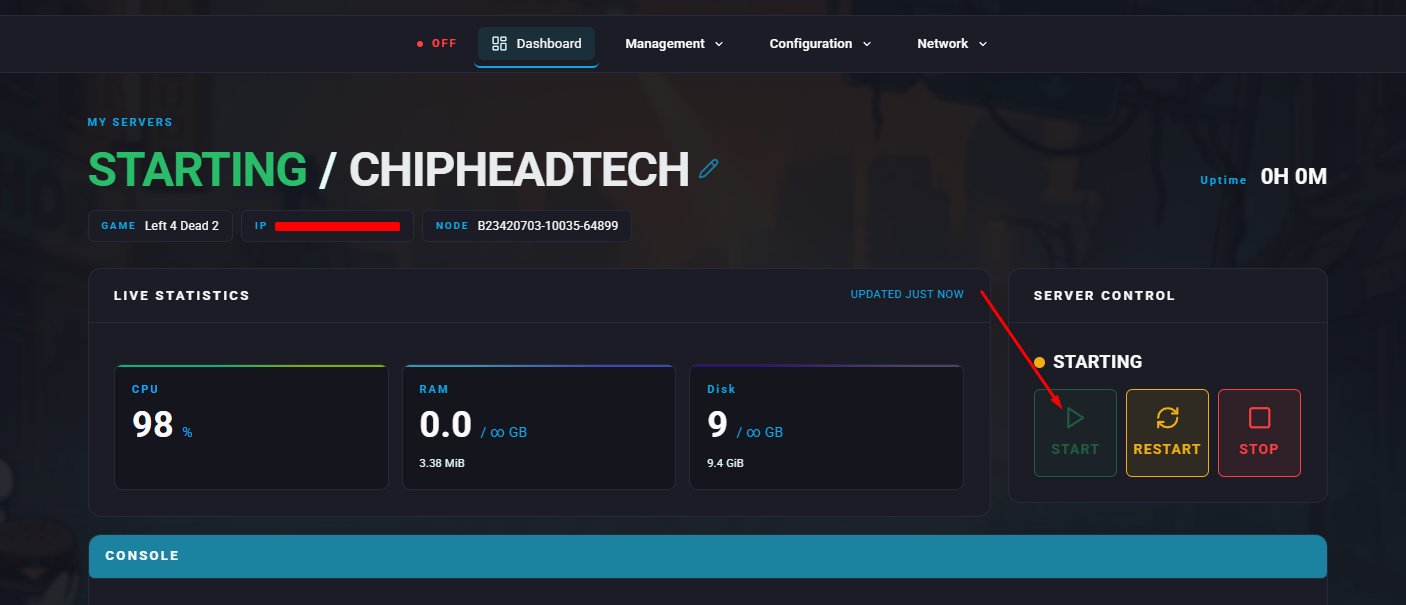
Start your server.

Left 4 Dead 2 mods typically come as .vpk files and can be uploaded directly to your server’s addons folder. You can find popular mods on the Steam Workshop.
Log in to the ChipHead Control Panel.
Stop your server.
Go to the Files tab.
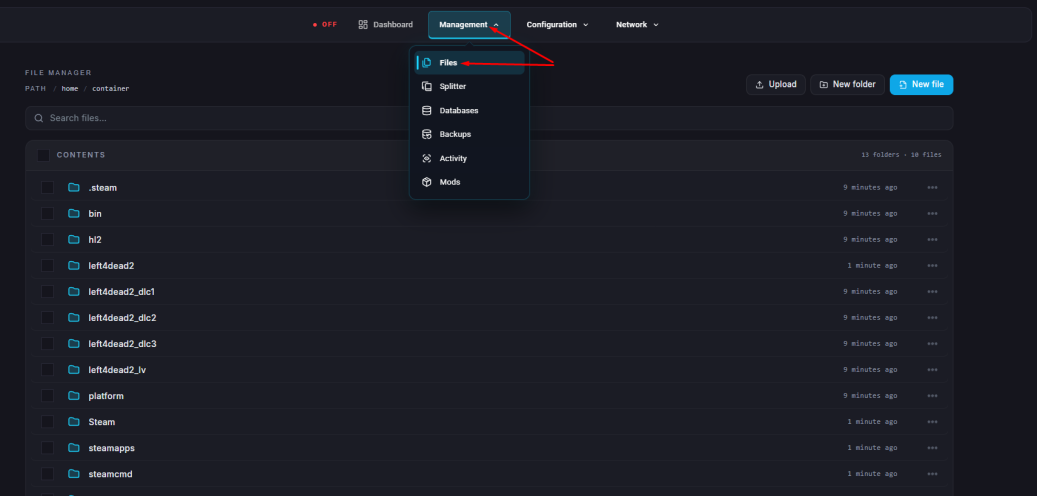
Navigate to the directory: “left4dead2/addons/”
Upload the mod .vpk files.
Start your server.