
Summary
Making your Left 4 Dead 2 server private is a great way to keep out uninvited players and ensure only trusted friends or community members can join. The simplest method is to restrict access to a specific Steam Group.
Using the Control Panel
You can easily limit access to members of a Steam Group by editing your server’s configuration file.
Log in to the ChipHead Control Panel.
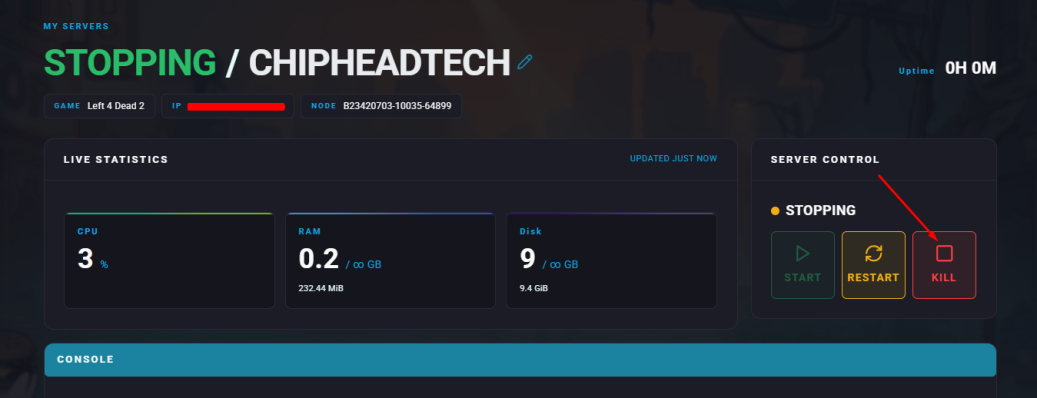
Stop your server.
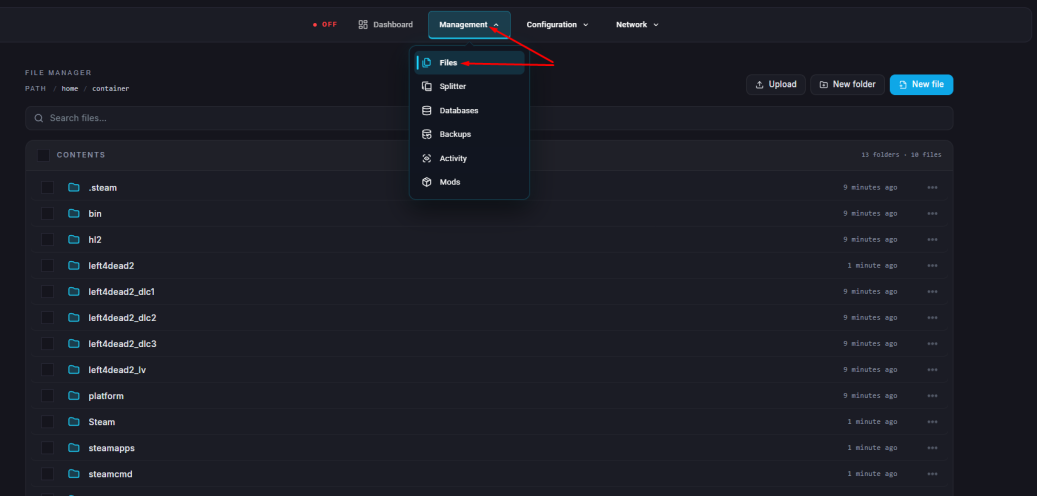
Go to the Files tab & navigate to: “server.cfg”
Find or add the following line:
sv_steamgroup <YourGroupID>Replace <YourGroupID> with the numerical ID of your Steam Group.
Below that, set the following line:
sv_steamgroup_exclusive 1This makes the server accessible only to members of the specified group.
Click “Save Content”.
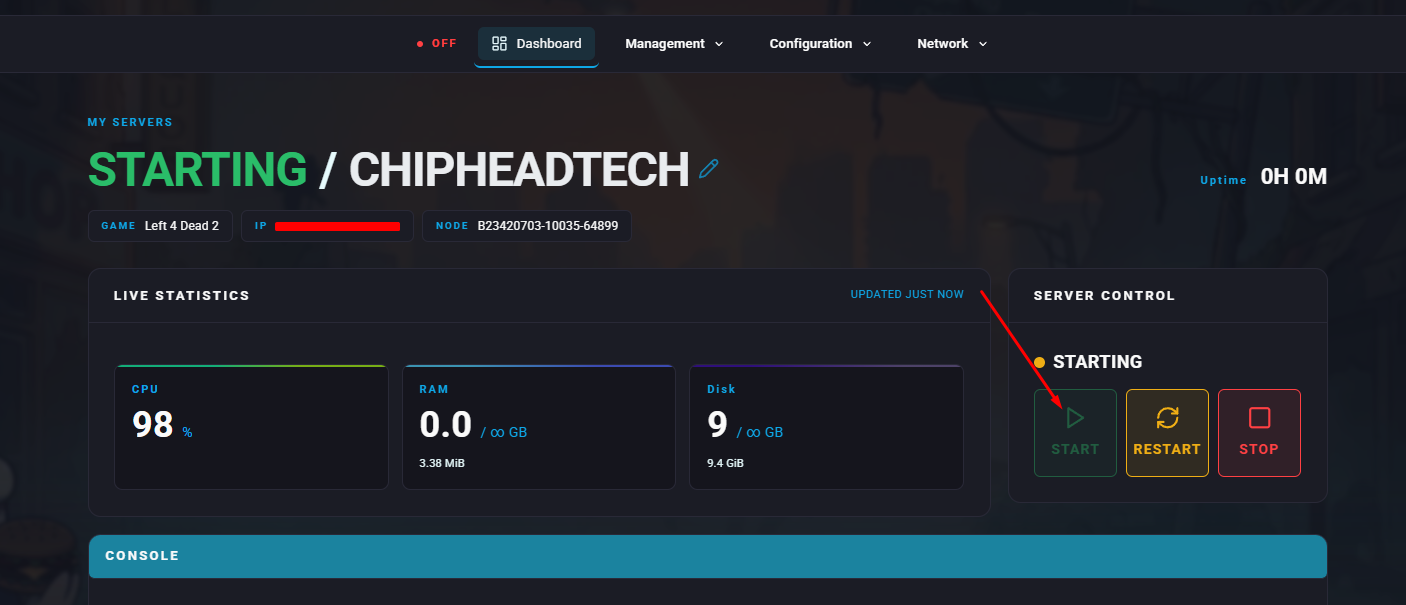
Start your server.

Your server is now private and restricted to your chosen Steam Group perfect for hosting controlled, community-only Left 4 Dead 2 sessions.