
Summary
There may be times when unwanted or disruptive players join your Left 4 Dead 2 server. Fortunately, you can easily kick or ban players using either the in-game admin menu or your server console.
Important: You must be set as an admin on your L4D2 server to use kick or ban commands.
Using the In-Game Admin Menu
When logged in as an Administrator, the in-game admin menu provides several tools for managing your server.
Press the ` key to open the console.
Type “sm_admin” and press Enter to open the Admin Menu.
Press 1 to access Player Commands.
From here, you can Kick or Ban players, along with other moderation actions.
Select the desired command and then choose the player when prompted.
Using the ChipHead Console
If you’re not in-game, you can still manage players directly from your server console.
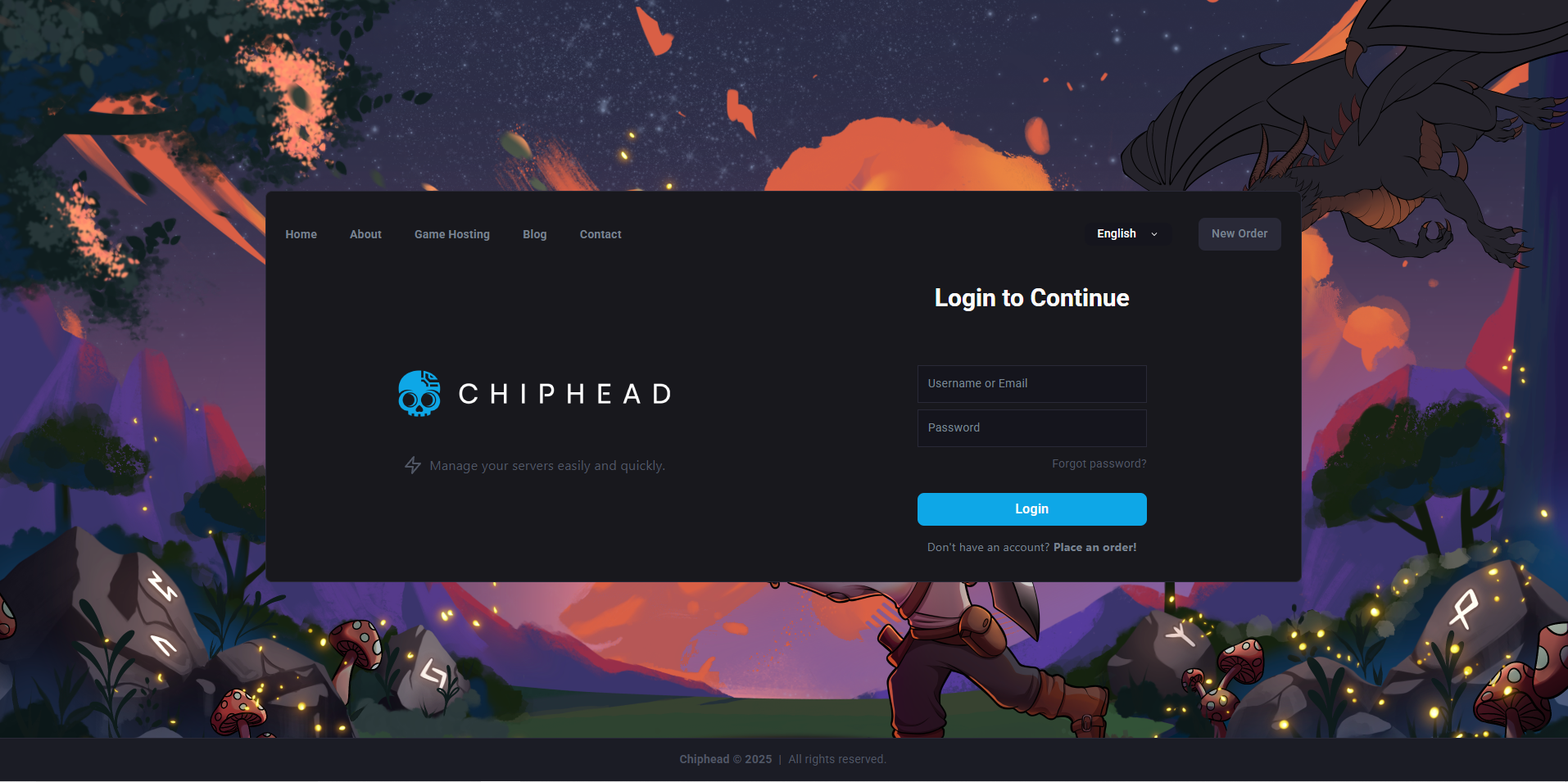
Log in to the ChipHead Control Panel.
Go to the Console tab.
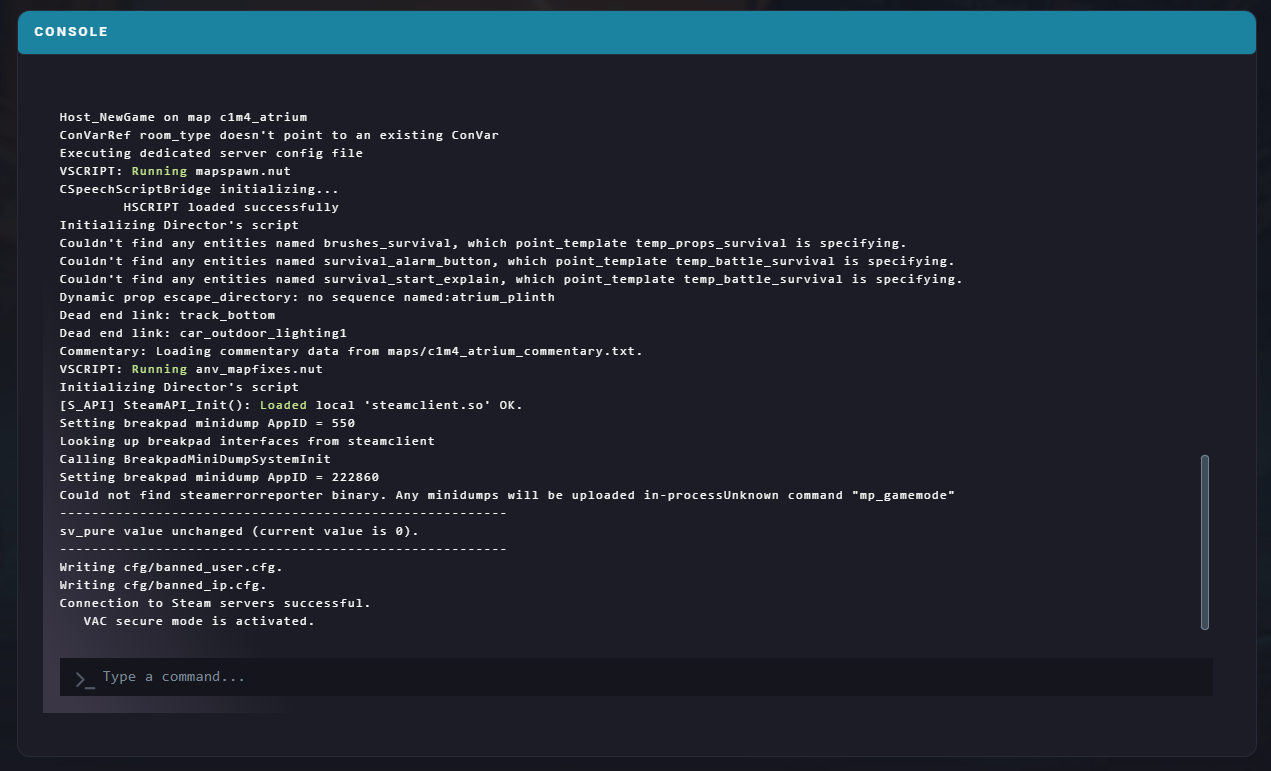
Enter any of the following commands:
Kick a player:
sm_kick <player username> [reason]Ban a player:
sm_ban <player username> <duration> [reason](Set
<duration>to9999999for a permanent ban.)Unban a player:
sm_unban <steamID/IP>
With these tools, you can effectively moderate your Left 4 Dead 2 server and maintain a fair, enjoyable environment for all players.