Summary
By default, your Left 4 Dead 2 server will start with the Co-op game mode enabled. However, you can easily change the default game type by editing your server’s configuration file. Below is a list of all available game types and what each one offers.
Co-op | Up to four players work together to reach the end of the campaign, fighting through hordes of AI-controlled Infected. |
Realism | Removes player auras and reduces the visibility range of item halos, making the experience more challenging and immersive. |
Survival | Players must hold out for as long as possible against endless waves of Infected, earning medals for longer survival times. |
Versus | Two teams of four alternate between Survivors and Infected, competing for points based on performance. |
Scavenge | A round-based mode where Survivors race to collect gas cans to fuel generators while fighting player-controlled Infected. |
Dash | Players must move through several waypoints, triggering hordes and special enemies at each one. |
Holdout | Survivors defend a set location against multiple waves of zombies until rescue arrives. |
Shootzones | Players can only deal damage while standing in marked “shootzones.” Only Common Infected spawn in this mode. |
Changing the Game Type Using the Control Panel
You can quickly change your server’s game mode through the configuration file in your control panel.
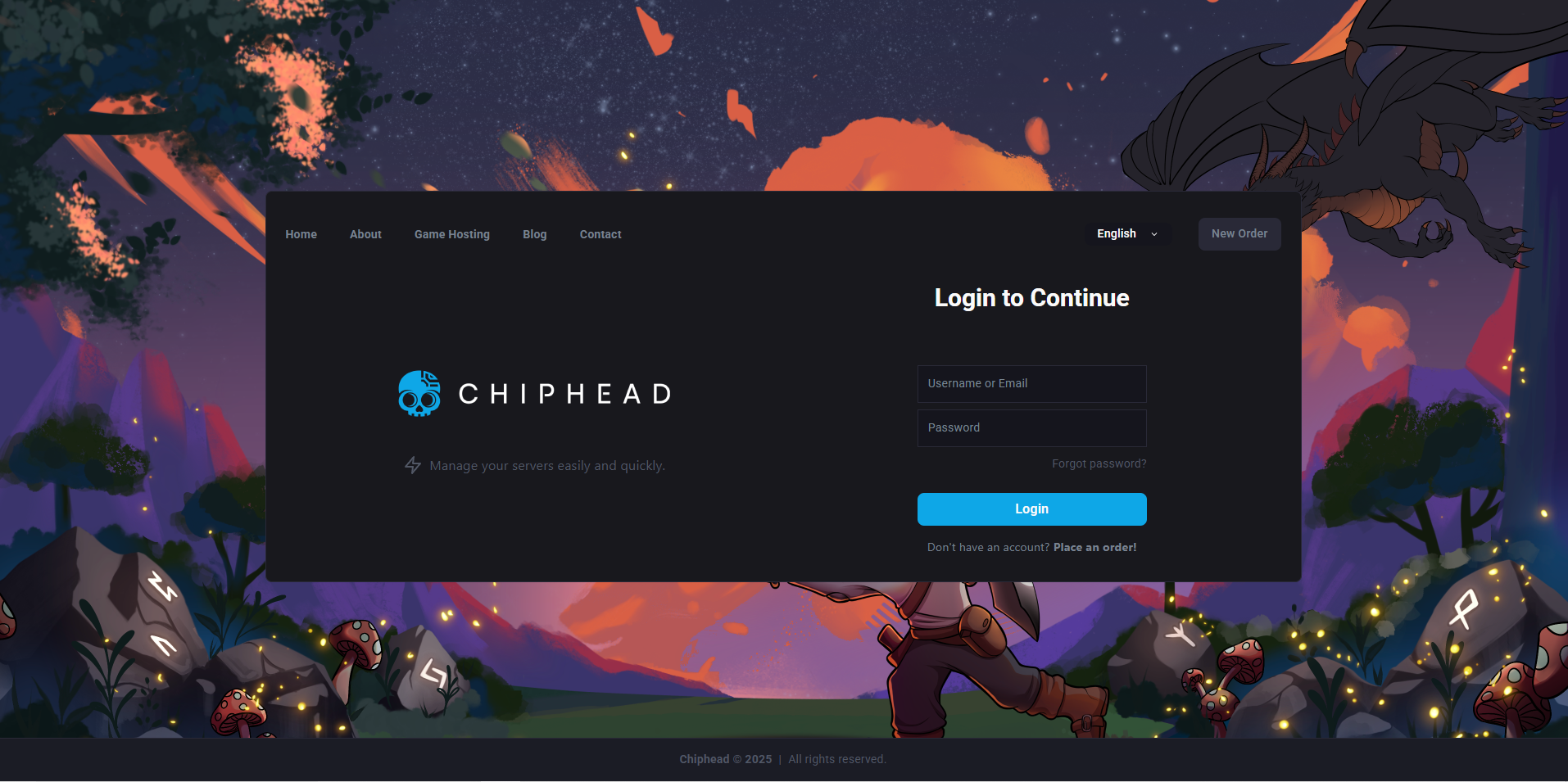
Log in to the ChipHead Control Panel.
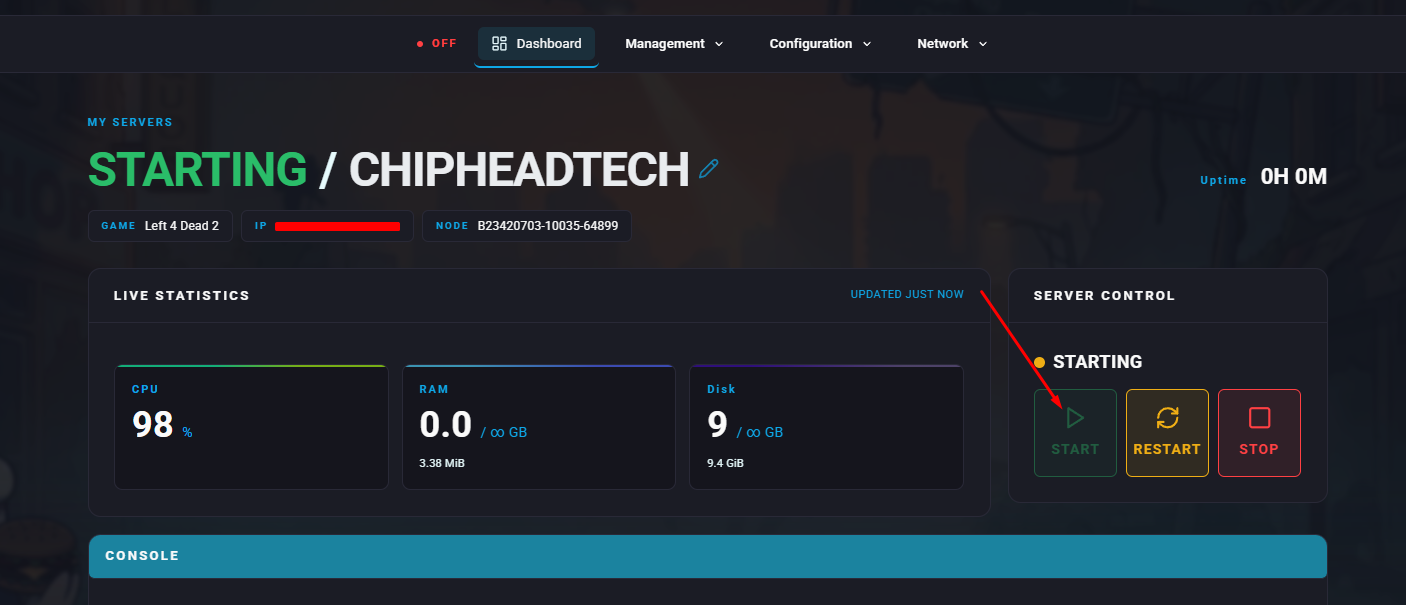
Stop your server.
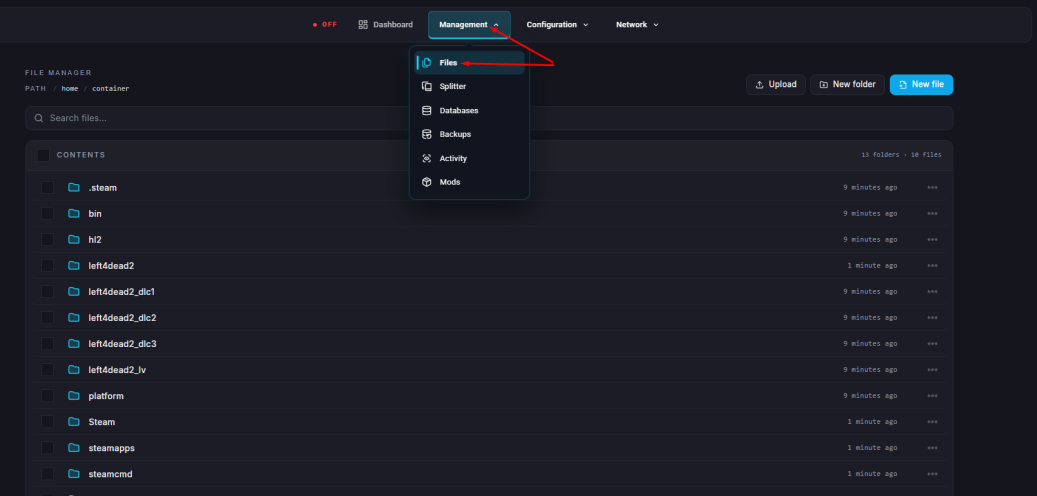
Go to the Files tab & Navigate to : “left4dead2\cfg\server.cfg”
Add or edit the following line:
sv_gametypes "<gametype>"Replace
<gametype>with your desired mode (e.g.,versus,survival,realism).Click “Save Content”.
Start your server.