Summary
There are a variety of configurable settings available for your Arma 3 server, all located in the server.cfg file. This file allows you to adjust important options such as your server name, admin password, server password, and more.
For additional details on configuring your server.cfg file, you can refer to the official Arma 3 documentation or wiki page.
Accessing Your Server Settings
Your main Arma 3 server settings can be edited in the server.cfg file.
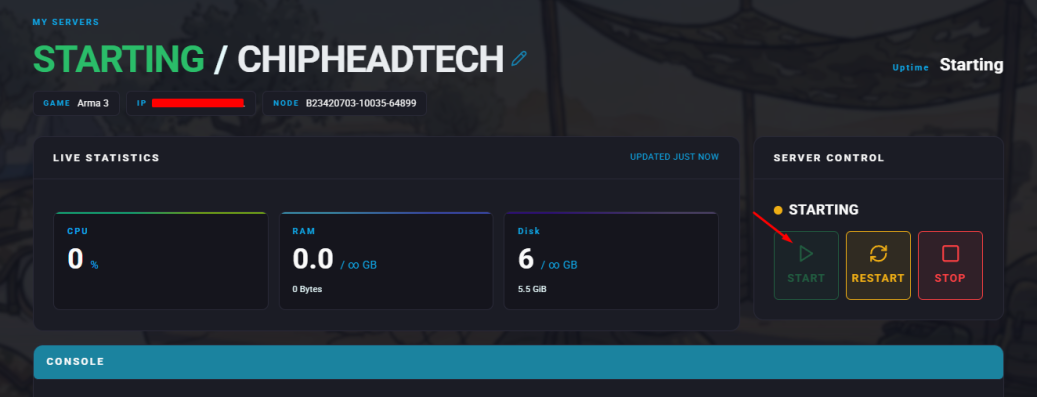
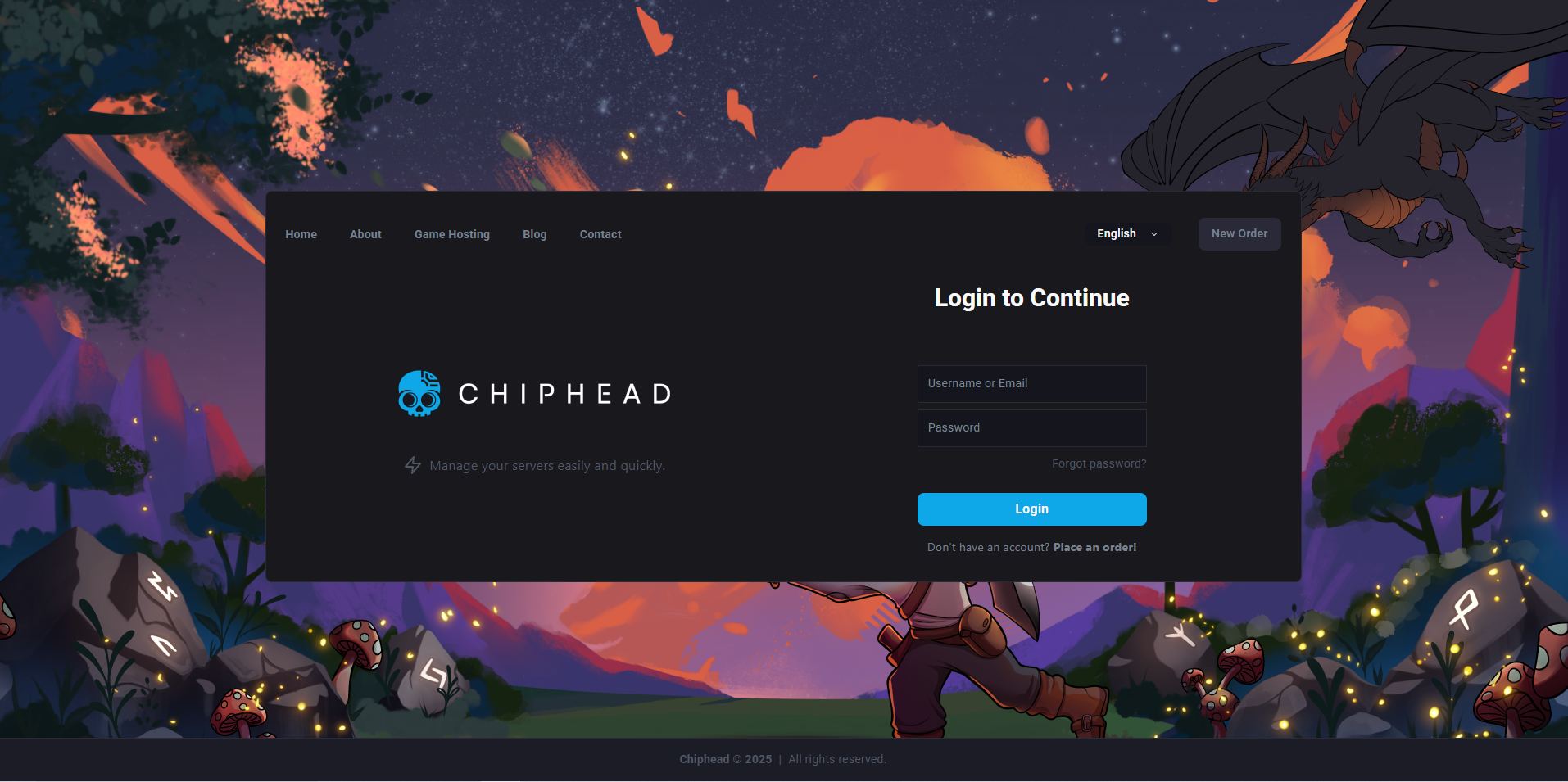
Log in to your ChipHead control panel and stop your server.
Navigate to Game Config.
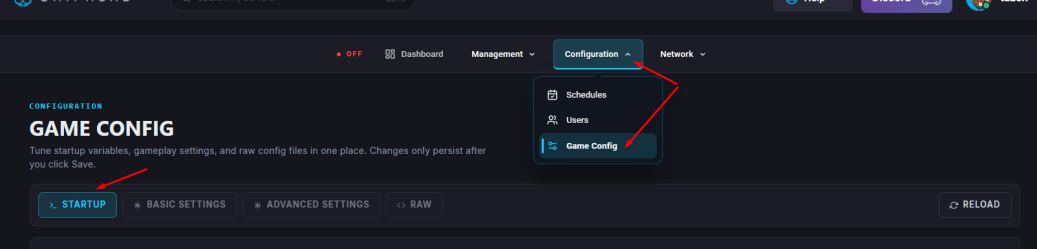
Within the <> RAW, you can make any desired changes to your settings.
After making your changes, save the file and restart your server to apply the updates.