
Summary
Once your Arma 3 server is fully configured to your preferences, you’re ready to join. The easiest and most reliable way to connect is by using the direct connection option in the Arma 3 launcher.
Obtaining Your Server IP
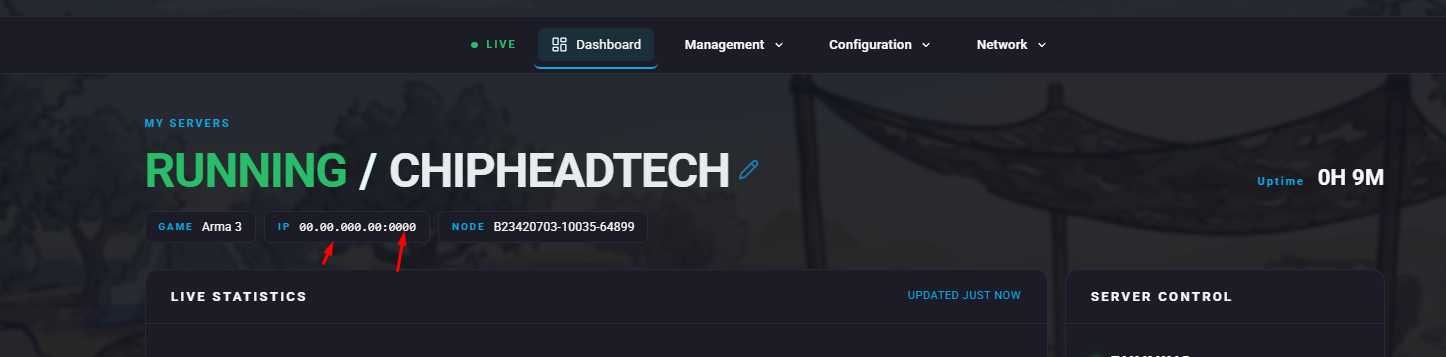
To connect to your server, you’ll need both the server IP and port. These details can be found in your server’s ChipHead control panel.
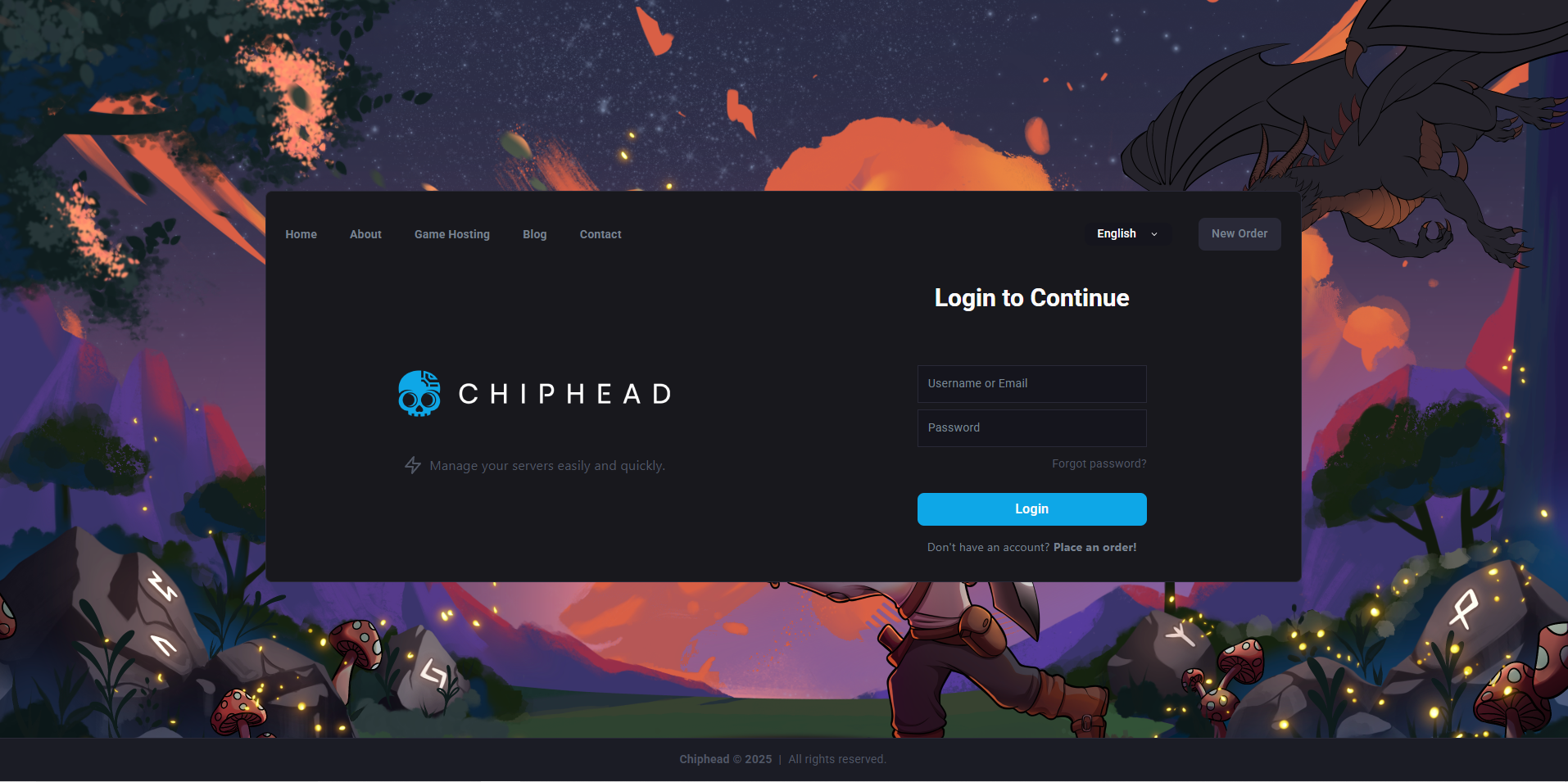
Log in to your ChipHead control panel.
Locate your server’s IP and port in the Server IP fields.
Connecting via Direct Connect
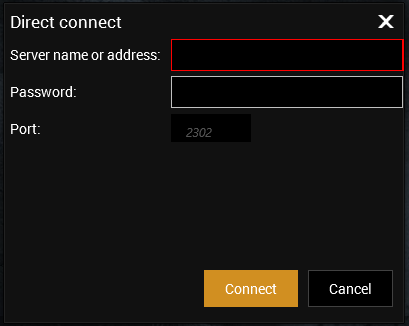
You can connect directly to your Arma 3 server using the launcher’s direct connect option.
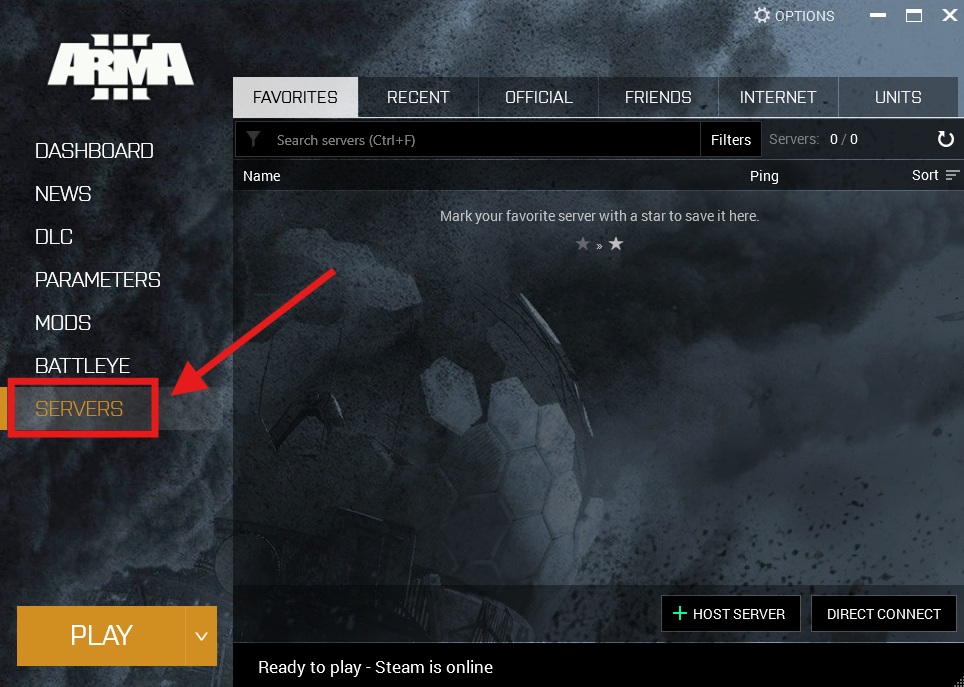
Launch Arma 3 and click on Servers.
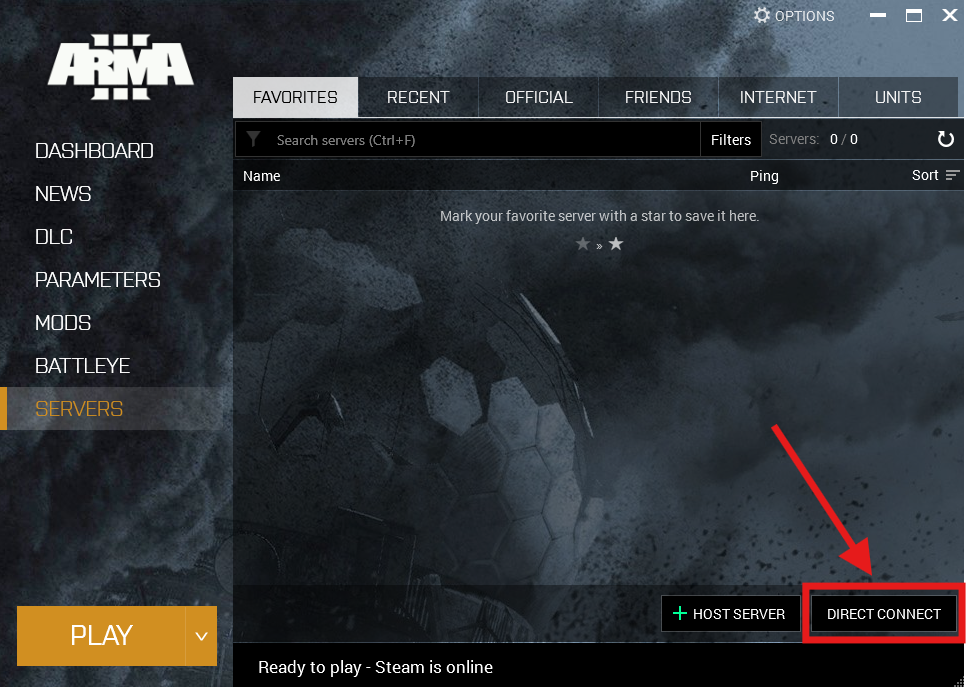
Select Direct Connect.
Enter your server’s IP and Port, then click Connect.
If your server has a password, enter it in the Password field before connecting.

You’re now ready to jump into your Arma 3 server and start playing.