
Summary
Becoming an admin on your Arma Reforger server allows you to manage players, adjust gameplay settings, and maintain control over your server environment. Follow the steps below to assign admin permissions.

You’ll need your Steam64 ID to complete this process.
Becoming an Admin
You can assign admins to your Arma Reforger server by adding their Steam64 IDs.
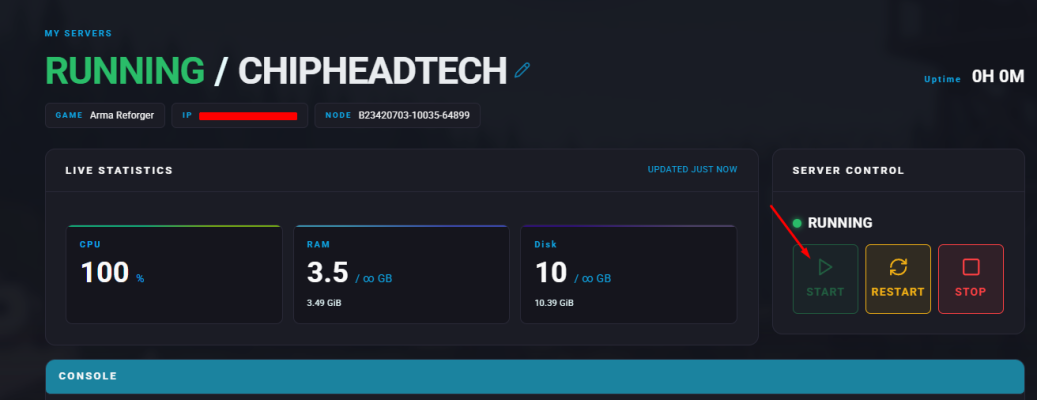
Open your ChipHead control panel.
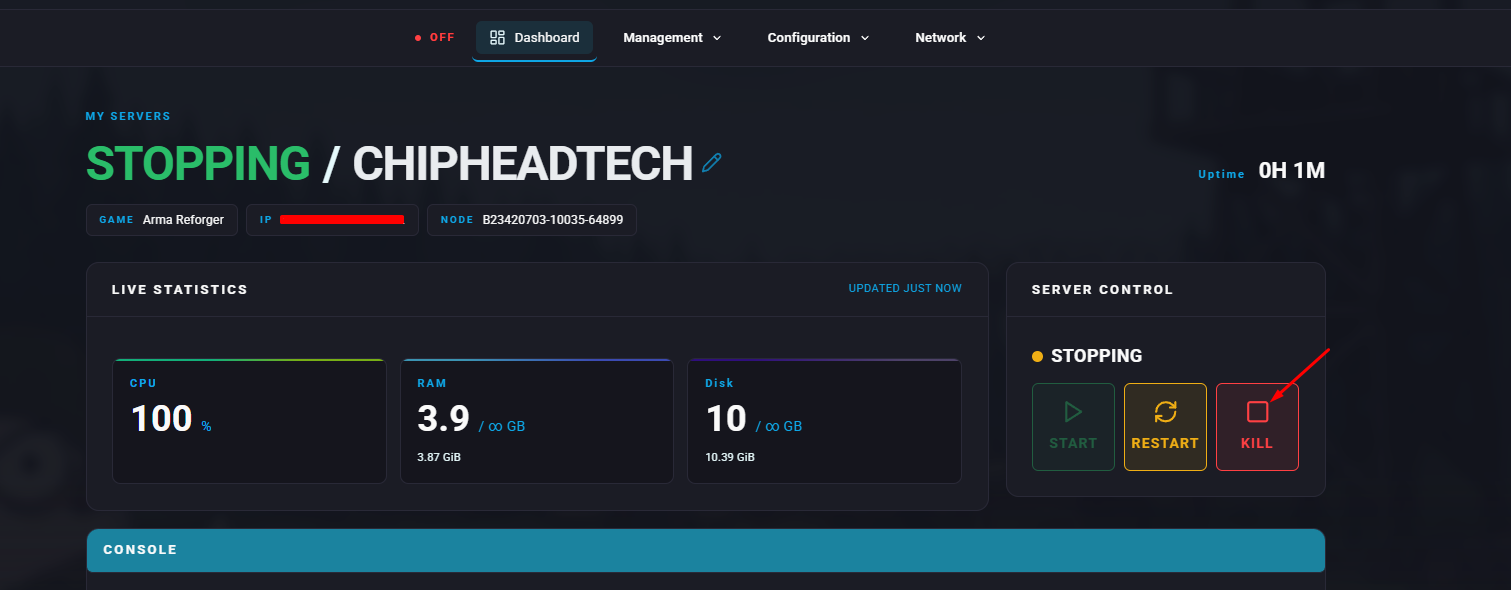
Stop your server.
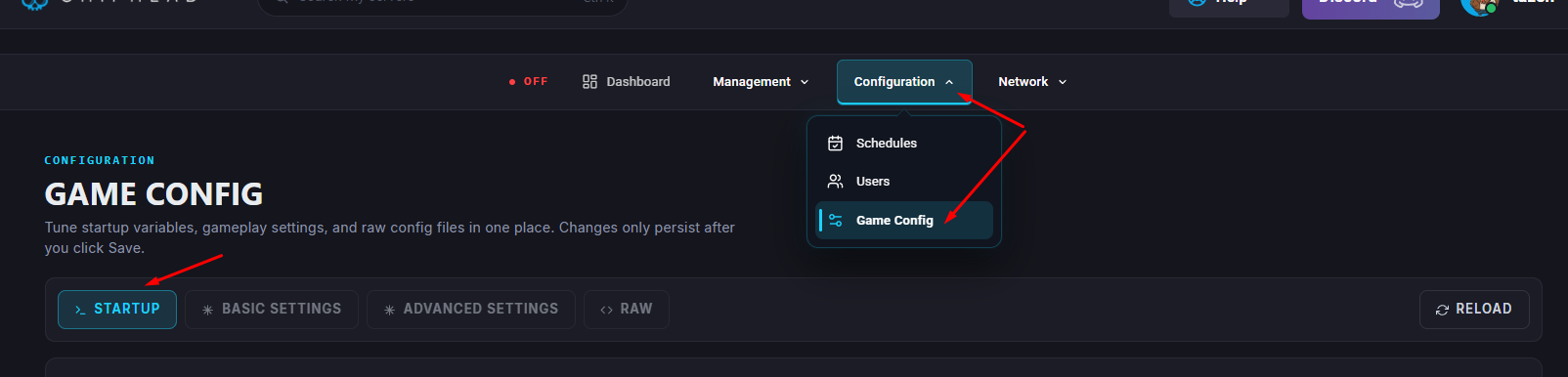
Go to Game Config and click into </>Raw.
Locate the Admin IDs field.
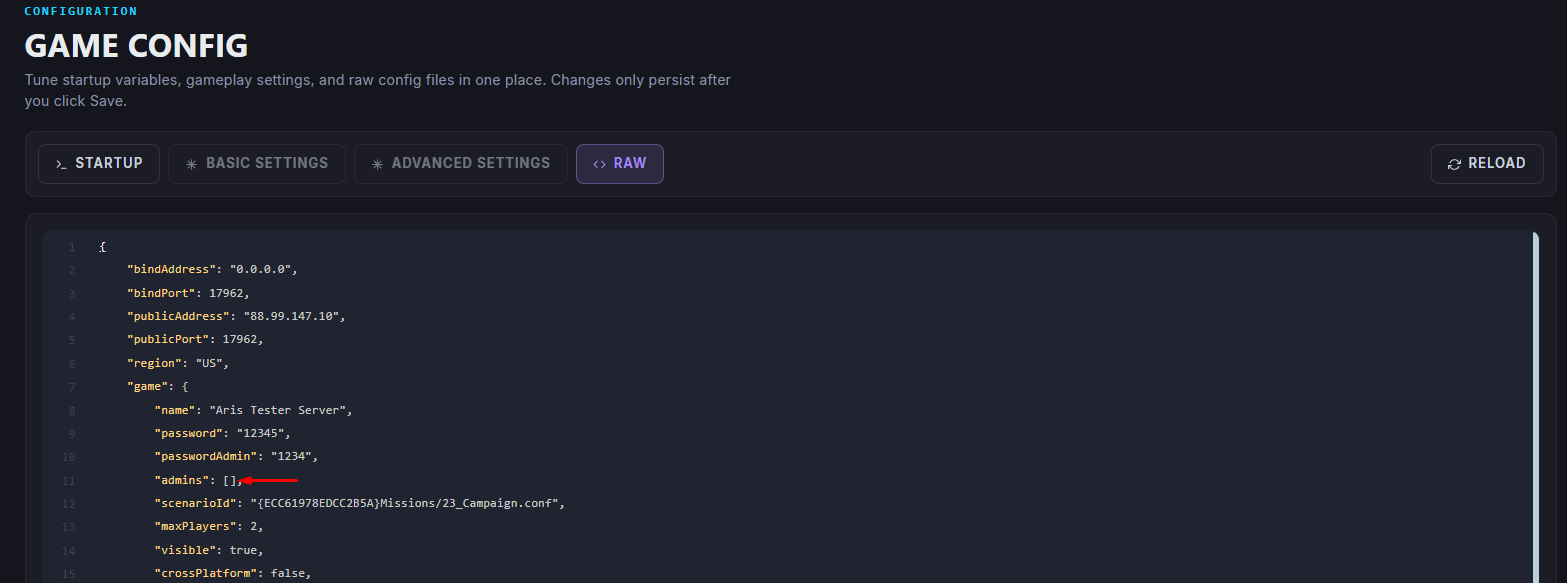
Enter the Steam64 ID of the player you want to grant admin rights to.
Click Save.
Restart/start your server.

Once your server restarts, the selected player(s) will have admin privileges and can begin managing the server.