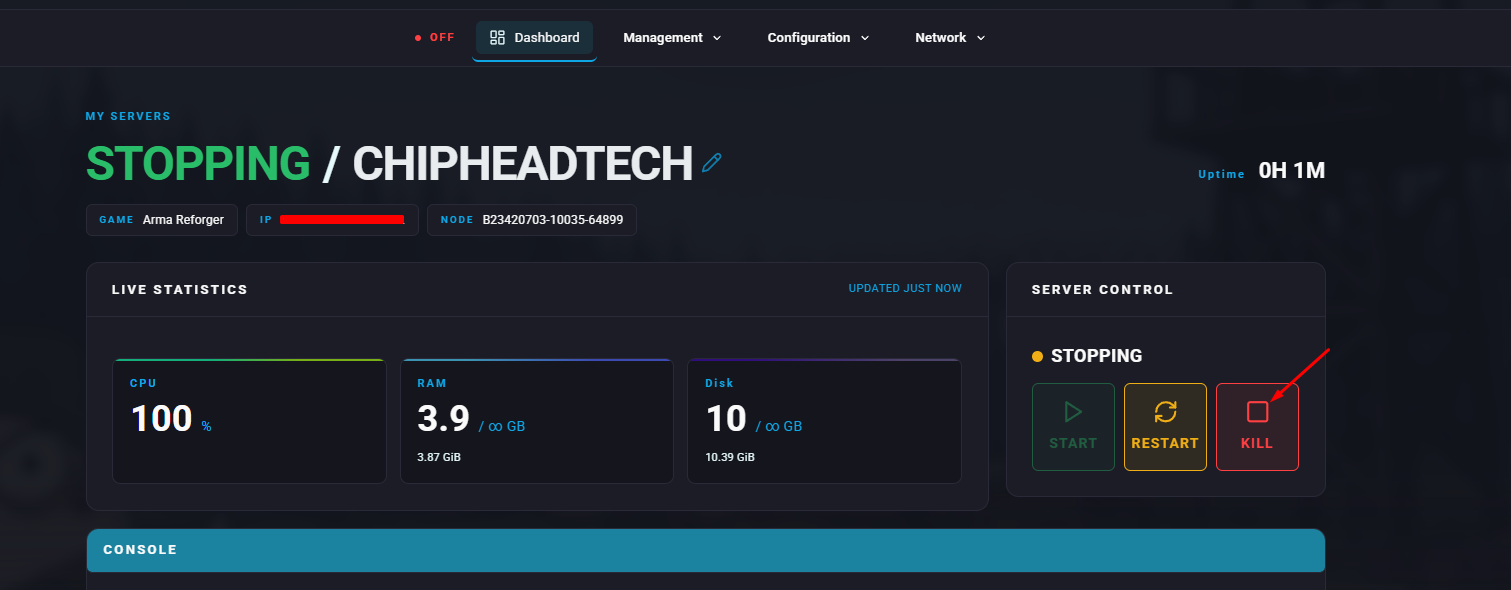
Making your Arma Reforger server private ensures that only approved players can join. This is perfect for private matches, role-play sessions, or exclusive communities. You can either add a password or hide your server from the public browser.
You can quickly add a password to your Arma Reforger server through the ChipHead panel.
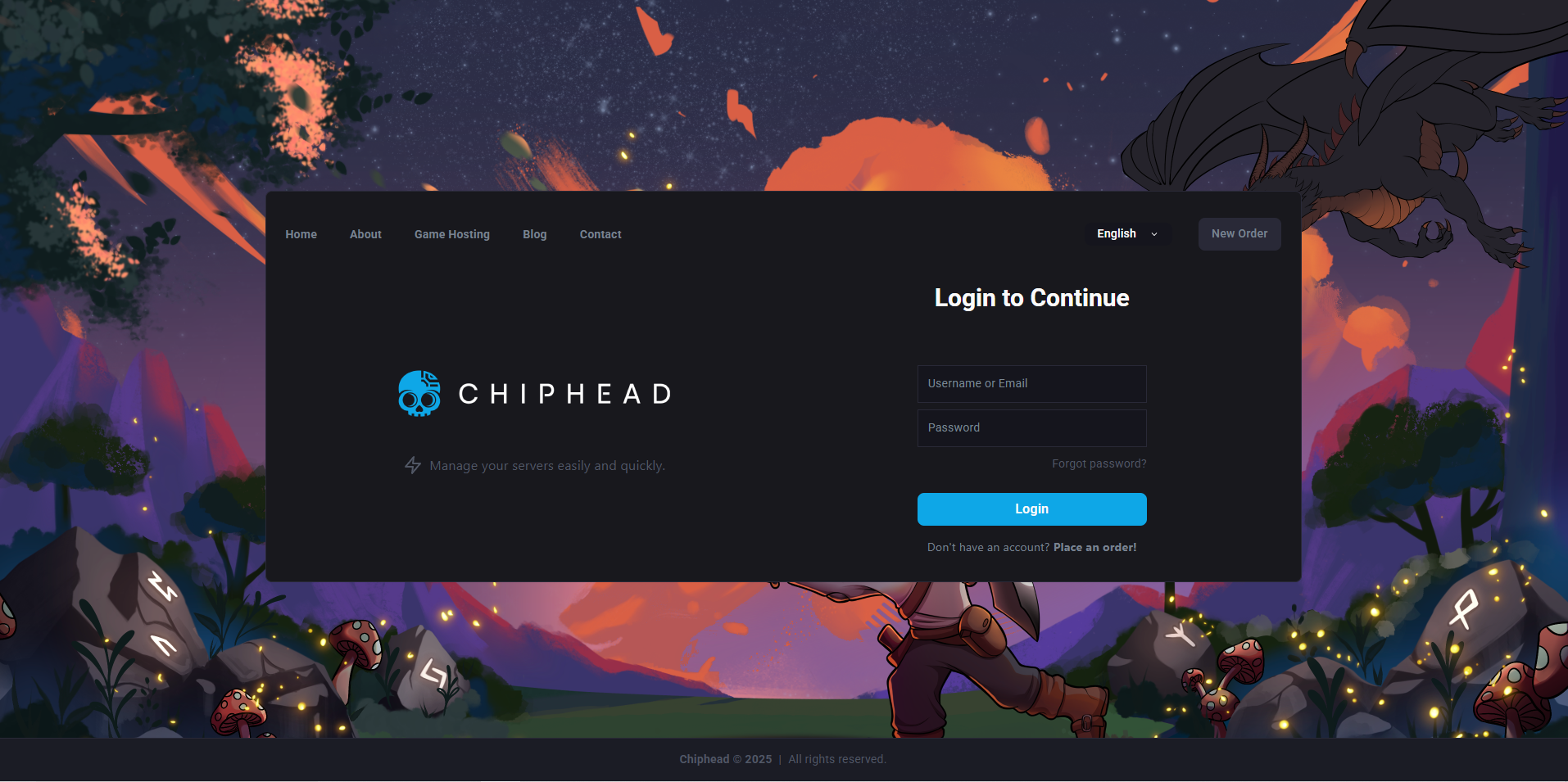
Open your ChipHead control panel.
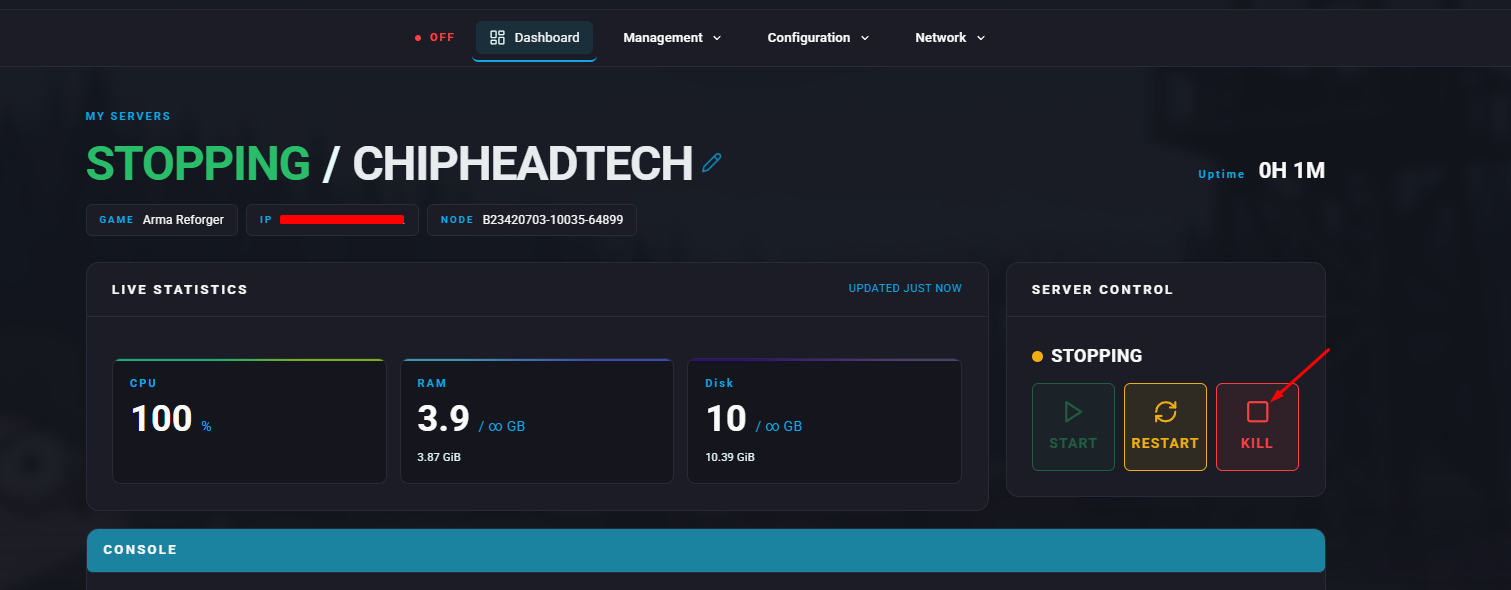
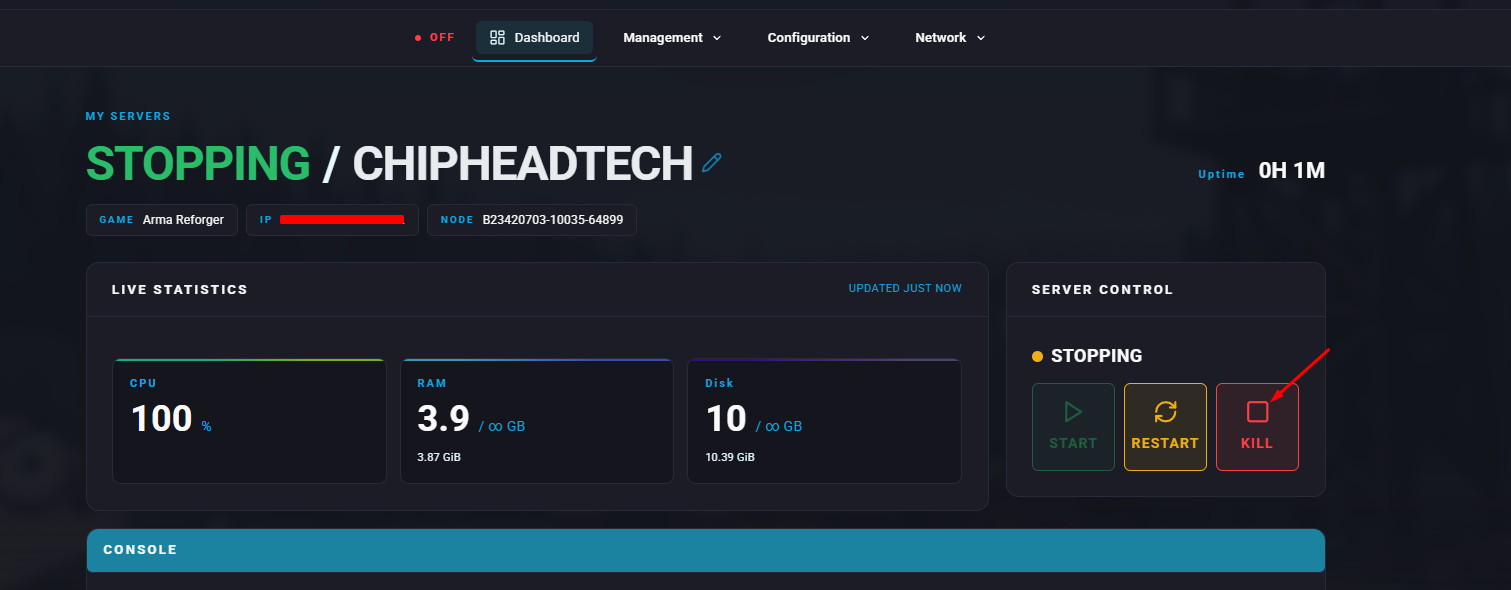
Stop your server.
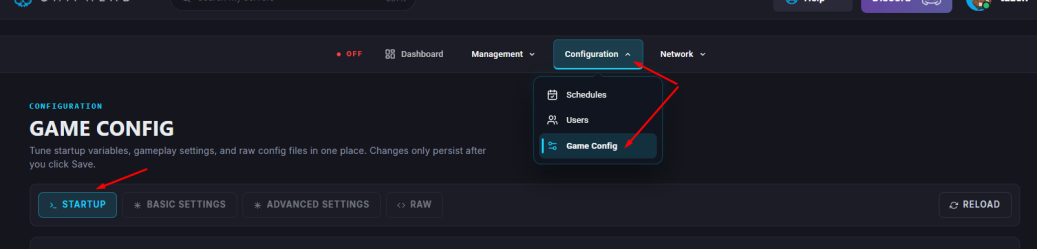
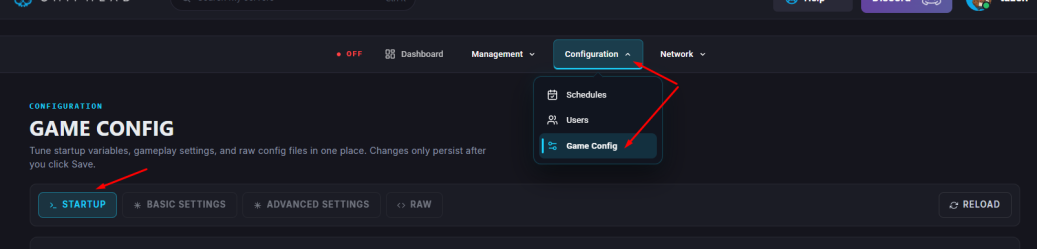
Go to Startup.
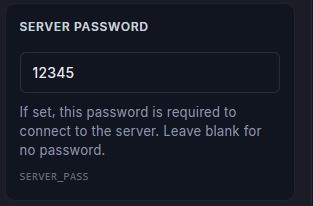
Locate the Server Password field and enter your desired password.

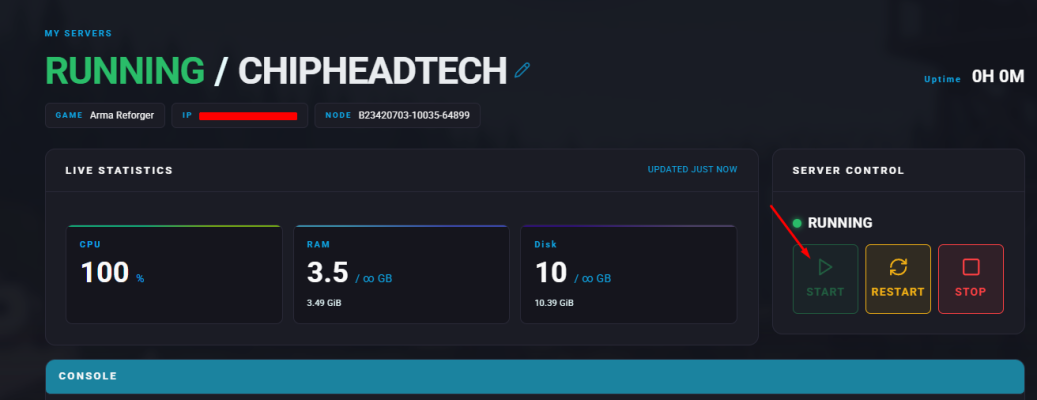
Start/Restart your server.
You can also keep your server private by removing it from the in-game browser.
Open your ChipHead control panel.
Stop your server.
Go to Startup.
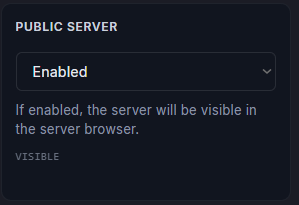
Scroll down and find the Visible in Server Browser and toggle this off (if not already).
Start/Restart your server.