
Summary
Changing your Arma Reforger server’s name makes it easier for players to identify and join it in the server browser. A distinctive name helps your server stand out and attract attention.
Changing Your Server Name
You can update your server’s name directly from the configuration settings in your ChipHead panel.
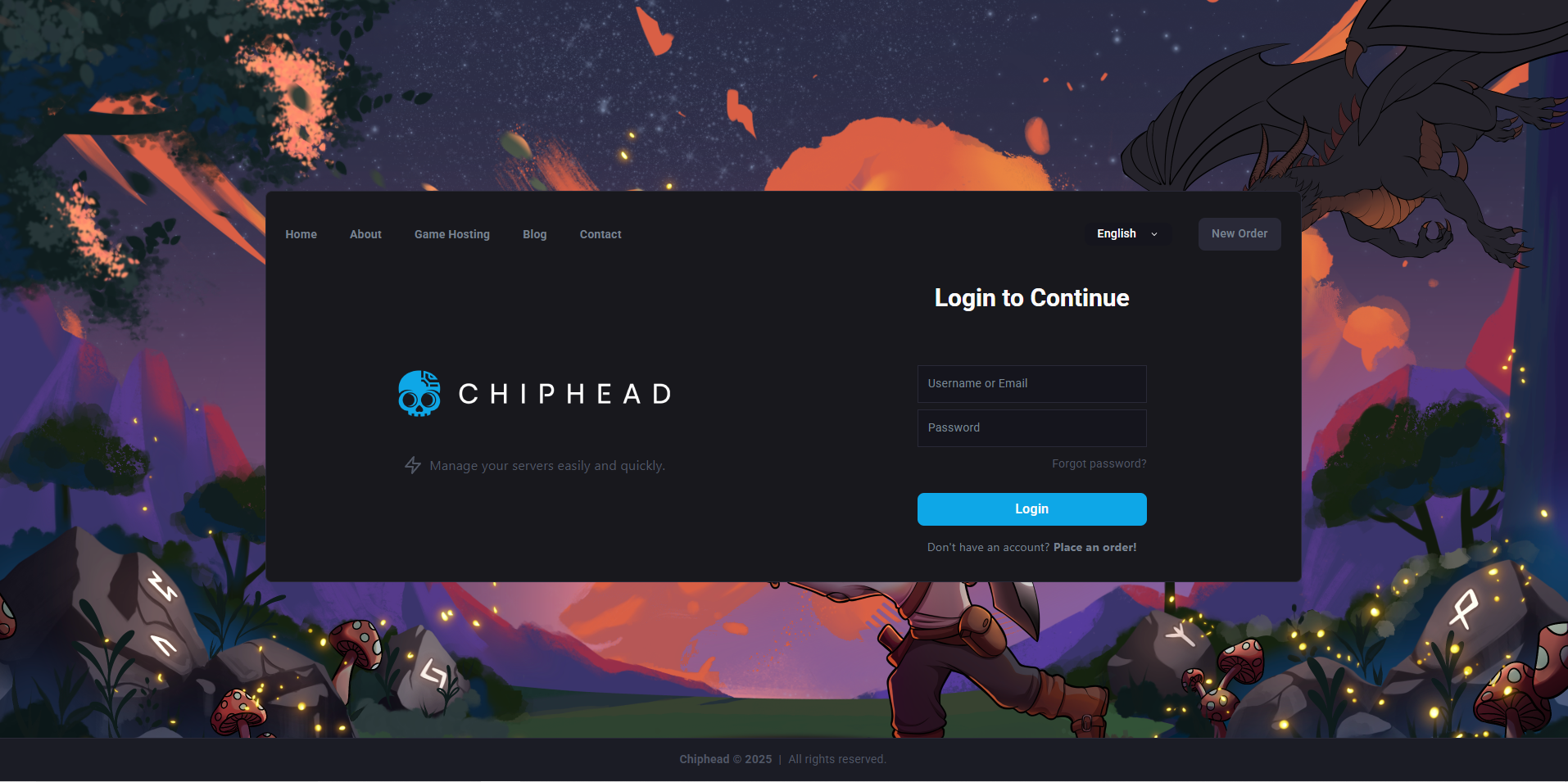
Open your ChipHead control panel.
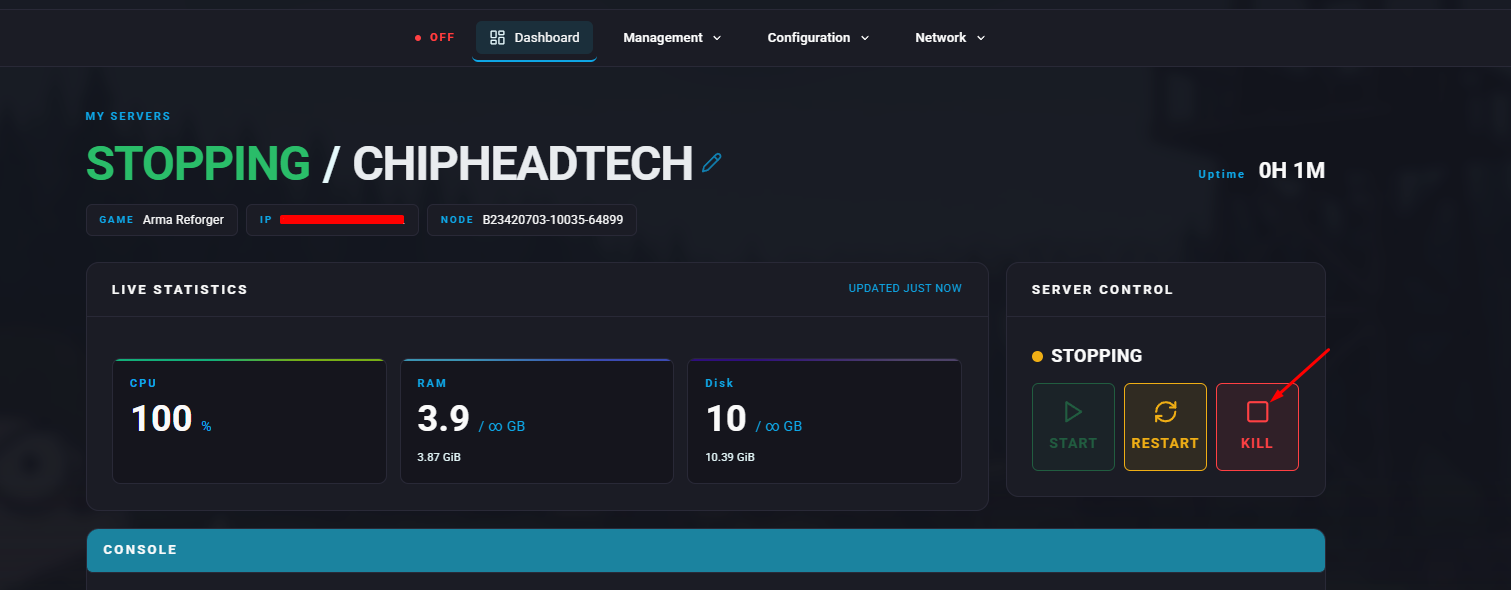
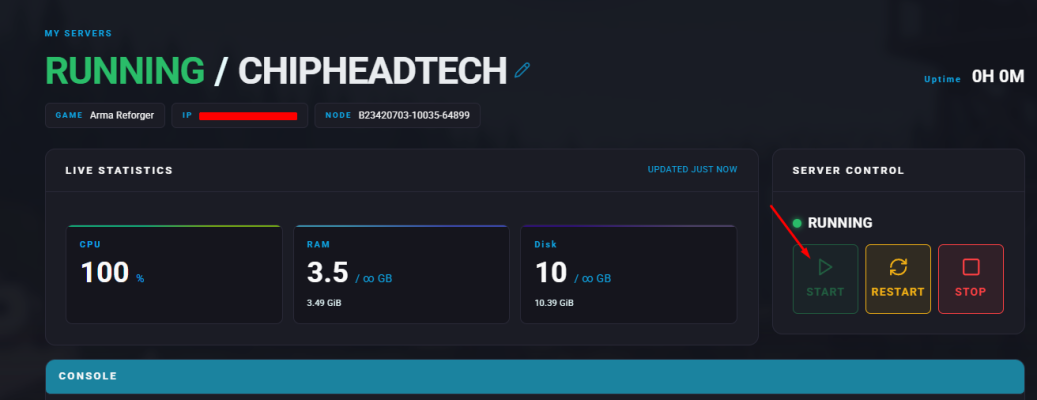
Stop your server.
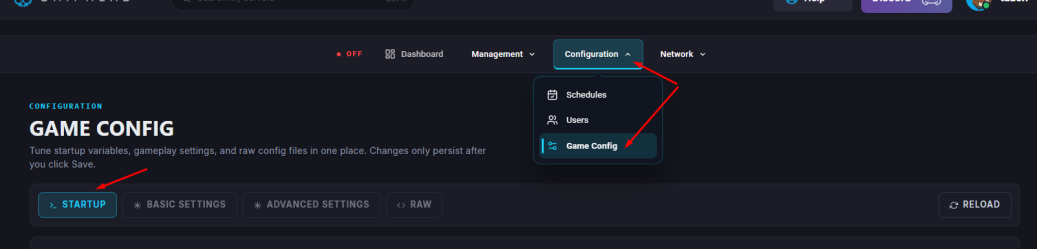
Go to Startup.
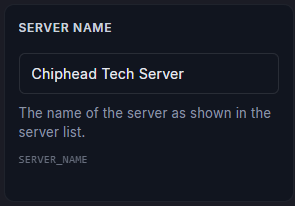
Locate the Server Name field and enter your desired name.
 Make sure to save your changes.
Restart/start your server.

Once your server restarts, the new name will appear in the in-game browser for players to find and join.