
Summary
Mordhau lets players become administrators by logging in with a dedicated admin password. This password is different from the server password and grants access to powerful management commands, such as kicking or banning players, adding new admins, and controlling gameplay settings.
How to Become an Admin on a Mordhau Server
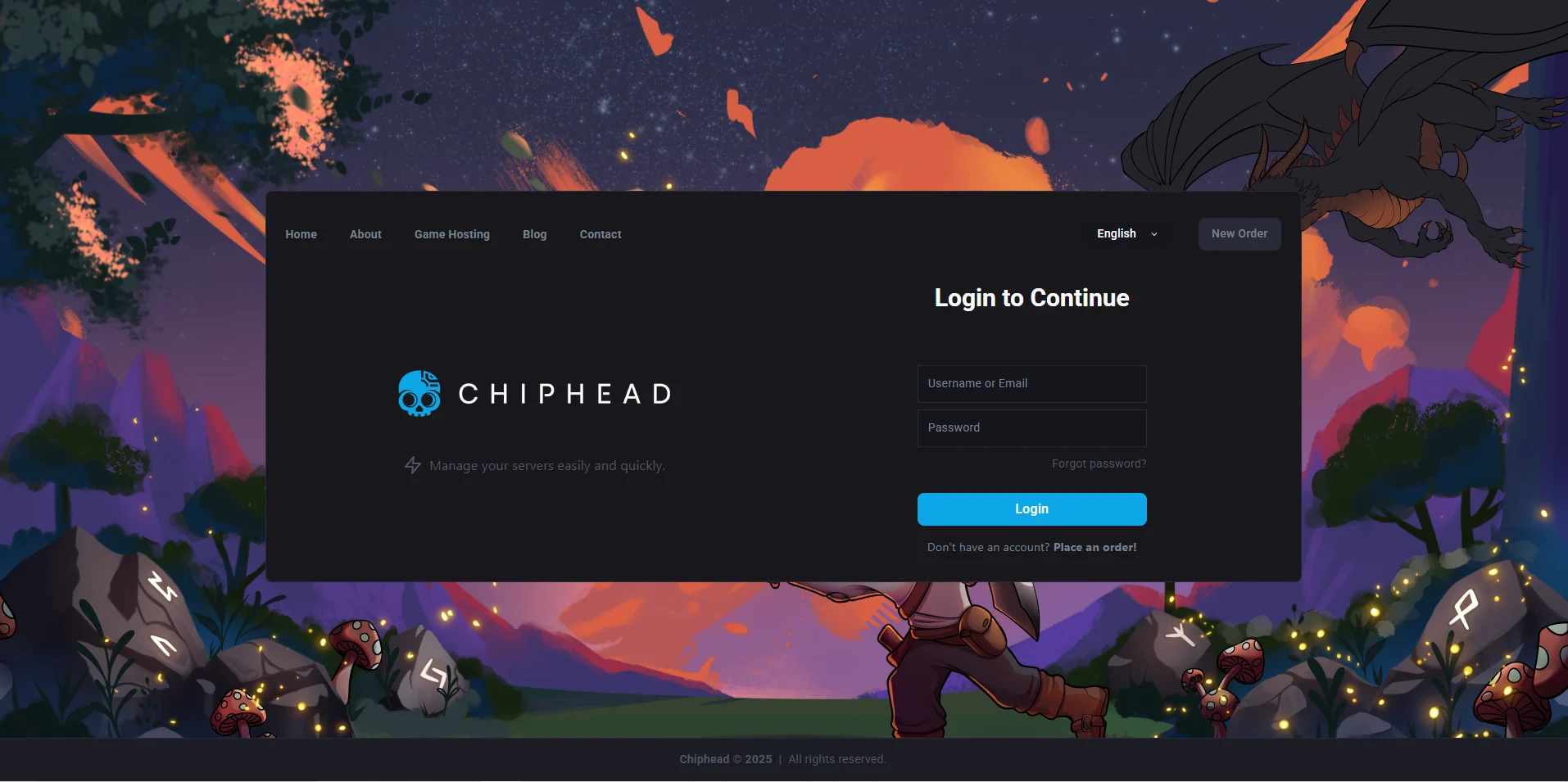
Log in to the ChipHead Games panel.
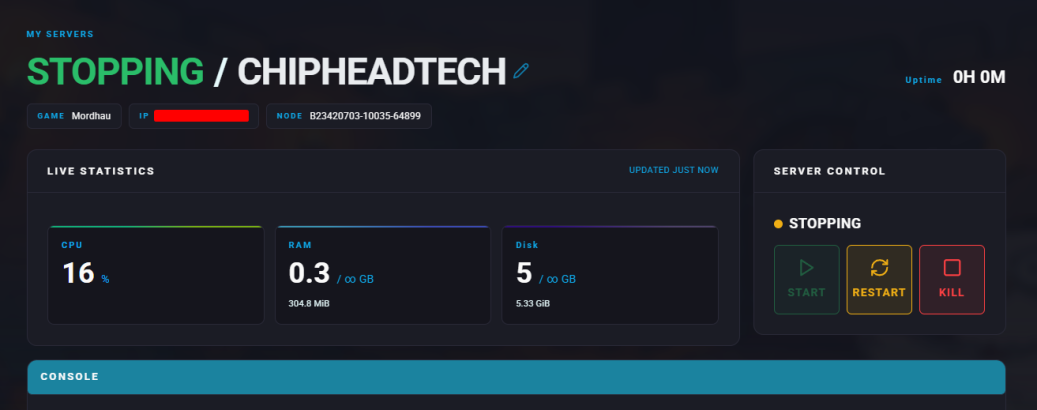
Stop the server.
Navigate to Startup tab.

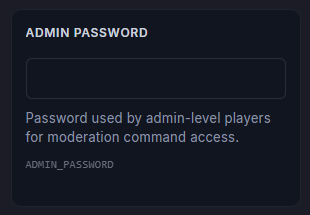
Locate the Admin Password field and enter a password
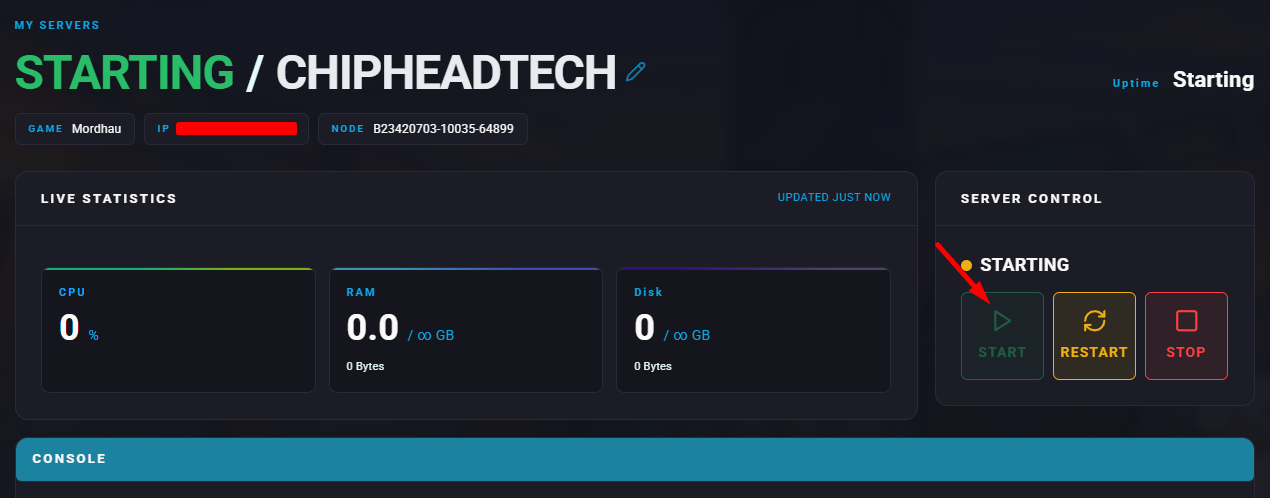
Start your ChipHead server.
In Mordhau navigate to “Server Browser” and type in your server name
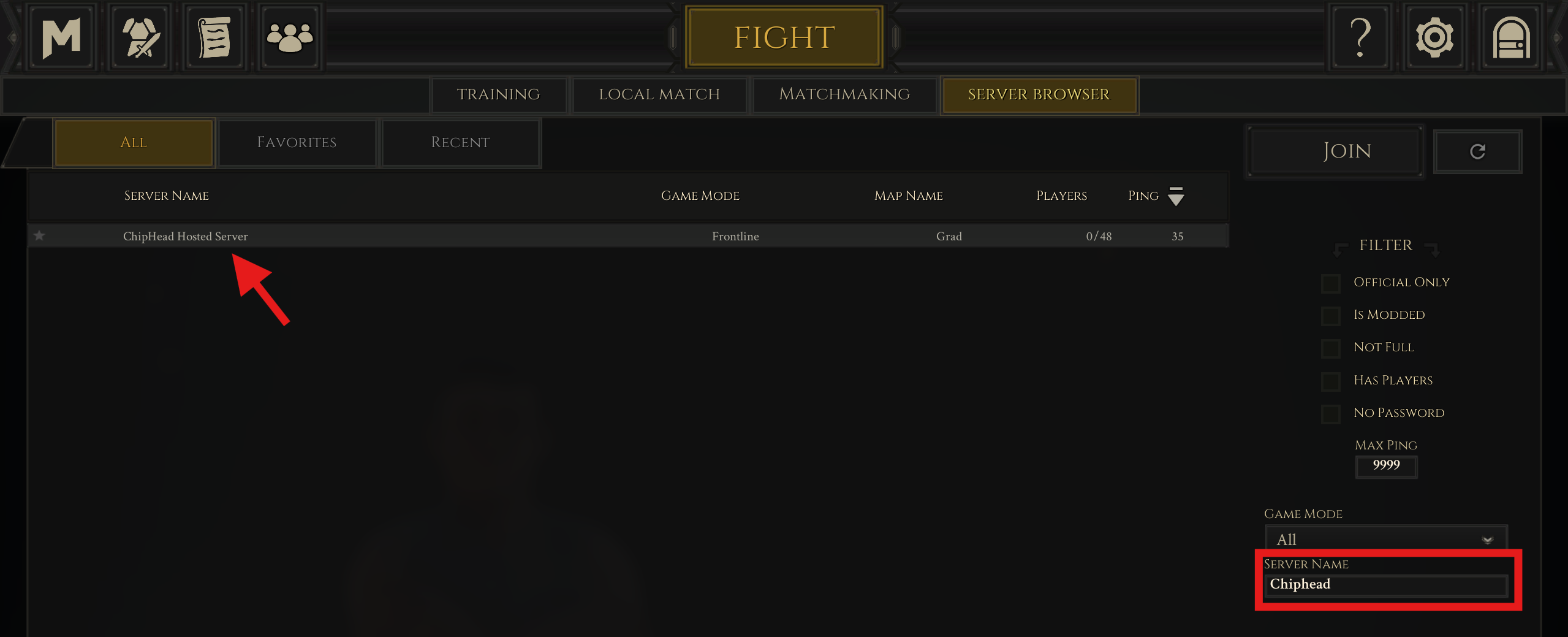
 Make sure all filters are off and ping set to 9999 for best results
Click to “Join”
Type AdminLogin <AdminPassword> using the password from step 4.
To assign additional admins, use the command
AddAdmin <PlayerName>.