Summary
Mordhau’s combat system includes friendly fire mechanics, meaning players can deal reduced damage to teammates. While this adds a layer of realism and strategy, it can also lead to team griefing. Server owners can easily adjust or disable team damage to better fit their community’s playstyle.
How to Change Player or Team Damage on a Mordhau Server
Log in to the ChipHead Games panel.
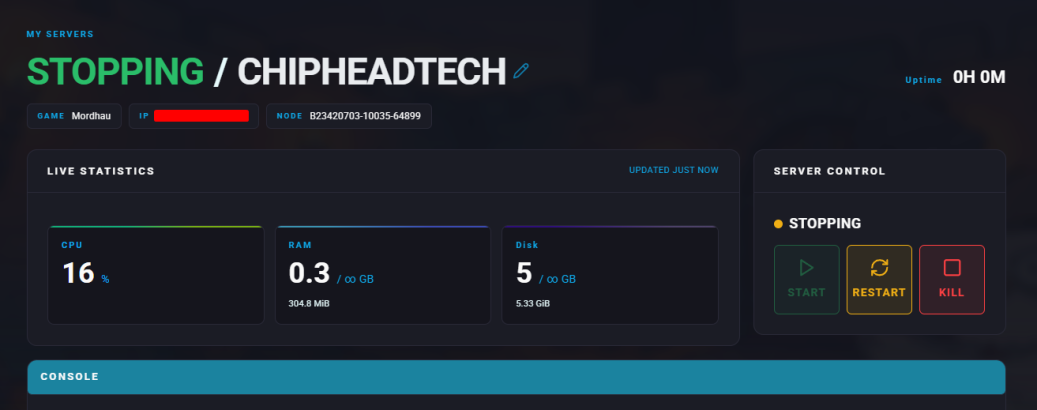
Stop the server.
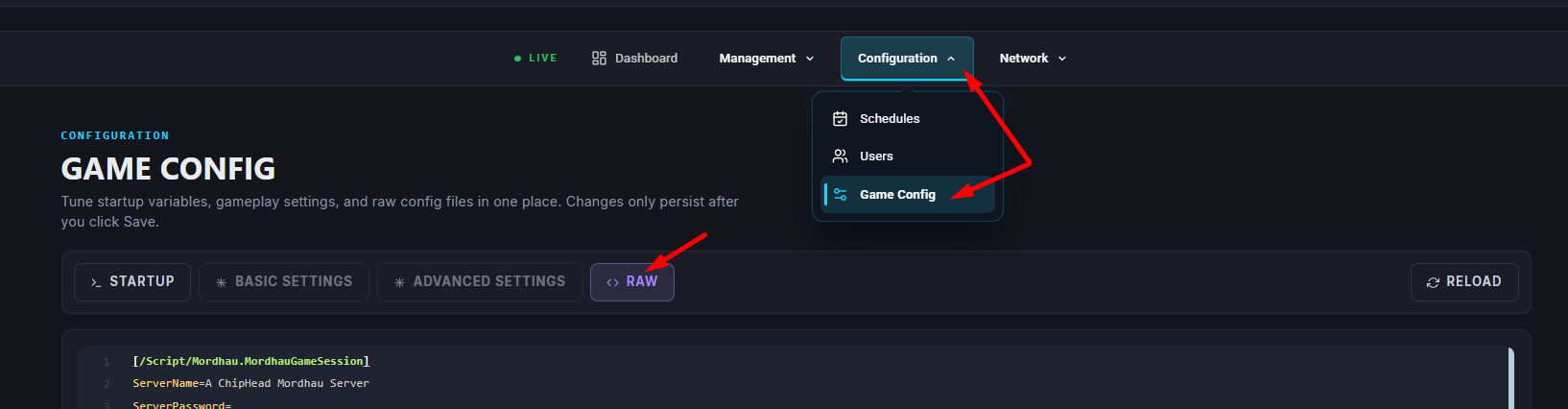
Go to “Game Config” and select “Raw”
Find the DamageFactor= section.
Adjust the value as desired, this acts as a multiplier for damage dealt (for example, 1.000000 = 1x damage, 0.000000 = no damage).
Once finished editing, click “Save”
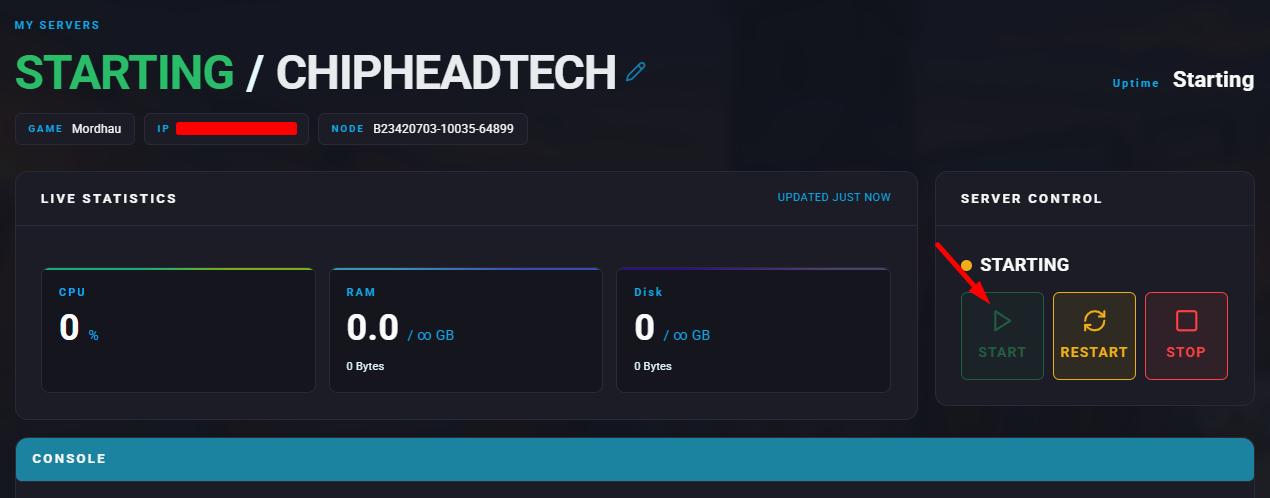
Start the server.