Summary
Mordhau servers can display a Message of the Day (MOTD) that links to community resources such as websites, rule pages, or Discord servers. This is a great way to keep players informed about events, updates, and server policies directly when they join.
How to Change the MOTD on a Mordhau Server
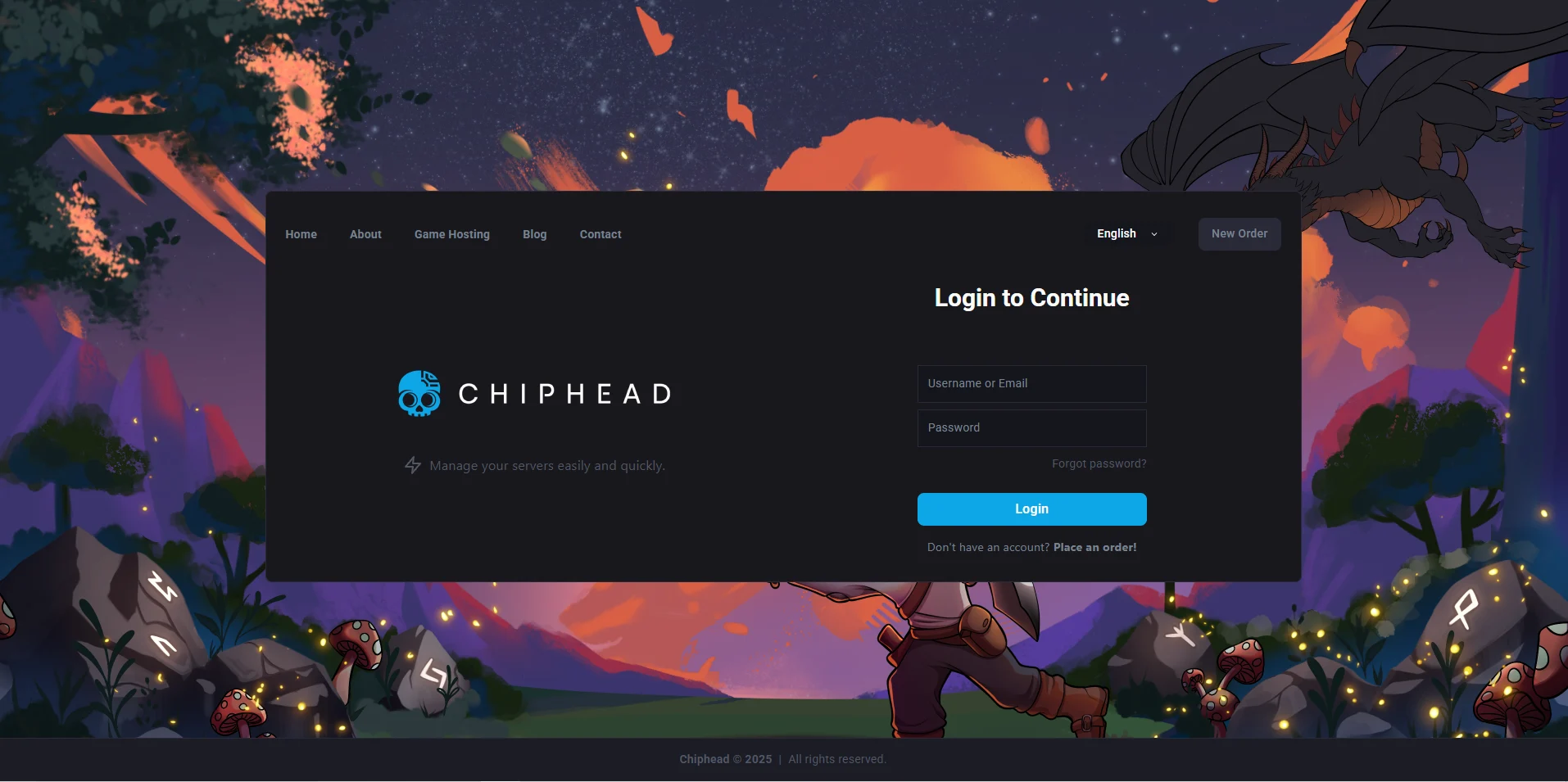
Log in to the ChipHead Games panel.
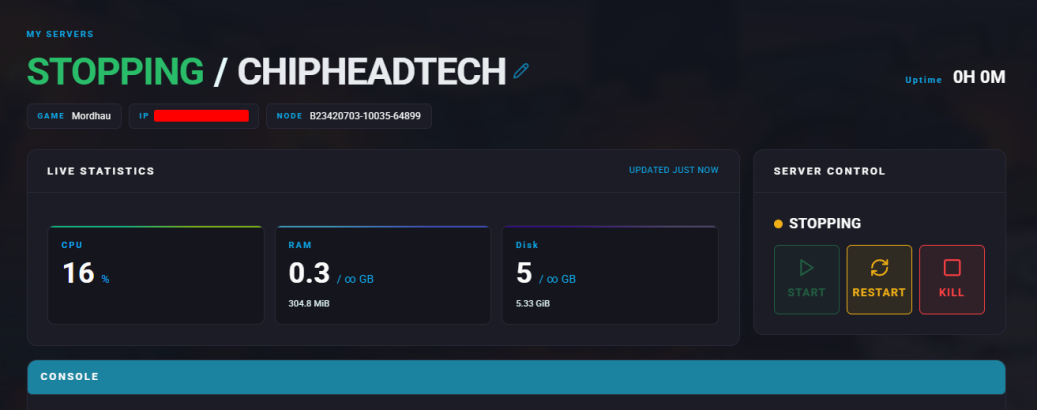
Stop the server.
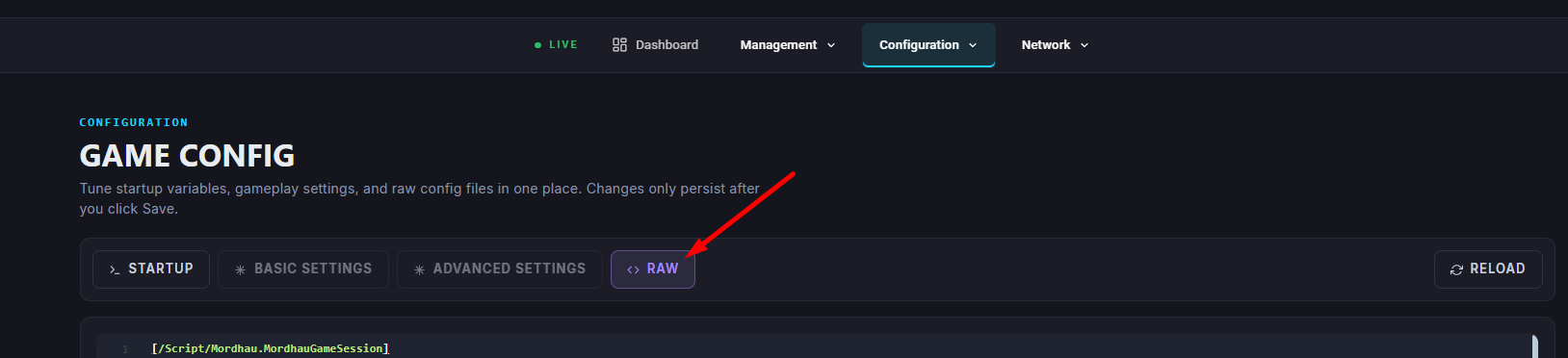
Go to “Game Config” and select “Raw”
Find the MOTDURL= section (Enter the desired link in quotation marks (“ ”).)
Once finished editing, click Save

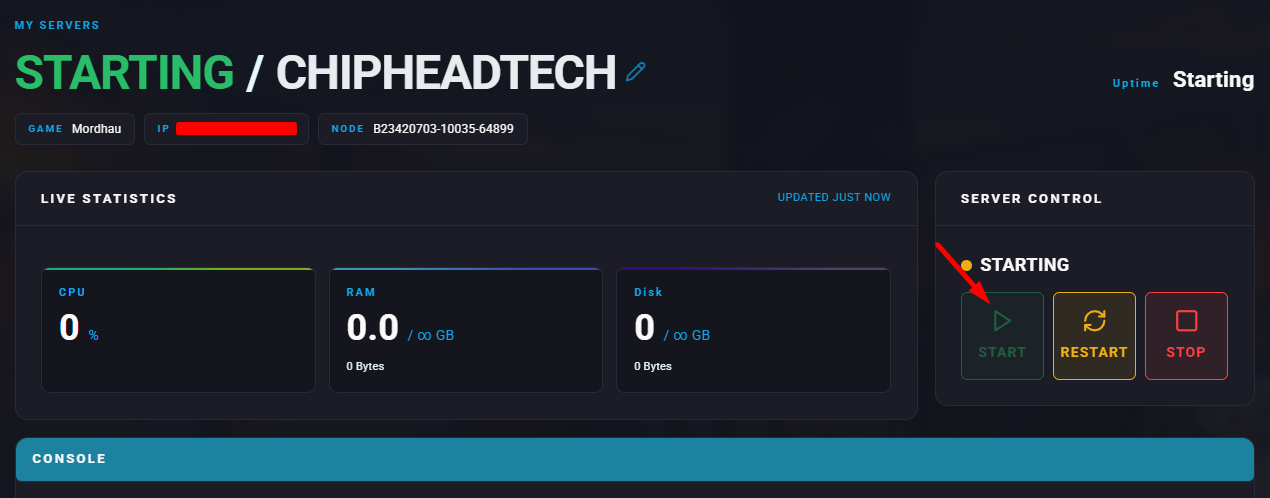
Start the server.