
Summary
Mordhau offers a wide selection of maps and game modes, including Invasion, Horde, Duel, Battle Royale, and more. Each map supports different modes, allowing server owners to create unique experiences like private duels, tournaments, or custom battle setups.
How to Change the Gamemode or Map on a Mordhau Server
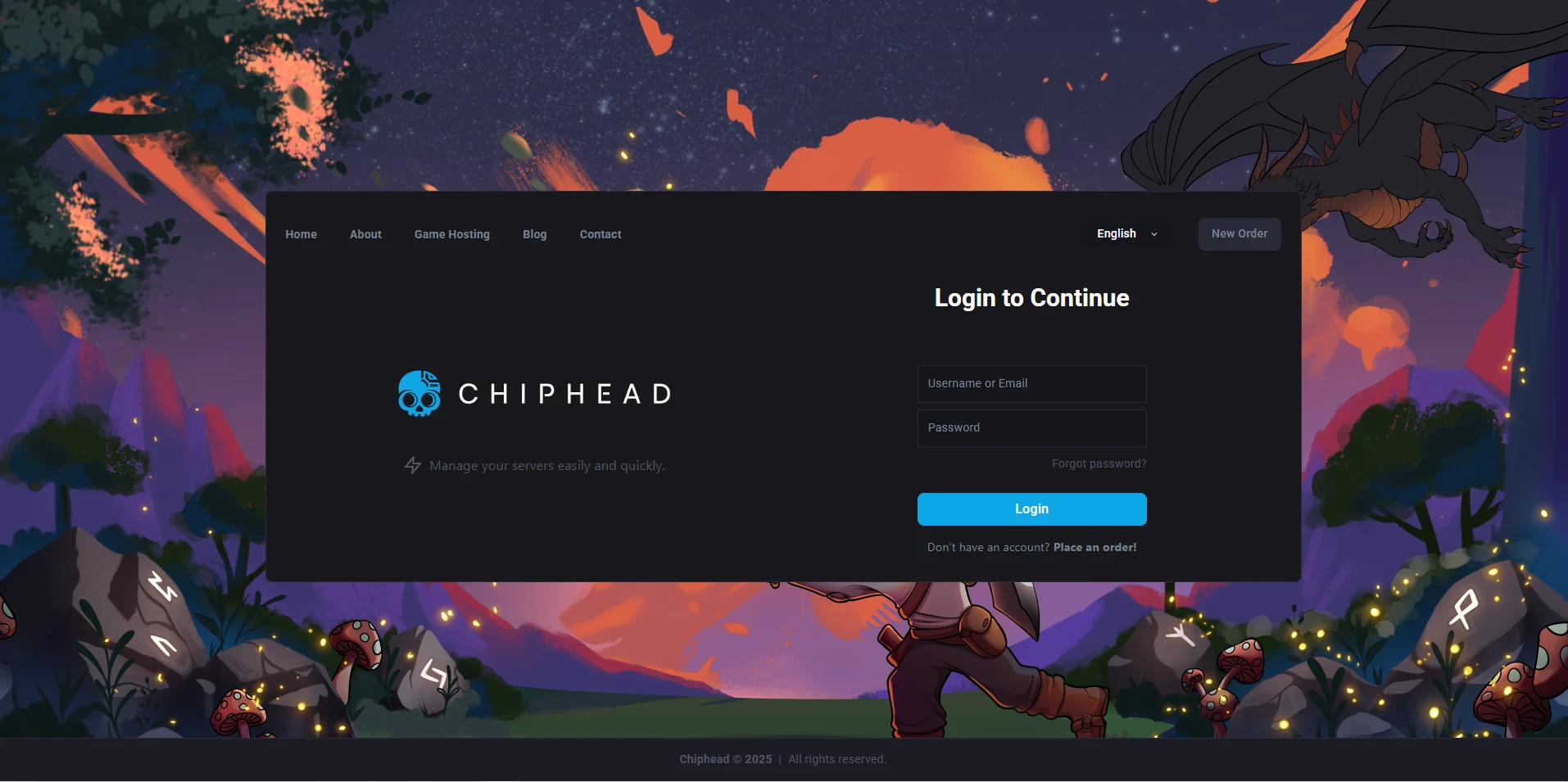
Log in to the ChipHead Games panel.
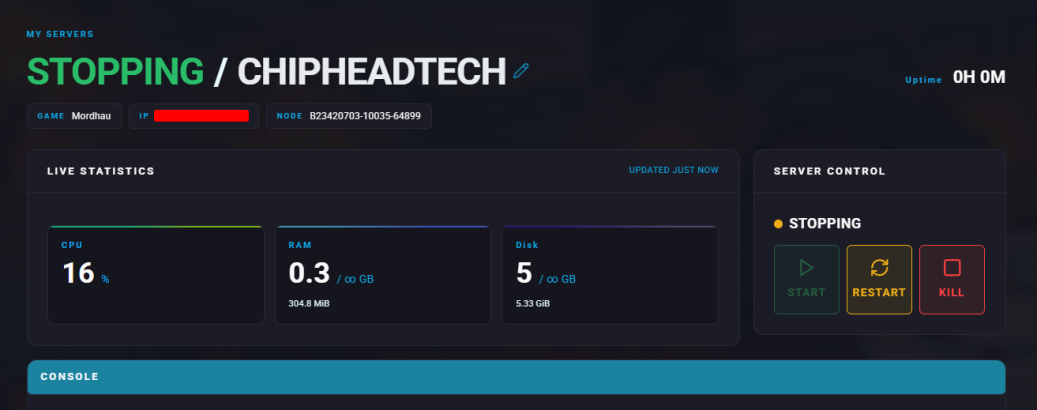
Stop the server.
Go to the Startup tab.
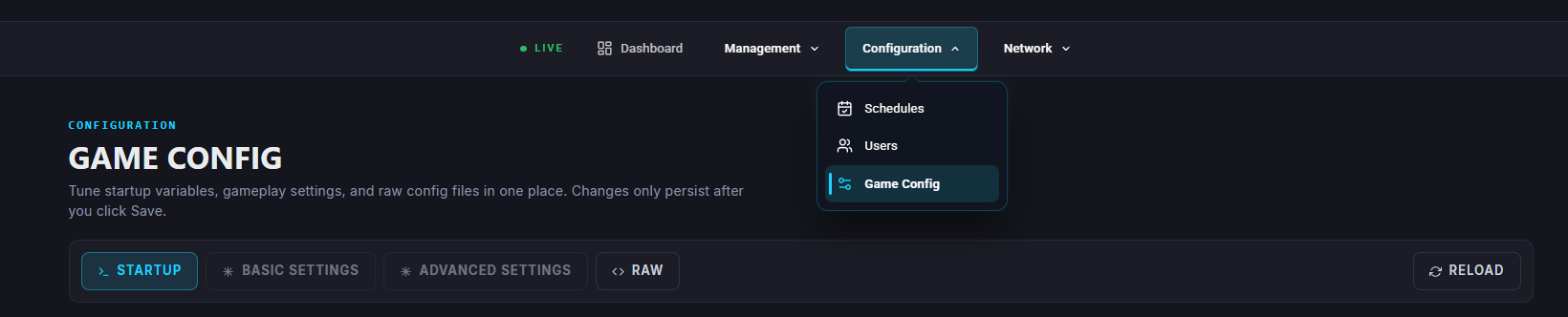
Locate the “DEFAULT MAP” field.
Enter the desired map or gamemode name.

Note: The map prefix determines the gamemode.
Example: “Grad” loads the Horde gamemode, while “FL_Grad” loads Frontline.
Example: “Grad” loads the Horde gamemode, while “FL_Grad” loads Frontline.
Start the server.
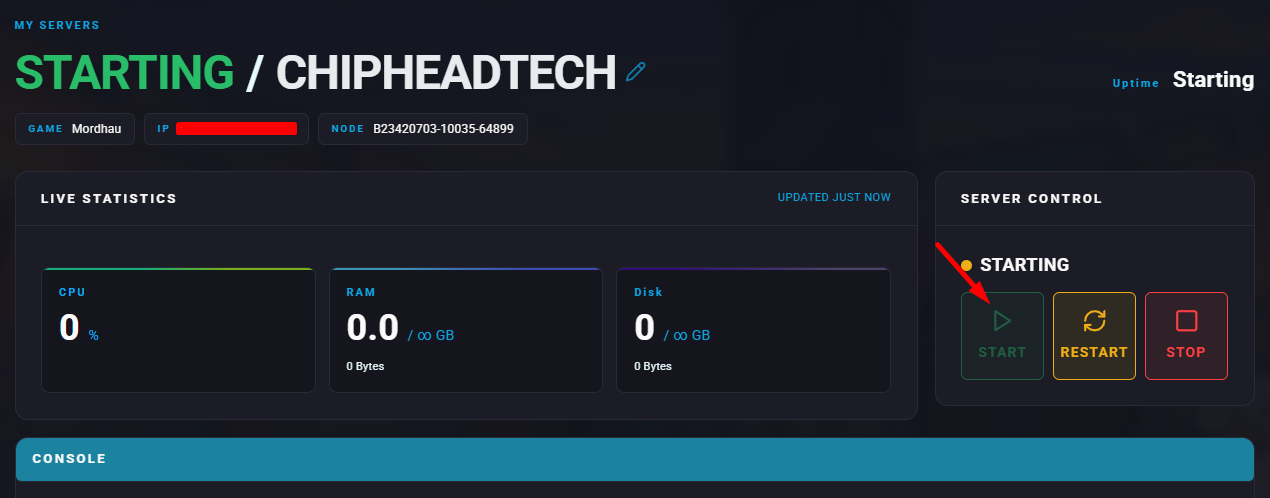

The new map and gamemode will now appear on the server list.