Summary
Mordhau servers can be customized with a map rotation that includes both official and custom maps. This allows players to vote for their preferred maps at the end of each match, keeping gameplay fresh and engaging. Custom maps and modes will automatically download for players upon joining, making setup seamless.
How to Change the Map Rotation on a Mordhau Server
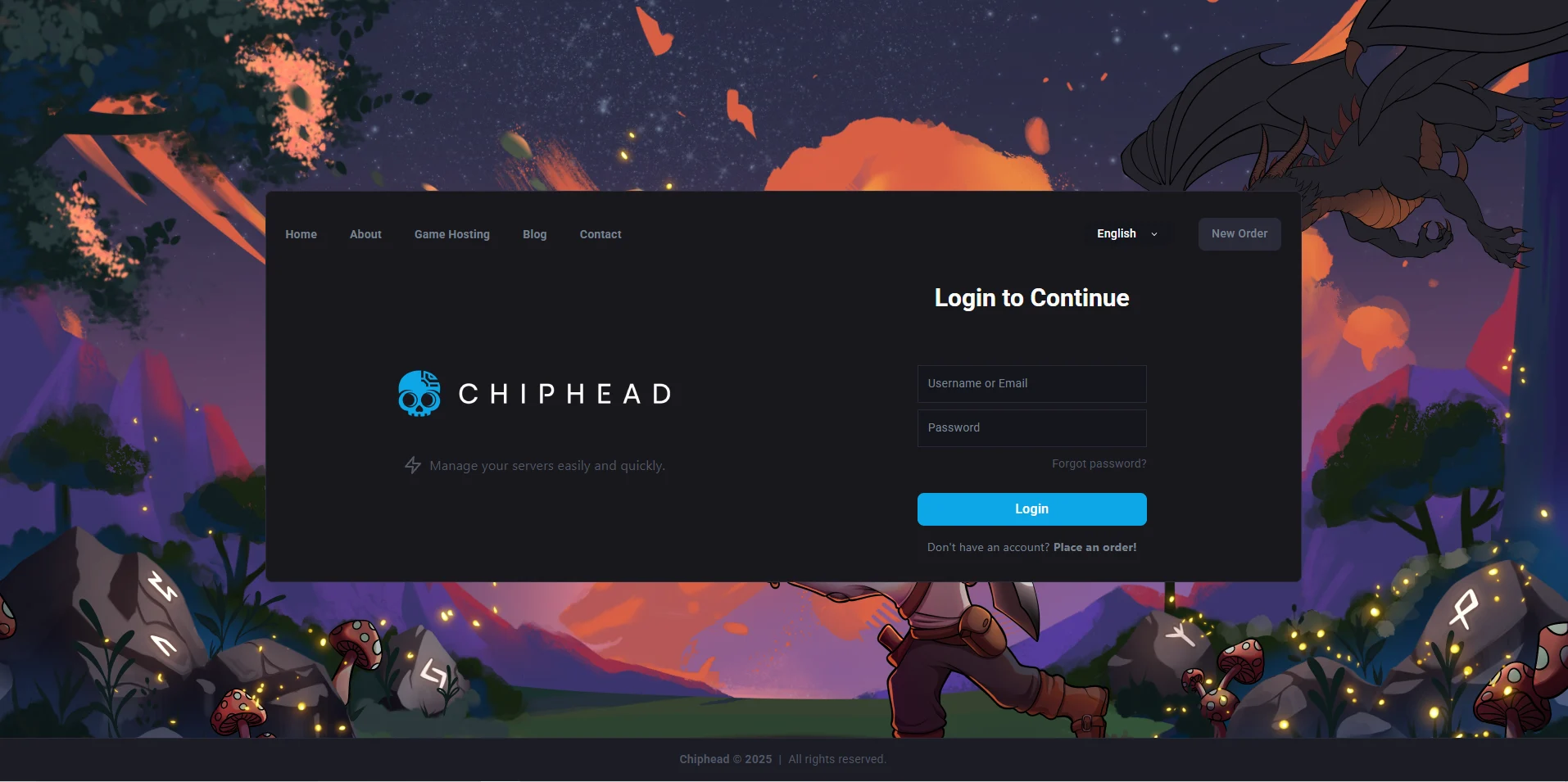
Log in to the ChipHead Games panel.
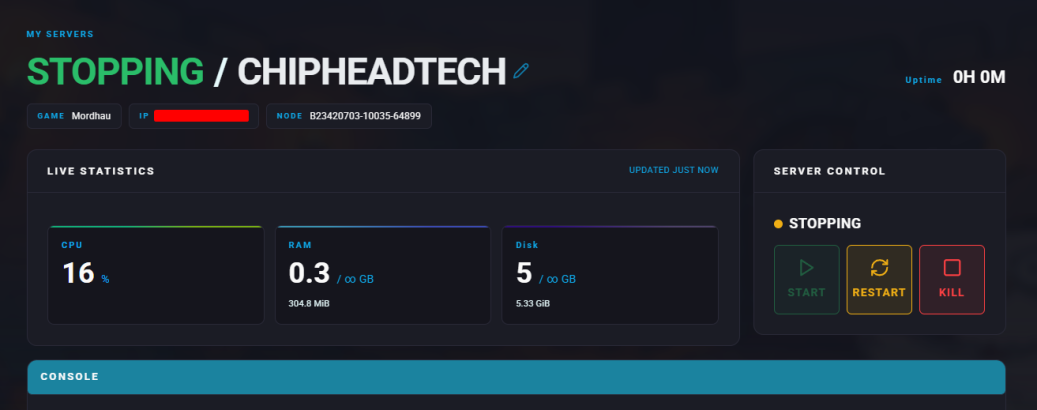
Stop the server.
Go to the “Game Config” tab.
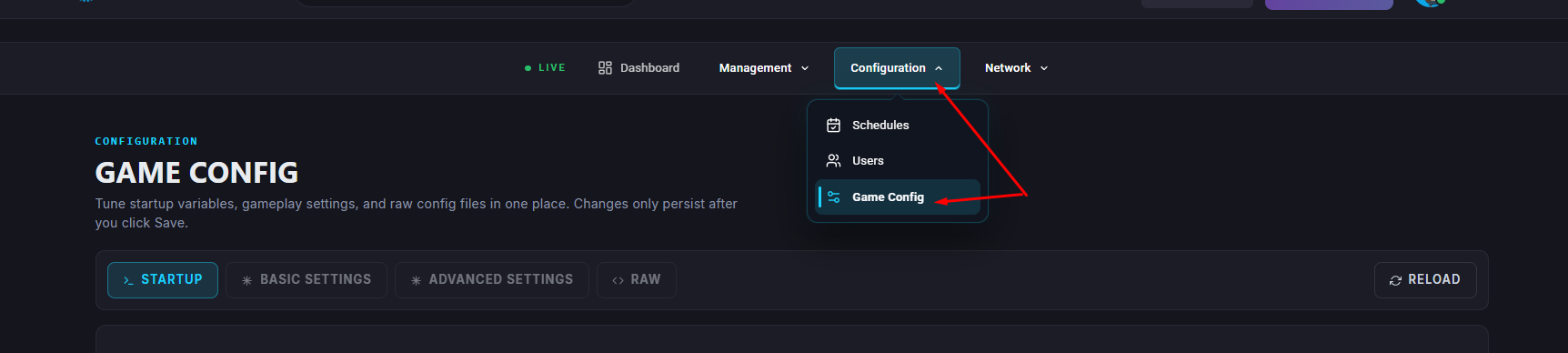
Select “Startup”
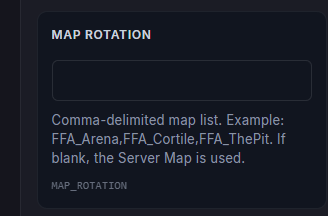
Enter your desired map names
Click “Save” to confirm
 Note: Be sure to include the default map in the rotation so it appears as a vote option.
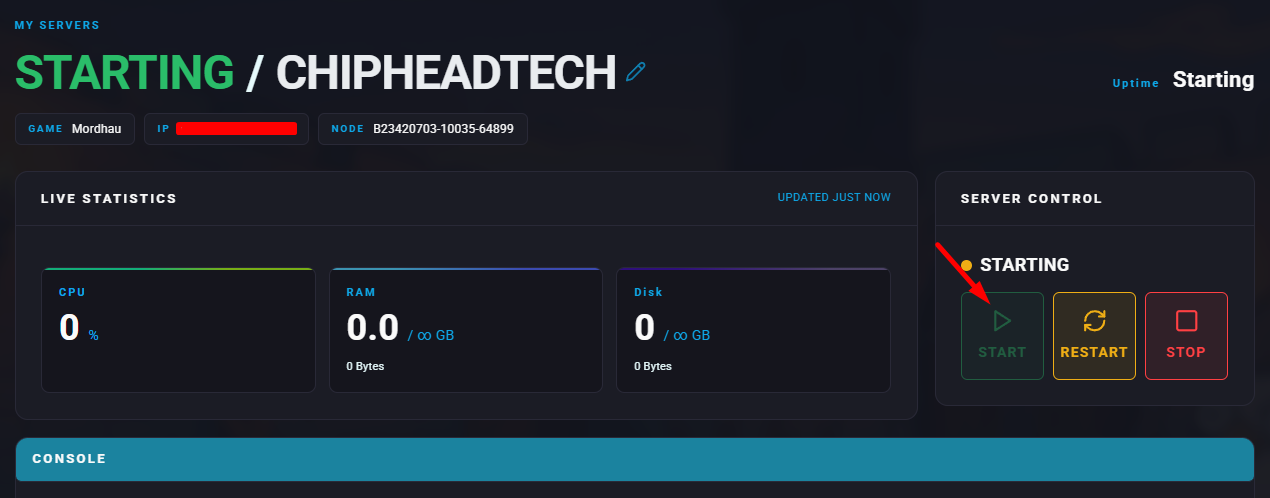
Start the server.