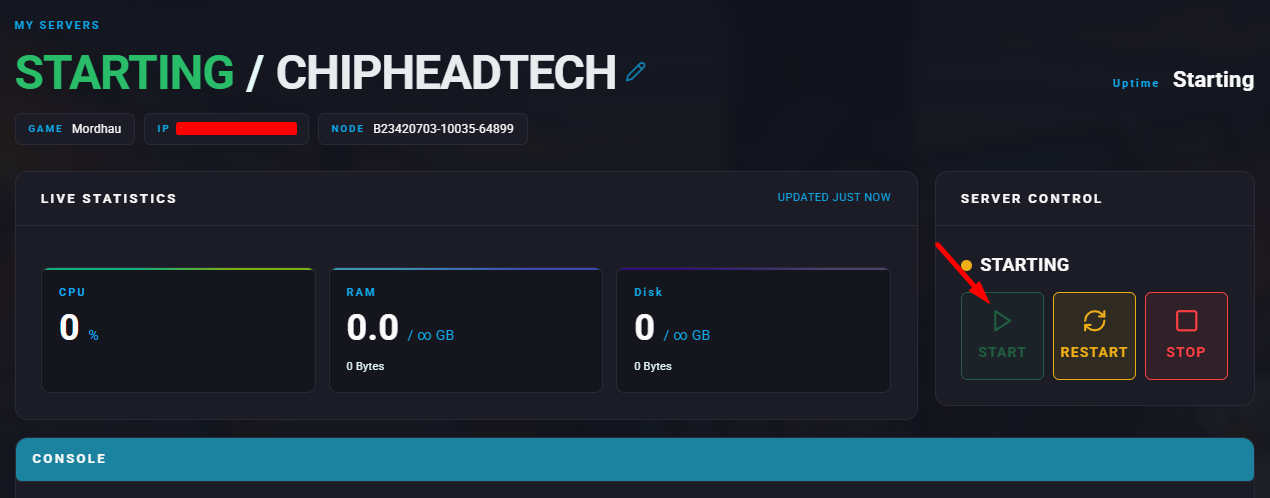
Summary
Mordhau servers can host a wide range of player counts depending on available server resources. Adjusting the player cap allows you to tailor gameplay for large-scale battles or smaller, more focused duels and tournaments.
How to Change the Max Players on a Mordhau Server
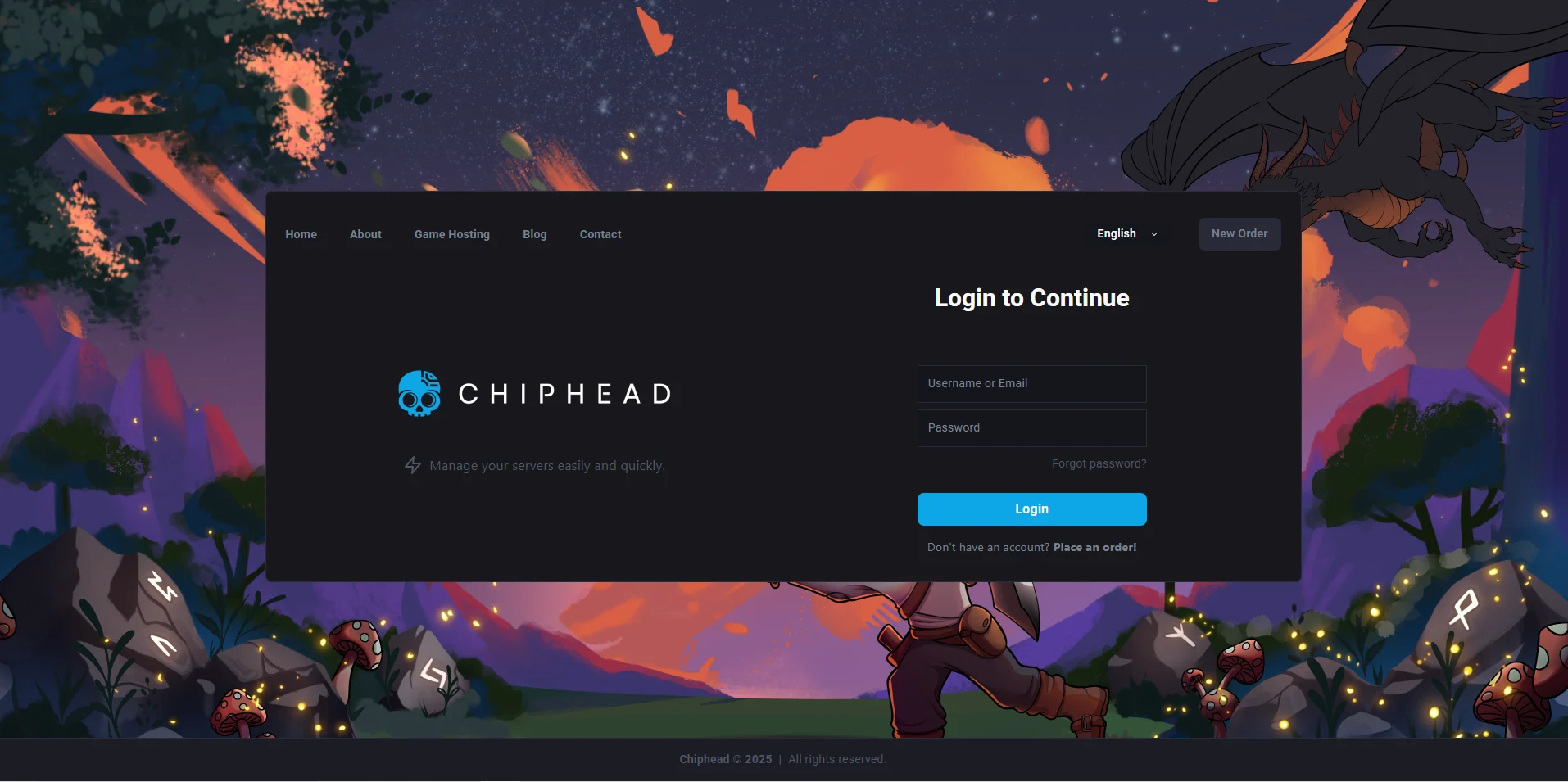
Log in to the ChipHead Games panel.
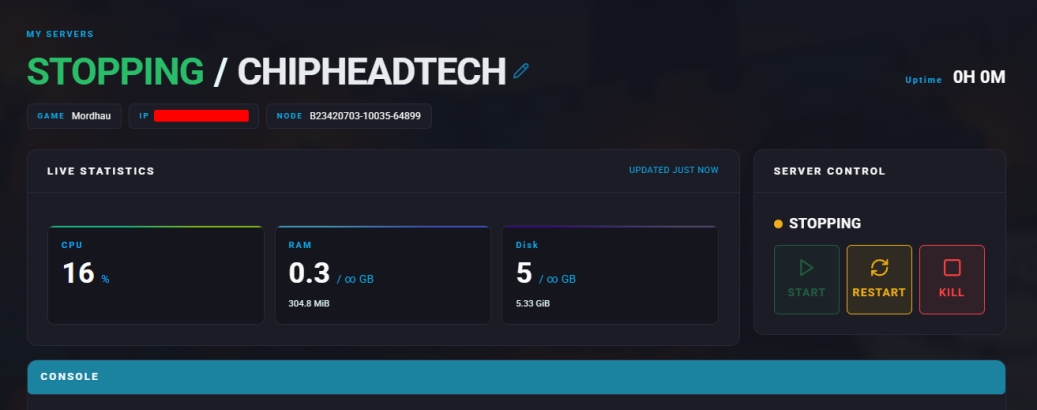
Stop the server.
Go to “Game Config” and select “Raw”
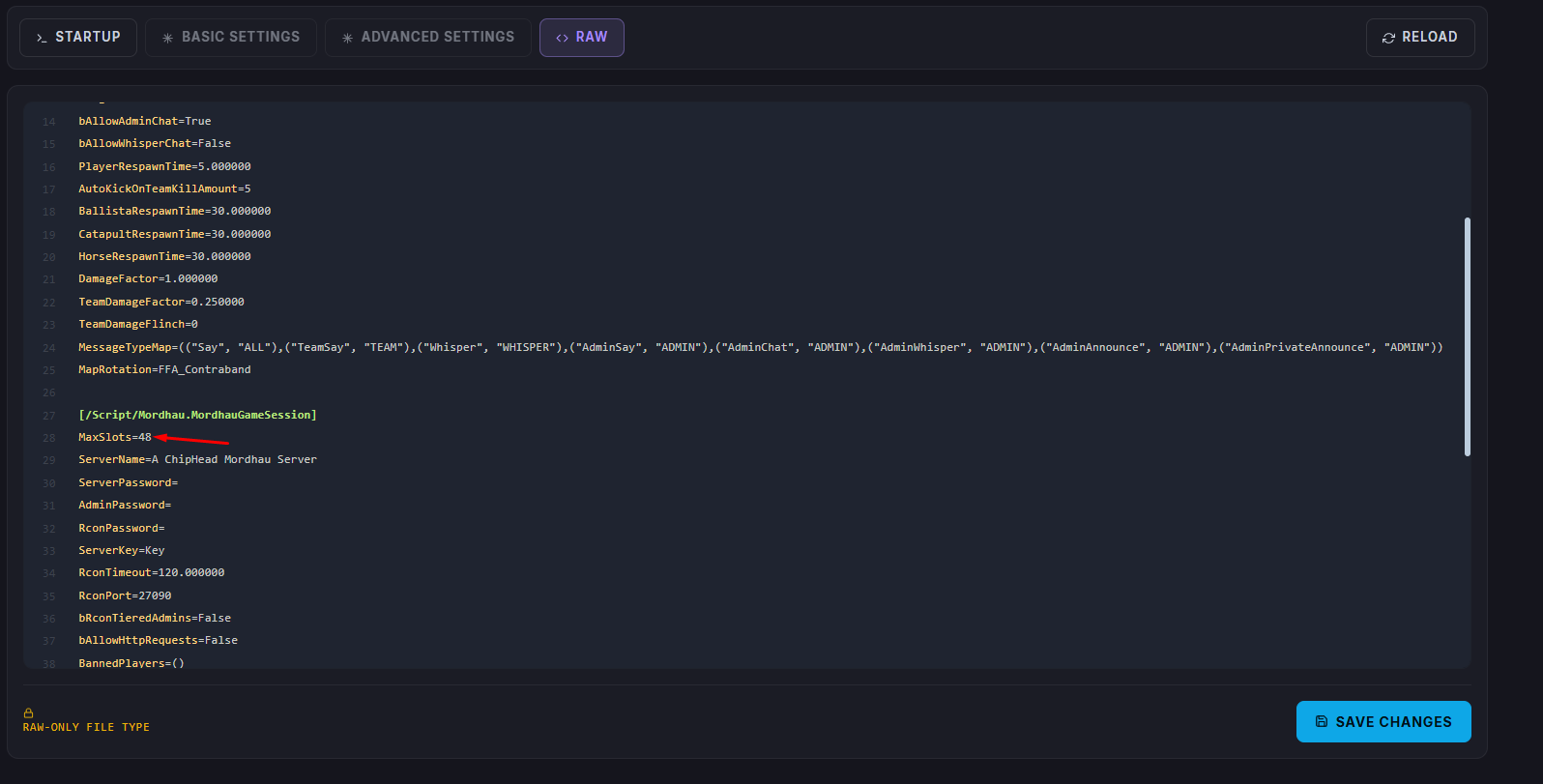
Find the MaxSlots= section and set the value to your desired maximum player count.
Once finished editing, click “Save”
Start the server.