Summary
Mordhau servers support many gamemodes, most of which include automatic respawns. By default, players respawn five seconds after dying, but this can be adjusted to create a slower, more tactical experience or a faster, more chaotic one.
How to Change the Respawn Interval on a Mordhau Server
Log in to the ChipHead Games panel.

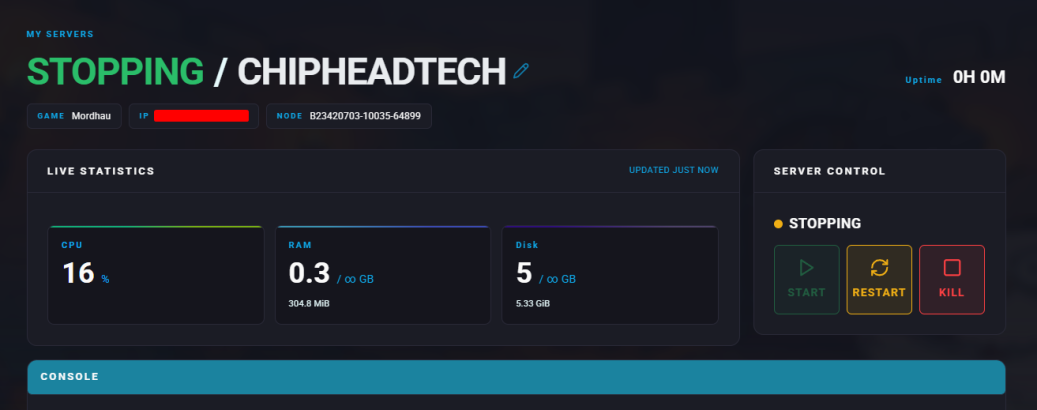
Stop the server.
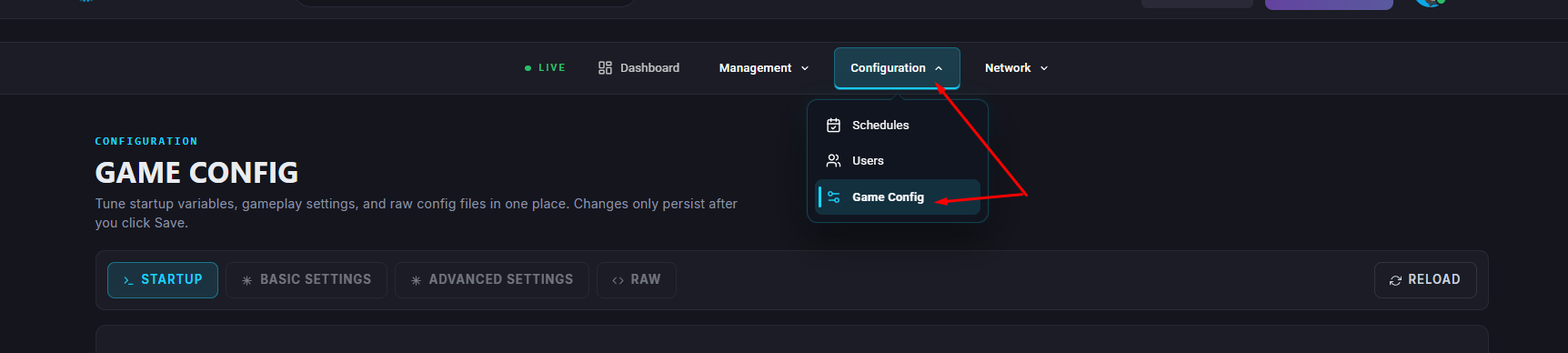
Go to “Game Config” and select “Raw”
Find the PlayerRespawnTime= section and Set the value to your desired respawn time in seconds.
Once finished editing, click “Save”
Start the server.