Summary
Mordhau servers can disable the third-person camera view to create a more competitive and immersive gameplay experience. Turning off third-person prevents players from peeking around corners or gaining extra situational awareness, encouraging fairer combat. This setting is especially useful in gamemodes where ranged combat or stealth tactics play a large role.
How to Disable Third-Person on a Mordhau Server
Log in to the ChipHead Games panel.
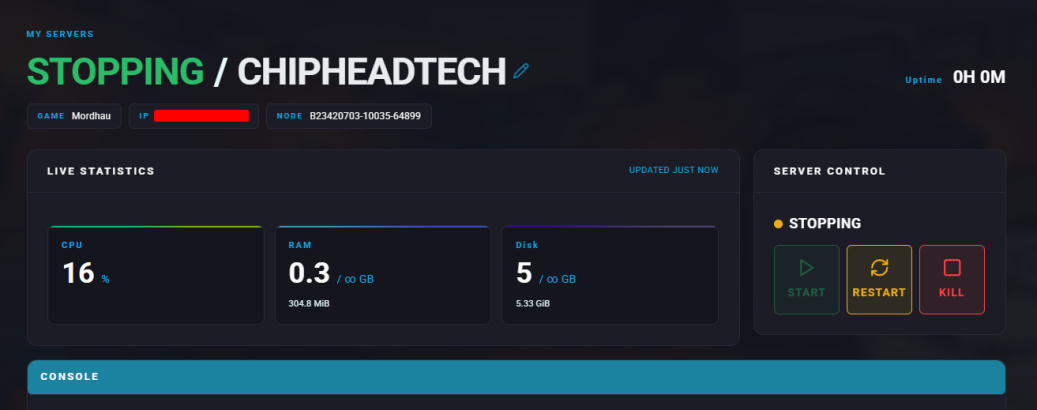
Stop the server.
Go to “Game Config” and → “Raw”
Locate the bIsThirdPersonCameraDisabled= line.
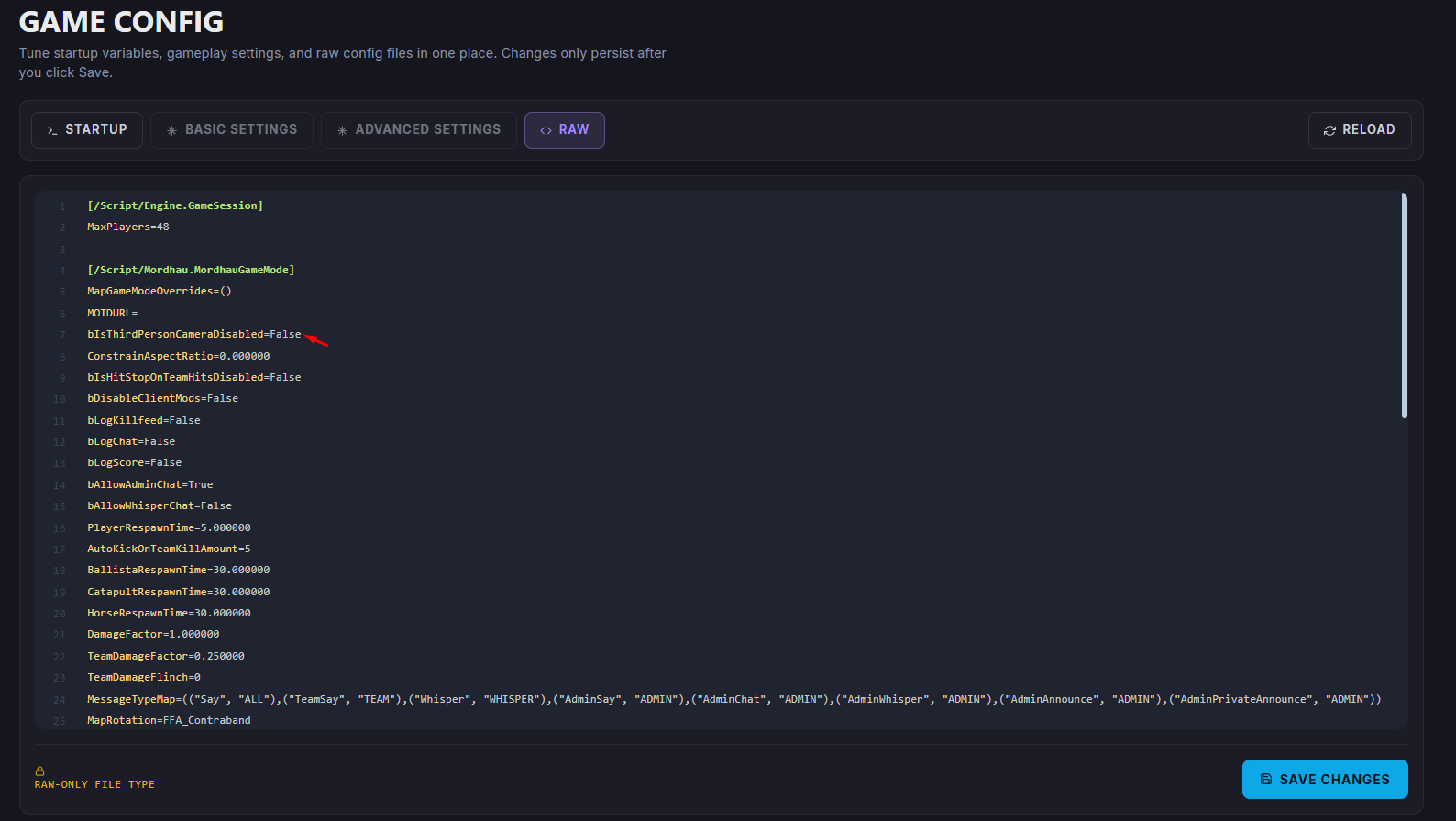
Change the value to True to disable third-person.

Once finished editing, click ”Save”
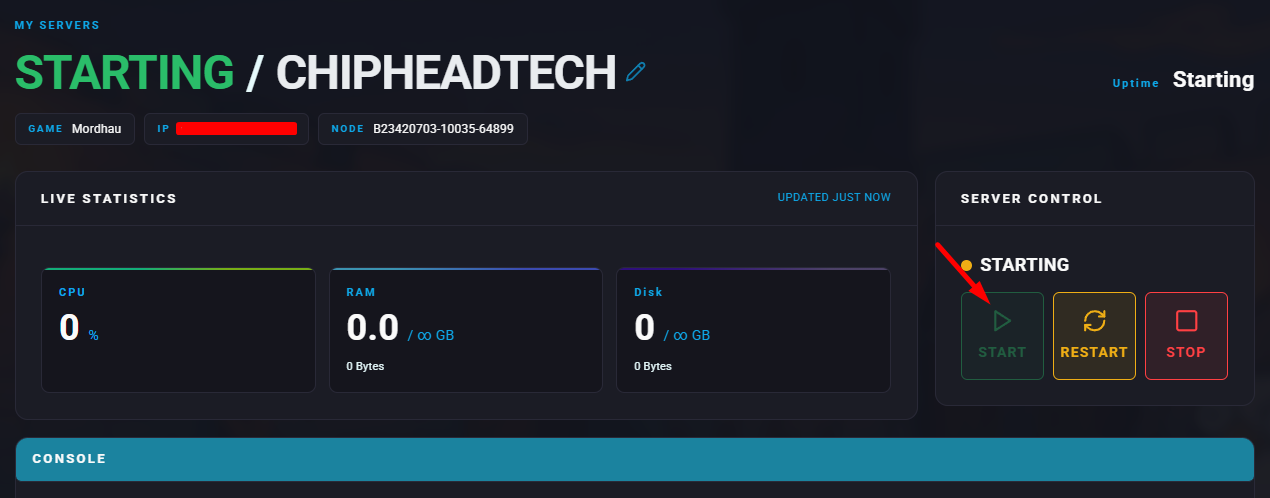
Start the server.