Summary
Mordhau supports a wide selection of custom maps available through mod.io. These maps vary in scale and design, covering different gamemodes from small duel arenas to expansive horde maps inspired by popular themes like The Lord of the Rings. Installing custom maps is similar to adding other mods, but switching to them requires manual selection once installed.
How to Install Custom Maps on a Mordhau Server
Log in to the ChipHead Games panel.
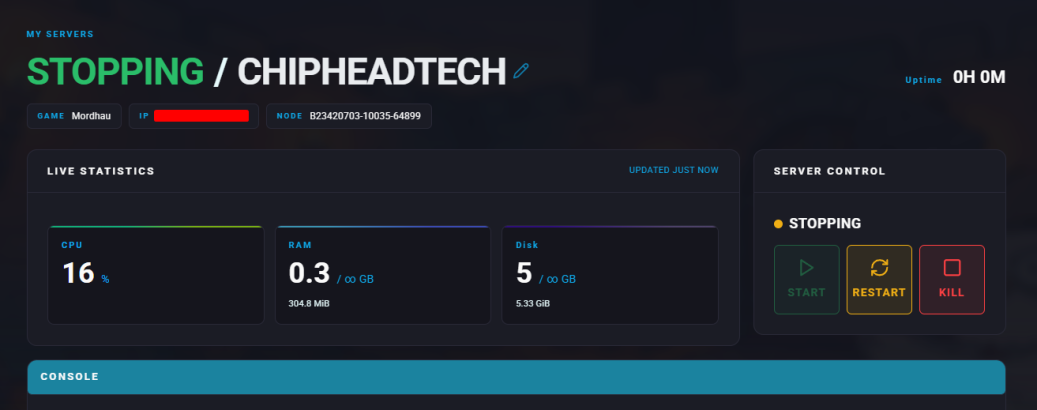
Stop the server.
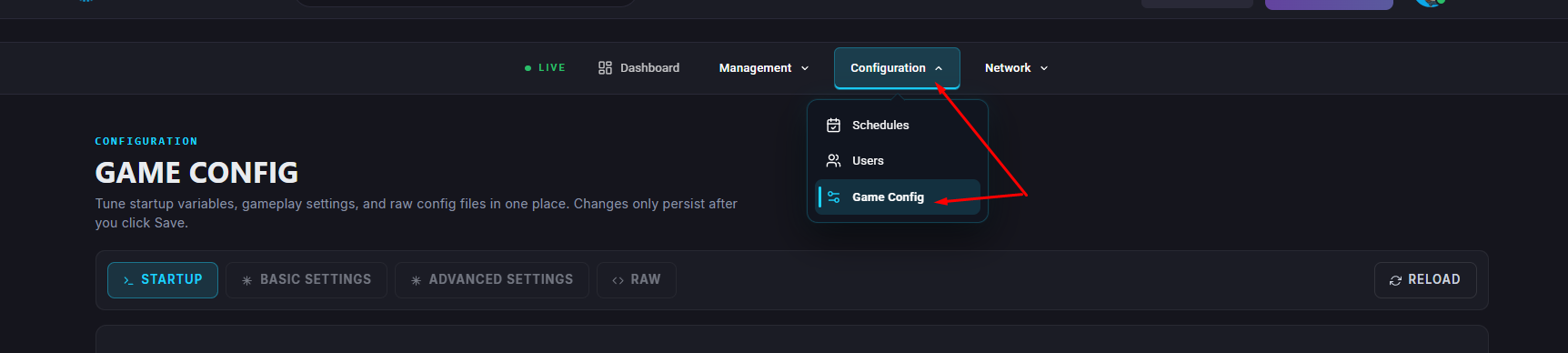
Go to “Game Config” and select “Raw”
Open the mod.io page for Mordhau and find the map you want to install.

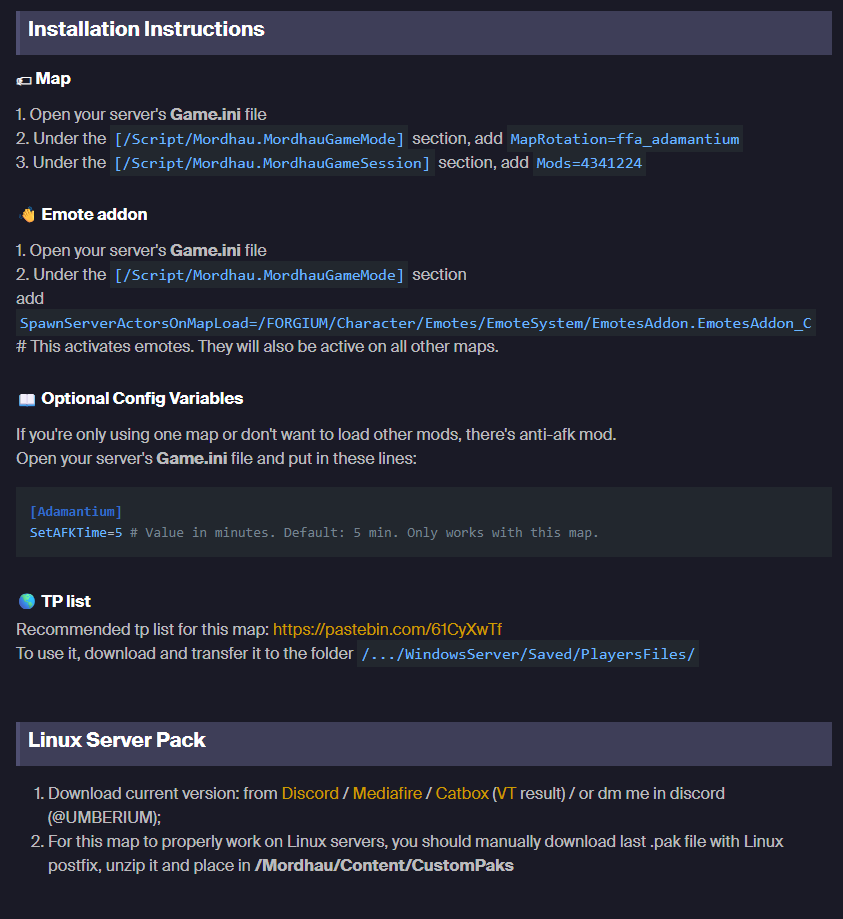
Each mod will have specific installation instructions for you to follow - Example Below