
Summary
Mordhau is a fast-paced medieval combat game featuring large-scale multiplayer battles where players must master directional attacks and strategic timing. Hosting a dedicated server allows for a smoother, customizable gameplay experience. Servers can also be secured with passwords, ensuring only authorized players can join.
How to Join a Mordhau Server (Direct Connect)
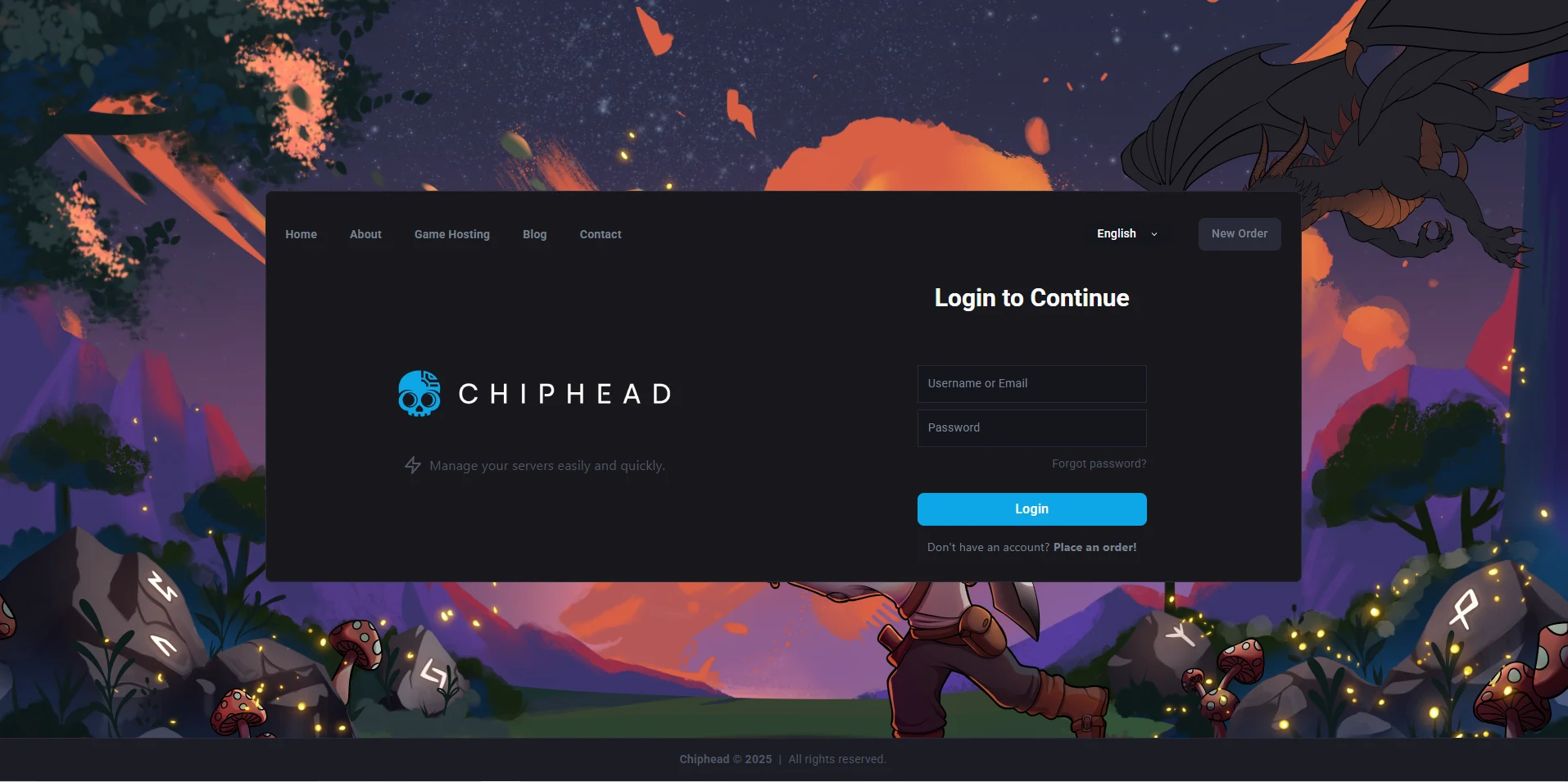
Log in to the ChipHead Games panel.
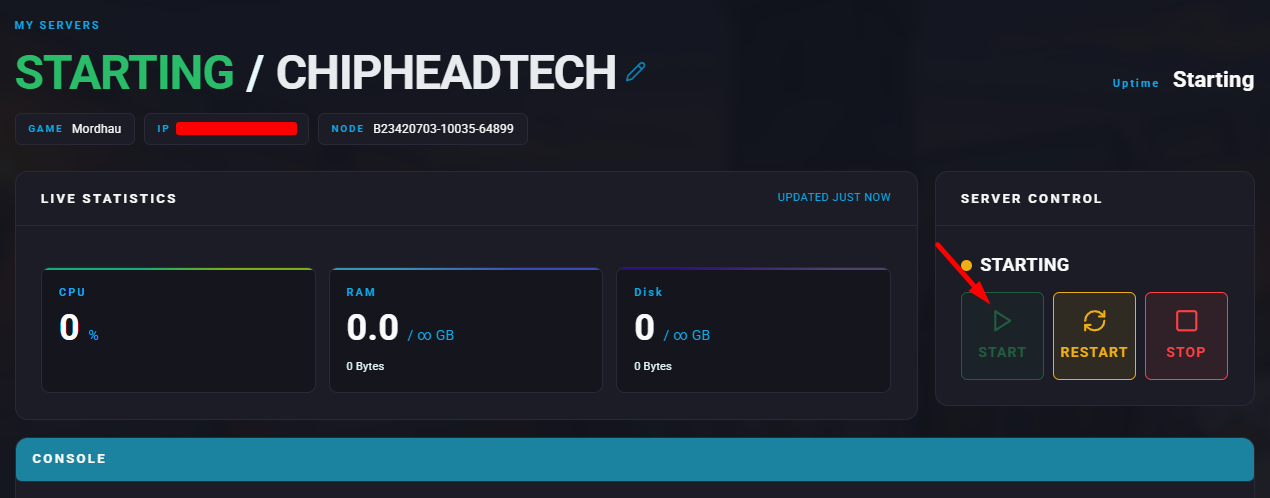
Start the server.
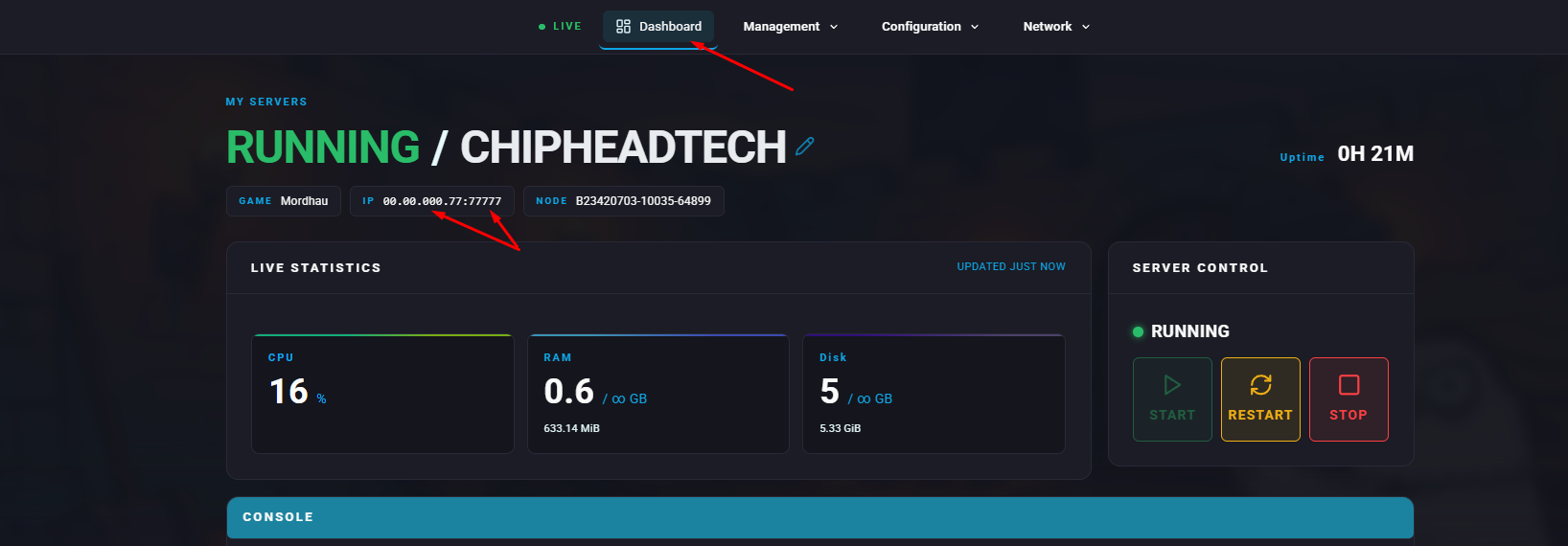
Copy the IP and Port from the “My Servers” section
Launch Mordhau.
Press the tilde (~) key to open the console.
Type
open ServerIPand press Enter to connect.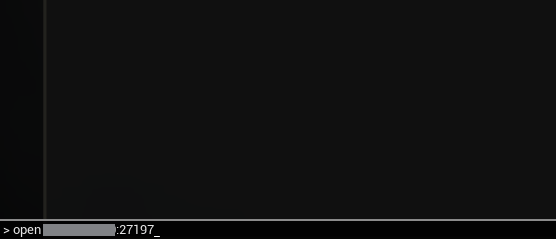

TIP: to reconnect quickly press ~ then “Up Arrow” and Enter
How to Join a Mordhau Server (Server Browser)
Go to Fight > Server Browser.
Set Game Mode to All and enter your server name in the search bar, Select the server and click to highlight
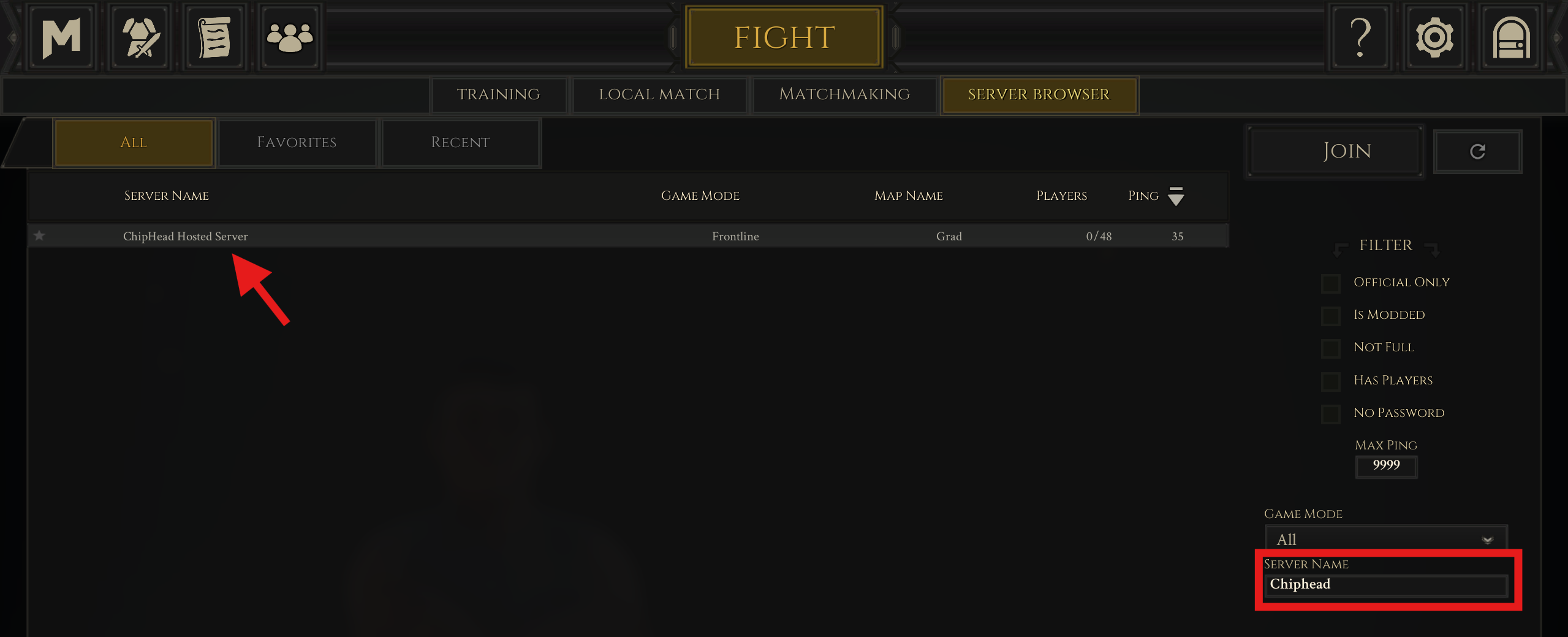
Choose Join to connect.