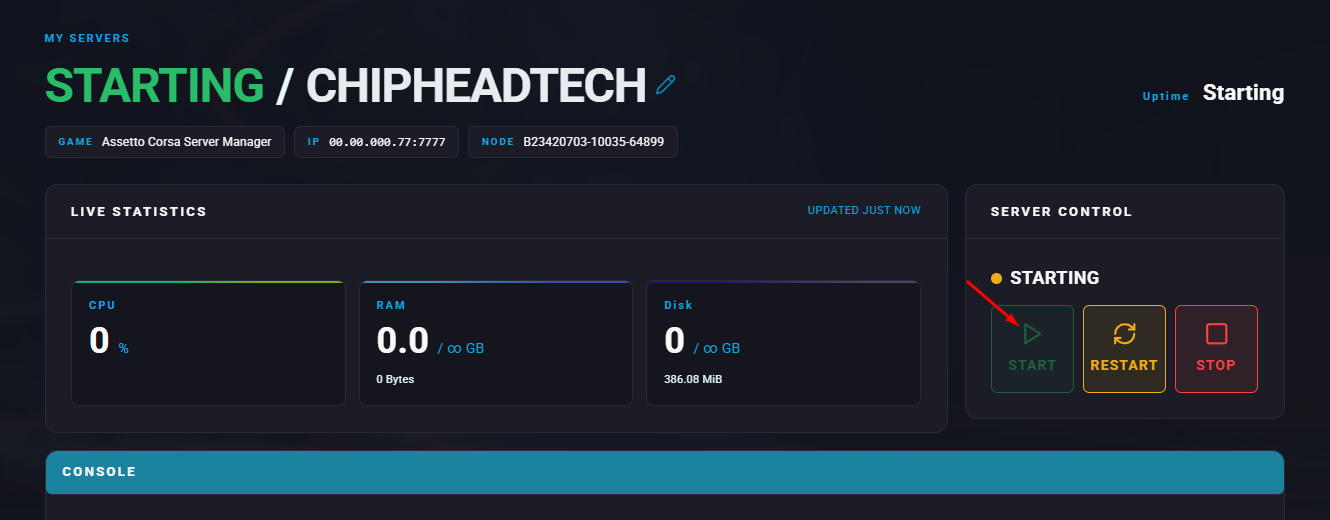
Assetto Corsa offers extensive mod support, including AI racers that can simulate realistic competition on your server. To enable AI drivers, you’ll need to use the modded client version of Assetto Corsa and upload the appropriate AI data for your chosen track. The Content Manager tool simplifies managing mods and server connections, making setup straightforward.
Note: AI racers are only available when using the Assetto Corsa Modded client.
Log in to the ChipHead Panel
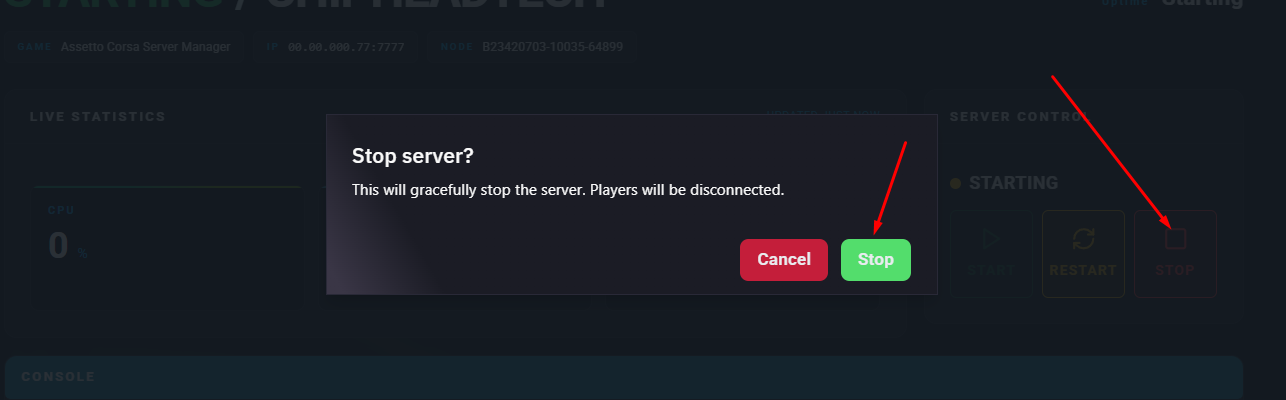
Stop the server.
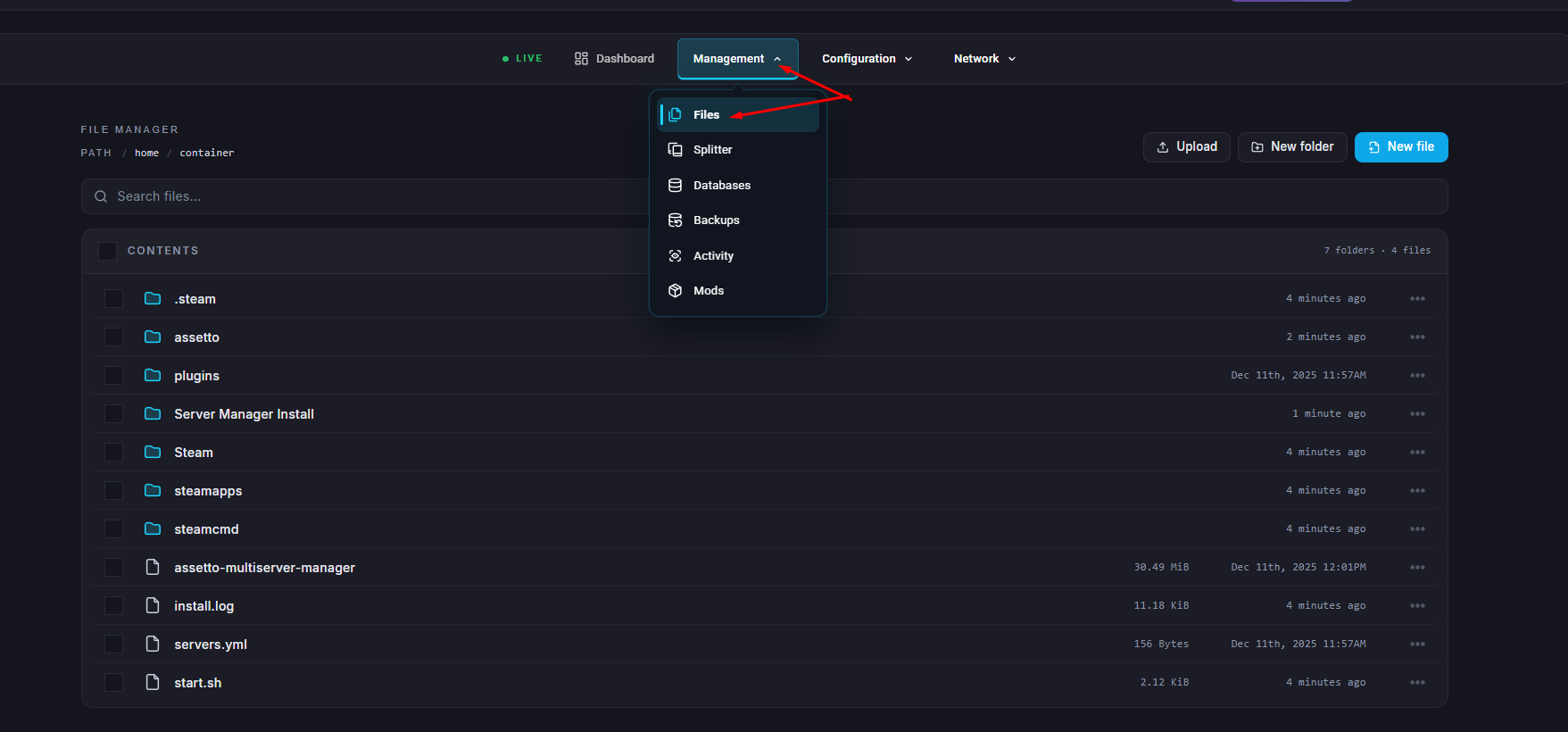
Go to the Files tab.
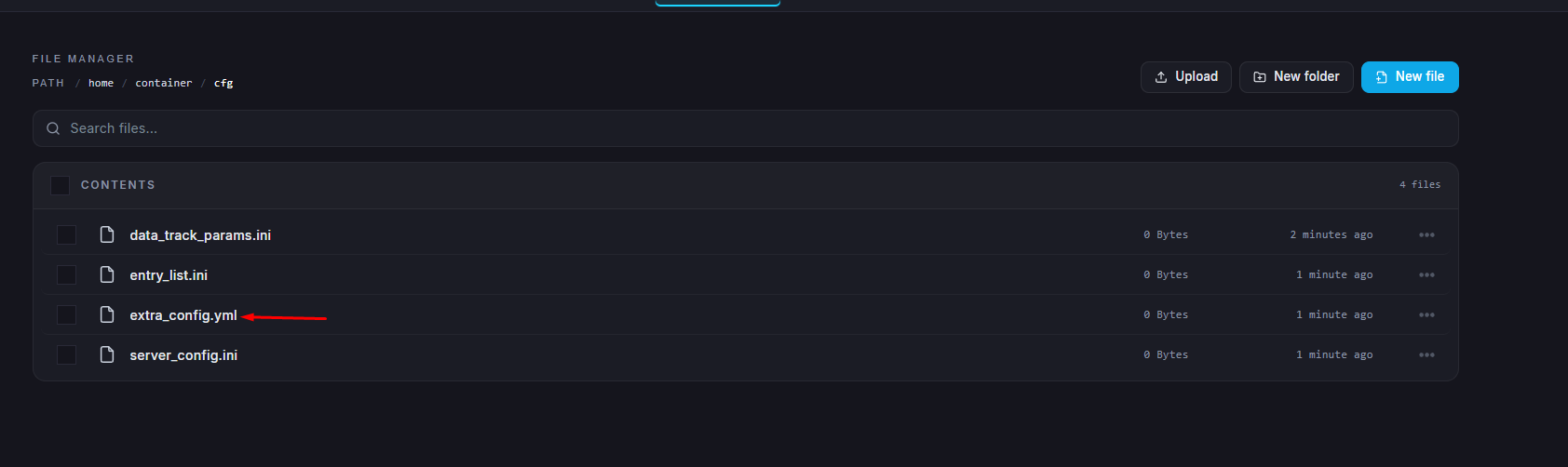
Go to the cfg folder and edit the extra_cfg.yml file. If this file doesn’t exist, start and stop the server once to generate it.
Locate the EnableAi section and set this to true
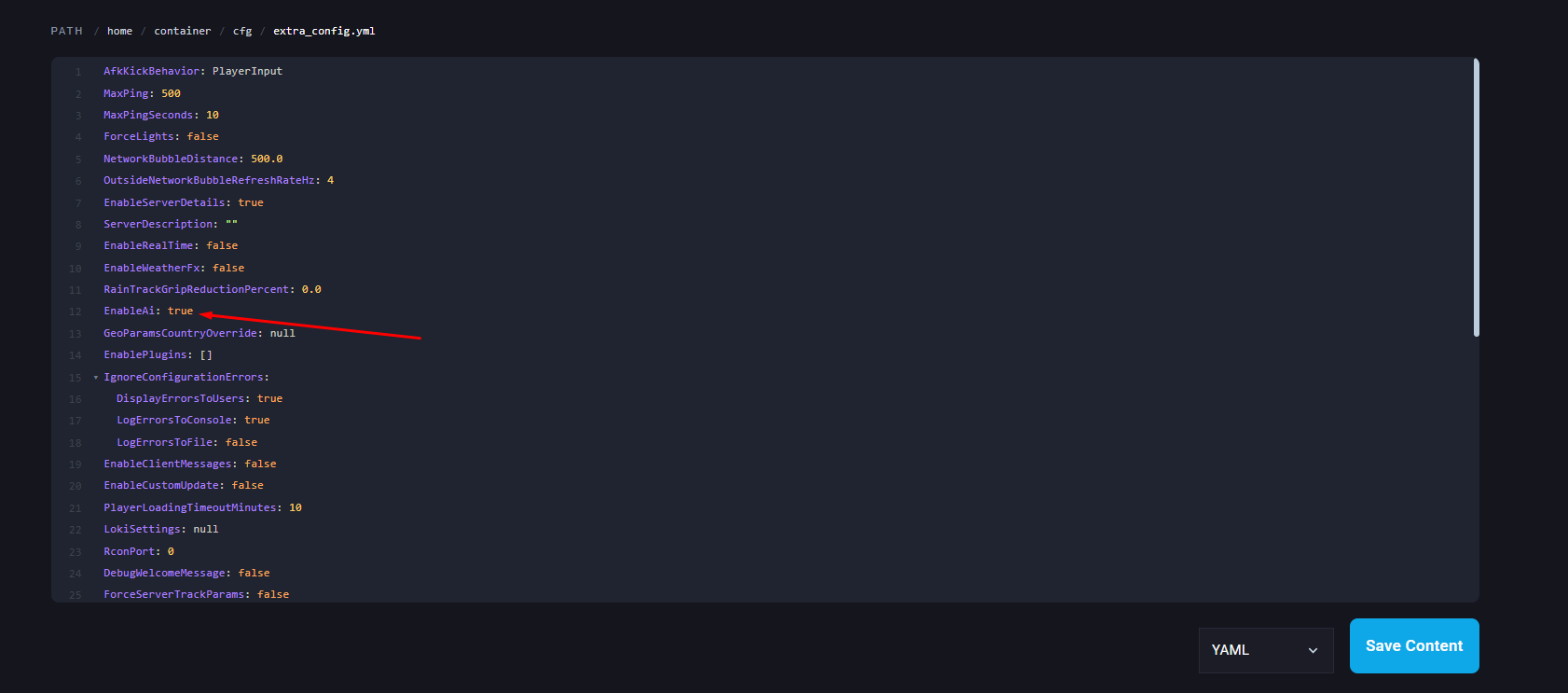
Save your changes.
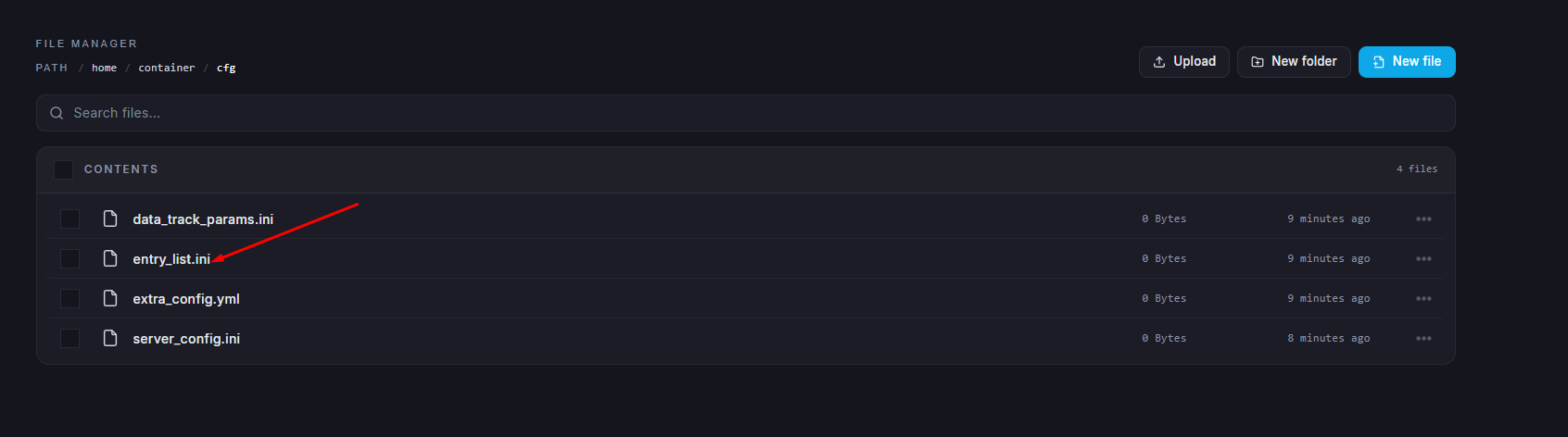
Open the entry_list.ini file.
Add AI=auto under any car section to assign that car as an AI driver.
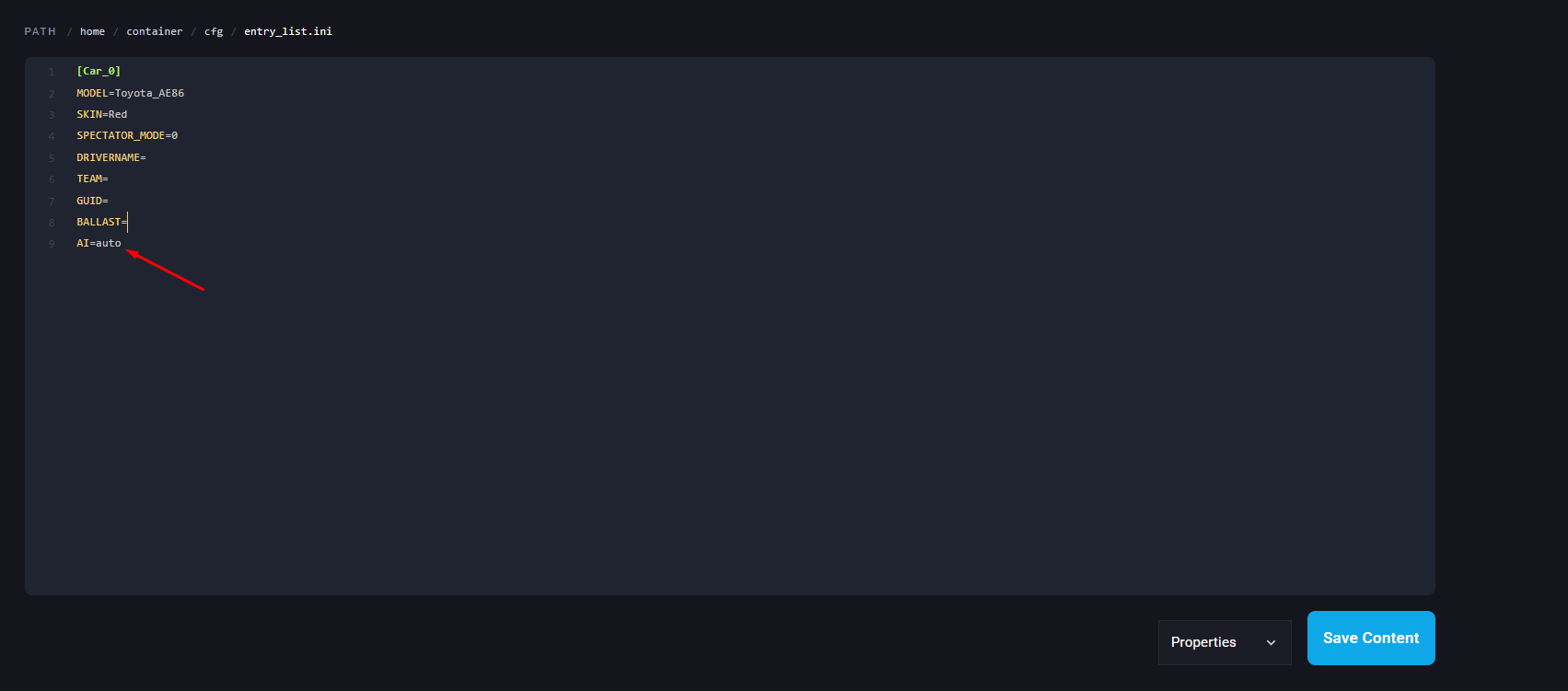
Save your changes.
Right-click Assetto Corsa in Steam and select Manage to Browse local files.
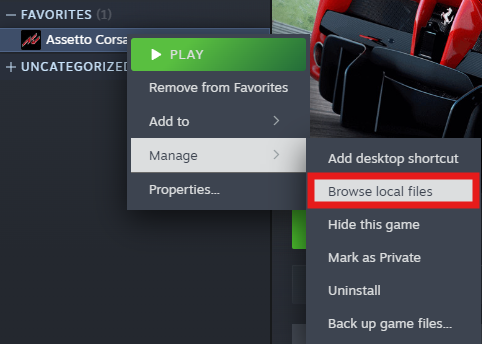
Go to your desired track folder. There should be an “ai” folder present.

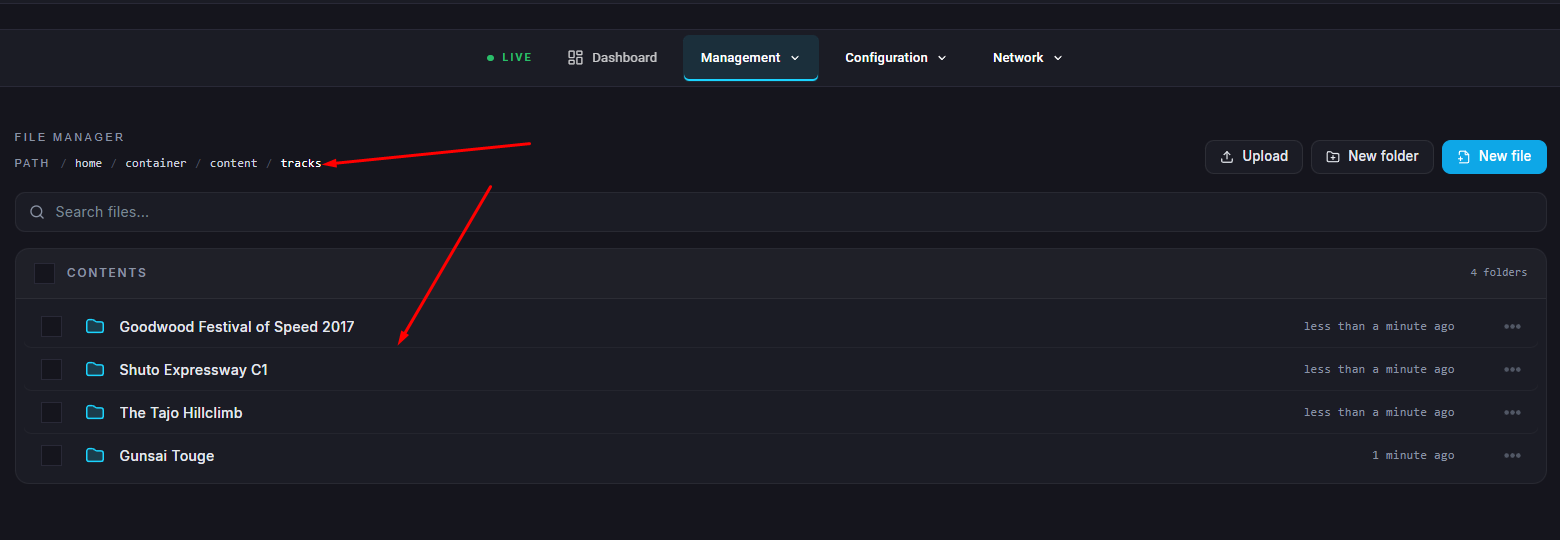
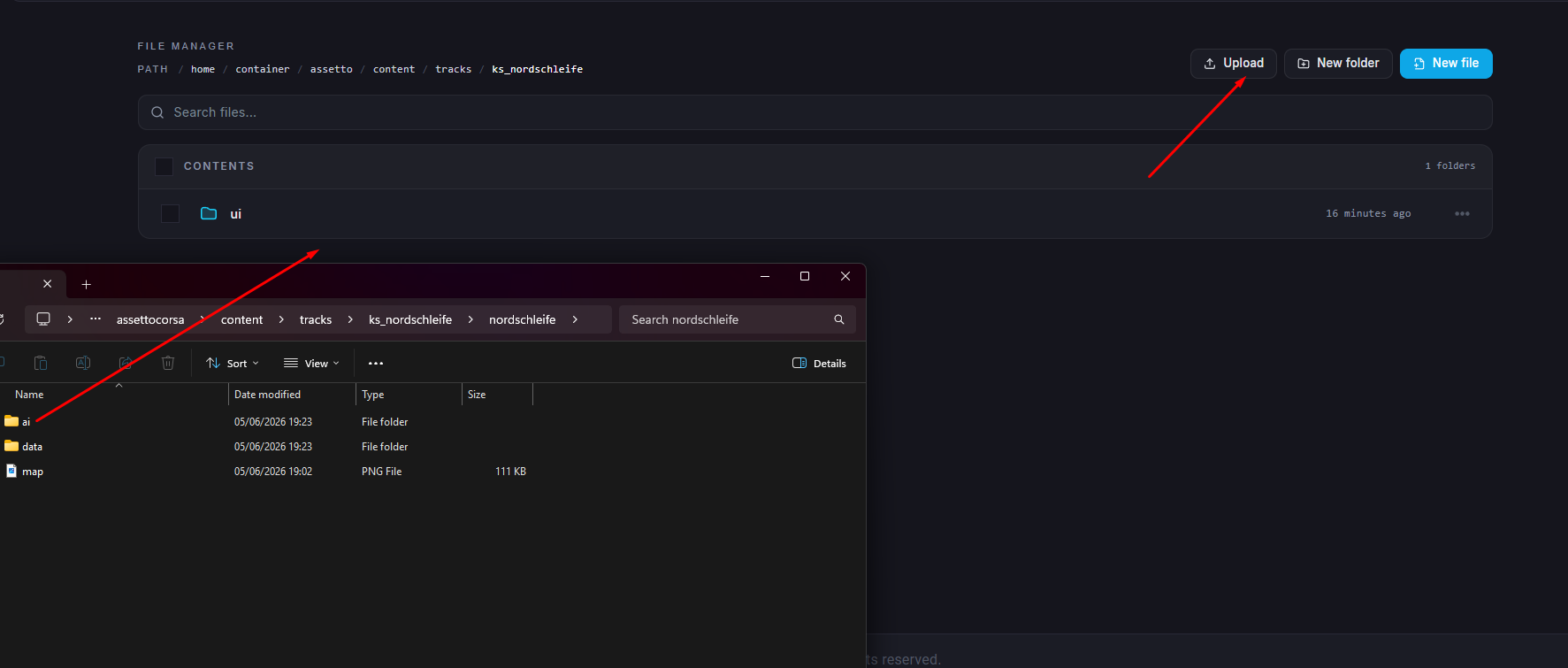
Return to the Files tab and navigate to /home/container/content/tracks.

Open the folder of your chosen track.
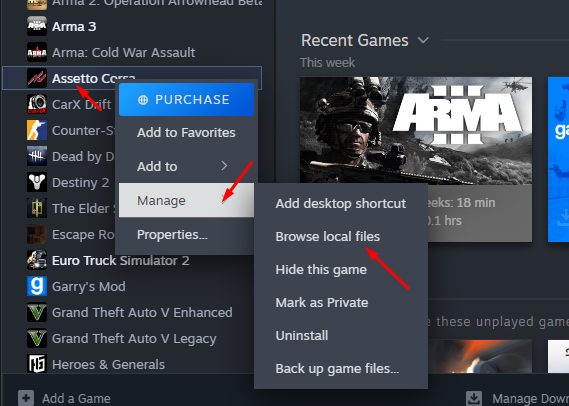
To find the AI data, right-click Assetto Corsa in Steam and select Manage > Browse local files.
Navigate to the corresponding track folder and locate the ai folder.
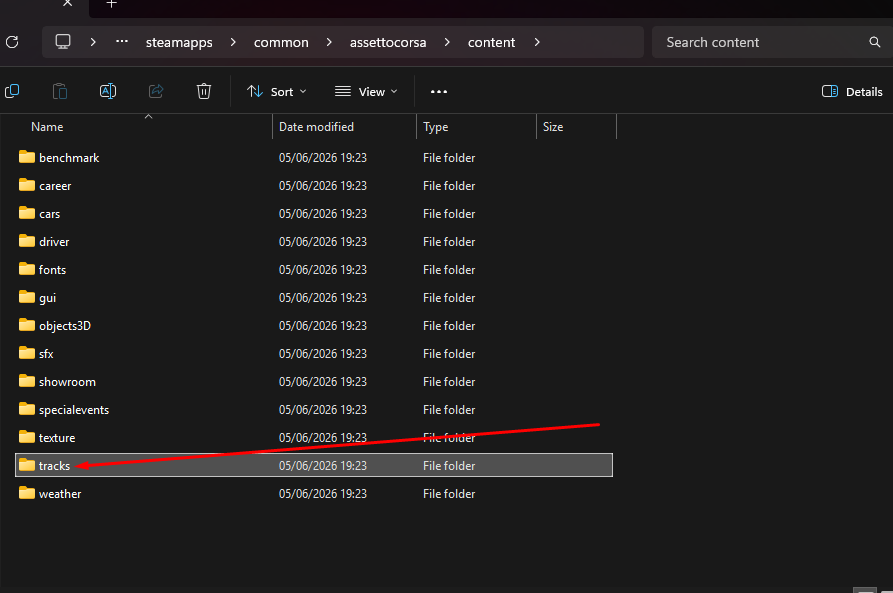
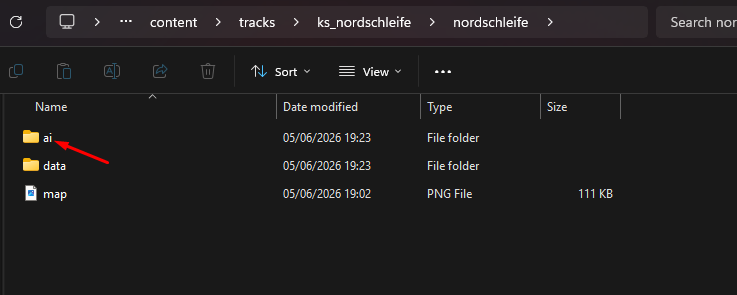
Note: If no ai folder is present, choose another track or download the AI data from a modding site.
Upload the ai folder to the same track directory on your server.
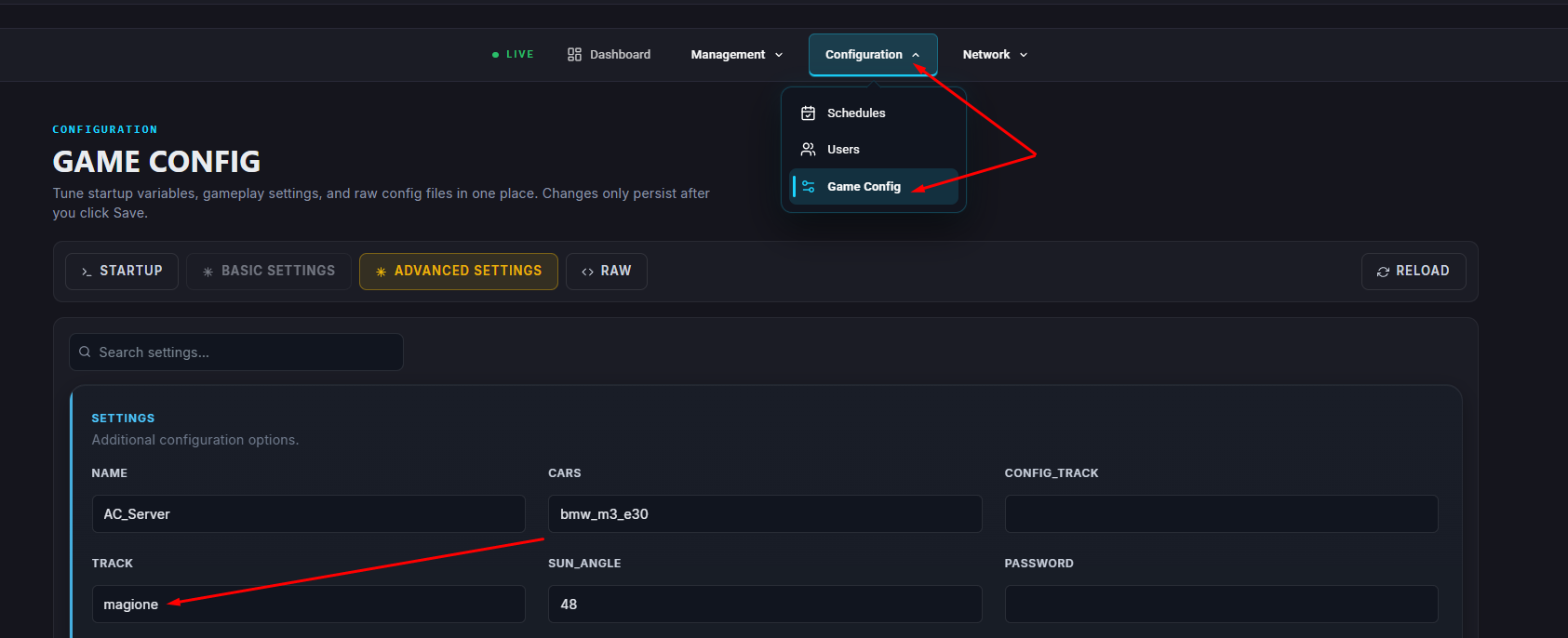
Verify that the track is correctly set by going to Game Config Files > Server Settings.
Save your changes.

Start the server.