
Summary
Adding a password to your Assetto Corsa server helps secure access by ensuring only authorized players can join. This prevents unwanted disruptions and keeps gameplay focused and organized. Password protection is especially useful for private races, community events, or competitive sessions where you want full control over who participates.
How to Add a Password to an Assetto Corsa Server
Log in to the ChipHead Panel.

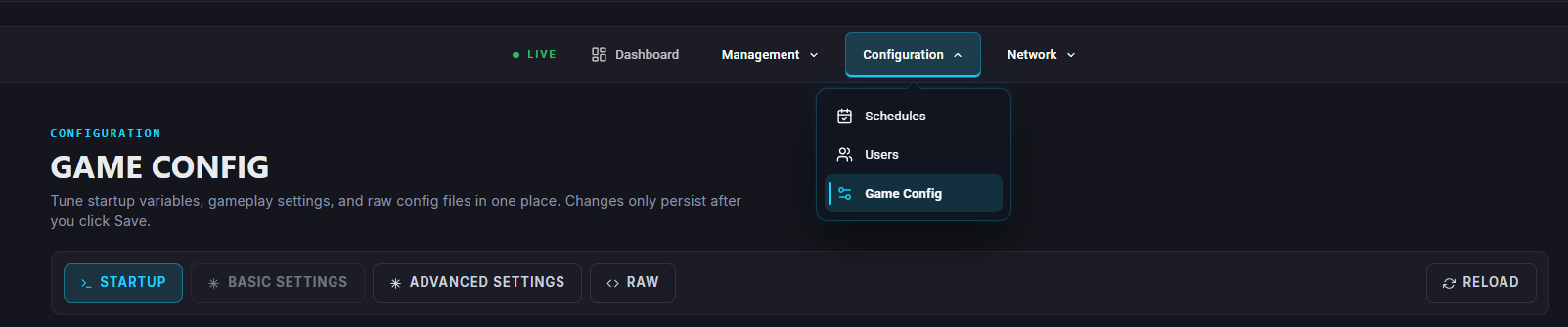
Navigate to “Game Config”
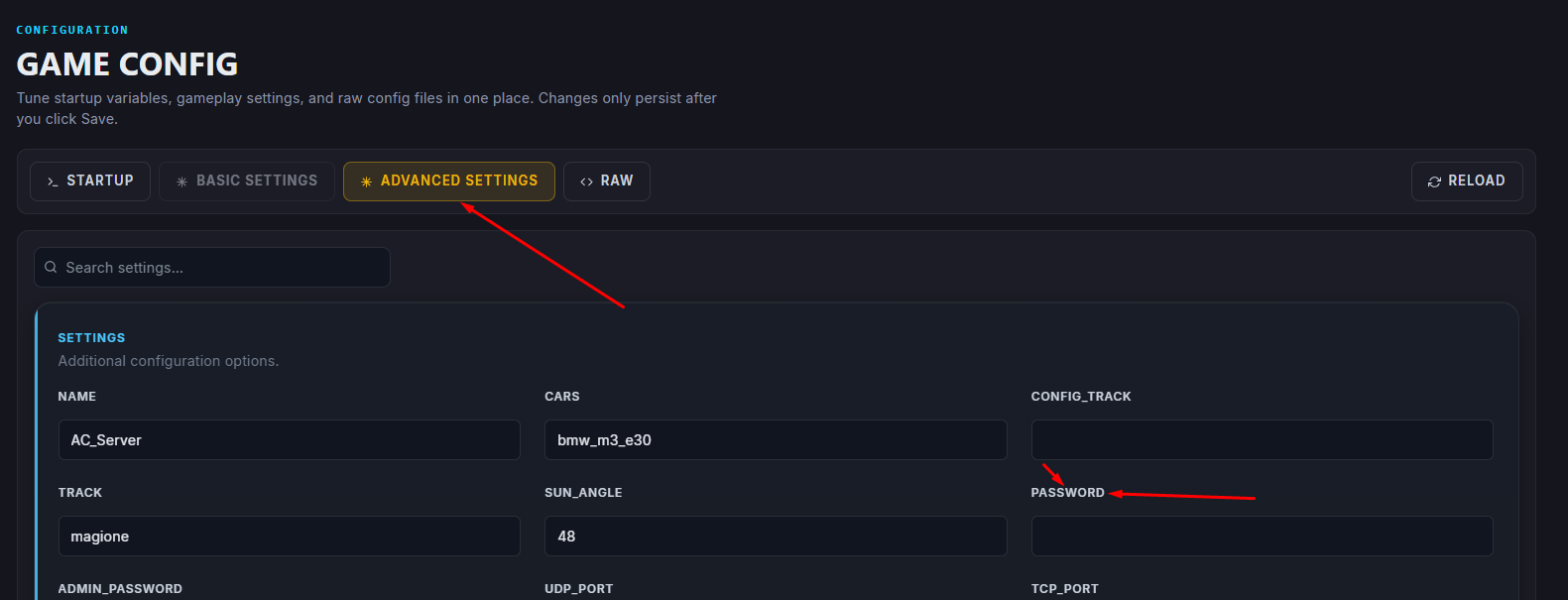
In Advanced Settings > the Server Password field, enter your chosen password.
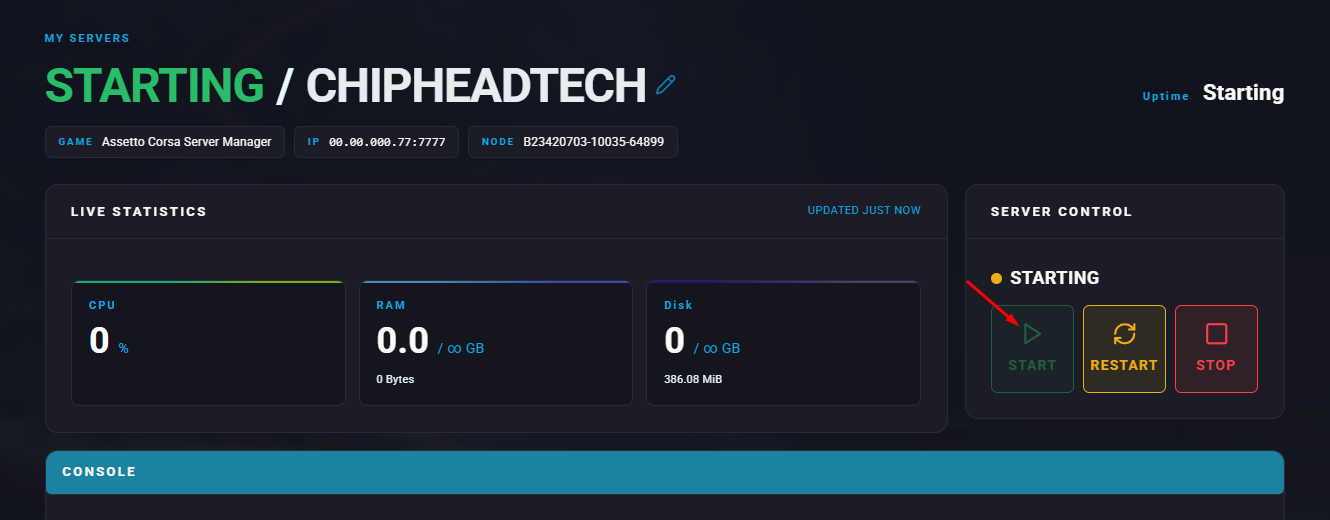
Start the server.

Your ChipHead Assetto Corsa server will now require a password before players can join