Adding custom tracks to an Assetto Corsa server allows players to explore a wide range of new racing environments, from realistic recreations of famous circuits to imaginative fan-made creations. These custom tracks keep gameplay fresh and engaging, giving players countless ways to enjoy races while encouraging creativity and community involvement.
The Assetto Corsa server web panel must be configured.
Note: All players must have the same custom tracks installed as the server.

Download a custom track.
Extract the compressed file to a folder.
Minimize the folder for later use.
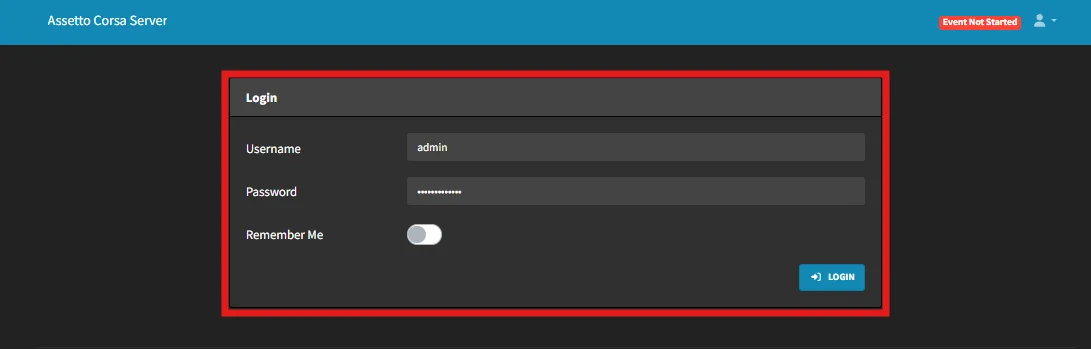
Log in to the Assetto Corsa server web panel
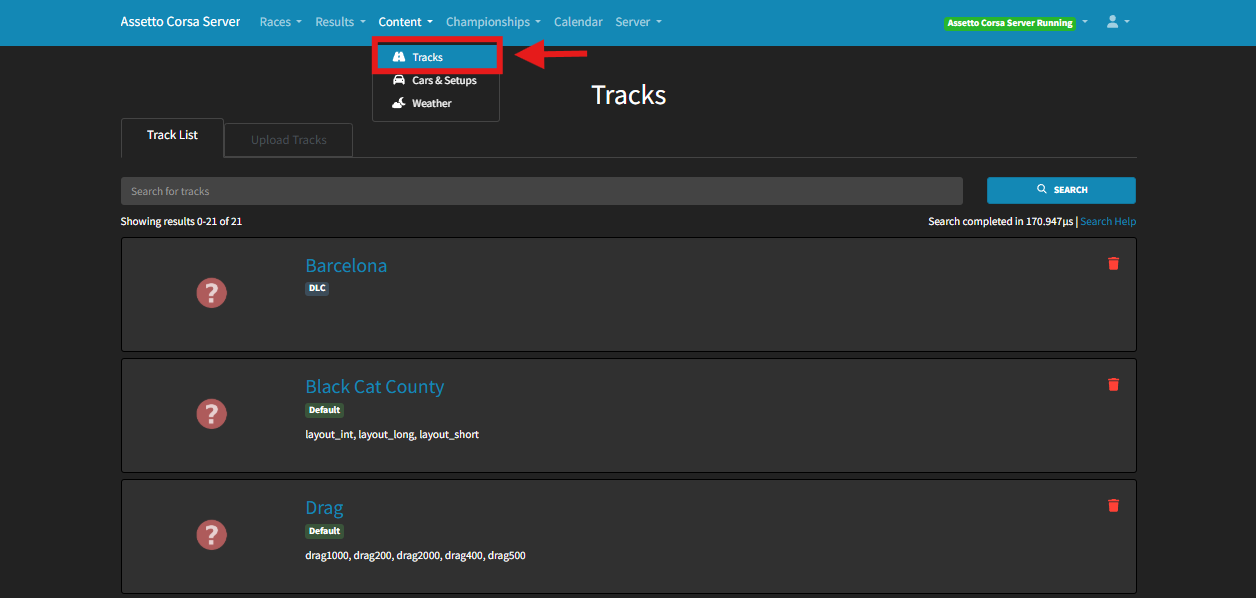
Under Content, select Tracks.
Select “Upload Tracks”
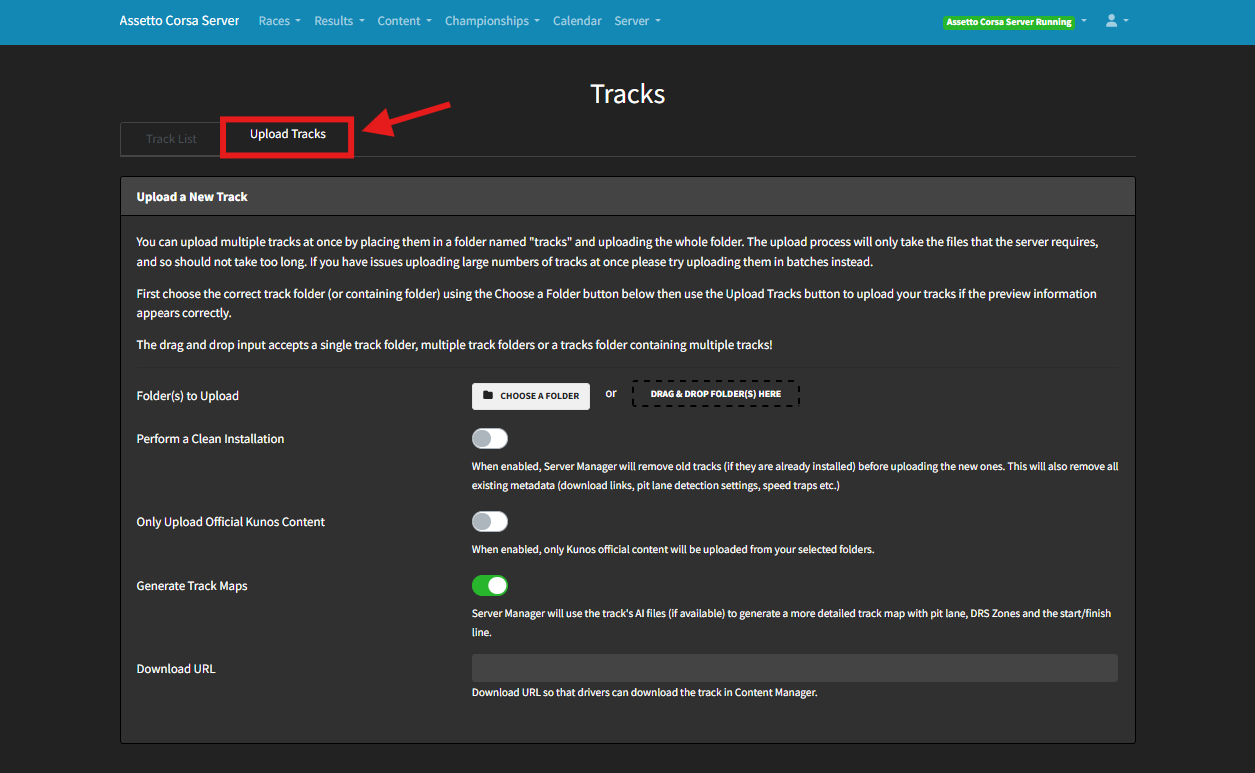
Drag and drop the folder from step 3 or click “Choose A Folder”
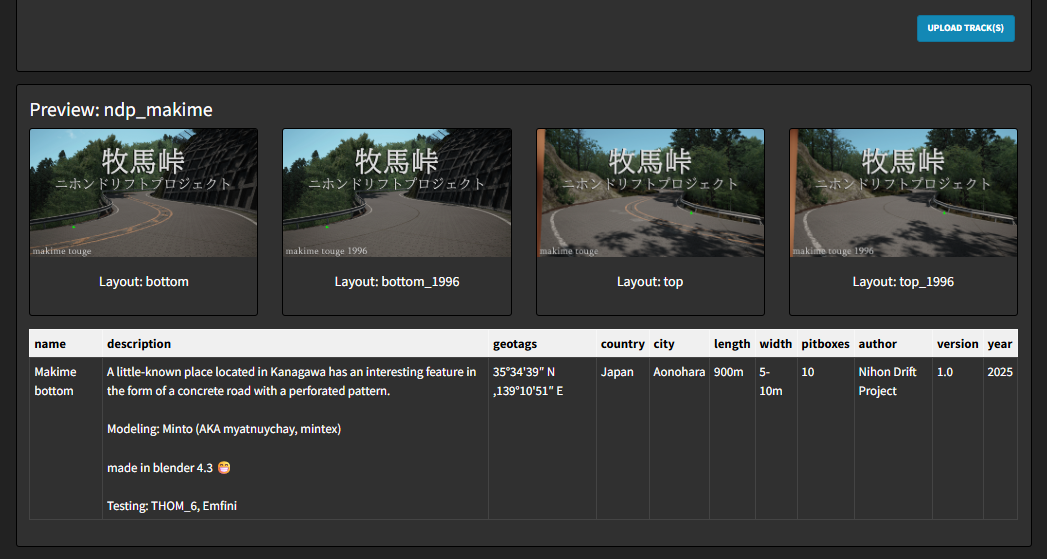
Click UPLOAD TRACK(S).
Download a custom map
Run Content Manager.
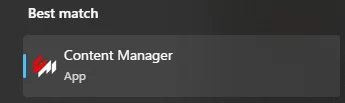
Drag and drop the compressed file into Content Manager.
Click the three lines icon in the upper-right corner.
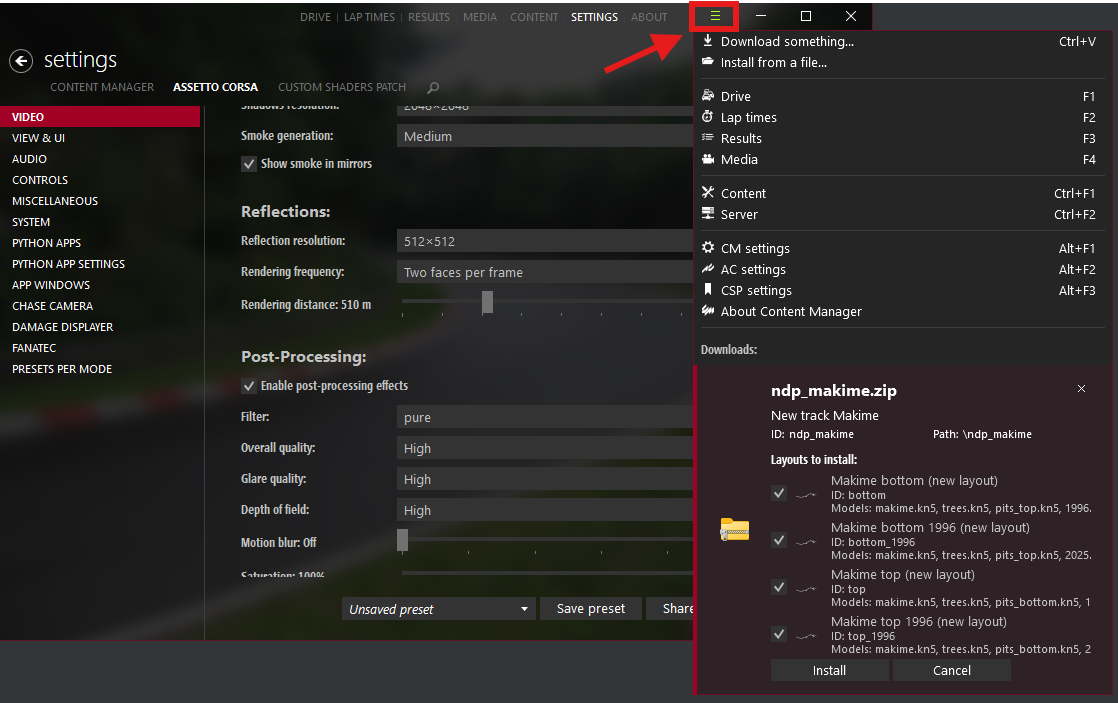
Under Downloads, click Install.
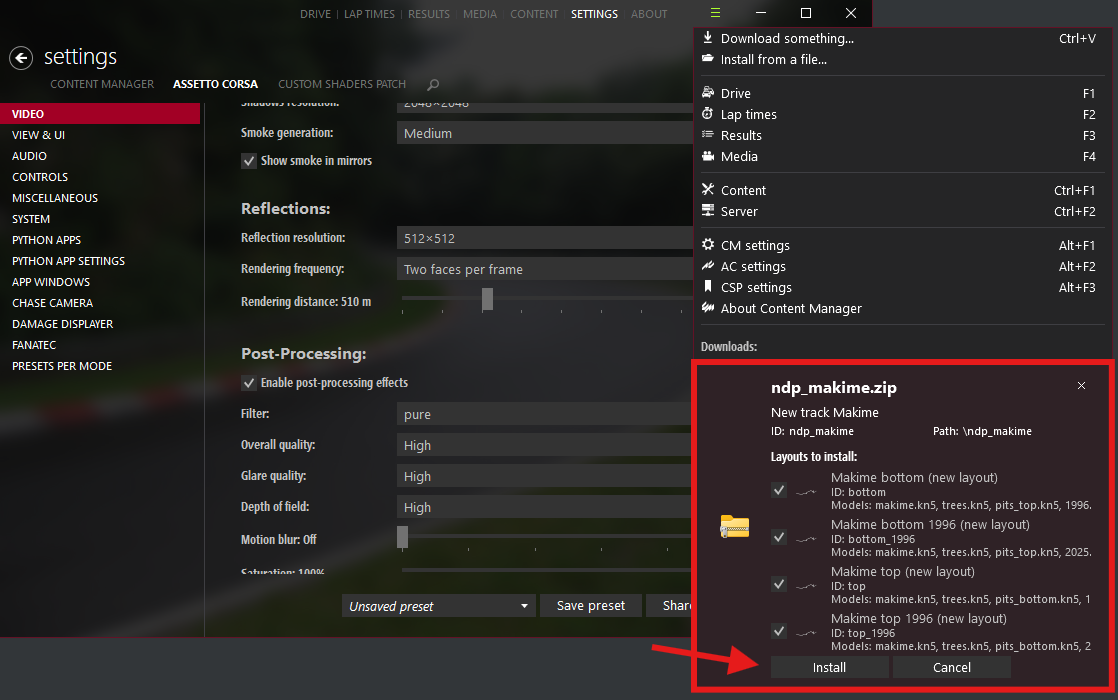
Launch Assetto Corsa to use your new track.
Download a custom track.
Extract the compressed file to a folder.
Minimize the folder for later use.
Right-click Assetto Corsa in Steam, hover over Manage, and select Browse Local Files.
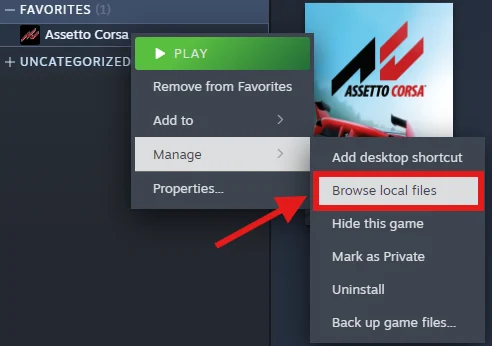
Navigate to Steam\steamapps\common\assettocorsa\content\tracks
Drag and drop the folder from step 3 into the tracks folder.
Launch Assetto Corsa to access your new track.
