
Summary
In Assetto Corsa, an admin (administrator) is a player with elevated permissions to manage a multiplayer server. Admins can enforce rules, adjust settings, and oversee player behaviour to maintain a fair and enjoyable racing environment. Their role is essential for keeping the community organized, respectful, and competitive.
How to Become an Admin on an Assetto Corsa Server
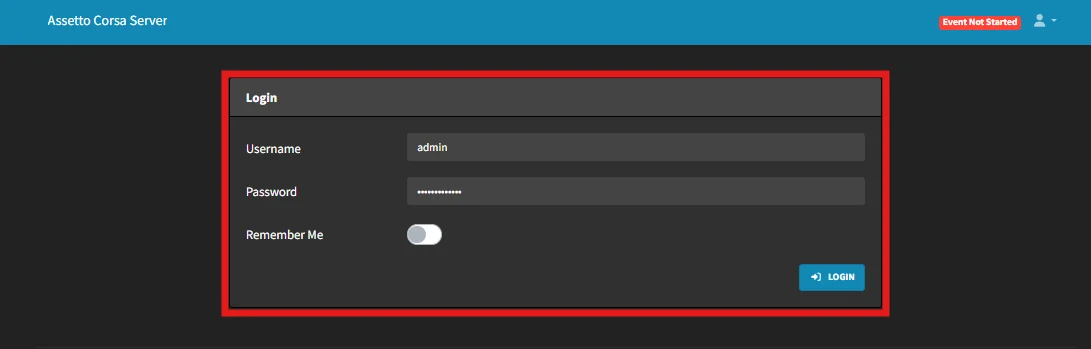
Log in to the ChipHead
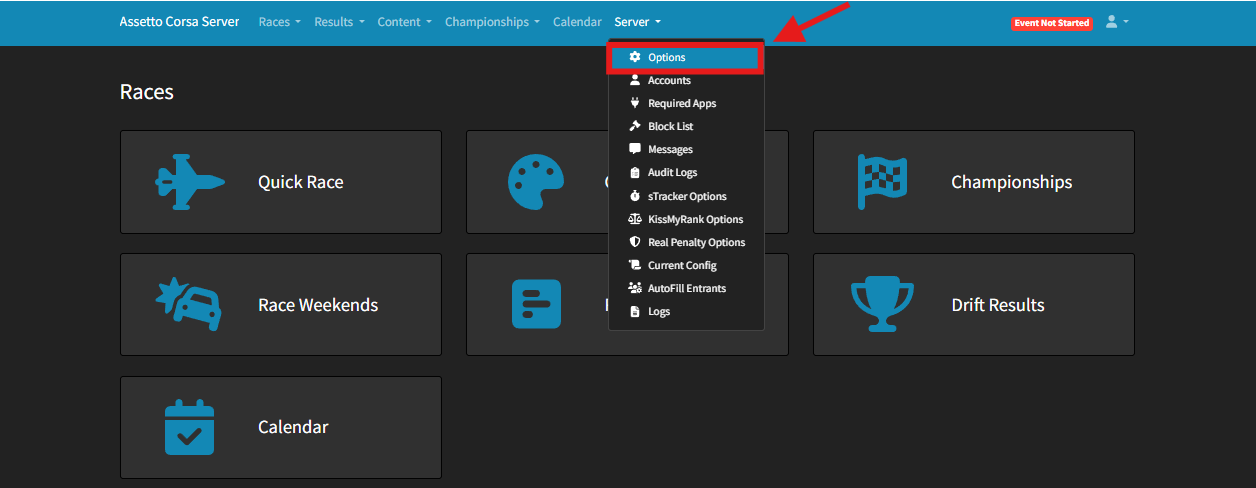
Go to Server > Options
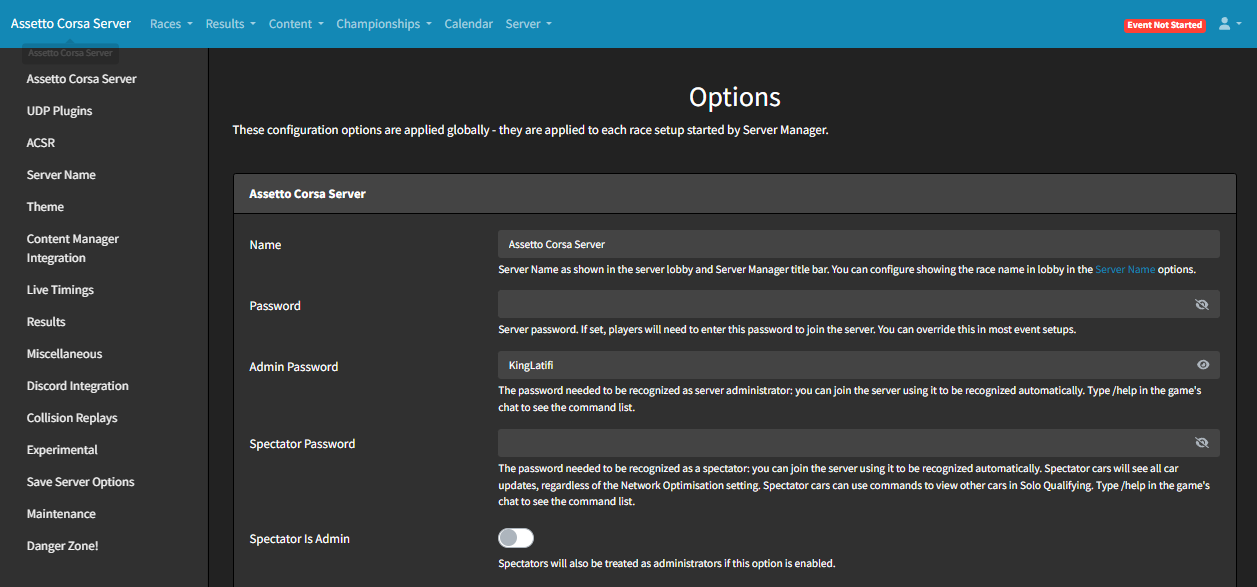
Under the “Admin Password” field, enter your chosen admin password.
Once in-game, type the following command in the chat box: /admin YourPassword.
Admin Commands
| Logs in as an admin using the set password. |
|
| Moves to the next session. |
|
| Restarts the current session. |
|
| Displays a list of all players with their Car IDs. |
|
| Kicks a player using their name. |
|
| Kicks a player based on their car ID. |
|
| Bans a player based on their car ID. |
|
| Adds ballast weight (in kg) to a player’s car. |
|
| Reduces a car’s engine power by the specified percentage. |
|