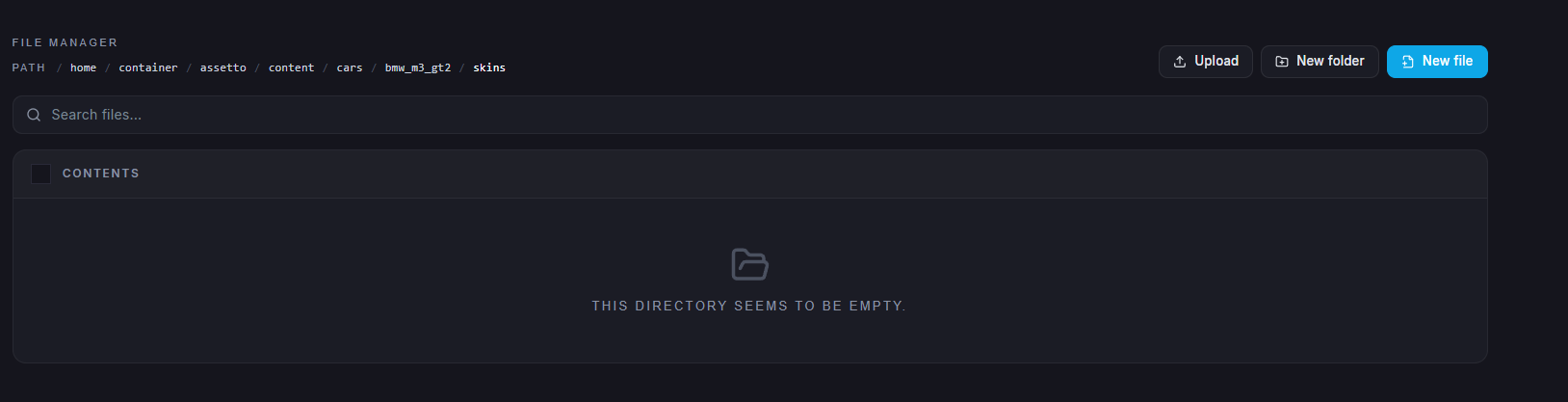
Assetto Corsa includes a wide selection of car skins by default, giving players the freedom to customize the appearance of their vehicles. Using this method, you can also change the skins of AI racers and other cars that appear in races. The ChipHead Panel provides an easy way to view all available skins, including custom ones. Players simply need to assign a car and select a skin from the entry list file to apply their preferred design.
Log in to the ChipHead Panel.

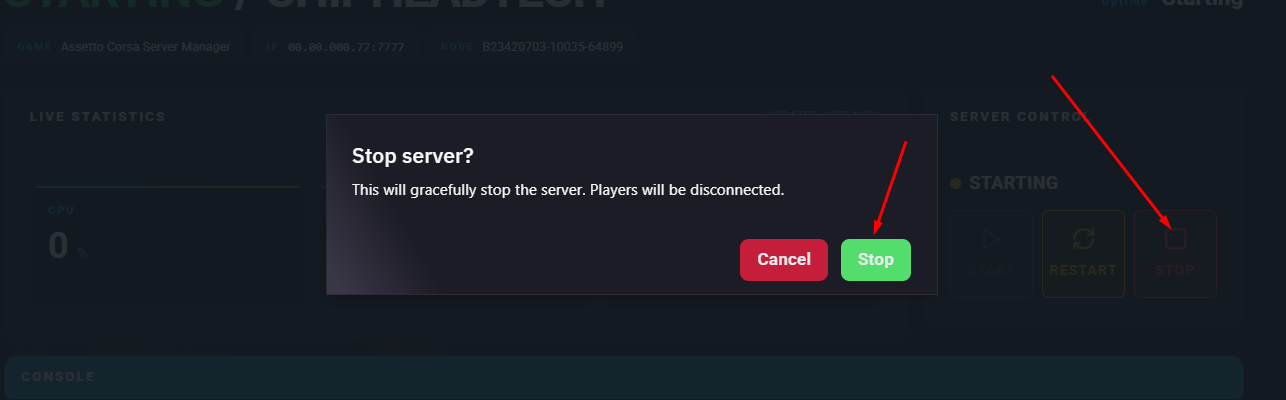
Stop the server.
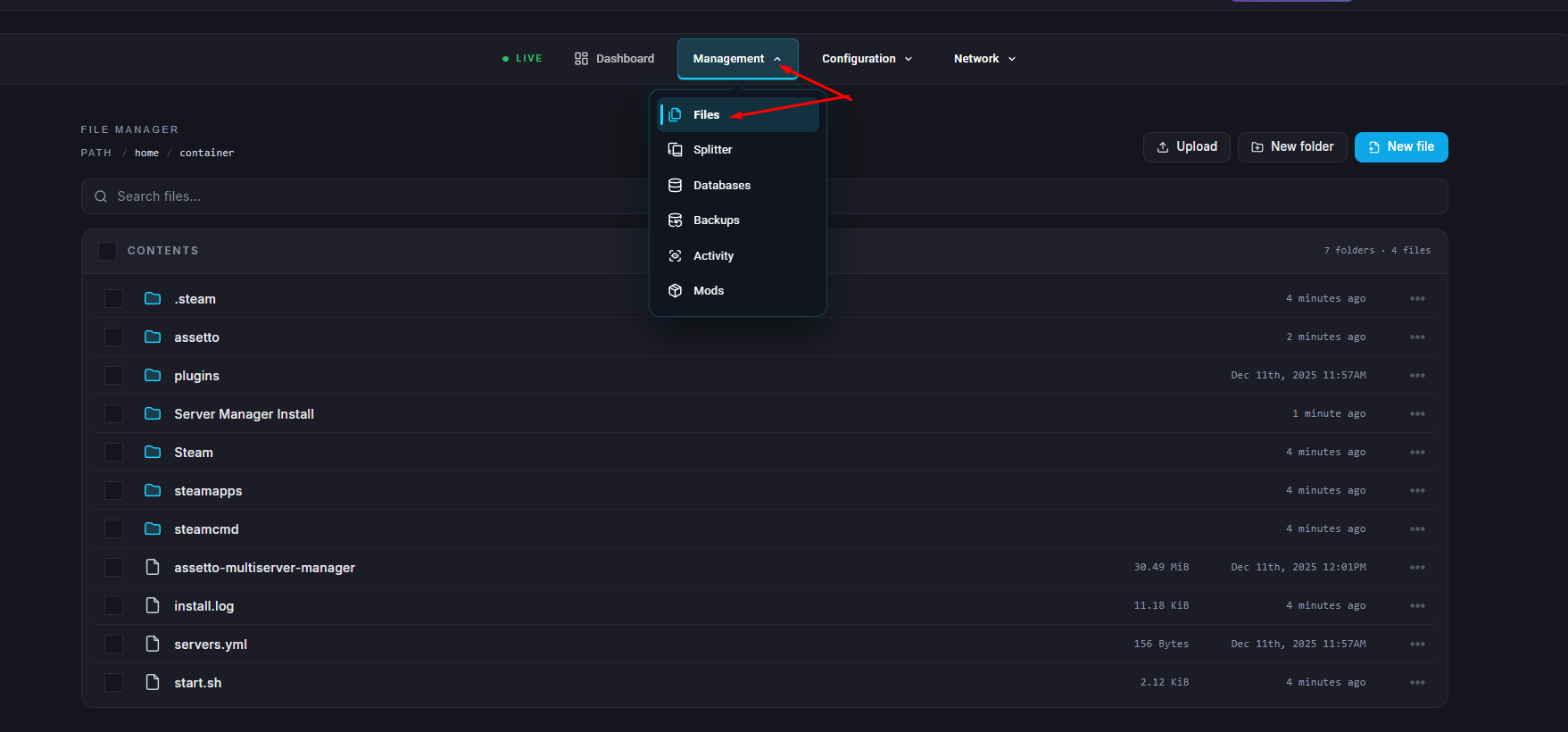
Go to the Files tab.
Navigate to assetto/cfg and open the entry_list.ini file
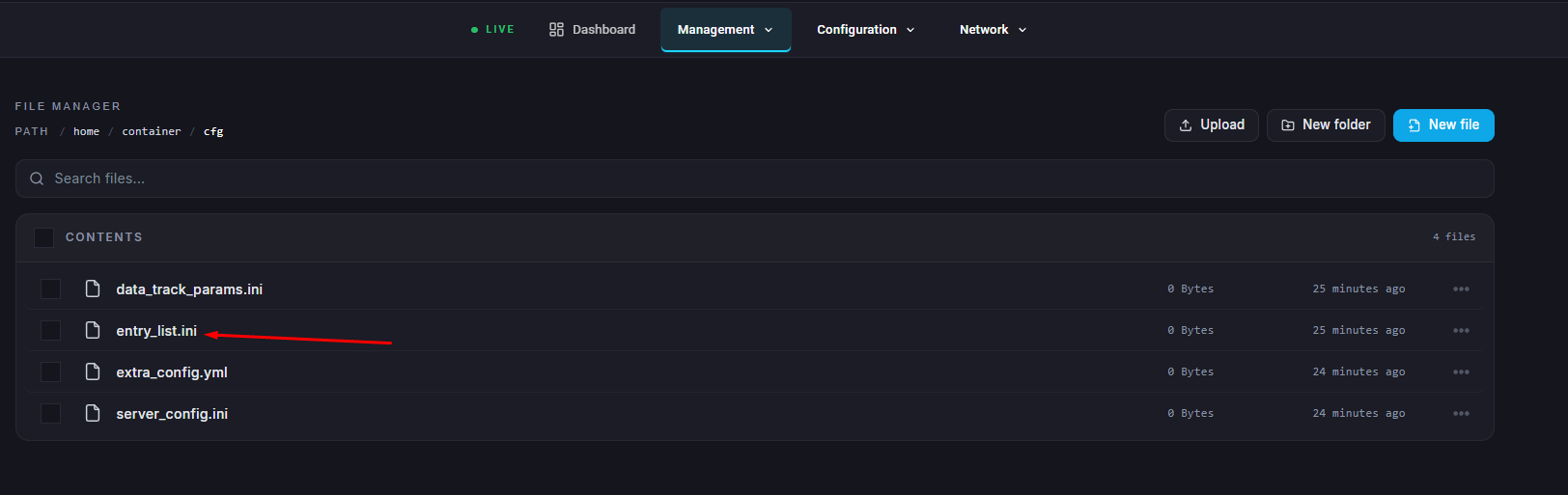
Open the entry_list.ini file for editing.
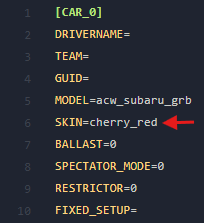
Locate the SKIN= section for the desired car.
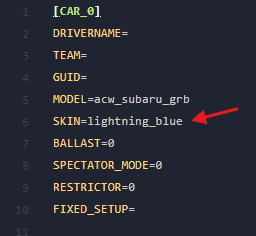
Change SKIN= to the name of the skin you want to use.
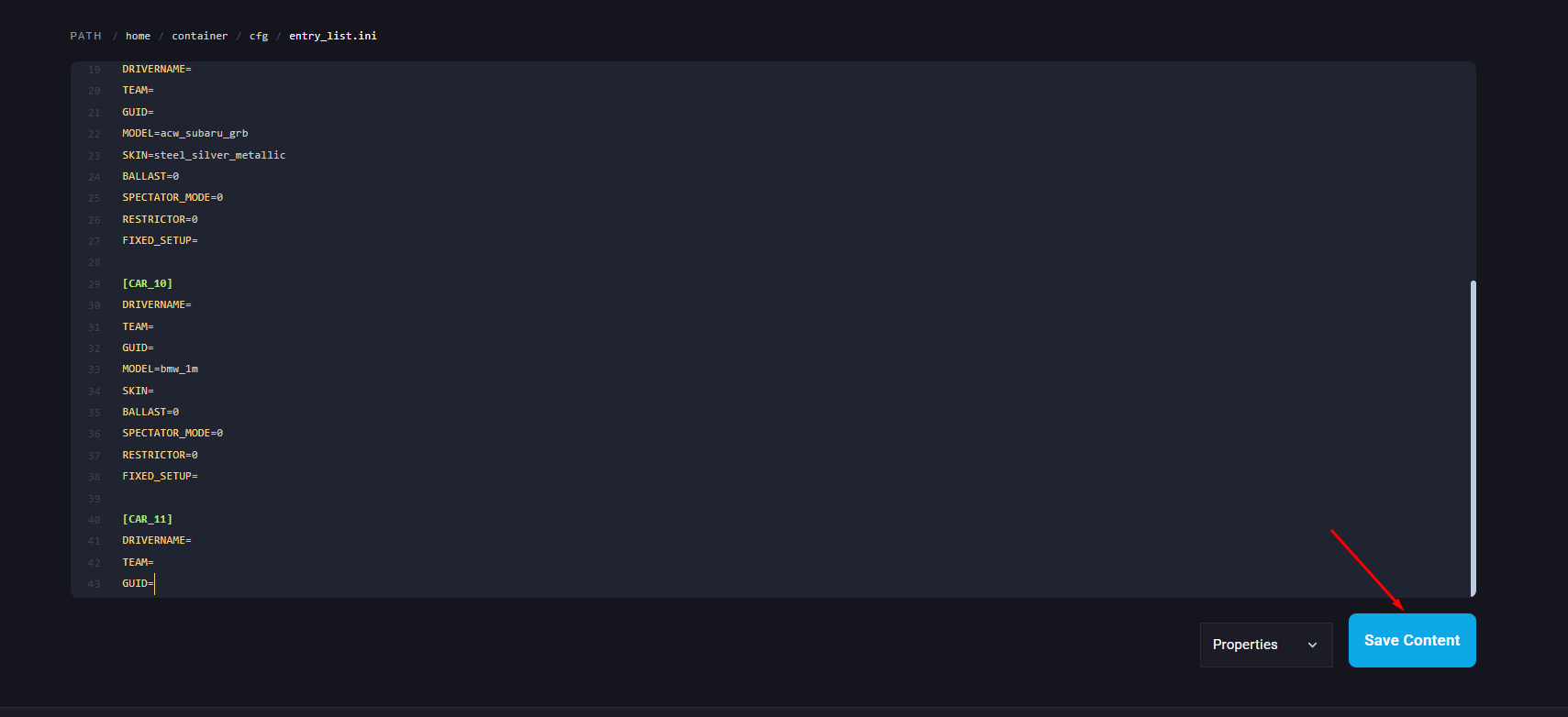
Once finished editing, click Save.
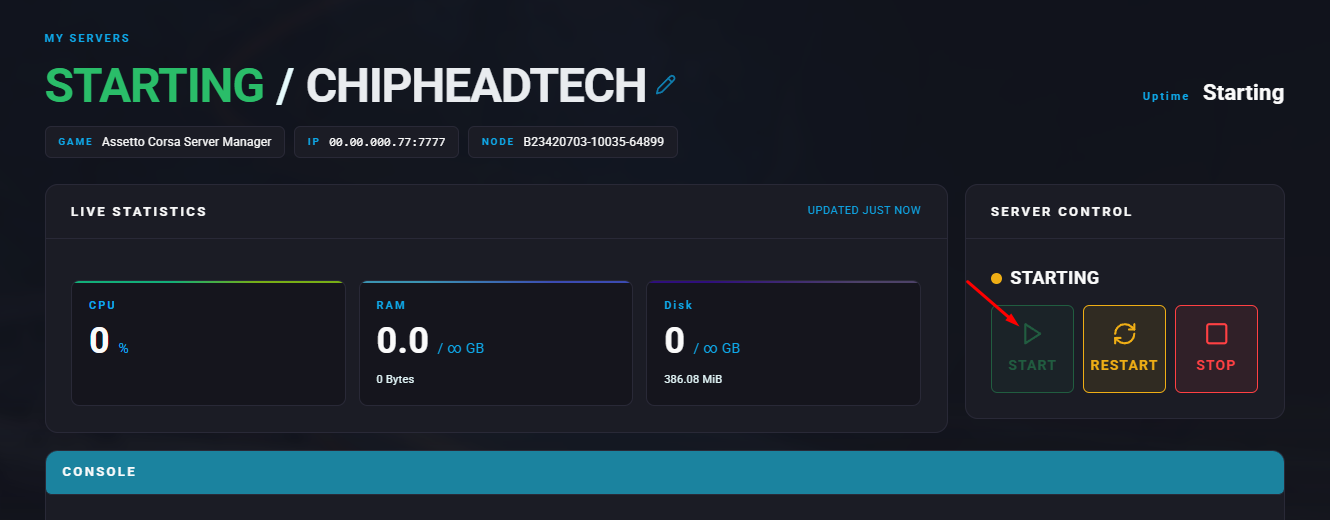
Start the server.
Go to the Files tab.
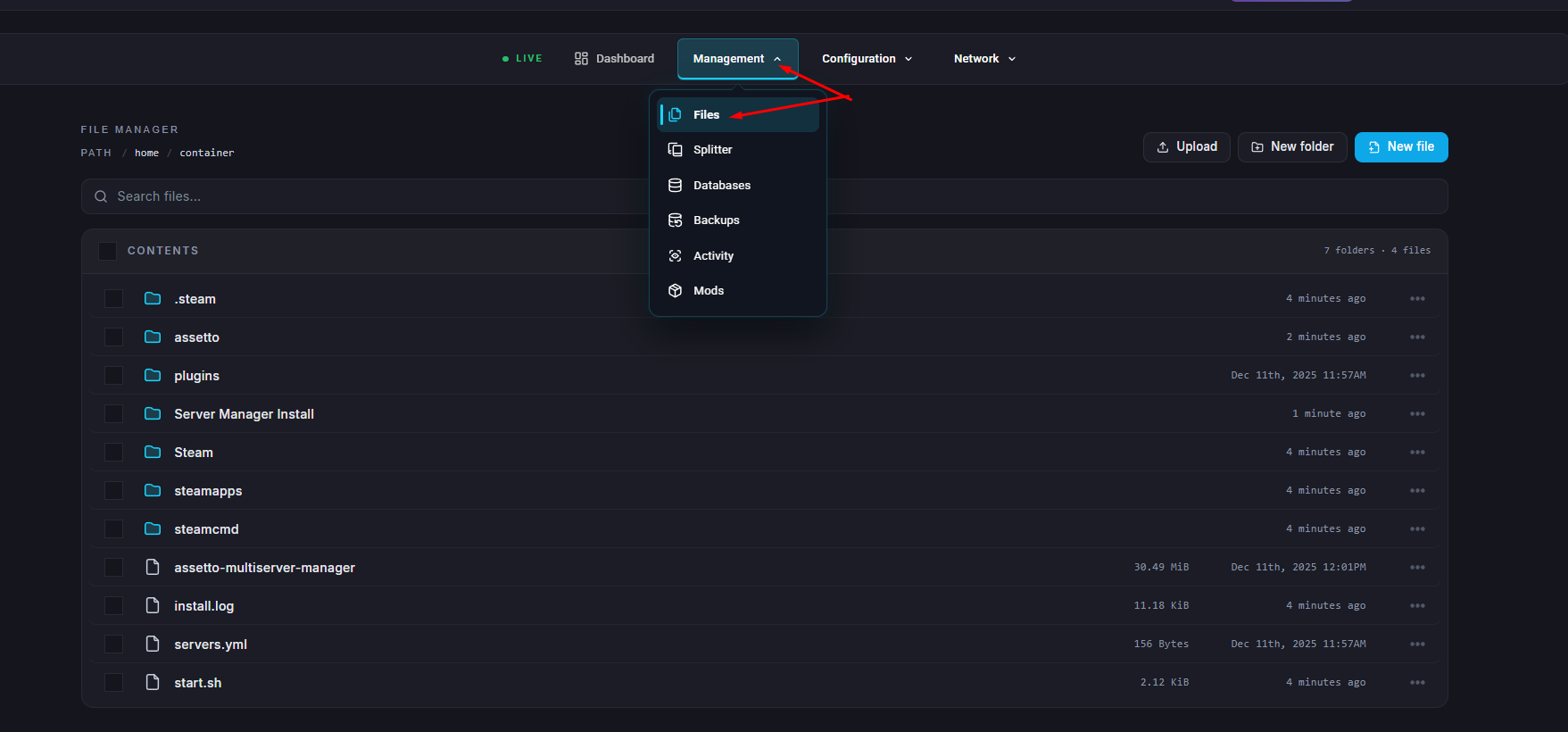
Navigate to assetto/content/cars.
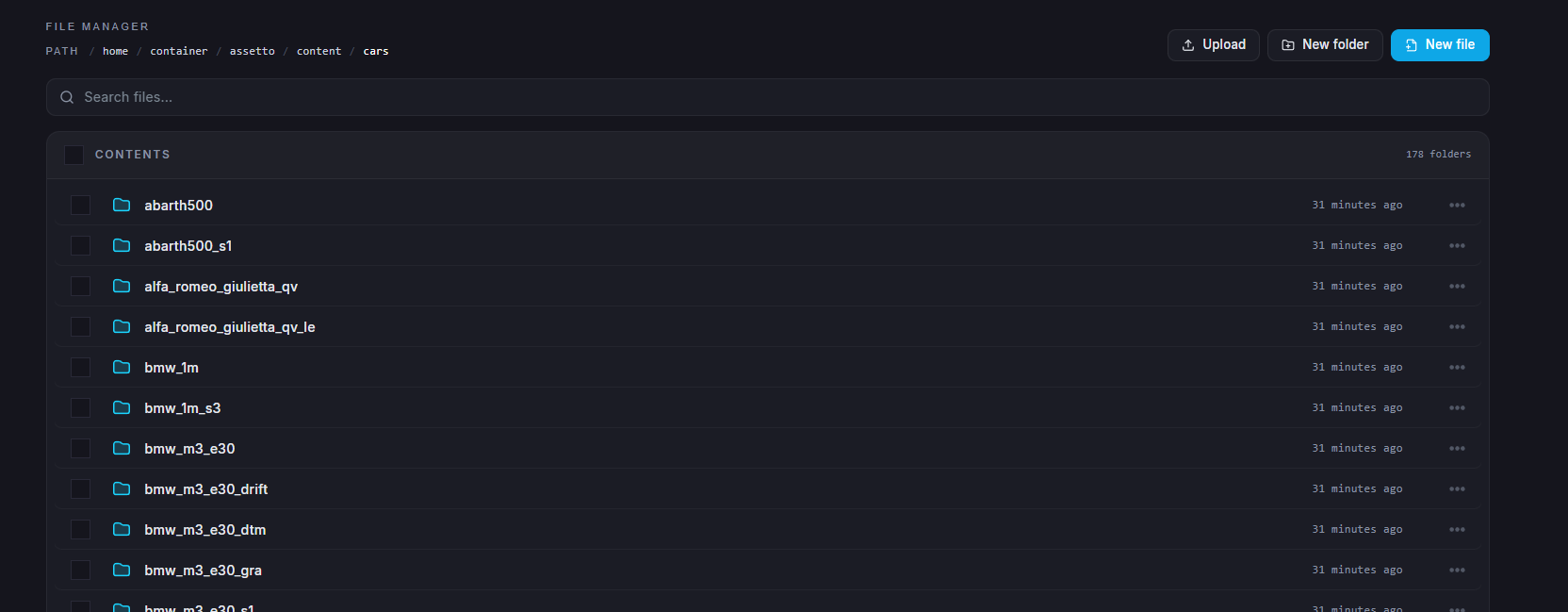
Select your desired car and navigate to the skins folder
Take note of the available skin names listed in the folder.