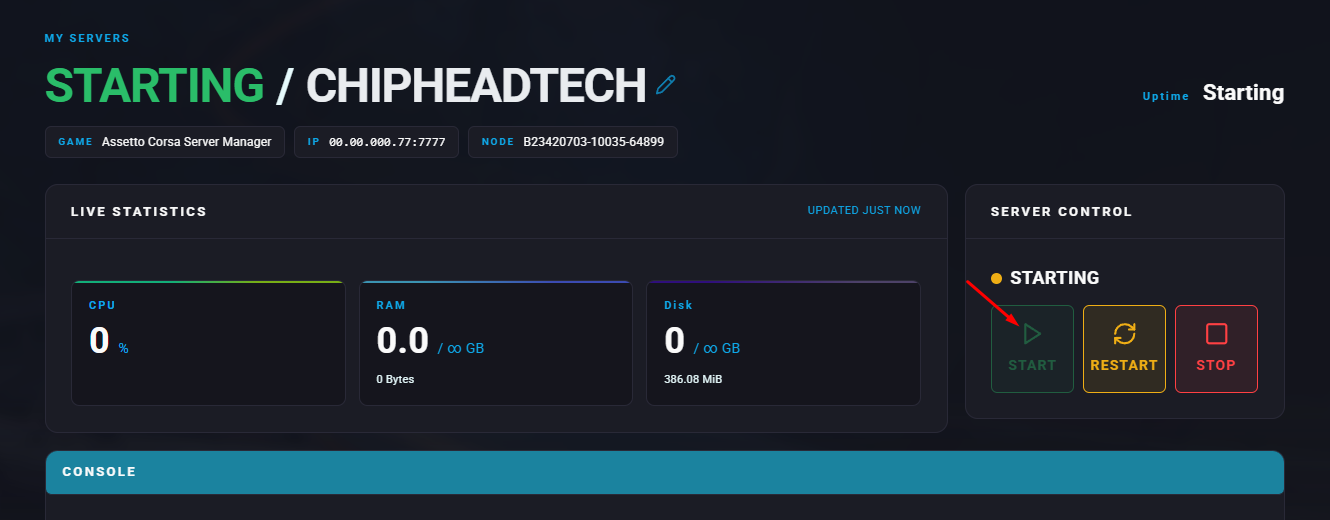
Editing the settings of an Assetto Corsa server is essential for creating a customized and enjoyable racing experience. Adjusting server configurations allows hosts to fine-tune gameplay aspects such as race length, weather conditions, available vehicles and tracks, and physics behavior. This flexibility ensures races cater to both casual and competitive players. Custom server settings are also key for hosting events, leagues, and tournaments with specific rules, helping foster an engaging and well-balanced racing environment.
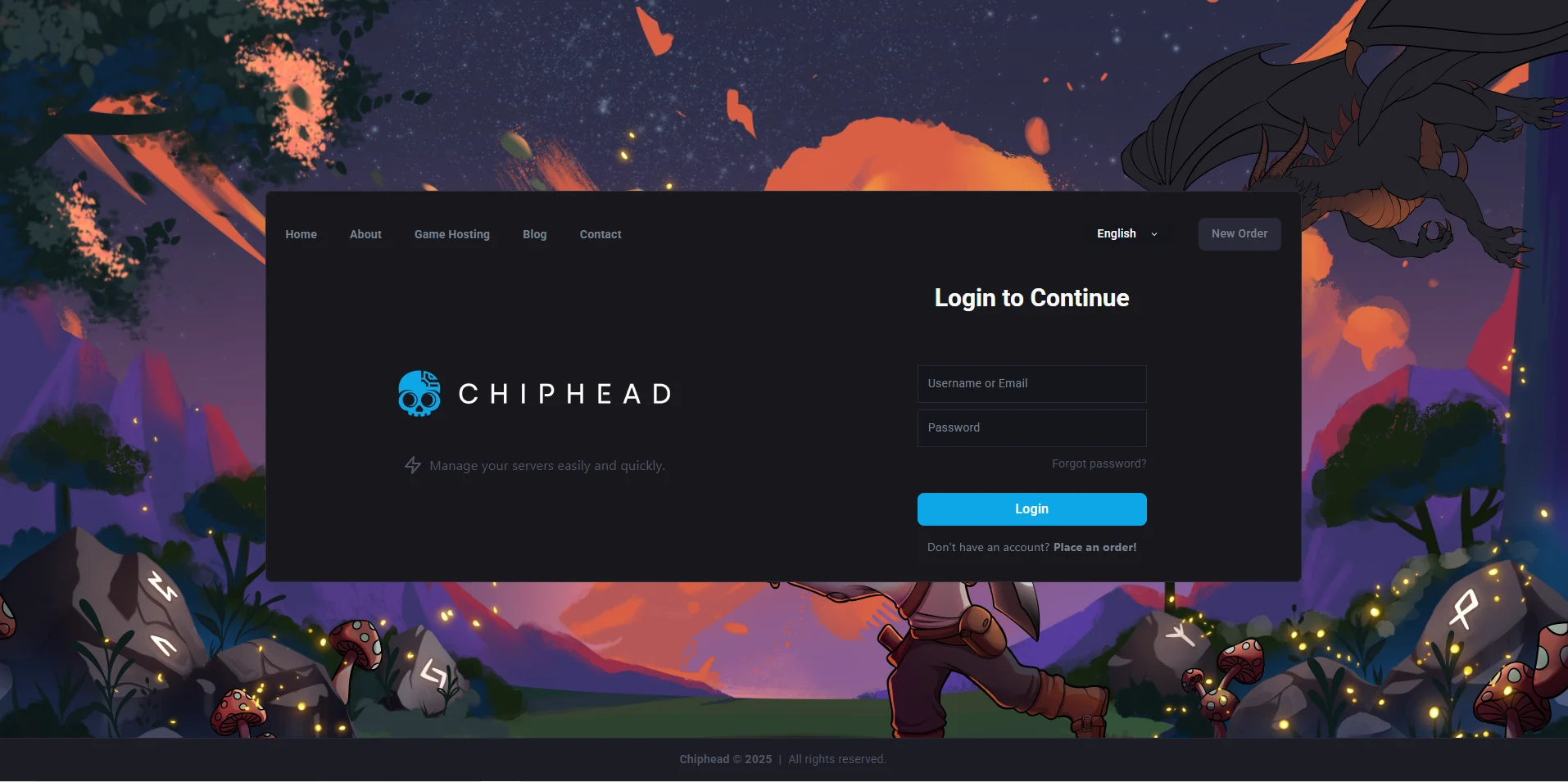
Log in to the ChipHead Panel.
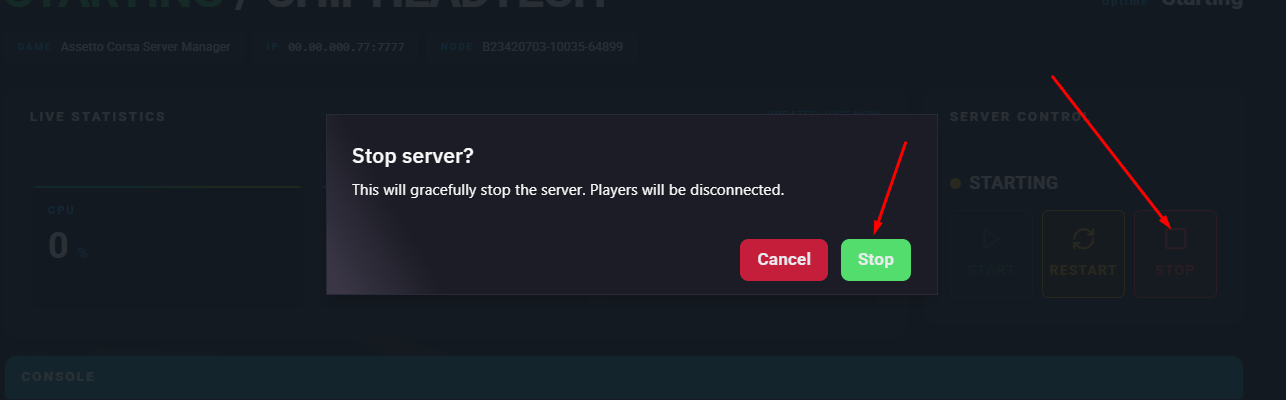
Stop the server.
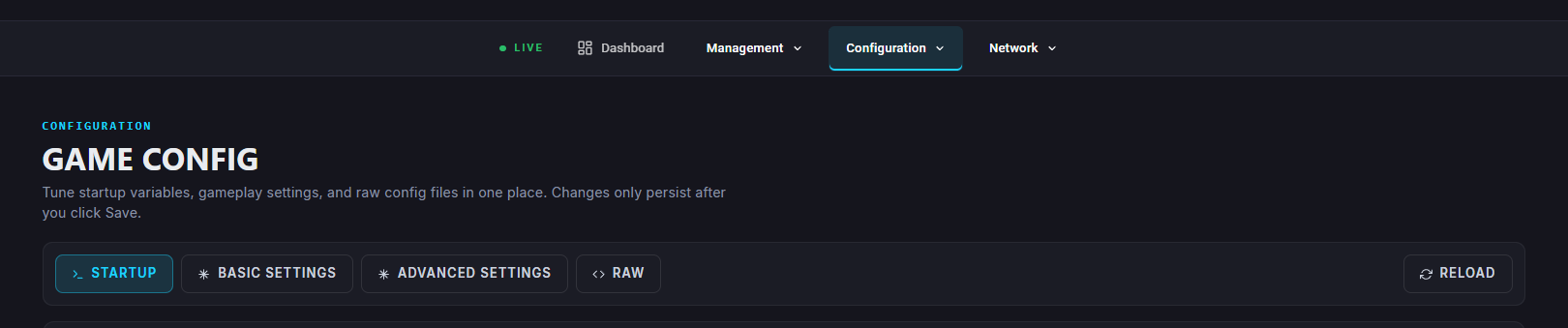
Go to “Game Config”
Modify the desired settings using the reference tables below.
NAME= | The server name. Must be edited on the Startup tab. |
CARS=bmw_m3_e30 | Lists the car models allowed, found in |
CONFIG_TRACK= | The specific layout name, found in |
TRACK=magione | The folder name of the track, found in |
SUN_ANGLE=48 | Sets the sun’s position angle. |
PASSWORD= | The server password. Must be edited on the Startup tab. |
ADMIN_PASSWORD= | The admin password. Must be edited on the Startup tab. |
LOOP_MODE=1 | Restarts the track cycle from the first track (set to 0 to disable). |
RACE_OVER_TIME=180 | Time in seconds for the race to end once the first player finishes. |
KICK_QUORUM=85 | Percentage of votes needed for a kick vote to pass. |
VOTING_QUORUM=80 | Percentage of votes required for a session vote. |
VOTE_DURATION=20 | Time in seconds allowed for voting. |
BLACKLIST_MODE=1 | 0 = kicked players can rejoin, 1 = blocked until restart, 2 = added to blacklist. |
FUEL_RATE=100 | Fuel usage percentage (0 = none, 100 = default). |
DAMAGE_MULTIPLIER=100 | Sets the damage scaling (0 = none, 100 = full). |
TYRE_WEAR_RATE=100 | Controls tyre wear (0 = none, 100 = default). |
ALLOWED_TYRES_OUT=2 | Number of tyres allowed off-track (-1 disables). |
ABS_ALLOWED=1 | 0 = disallow all, 1 = allow if equipped, 2 = allow for any car. |
TC_ALLOWED=1 | Controls traction control availability (0–2). |
STABILITY_ALLOWED=0 | Enables or disables stability assist (1 = enable). |
AUTOCLUTCH_ALLOWED=0 | Enables or disables autoclutch assist (1 = enable). |
TYRE_BLANKETS_ALLOWED=0 | Enables warm tyres after sessions or pitstops (1 = enable). |
FORCE_VIRTUAL_MIRROR=1 | 0 = optional, 1 = forced on. |
MAX_CLIENTS=18 | Maximum players allowed (must not exceed pit count). |
LEGAL_TYRES=SV | Allowed tyre types. Separate multiple shortnames with |
NAME= | The session name. |
TIME=10 | Session length in minutes. |
IS_OPEN=1 | 1 = joinable, 0 = disabled. |
NAME= | The session name. |
TIME=10 | Qualifying duration in minutes. |
IS_OPEN=1 | 1 = joinable, 0 = disabled. |
NAME= | Race name. |
LAPS=5 | Number of laps. |
WAIT_TIME=60 | Delay before the race starts (in seconds). |
IS_OPEN=1 | 0 = disabled, 1 = open join, 2 = join until 20 seconds before green light. |
SESSION_START=89 | Grip percentage at session start. |
RANDOMNESS=3 | Random variance added to starting grip. |
SESSION_TRANSFER=80 | Percentage of gained grip transferred to next session. |
LAP_GAIN=50 | Laps needed to gain +1% grip. |
GRAPHICS=3_clear | Weather preset (found in |
BASE_TEMPERATURE_AMBIENT=18 | Ambient temperature in °C. |
BASE_TEMPERATURE_ROAD=6 | Road temperature offset (added to ambient). |
VARIATION_AMBIENT=1 | Random variation for ambient temperature. |
VARIATION_ROAD=1 | Random variation for road temperature. |

Start the server.