In Assetto Corsa, server administrators can use the kick and ban functions to manage player behavior during multiplayer races. Kicking a player removes them temporarily, allowing them to return later, while banning permanently blocks access. These tools are essential for enforcing rules, maintaining fair play, and fostering a positive online racing environment for all participants.
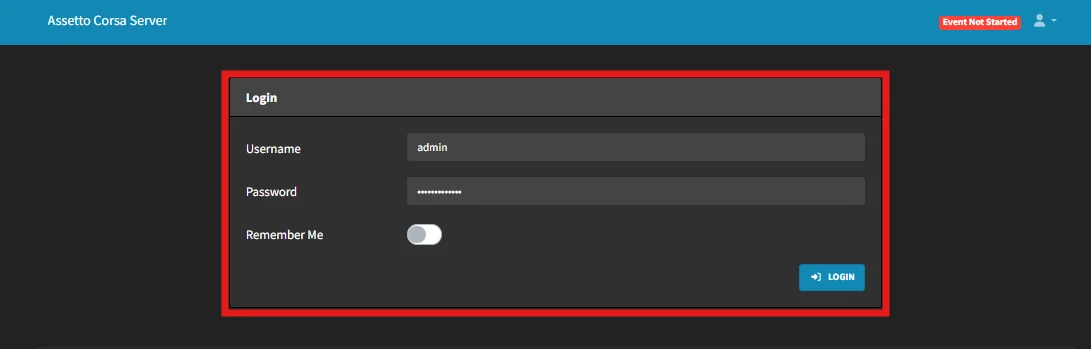
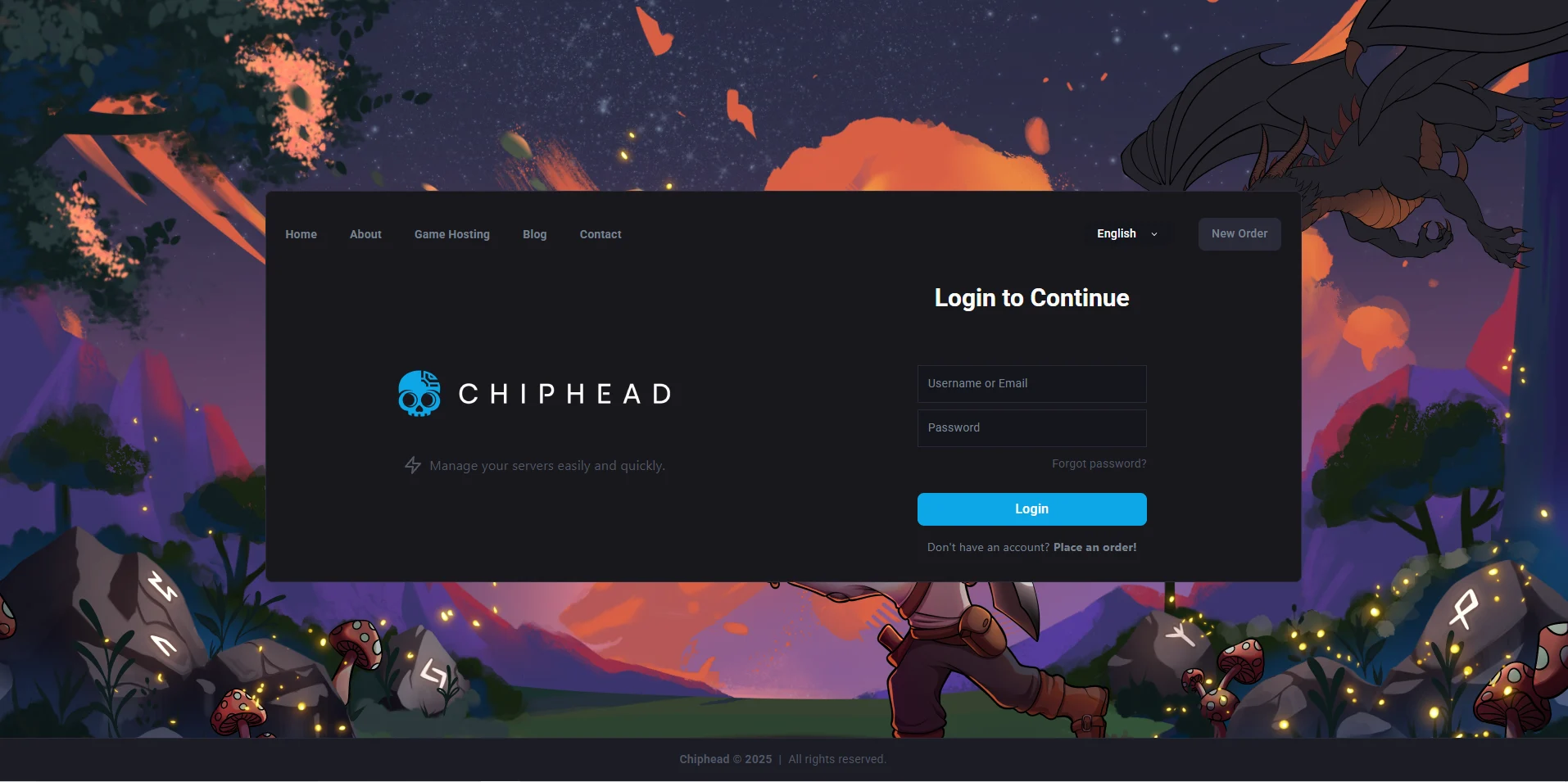
Log in to your ChipHead Assetto Corsa Server
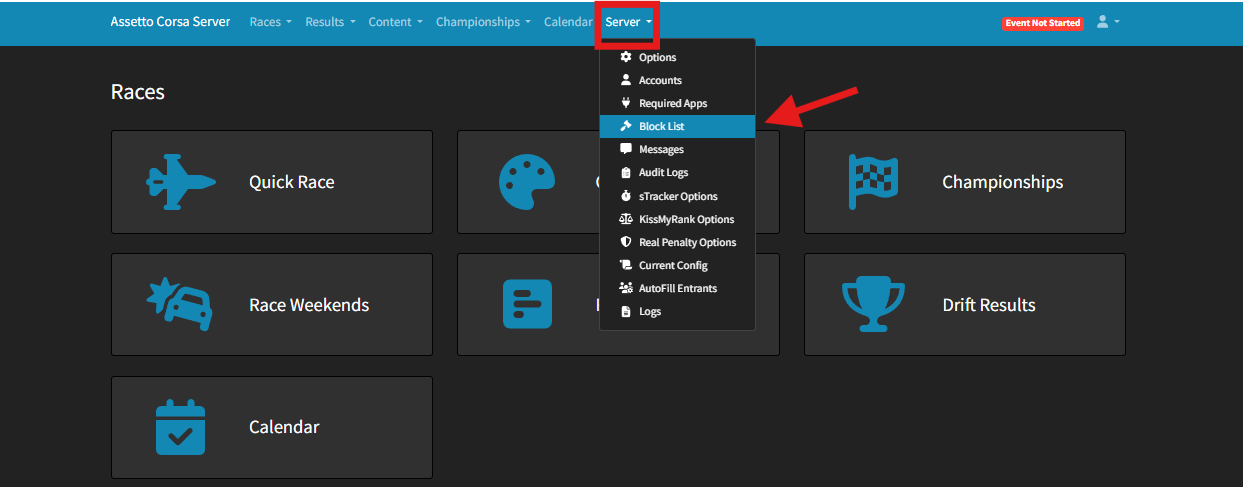
Go to Server > Block List
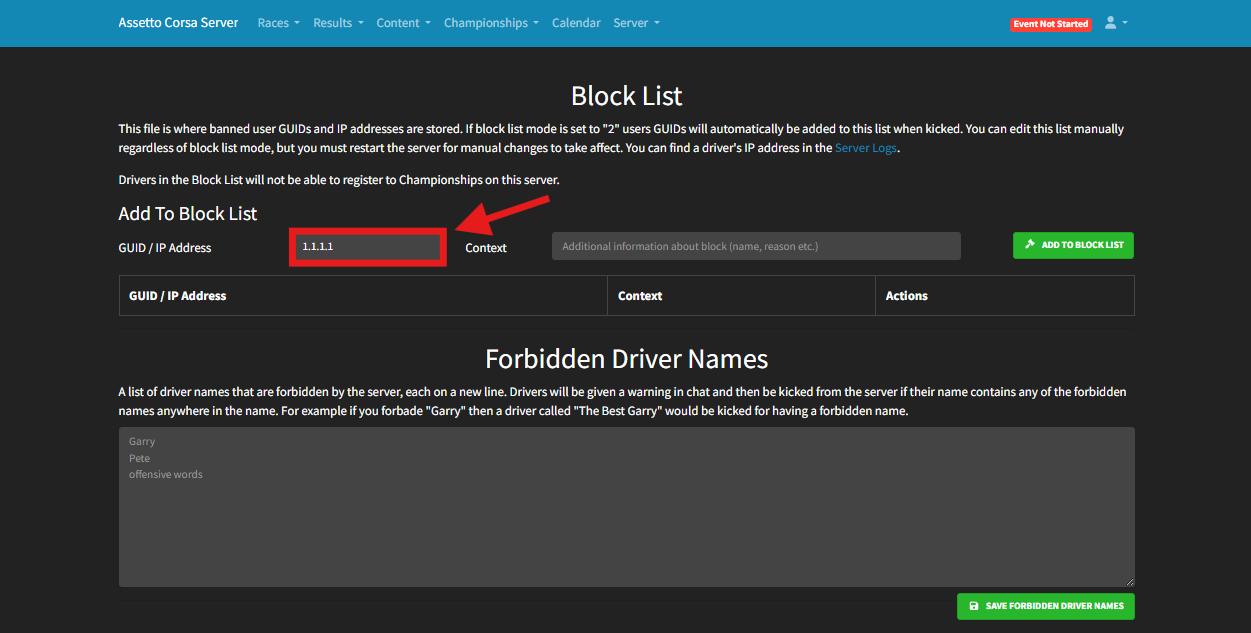
Add an IP Address or Steam GUID
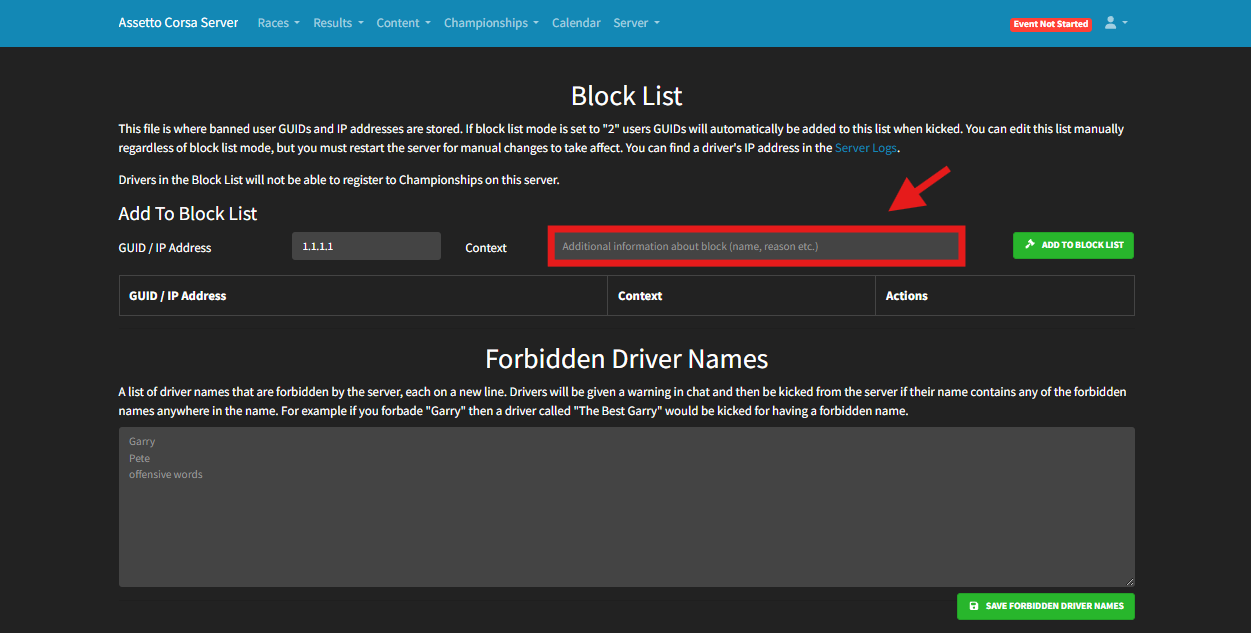
(OPTIONAL) Add a reason for the Block

(OPTIONAL) Ban unwanted player names.
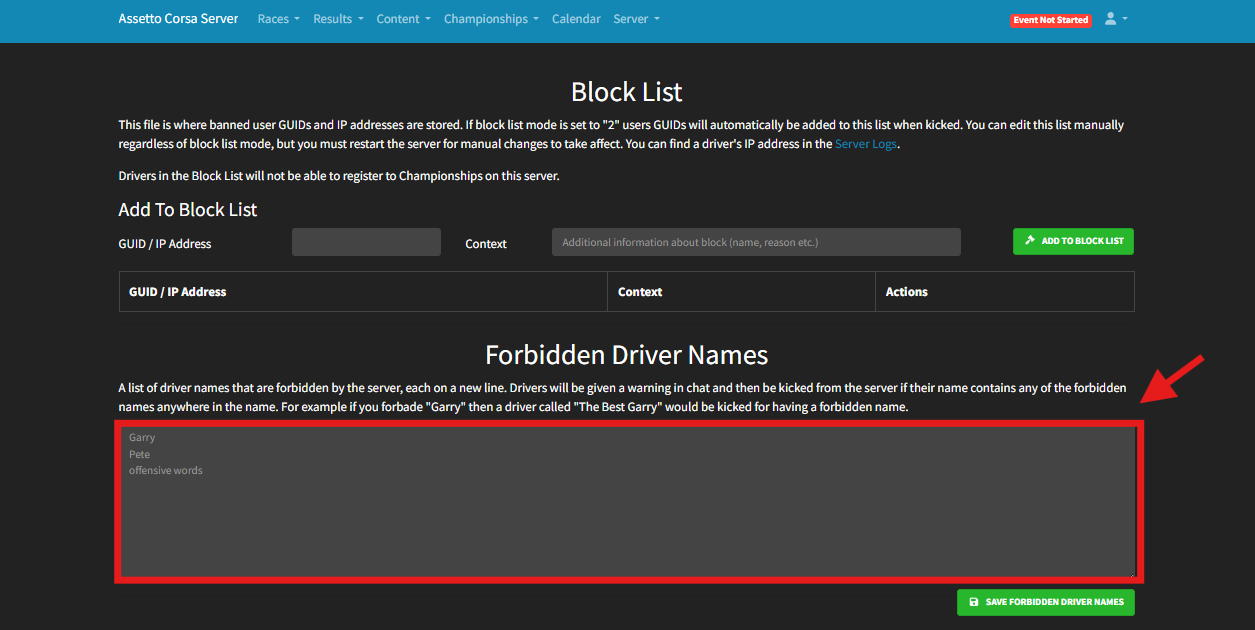
Click “SAVE FORBIDDEN DRIVER NAMES” to save your changes.
Log in to the ChipHead Panel.
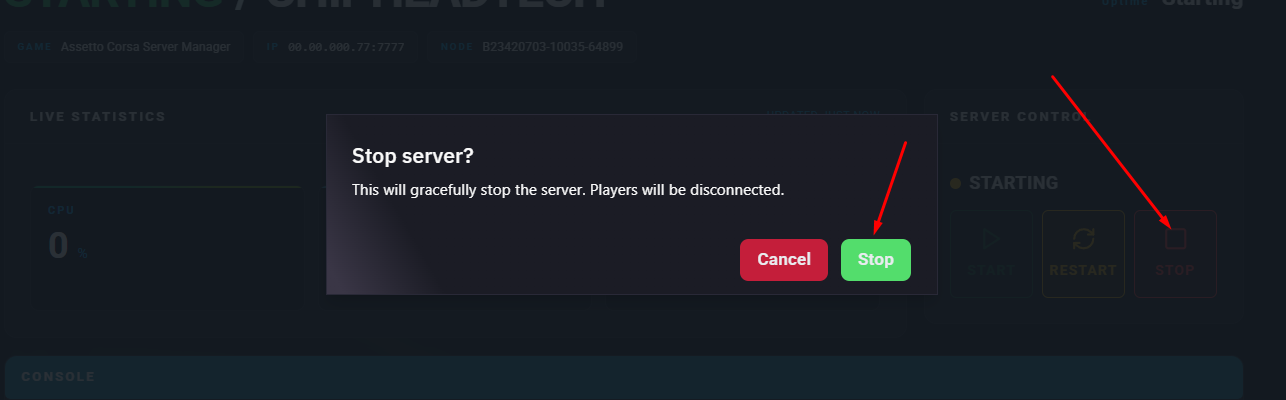
Stop the server.
Go to the Files tab.
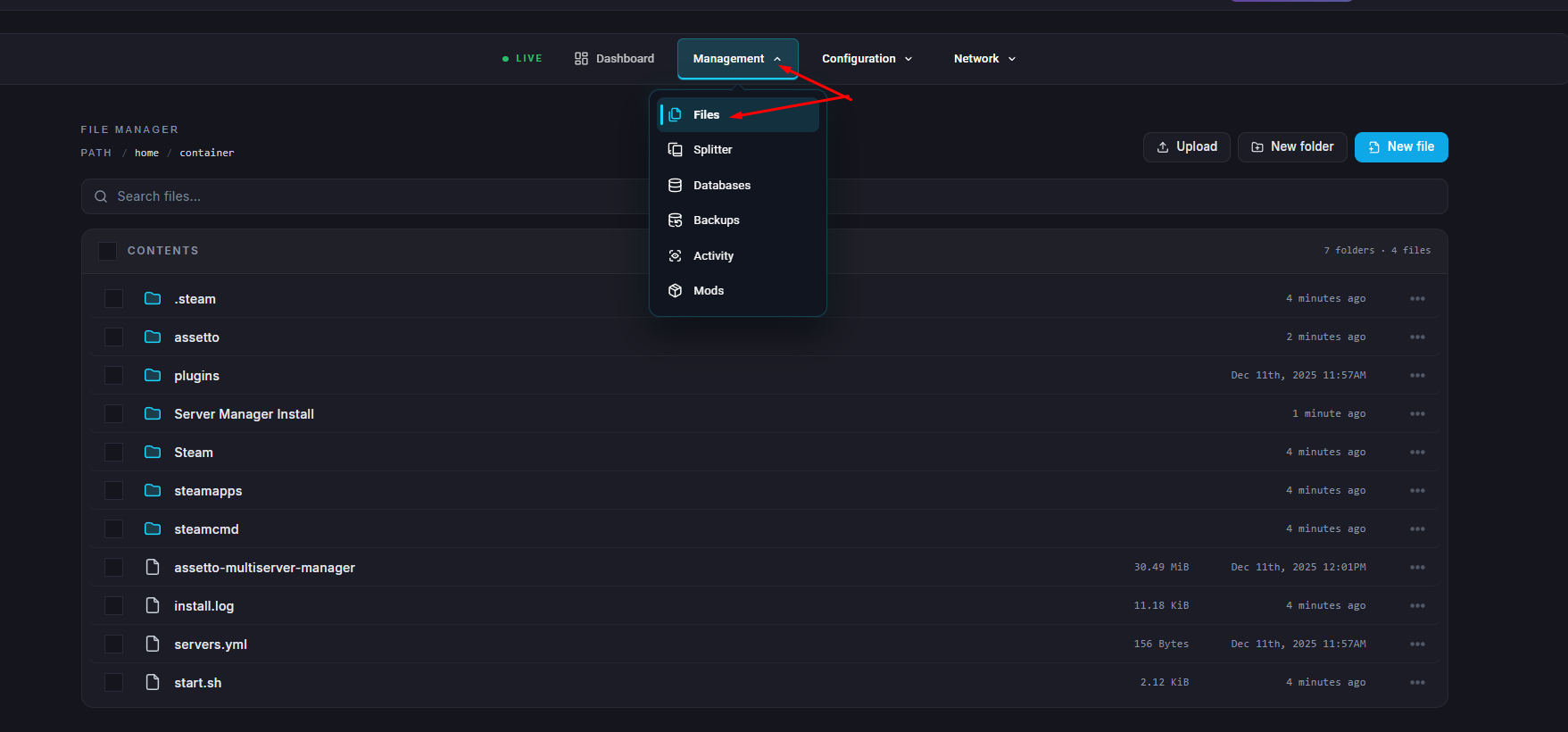
Open the “assetto” folder & open the blacklist.txt file.
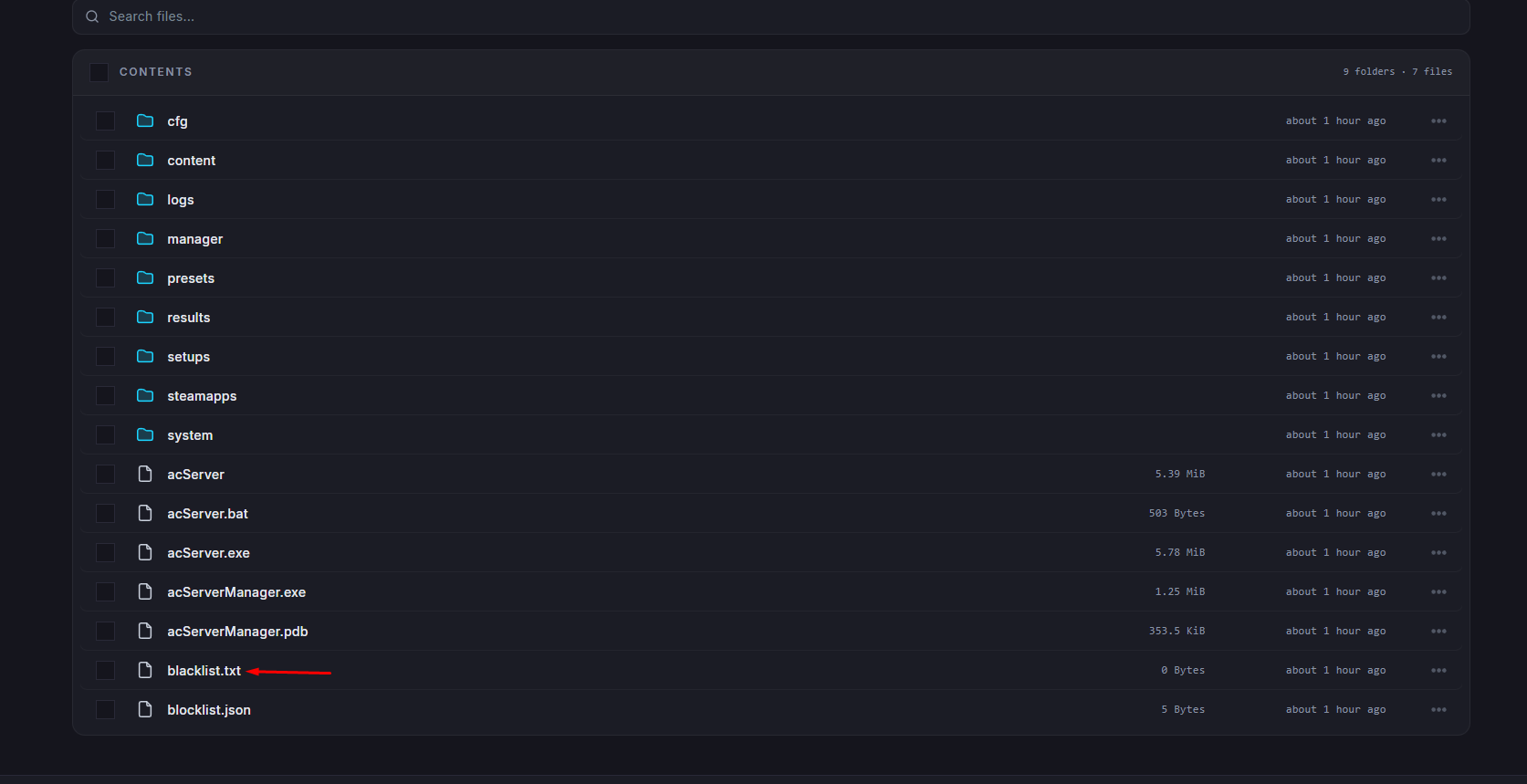
Add the desired SteamID64 on a new line.

Click “Save Content”
Start the server.
/kick - Kick a driver from the server using car ID, GUID or name! (e.g. /kick 3)
/force_kick - Forcibly close the server connection to a driver using car ID, GUID or name! (e.g. /force_kick 5)
/ban - Kick a driver from the server and add them to the block list using car ID, GUID or name! (e.g. /ban 5)
/unban - Remove a driver the block list using GUID (e.g. /unban 12345678987654321)
/ban_list - Lists all drivers on the server block list, as well as any drivers who are currently on the no join list
/guid_list - Lists all drivers in the entry list and their GUID, grouped by whether they are currently connected to the server or not
