Summary
Assetto Corsa servers include a powerful and user-friendly server manager with a built-in web panel. This tool makes it easy to start races remotely, manage sessions, and switch between cars or tracks quickly. One of the simplest race types to set up is a Quick Race, which skips the practice session and jumps straight into qualifying and racing. Quick races can be either time-based or lap-based, providing flexibility for different play styles and event types.
How to Start a Race on an Assetto Corsa Server
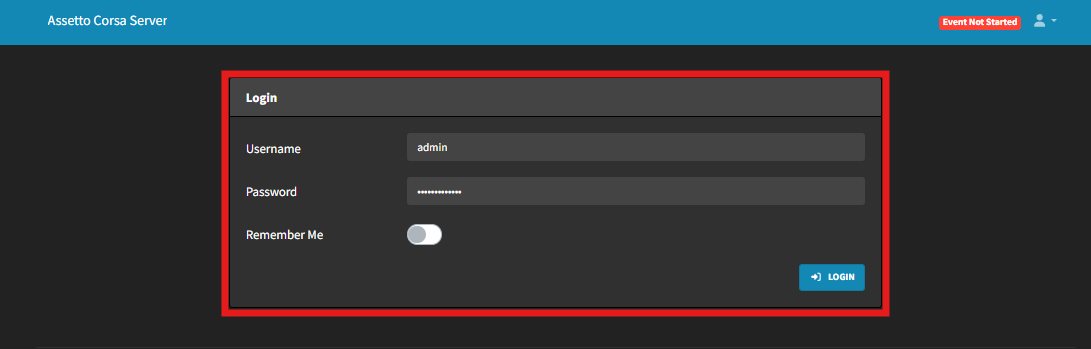
Log in to the Server Manager web panel.
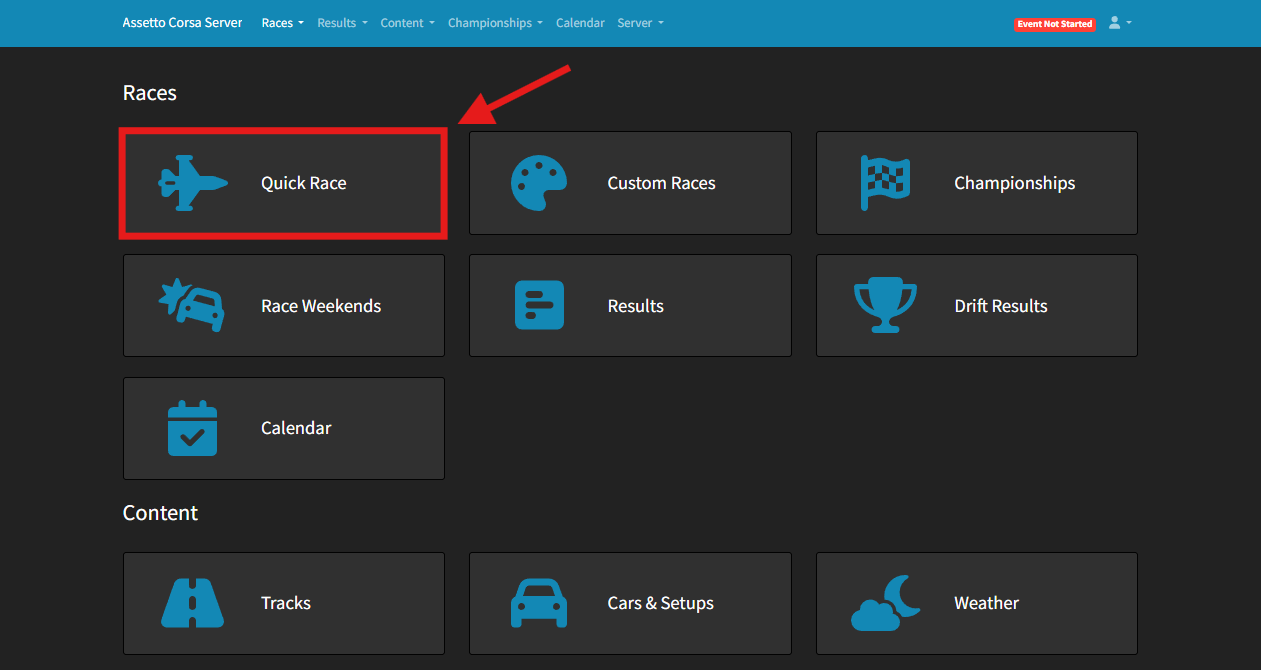
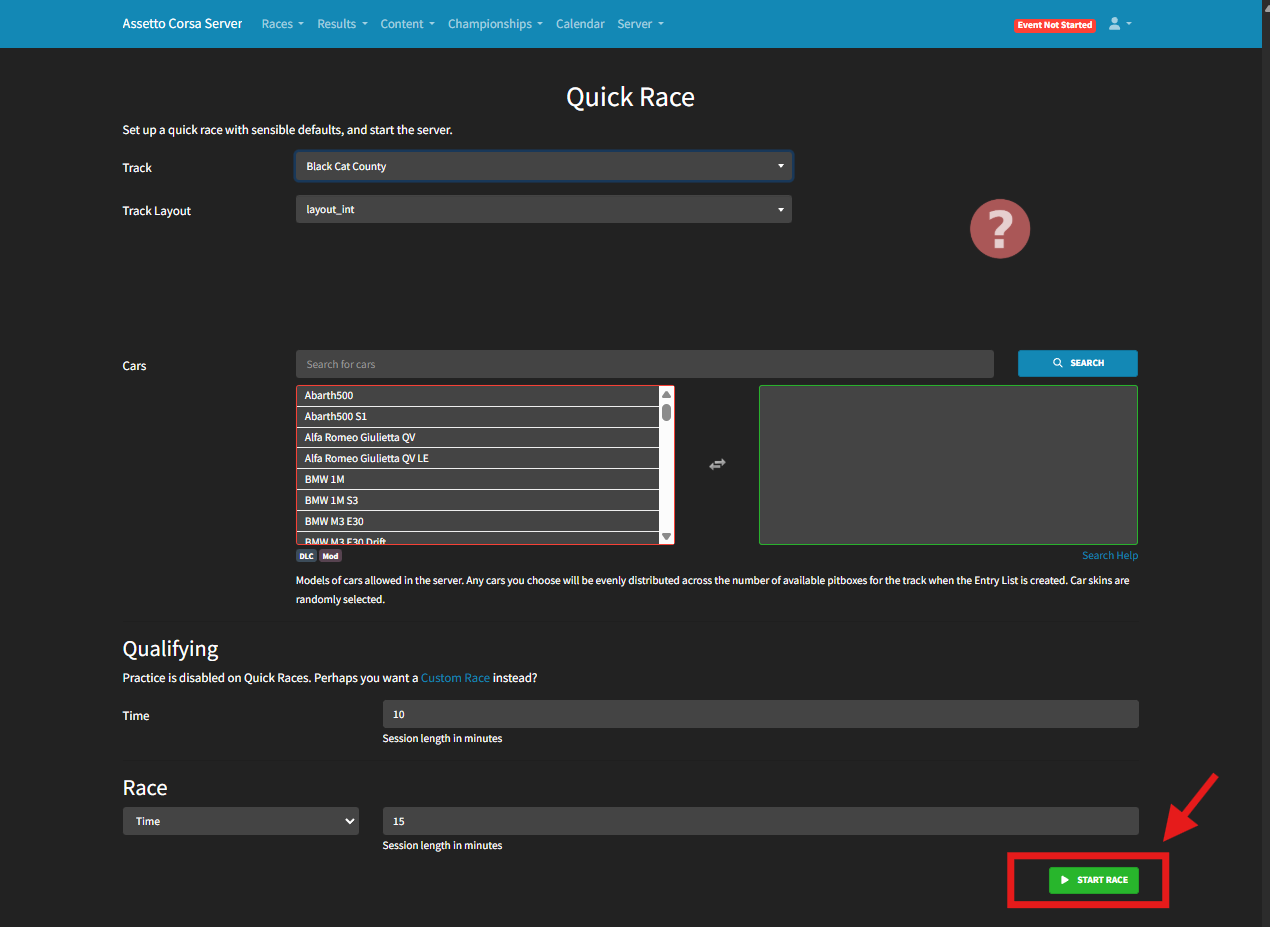
Navigate to Races > Quick Race.
Choose a Track and, if applicable, select a Track Layout.
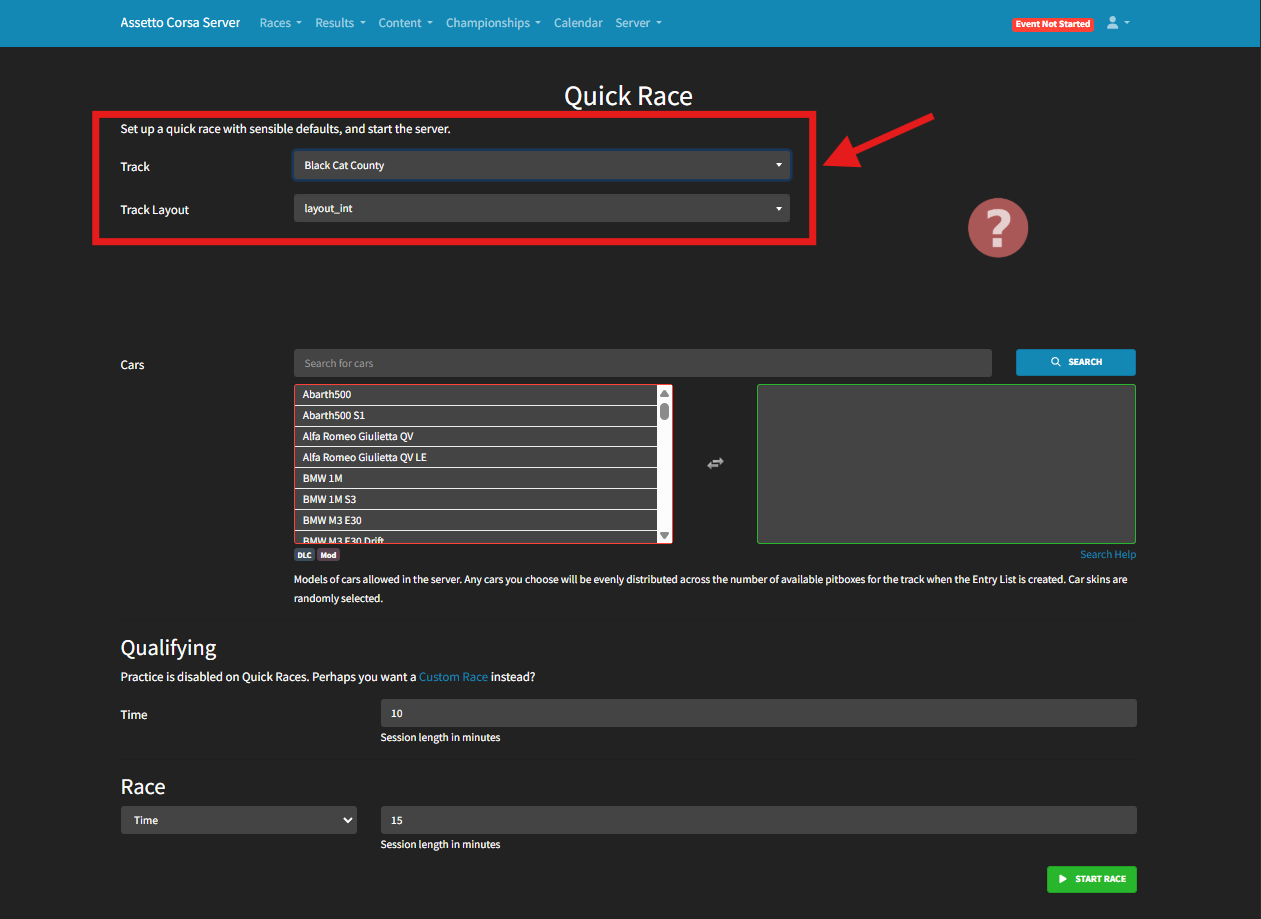
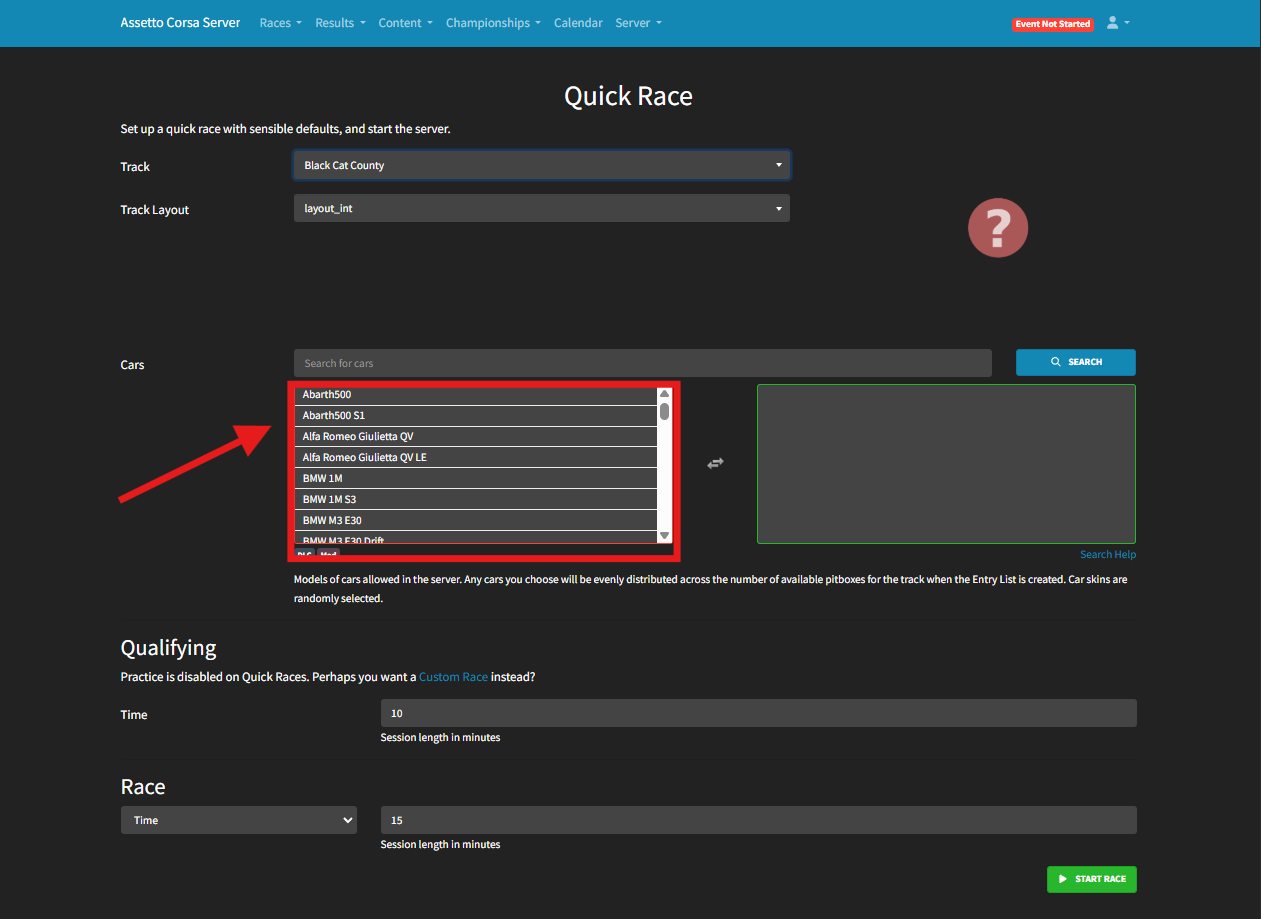
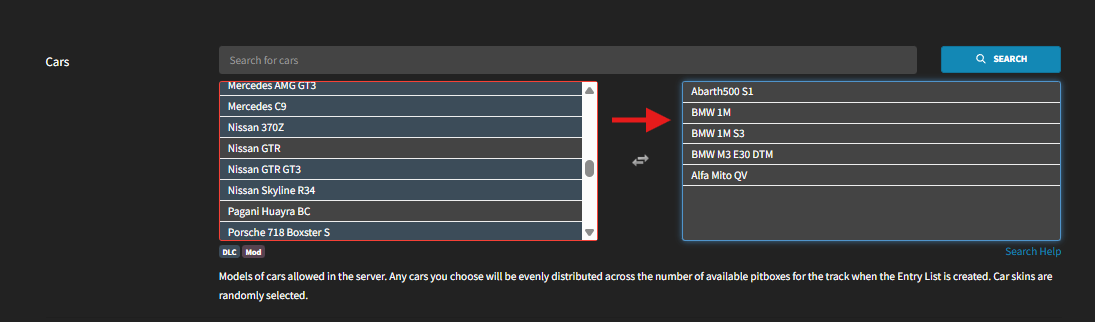
From the Cars menu, click any car you want to make available for the race.
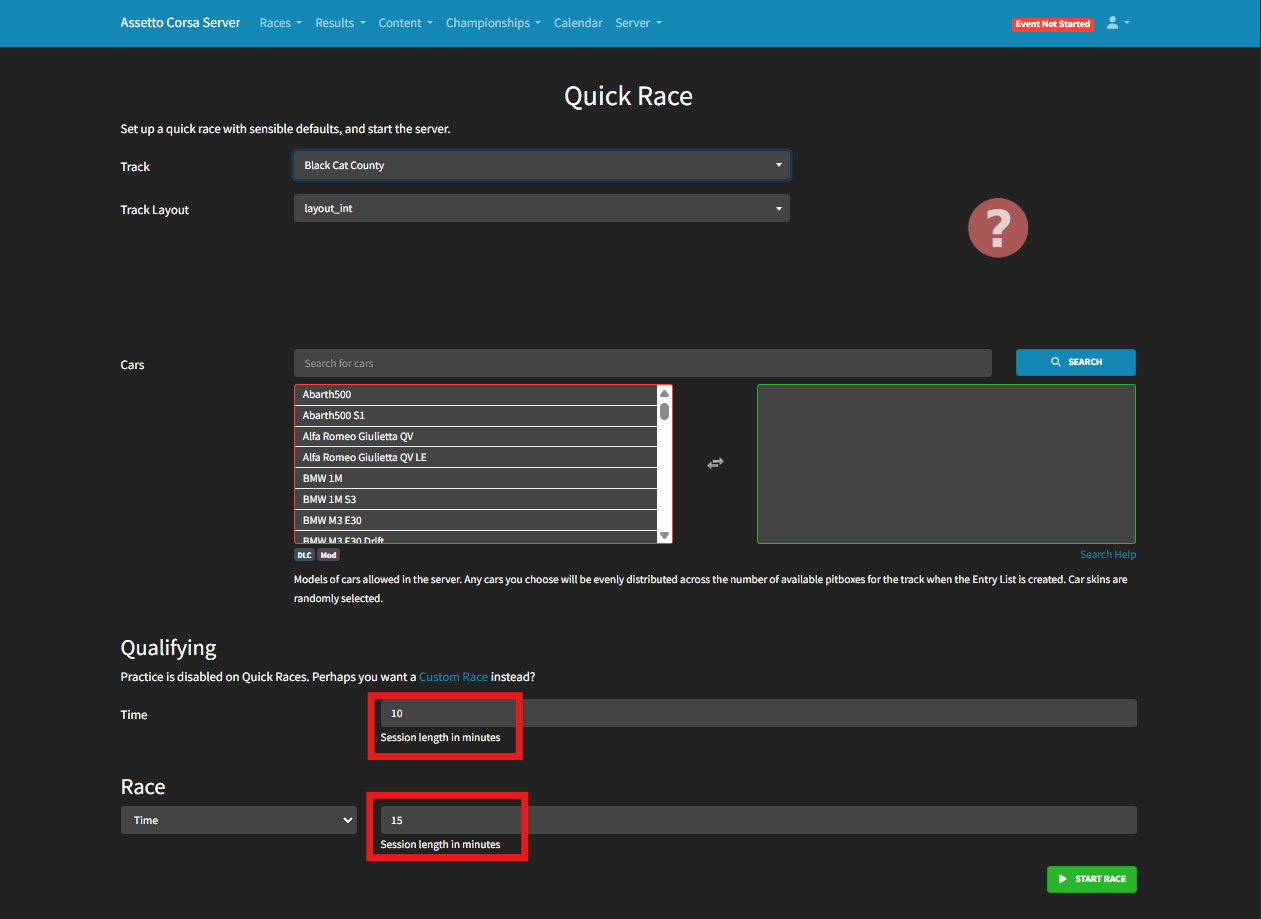
Next to Time, enter the desired length for the Qualifying session.
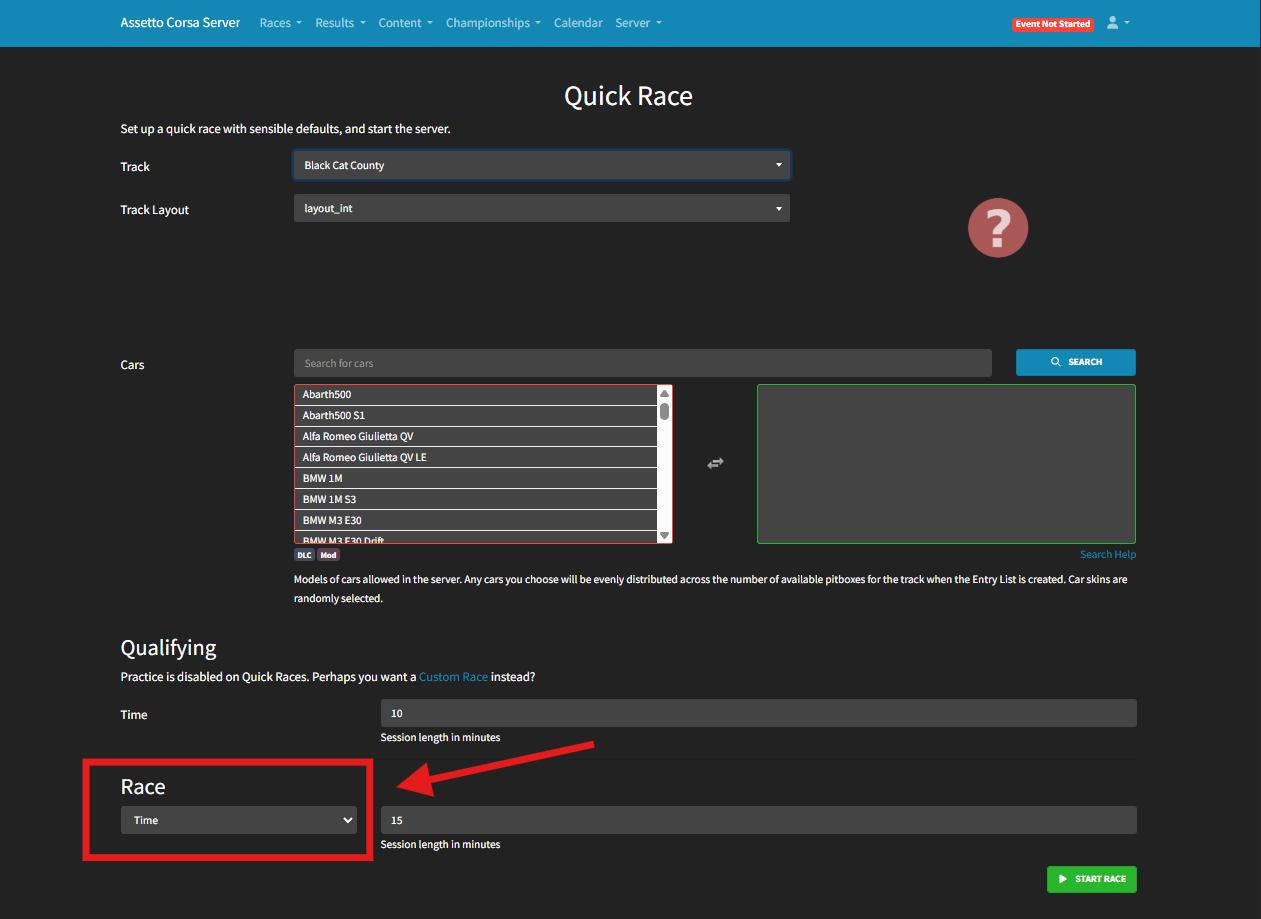
Select a Race Type from the dropdown (timed or lap-based) and set the race duration or number of laps.
Click Start Race to launch the race and open the server.
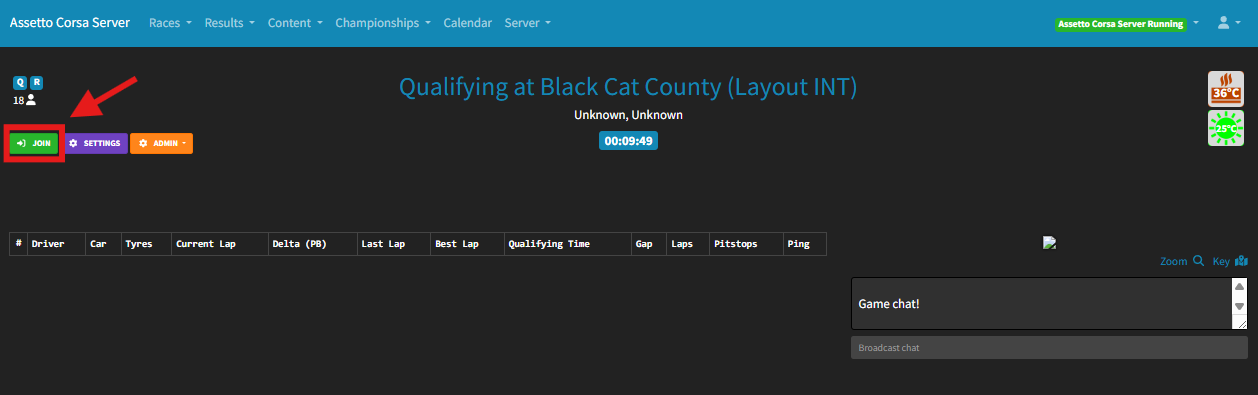
Press Join to connect using Content Manager, or find the server in the Server Browser to join manually.