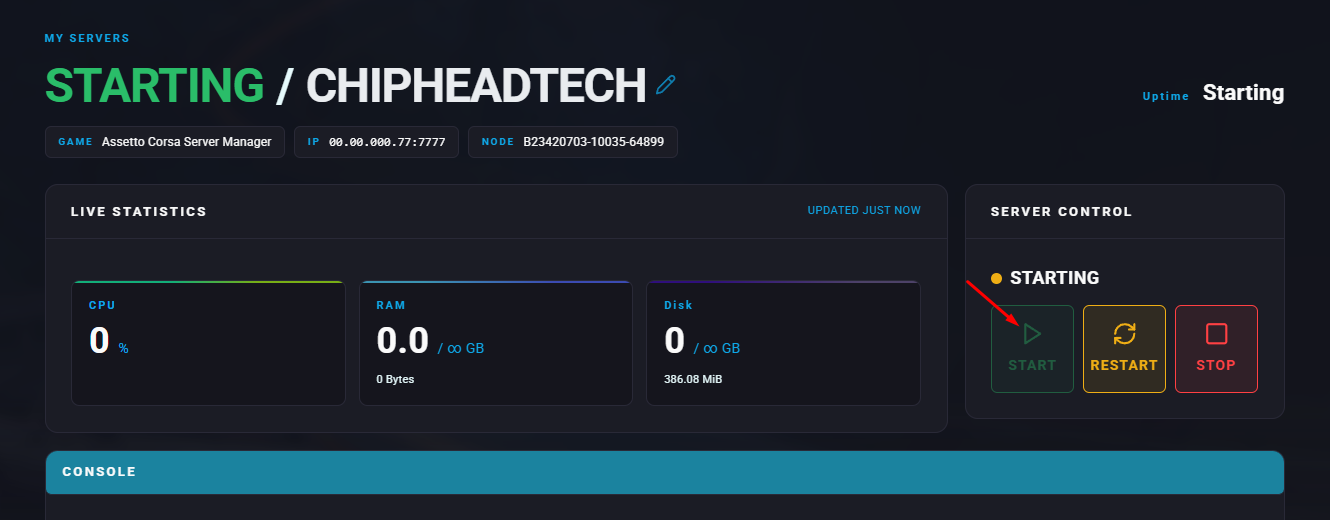
Summary
Assetto Corsa supports a wide range of mods that enhance and expand gameplay in nearly every aspect from visual improvements to new cars, tracks, and AI features. Switching to the modded version of Assetto Corsa allows access to features like AI Traffic, but it also disables the web-based Server Manager panel. While the web panel becomes unavailable, most configuration options can still be modified manually or through Content Manager. Before switching, it’s strongly recommended to back up your server and any important configuration files.
Note: Switching to Assetto Corsa Modded will disable the Server Manager Web Panel.
How to Swap to an Assetto Corsa Modded Server
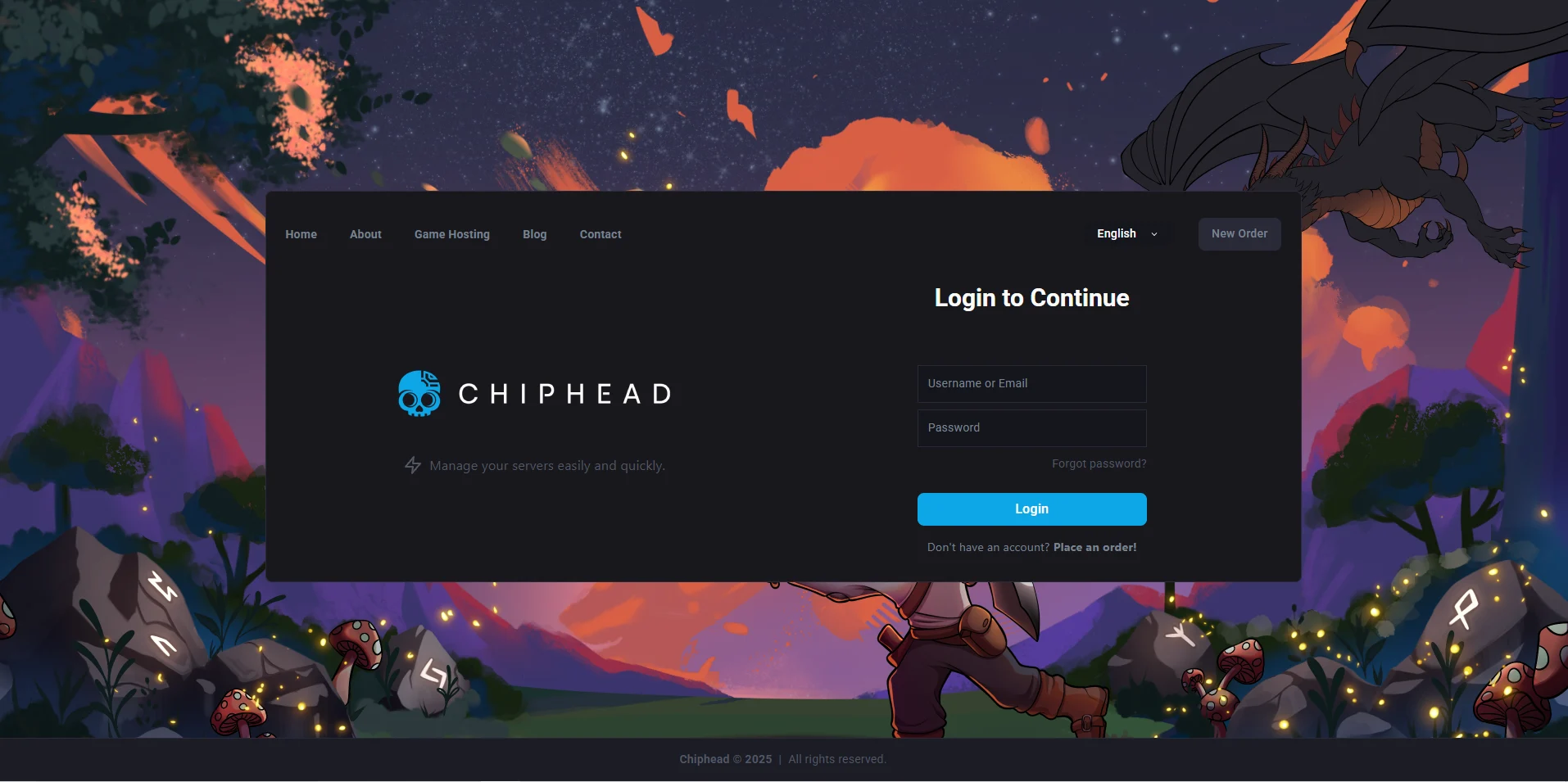
Log in to the ChipHead Panel.
Stop the server.
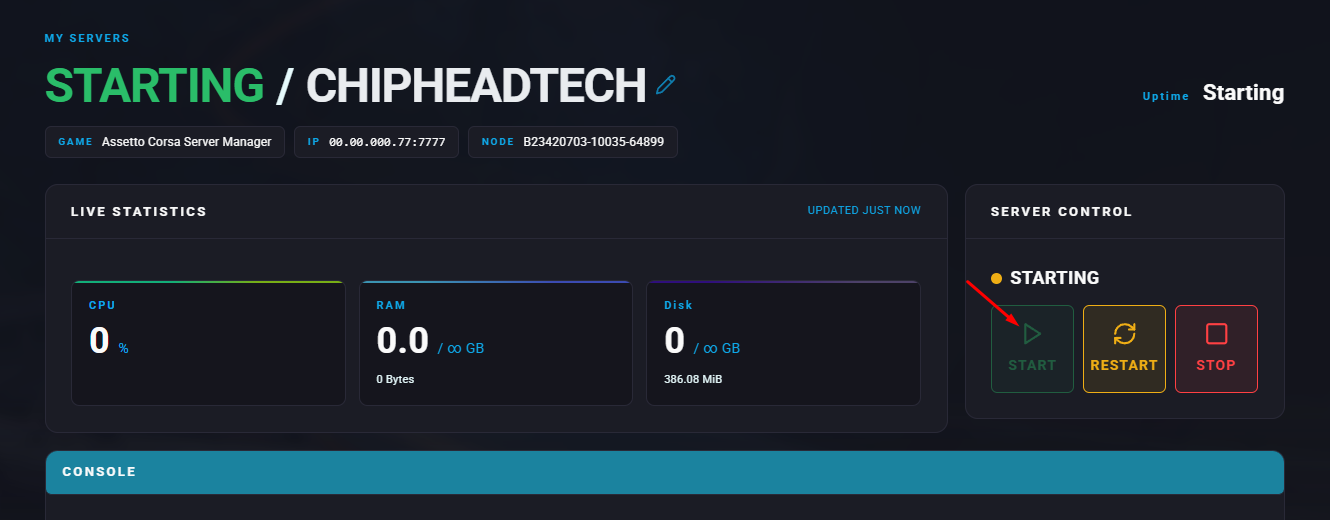
Go to “Dashboard”
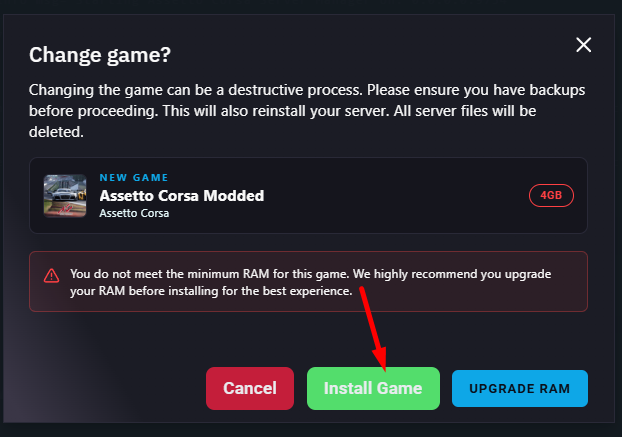
Use the “Game Swapper” and search for Assetto Corsa Modded
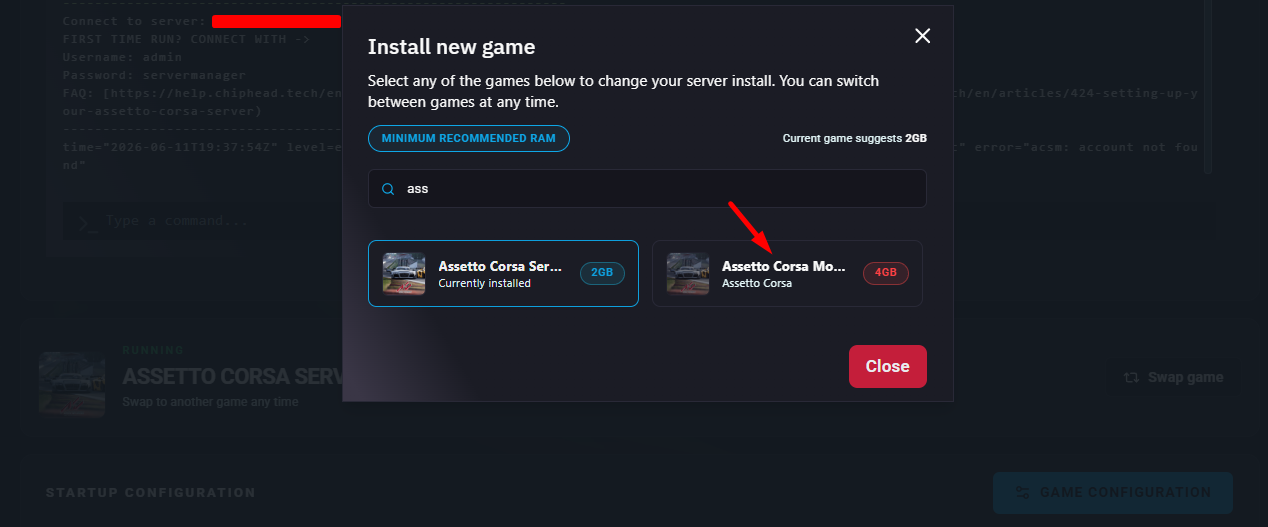
Click “Change Game” to install
Go to “Startup”

Enter your HTTP Port
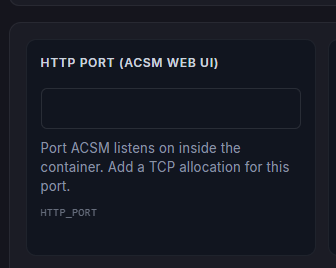
 Your secondary Port is always +3 from your main port OR choose any extra port from the “Network” tab
Enter an Admin Password
 You must set an Admin Password to start your Assetto Corsa Modded server
Start your server